Author: Kenta
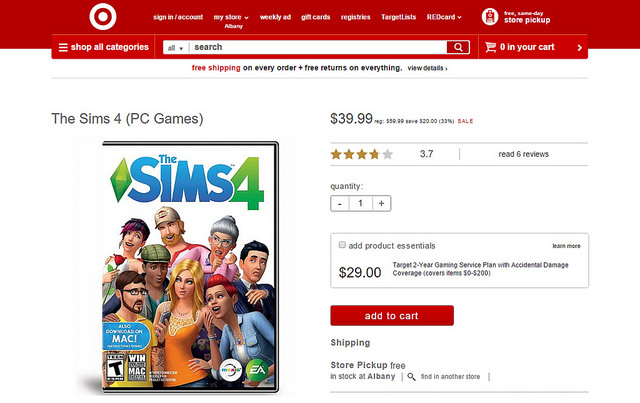
The Sims 4: Up to 33% off at Target
The Sims 4: Get Together Twitter Q&A With SimguruLyndsay
To clarify our remaining GC schedule, there will be a Sims bit on the main stage on Friday and a community lounge presentation.
— Lyndsay Pearson (@SimGuruLyndsay) August 5, 2015
Continue reading “The Sims 4: Get Together Twitter Q&A With SimguruLyndsay”
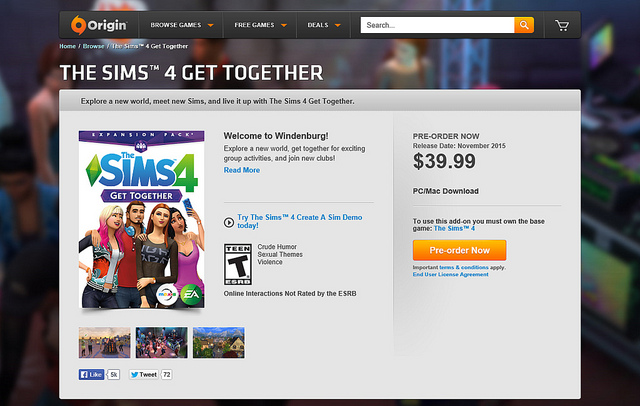
The Sims 4 Get Together Expansion Pack: Pre Order Now!
Origin Gamescom Sale: Up to 50% Off Most Games!
Origin has Launched their Gamescom sale slashing up to 50% off nearly every Origin game, including The Sims 4 Base Game, and Get to Work! Click here to save!

The Sims 4 Cool Kitchen Q&A With SimGuruGraham
@TurkkiToni Yes! Similar to how you can sell other food, you'll be able to put ice cream cartons, bowls, or cones on sale.
— Graham Nardone (@SimGuruGraham) July 30, 2015
Continue reading “The Sims 4 Cool Kitchen Q&A With SimGuruGraham”
The Sims, The Sims 2, The Sims 3, and The Sims 4 with Windows 10: What You Need To Know
Windows 10 is finally out and I’m sure a lot of people, are wondering if The Sims 4 will run well on it? Well this is what I’m here to tell you about. I’m going to try to not get too technical with this and keep it as simple as possible. That being said I think you should know if there are any issues to be concerned with before upgrading and what steps you should take. First let’s cover the steps of what you should do before upgrading.
• Create a backup of your Save Files! Something might happen during the upgrade process that might delete your progress, it’s important to have a backup. (Nothing happened for me with my saves, everything was fine) To make a backup of your saves go to Documents >> Electronic Arts >> The Sims 4 >> Saves and move everything in that folder to safe location, like a USB or a External hard drive.
• Remove any and all mods!There is a chance EA will have to push out an update or two with the release to make things run well so it’s best to have no mods installed in your game.
• After the upgrade is done, make another backup of your saves just to be safe.
That’s all you should have to do before the upgrade. Now how well does it perform? The Sims 4 runs just as smooth on my computer as it did with Windows 8.1. I was able to boot the game up and the only thing that was changed was the video settings. You may need to re-adjust the settings to your liking.
But in the end, to keep this short, yes The Sims 4 (and older titles) should run on Windows 10 just as well as it runs on Windows 7 & 8.1 (if not even better!). If you have any questions it’s best to contact an EA Game Adviser and they will be able to assist you.
@SimsVIP If you haven't heard, #TheSims2 Ultimate Collection & #TheSims3 both run smoothly on #Windows10! 🙂
— Nate3300Simmer (@Nate3300Simmer) July 29, 2015
NOTE: You may need to run The Sims 3 in compatibility mode.
Origin Accounts To Be Renamed “EA Accounts”
Electronic Arts is starting to send out notification emails regarding the account changes being rolled out over the next few weeks. According to the email, your “Origin Account” will turn into an “EA Account” going forward. This is nothing more than a cosmetic change, so it shouldn’t affect anything other than the name.
Instead of having an Origin Account, all our players will now have an EA account to provide a seamless experience across all platforms. Origin will still be your primary platform for all EA PC gaming. All of your login information is staying the same and you will not lose any of your games with this transition.