
SimsVIP provides in depth, detailed game guides to the community. If our guides have helped you with your game and you want to support our work, use the links below to contribute to the site! Thank you for your continued support and dedication.



The Sims 4 Get Famous Game Guide
It is illegal to duplicate or copy this guide to other sites without prior authorization. Any unauthorized use of this guide will result in legal action.
Copyright ©2011-2019 SimsVIP – All rights reserved
Contributors: Simserasera (Acting Career and Celebrity System), Scarlet (Testing and Info Gathering), and Alexis of SimsVIP.
Click here for The Sims 4 Game Guide
Click here for The Sims 4 Build Guide
Click here for The Sims 4 Cheats Page
Click here for The Sims 4 Get Famous PDF Guide
(COMING SOON)
Special Thanks to Ines for the PDF’s!
❗ To leave comments, suggestions and feedback, please see this post.
Click Here To Purchase The Sims 4 Get Famous
Table of Contents |
||
| Basic Info
New Game Additions |
Acting Career
Celebrities & Fame
|
World
Buy Mode |
Icon

Box Art
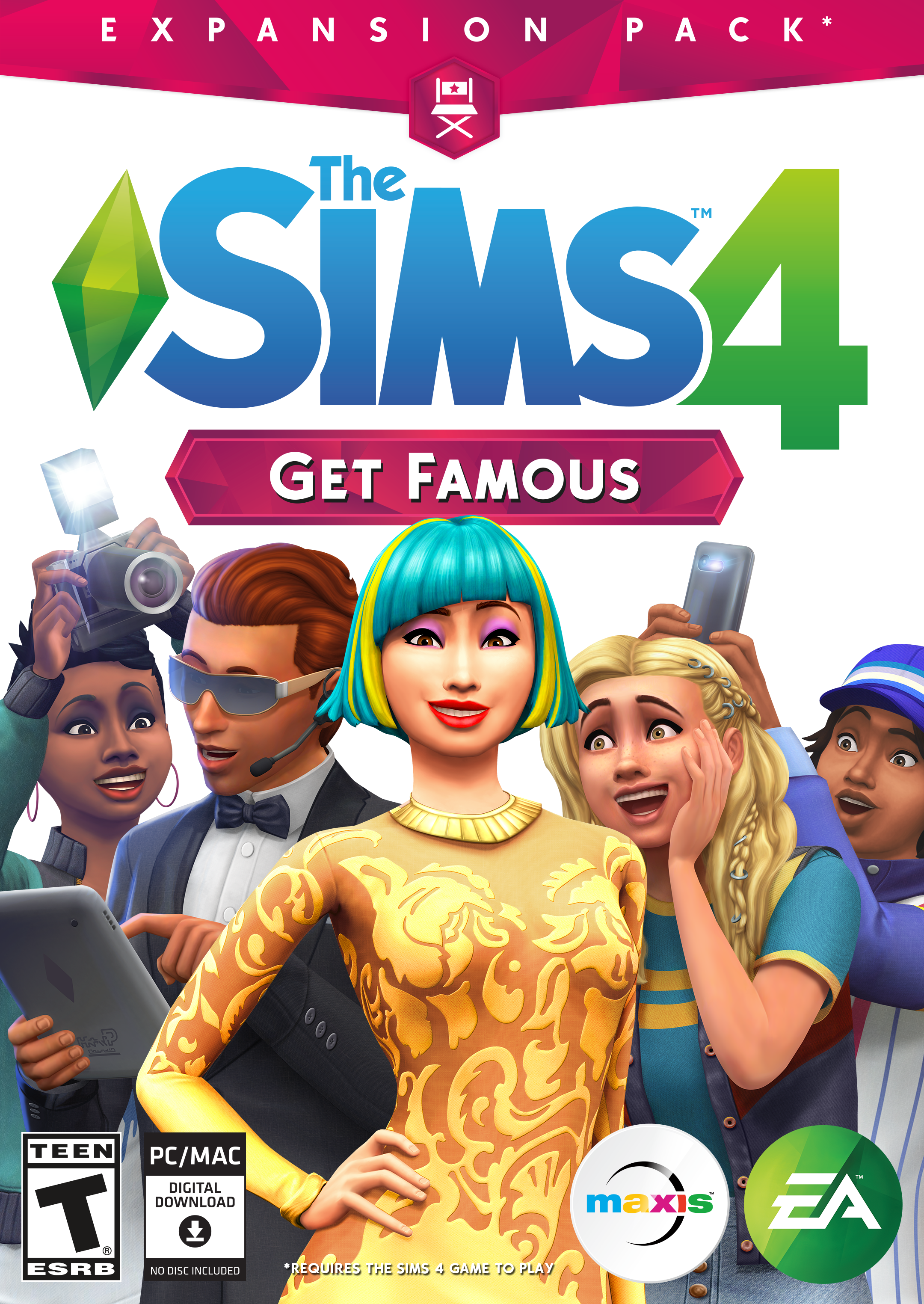
Game Summary
Reach for the stars and rise to celebrity status with The Sims 4 Get Famous. Build your stardom as you pursue an acting career, become an A-lister, and guide your Sims down the unpredictable path to fame. From the studio lot to VIP parties, you choose how your Sims can gain worldwide acclaim.
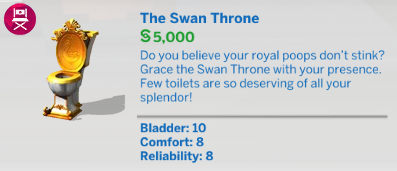
Customize and show off your celebrity style, and decorate your Sims’ luxury house on the hills with over-the-top accessories like a solid-gold toilet. Get ready to shine bright in the spotlight and live your best celebrity life.
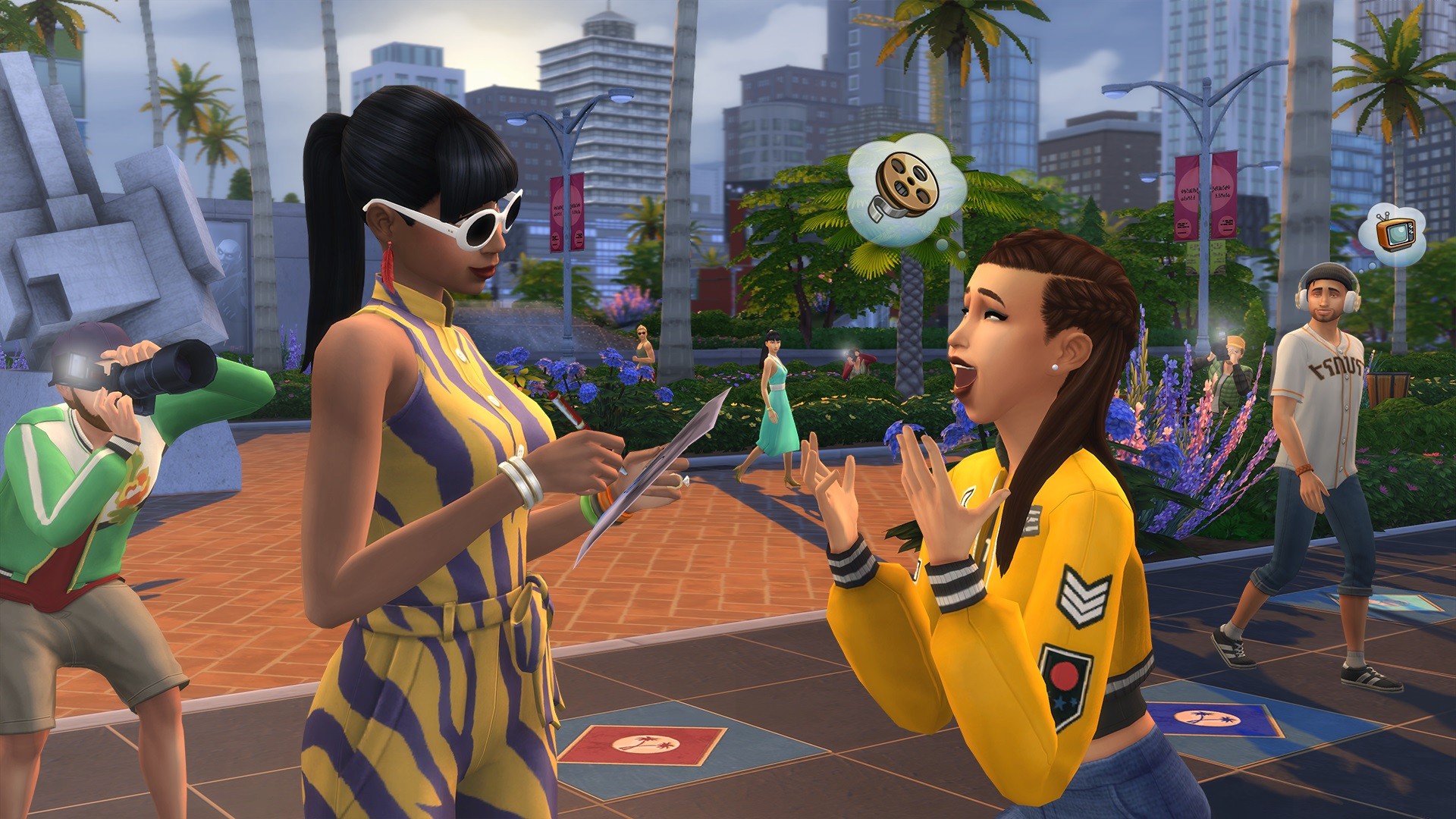
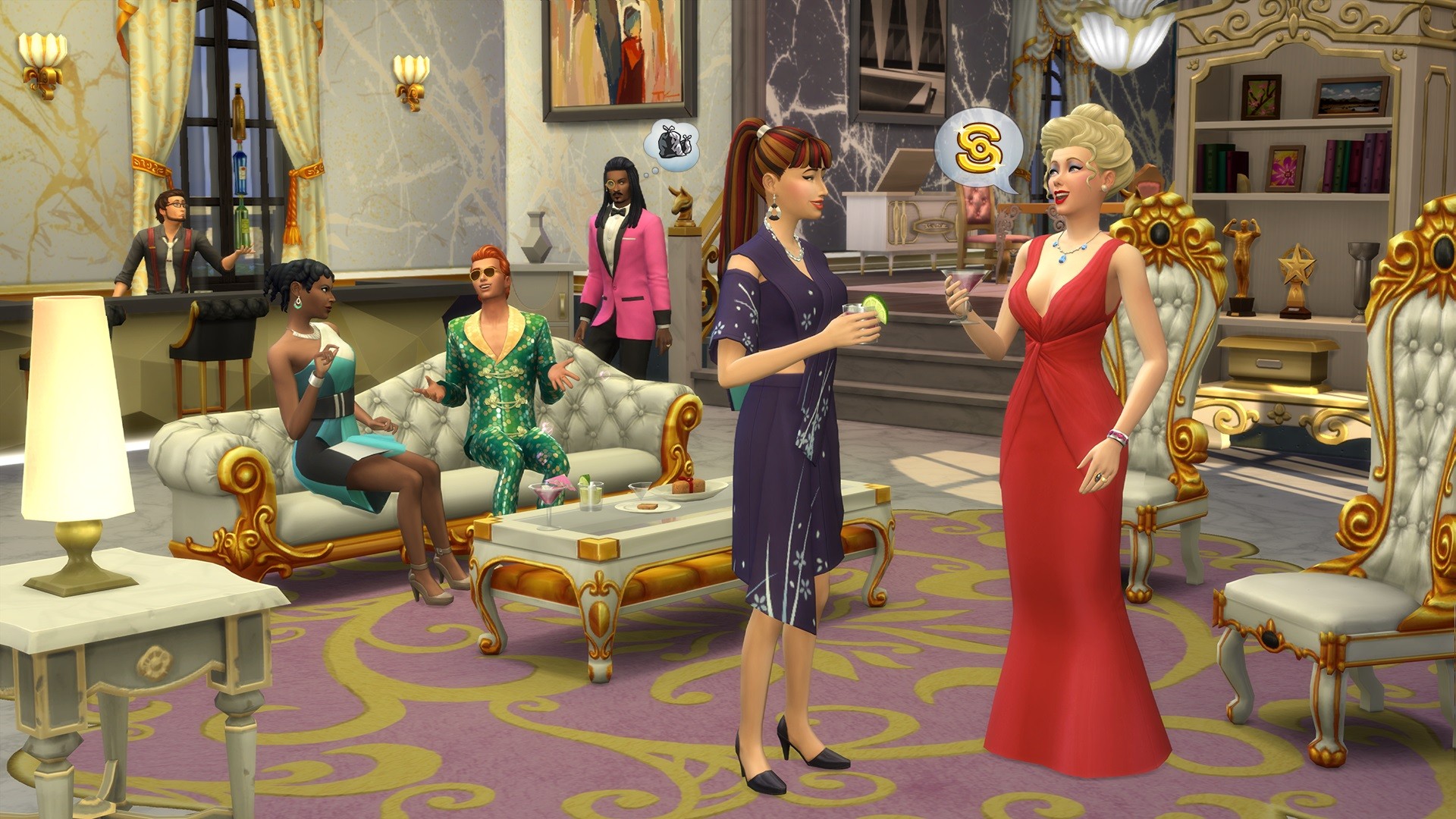
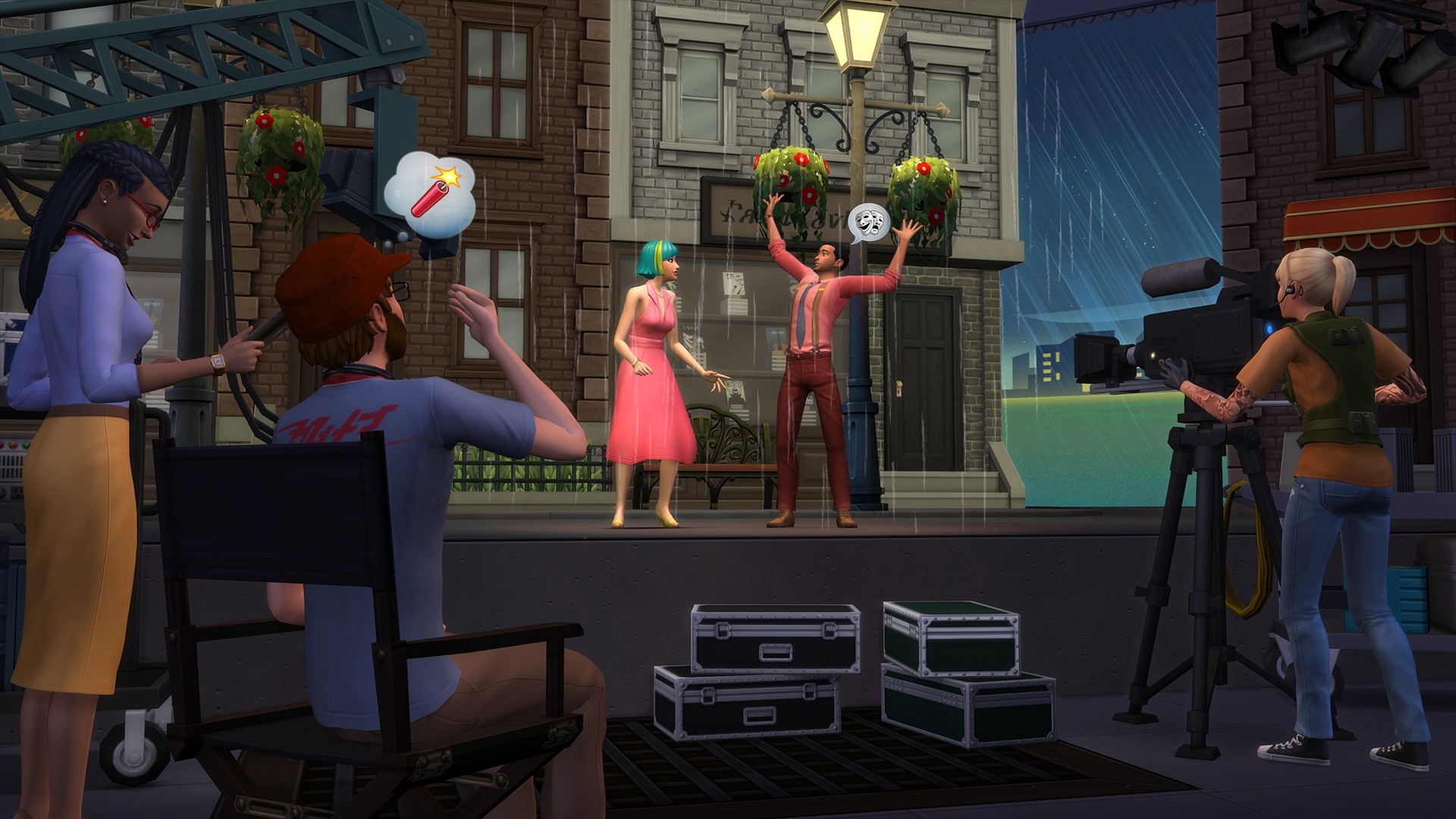
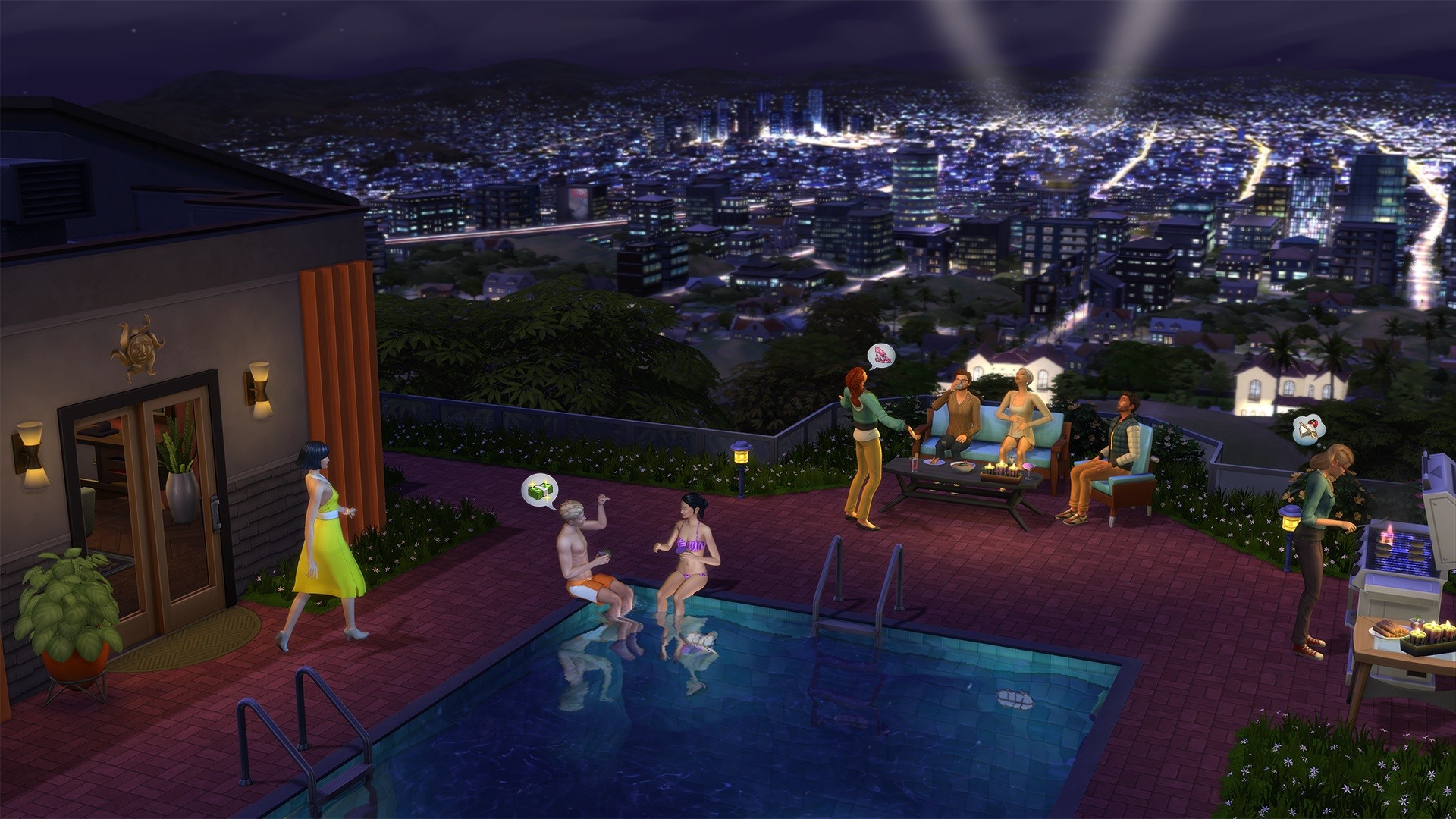
Aspirations
The Sims 4 Get Famous Expansion Pack adds two new Aspirations for selection in Create-a-Sim. These aspirations grant Sims both a reward and bonus trait.
 | Master Actor | This Sim wants to hone their craft and become an acclaimed Actor! When completed, Sims will receive the “World-Renowned Actor” reward trait. |
 | World-Famous Celebrity | This Sim wants to become illustriously famous. When completed, Sims will receive the “Unstoppable Fame” reward trait. |
Sim Traits
The Sims 4 Get Famous Expansion Pack adds three brand new traits for Sims. One of these traits can be selected in Create-a-Sim, and the other 2 are reward traits for completing the two new Aspirations in the game.
 | Self-Absorbed | These sims are all about themselves! They can Fish for Compliments, are more excited when receiving a present, and may become tense when they haven't gotten enough attention. The celebrity spotlight is something they generally relish. After all, everyone else should love them as much as they do themselves, right? |
 | Unstoppable Fame (Reward Trait) | Sims with Unstoppable Fame are immortalized celebrities, incapable of experiencing fame decay over time. They’re so comfortable in the limelight they’ll never react poorly towards those pesky paparazzi. They also receive an extra Fame Perk point. (From Completing the World-Famous Celebrity Aspiration) |
 | World-Renowned Actor (Reward Trait) | World-Renowned Actors never fail an acting action—as far as anyone can tell... (From Completing the Master Actor Aspiration) |
 | Mystical Sensing (Temporary) | Mystical Sensors are able to use energy to locate treasure and relics in Treasure Chests that other Sims miss. (Only appears when Sims slot the Alexandrite Crystal into the Celestial Crystal Crown and wear it) |
Create-a-Sim Fashions
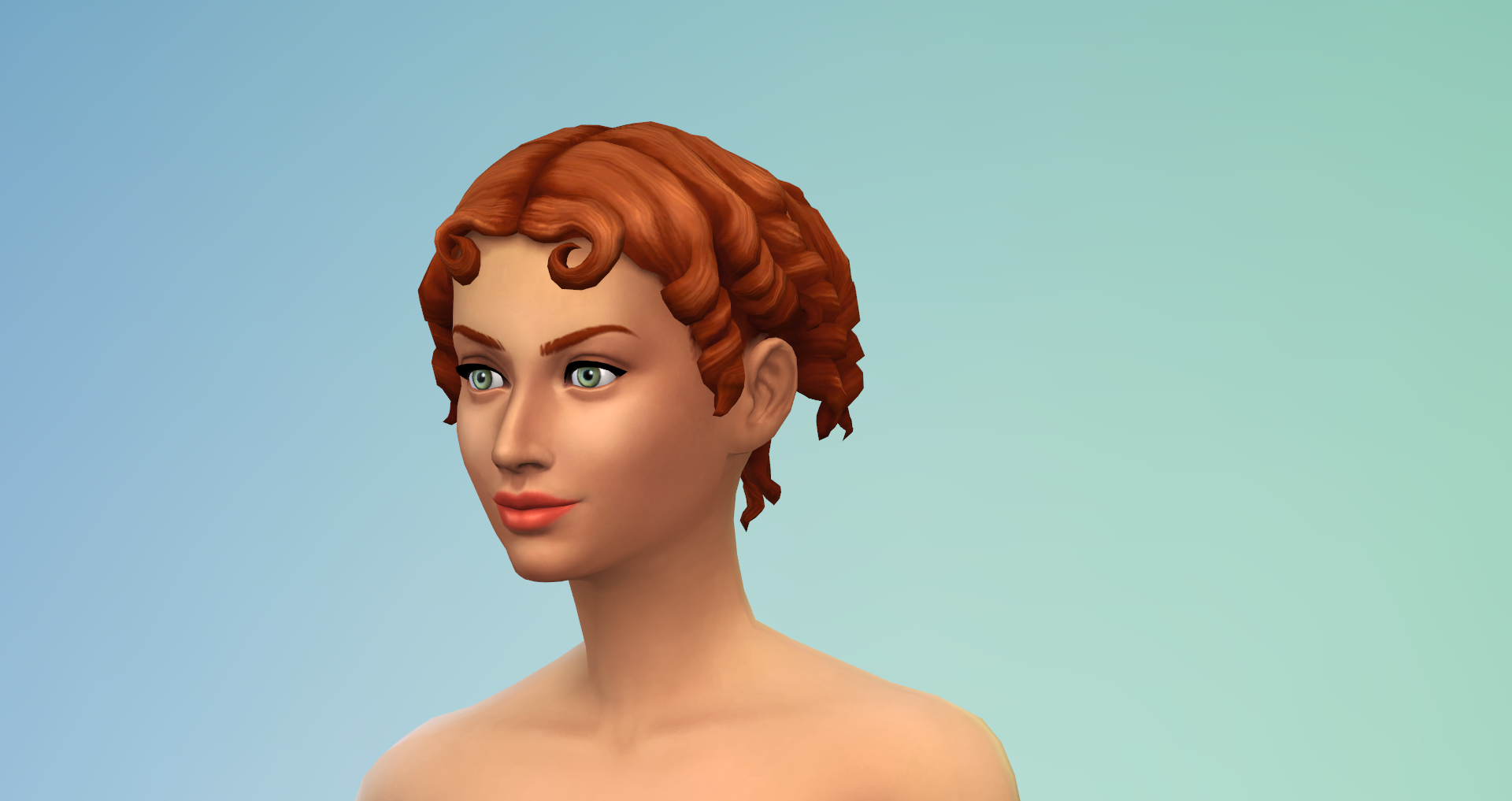
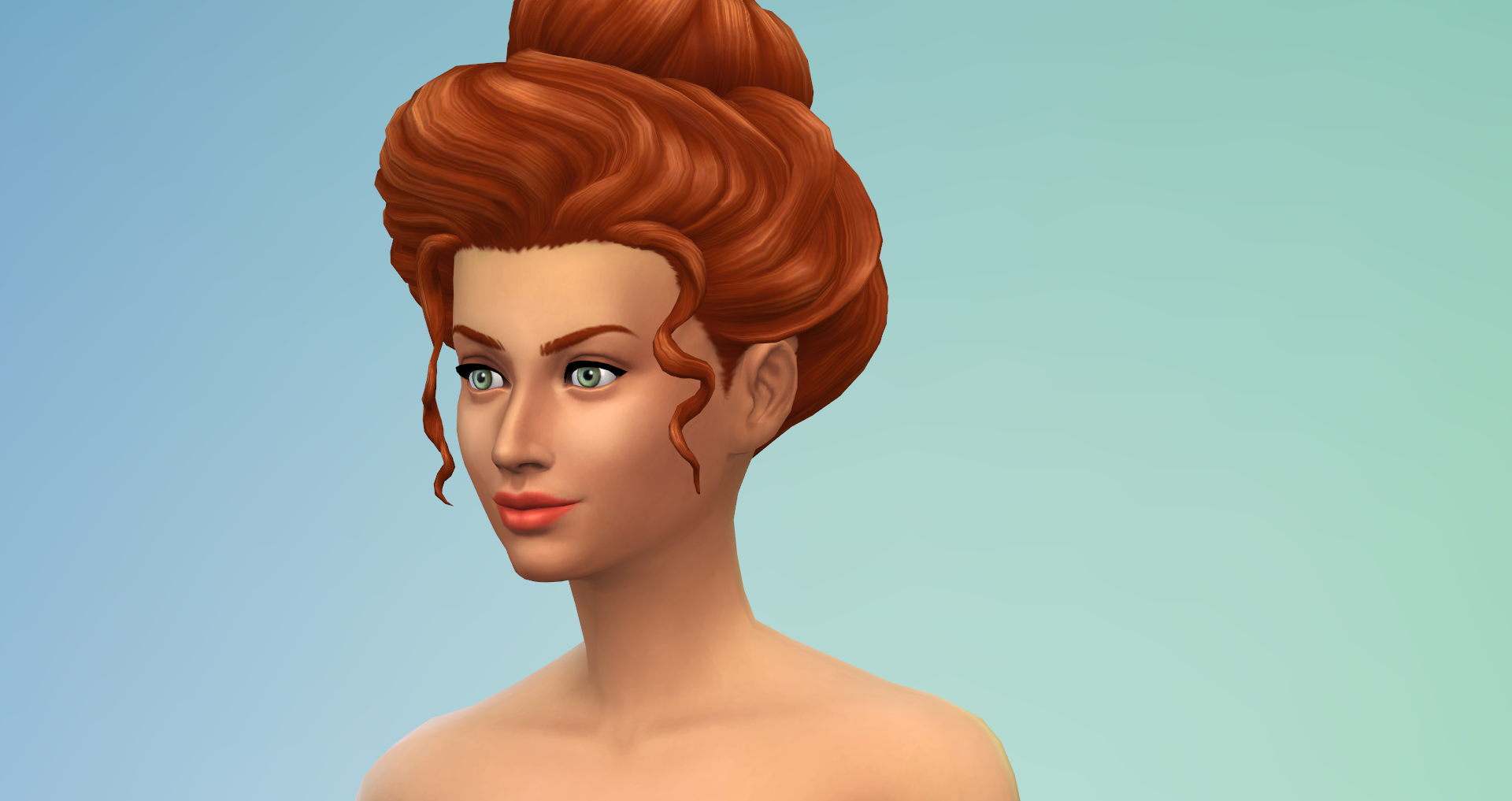
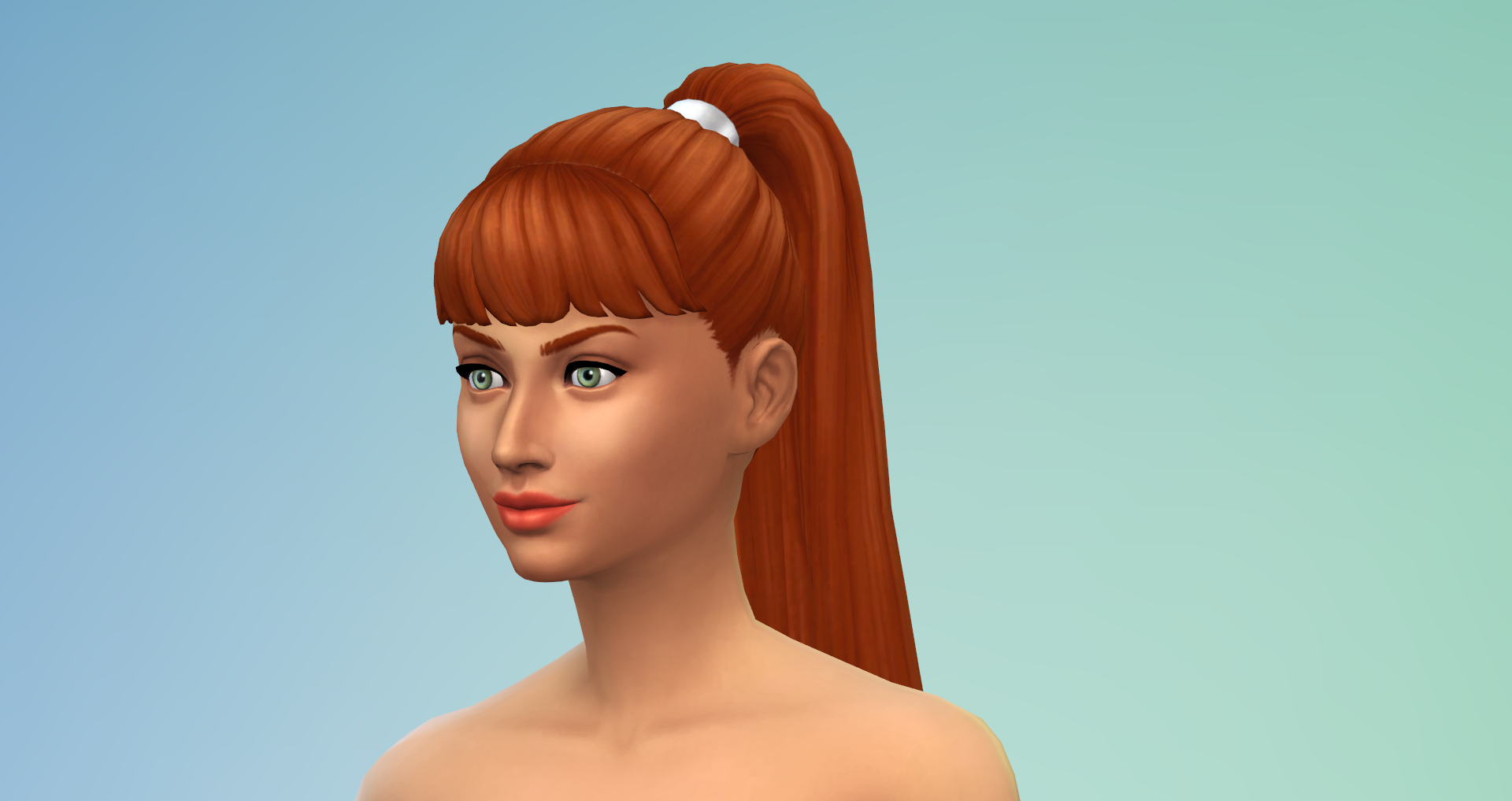
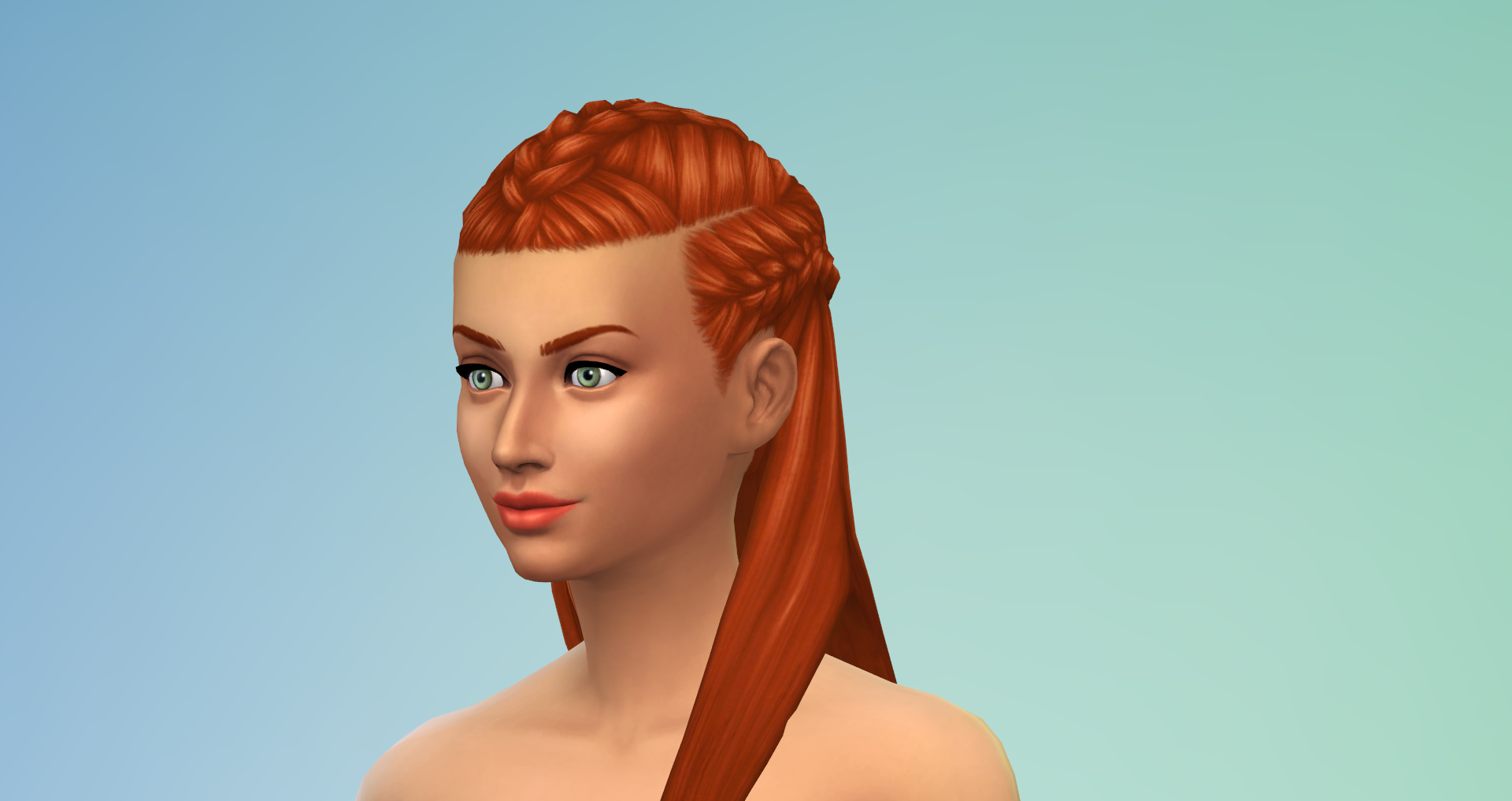
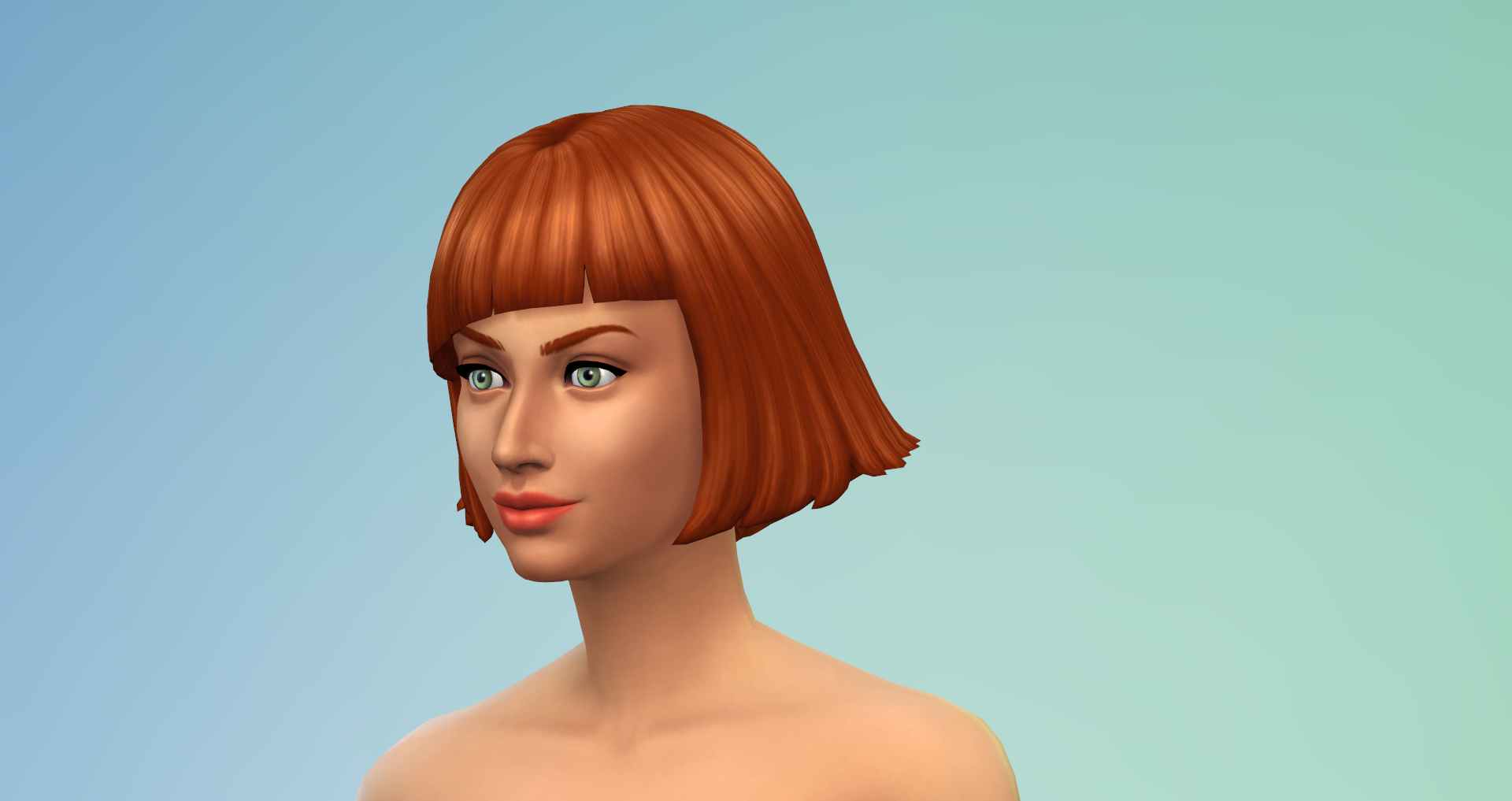
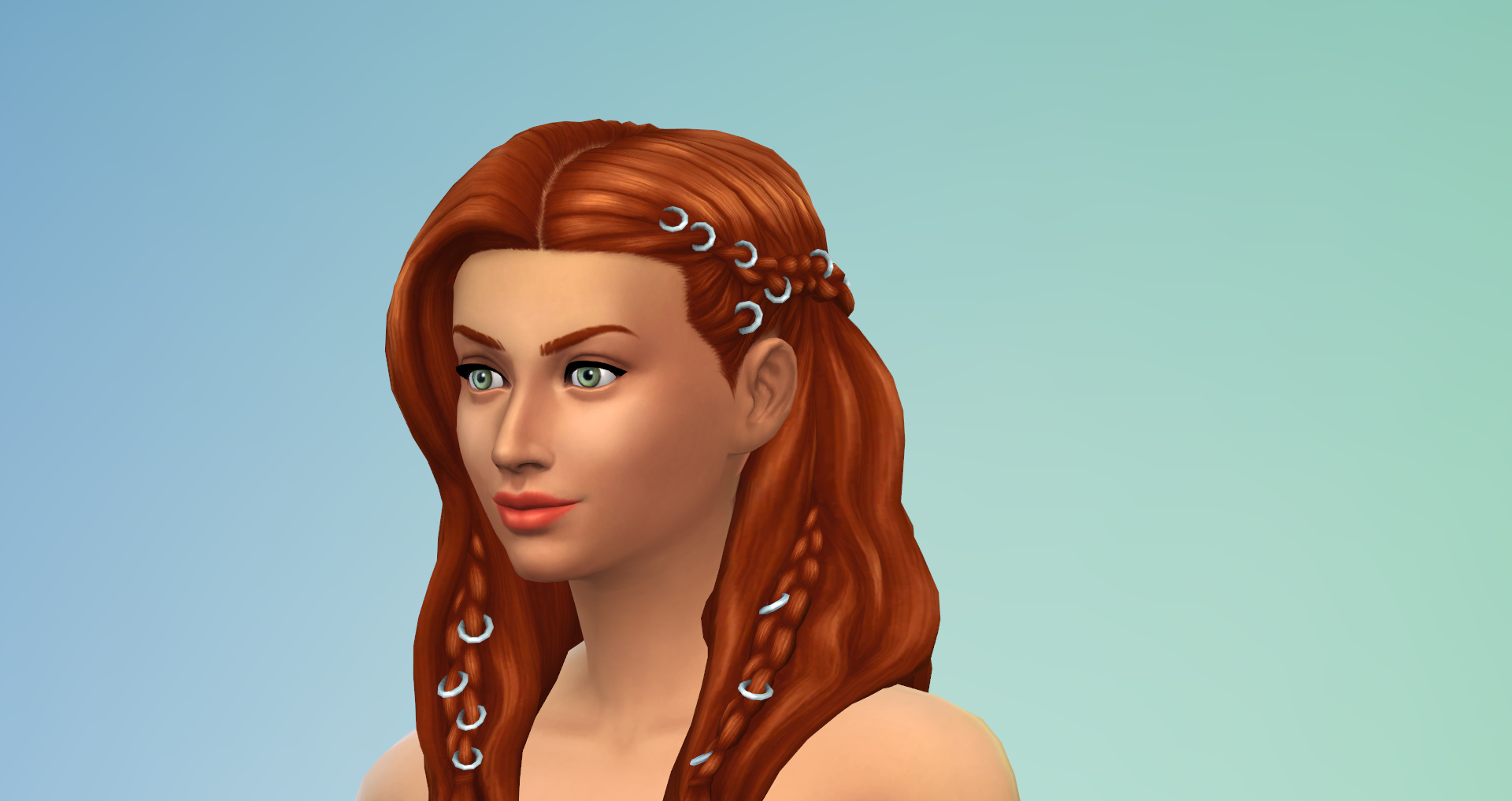
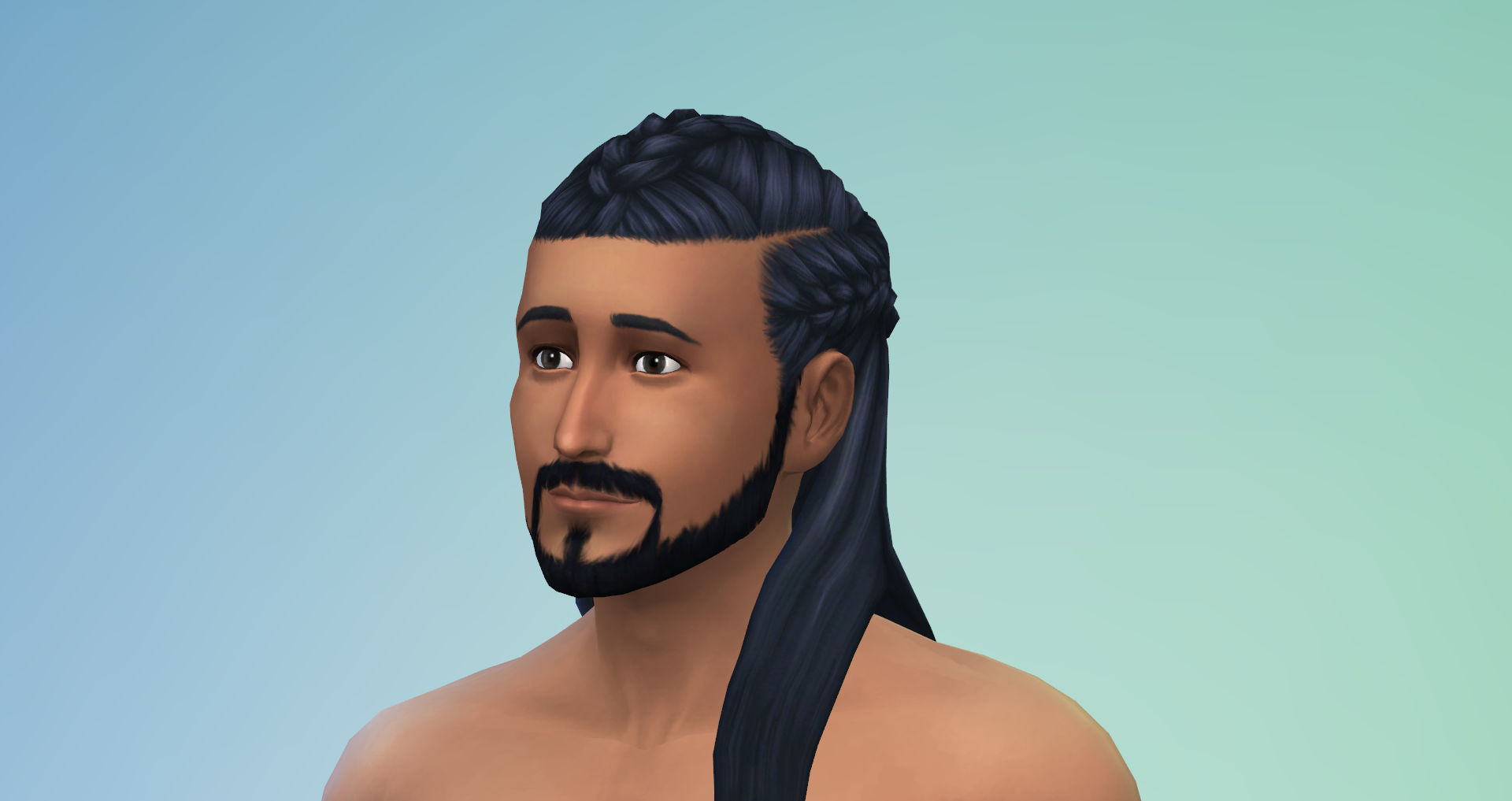
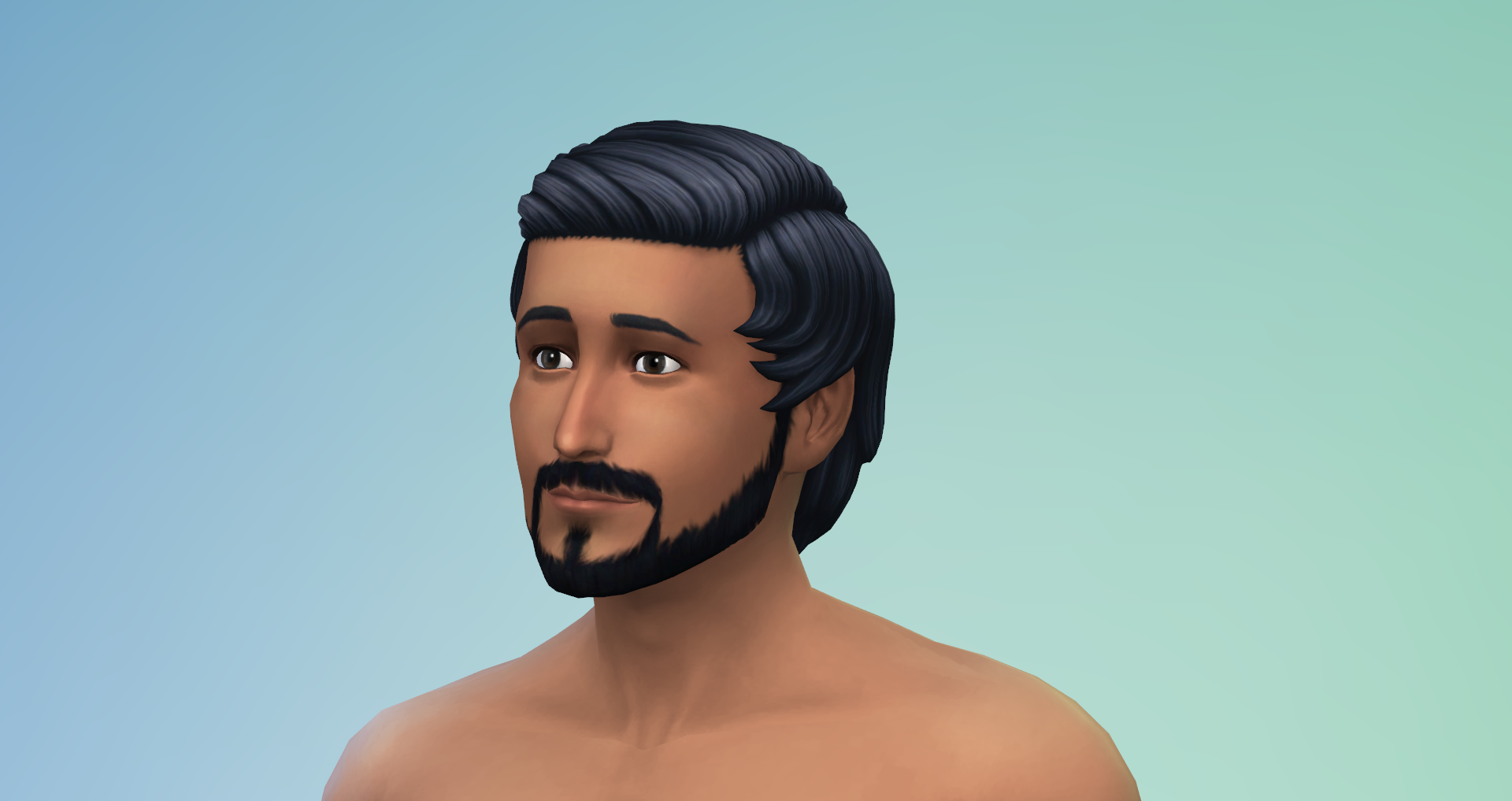
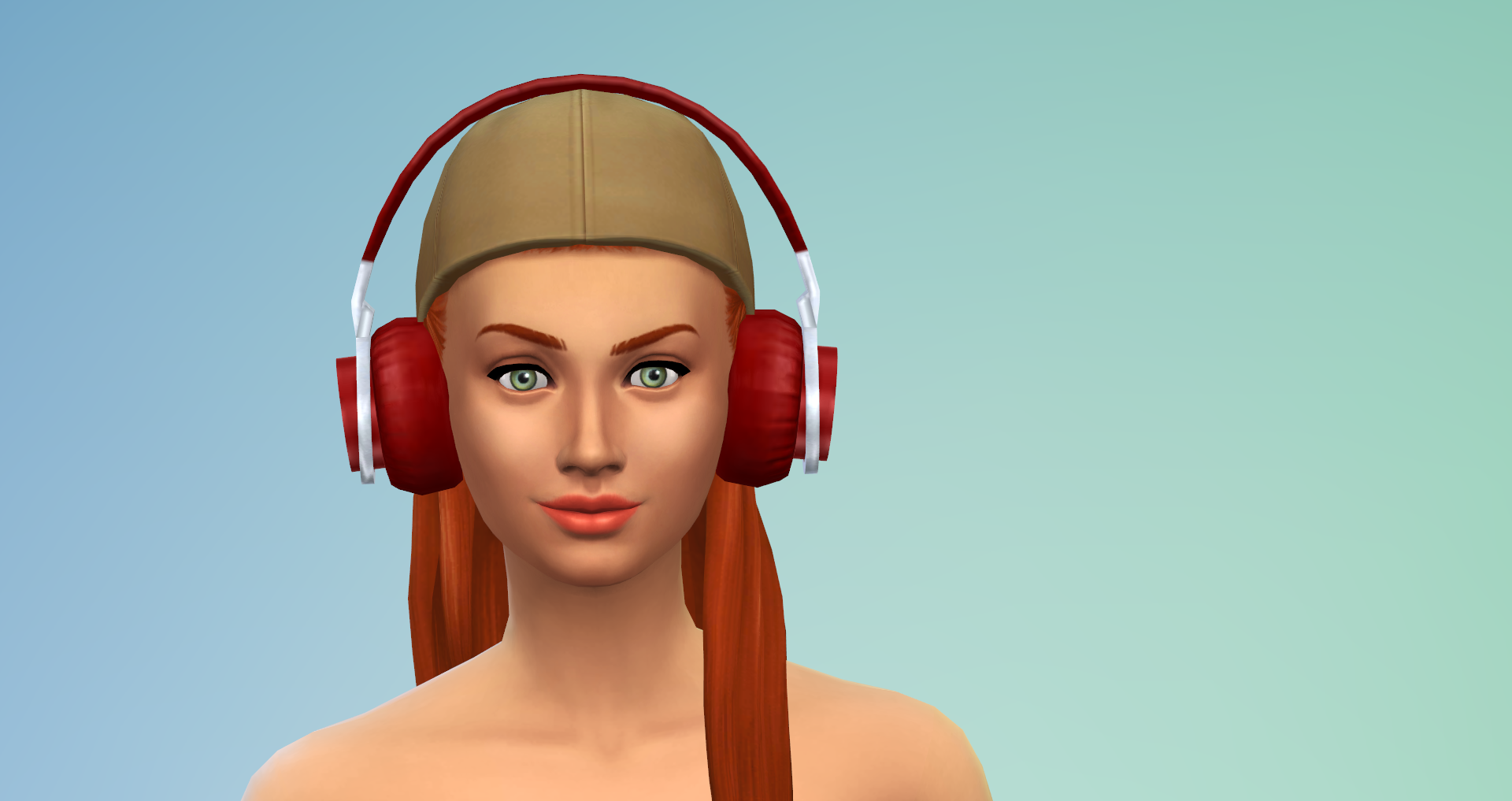
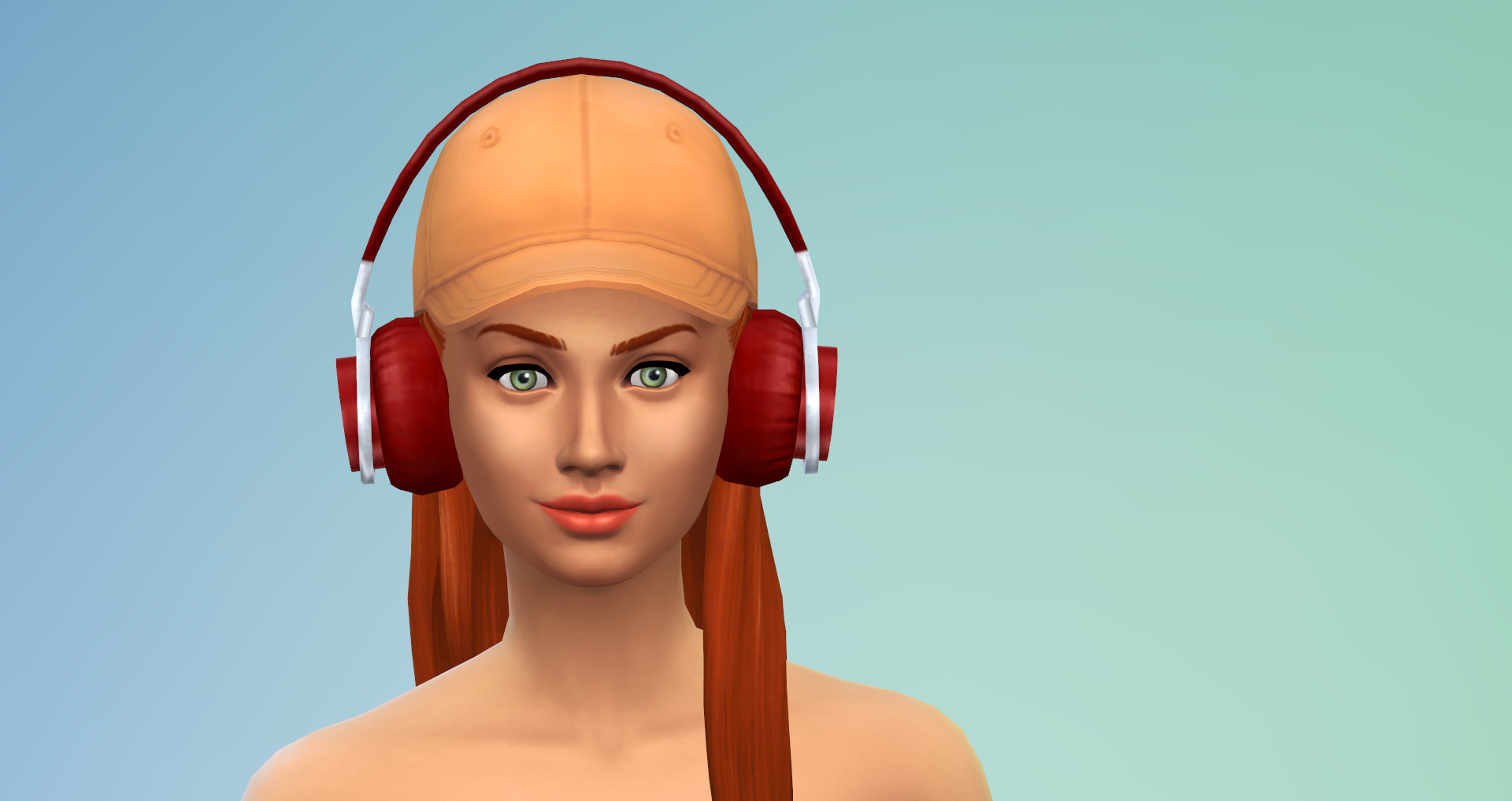
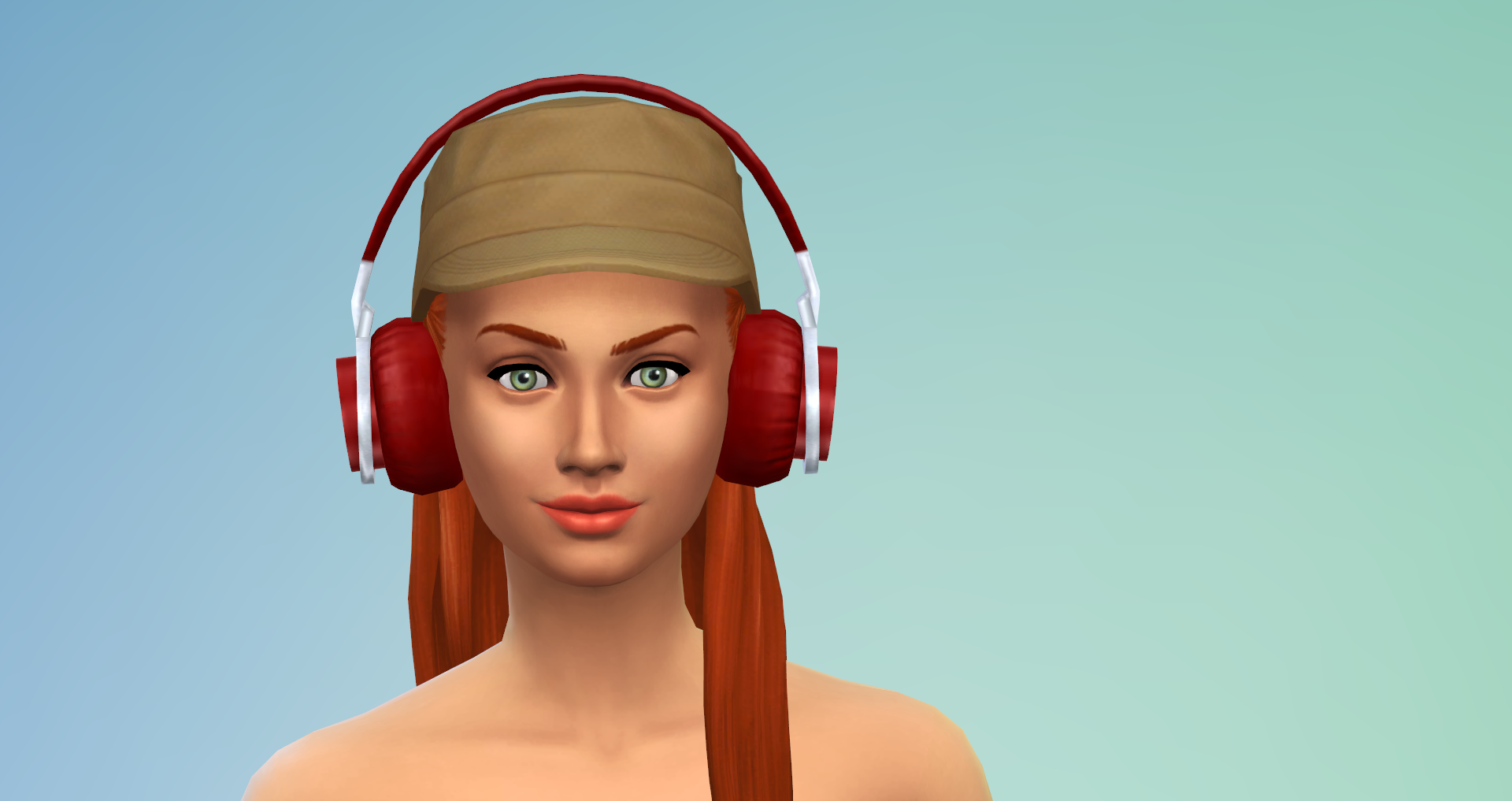
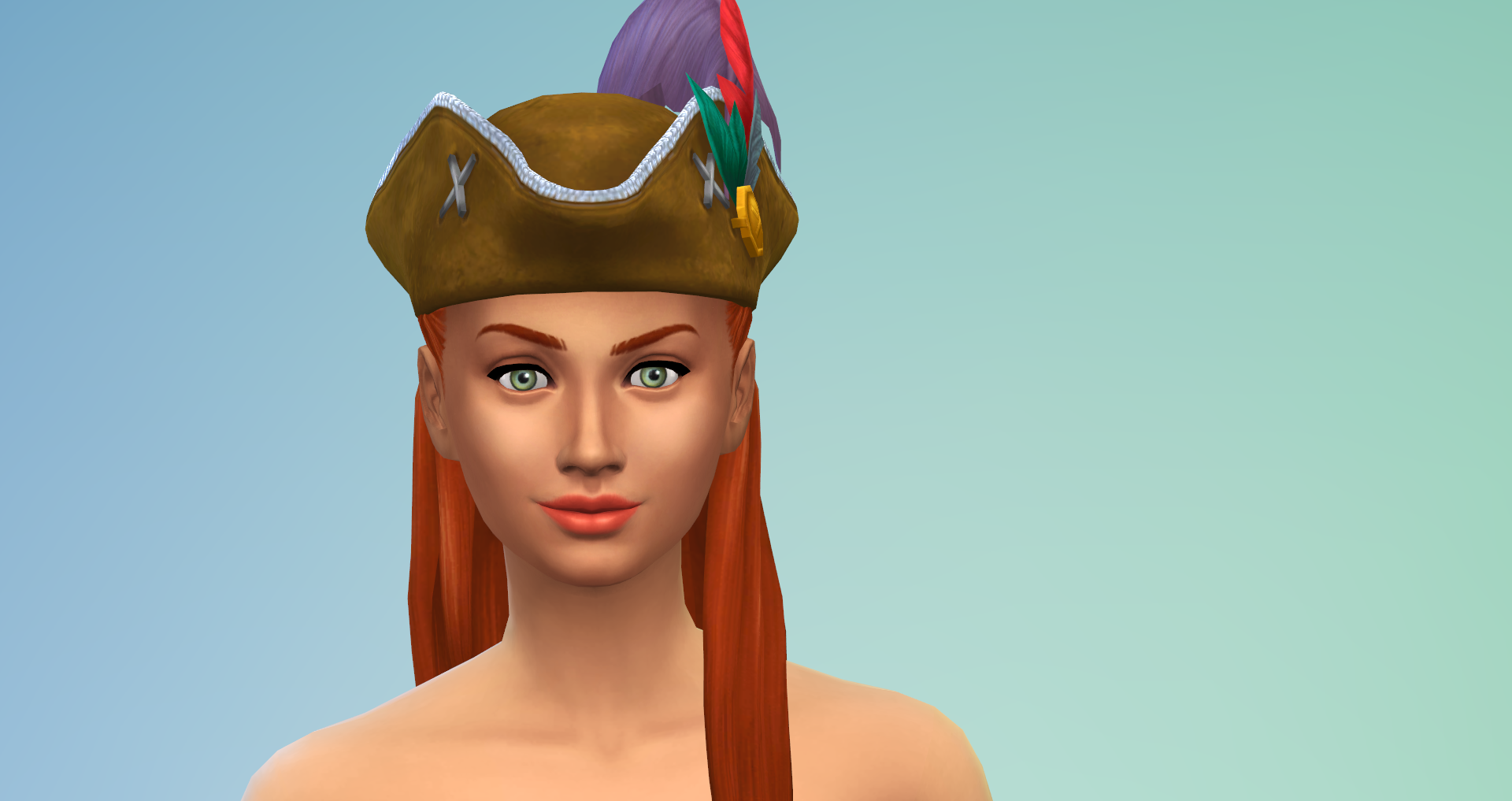
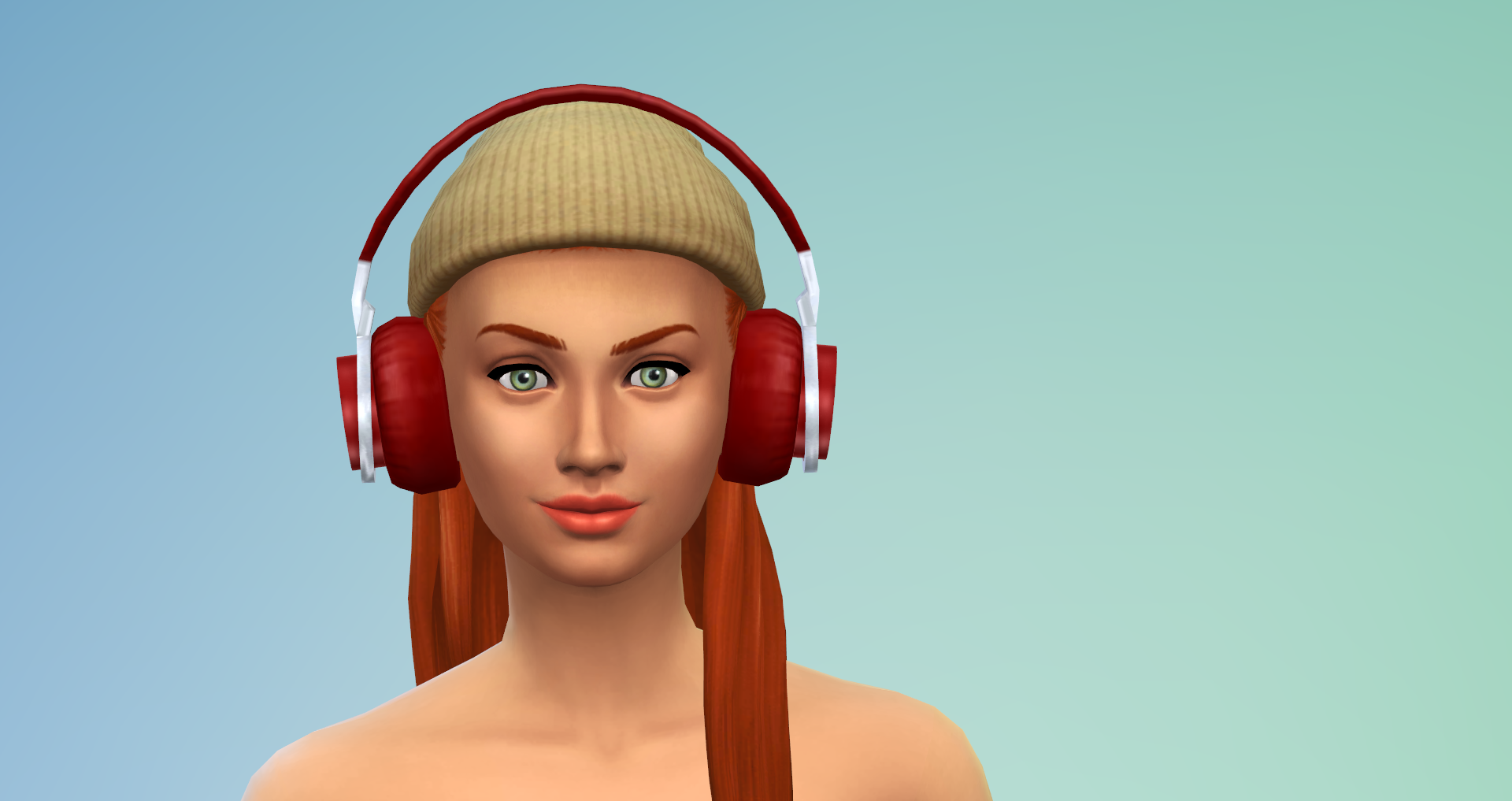
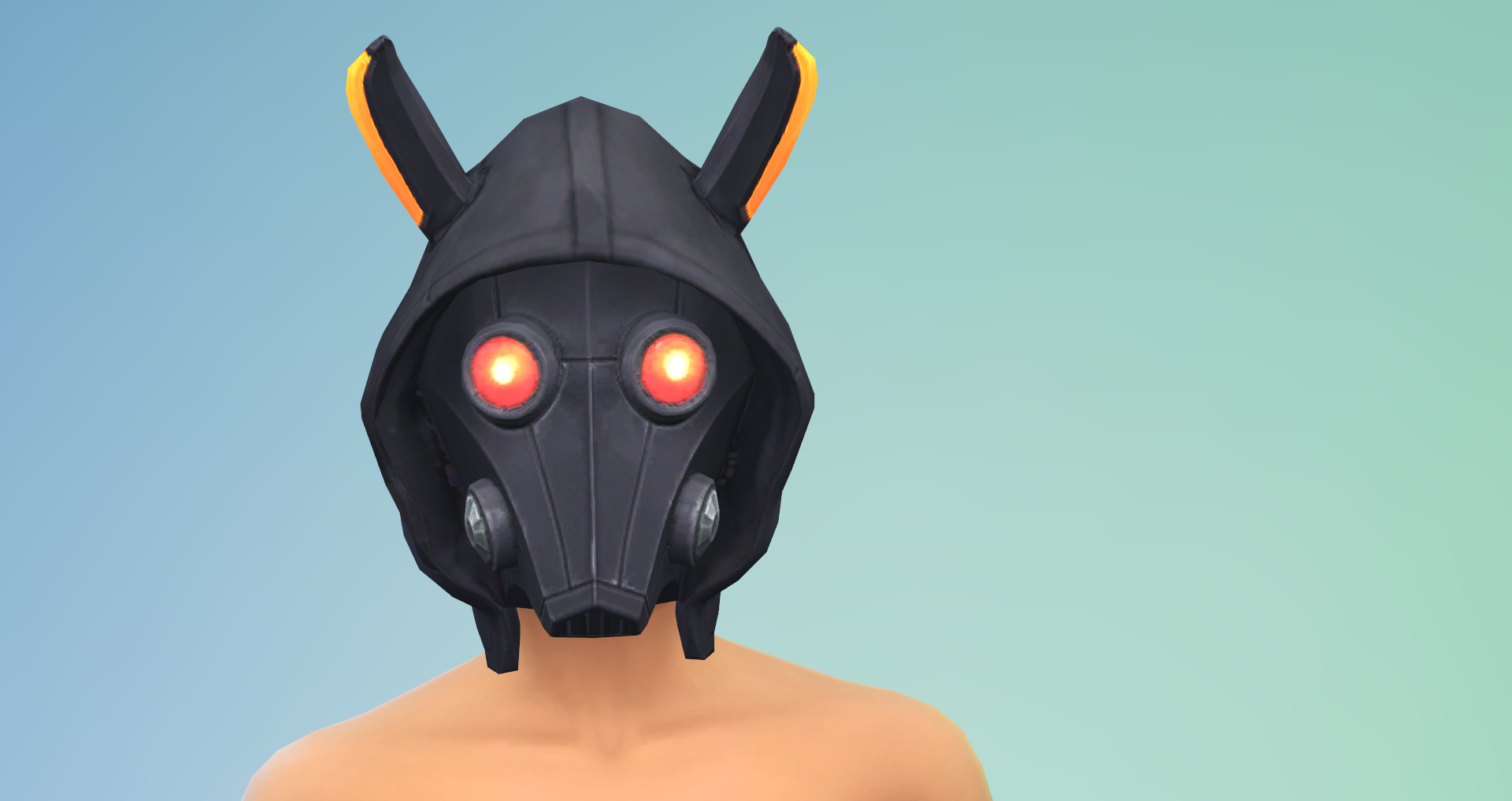
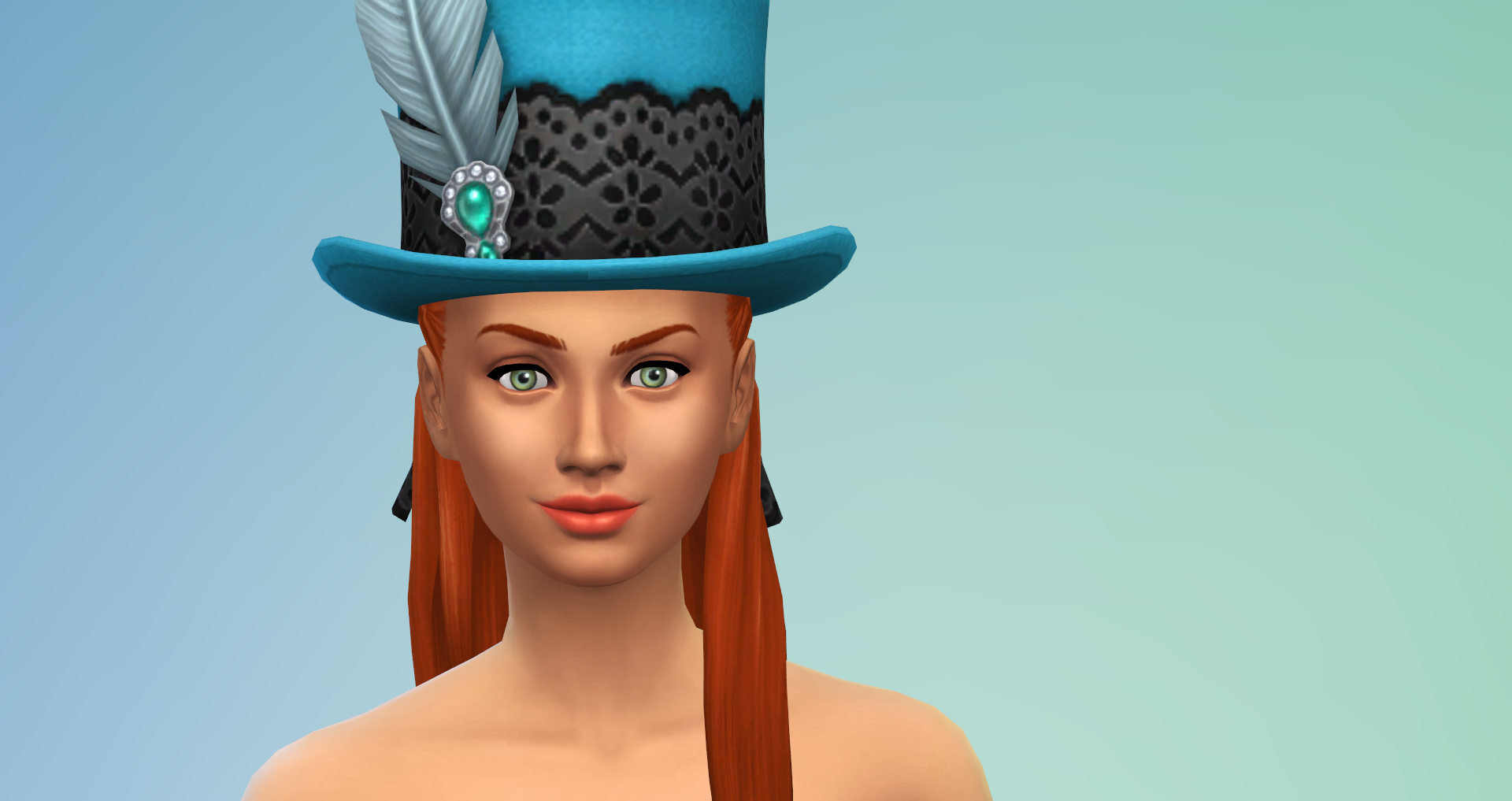
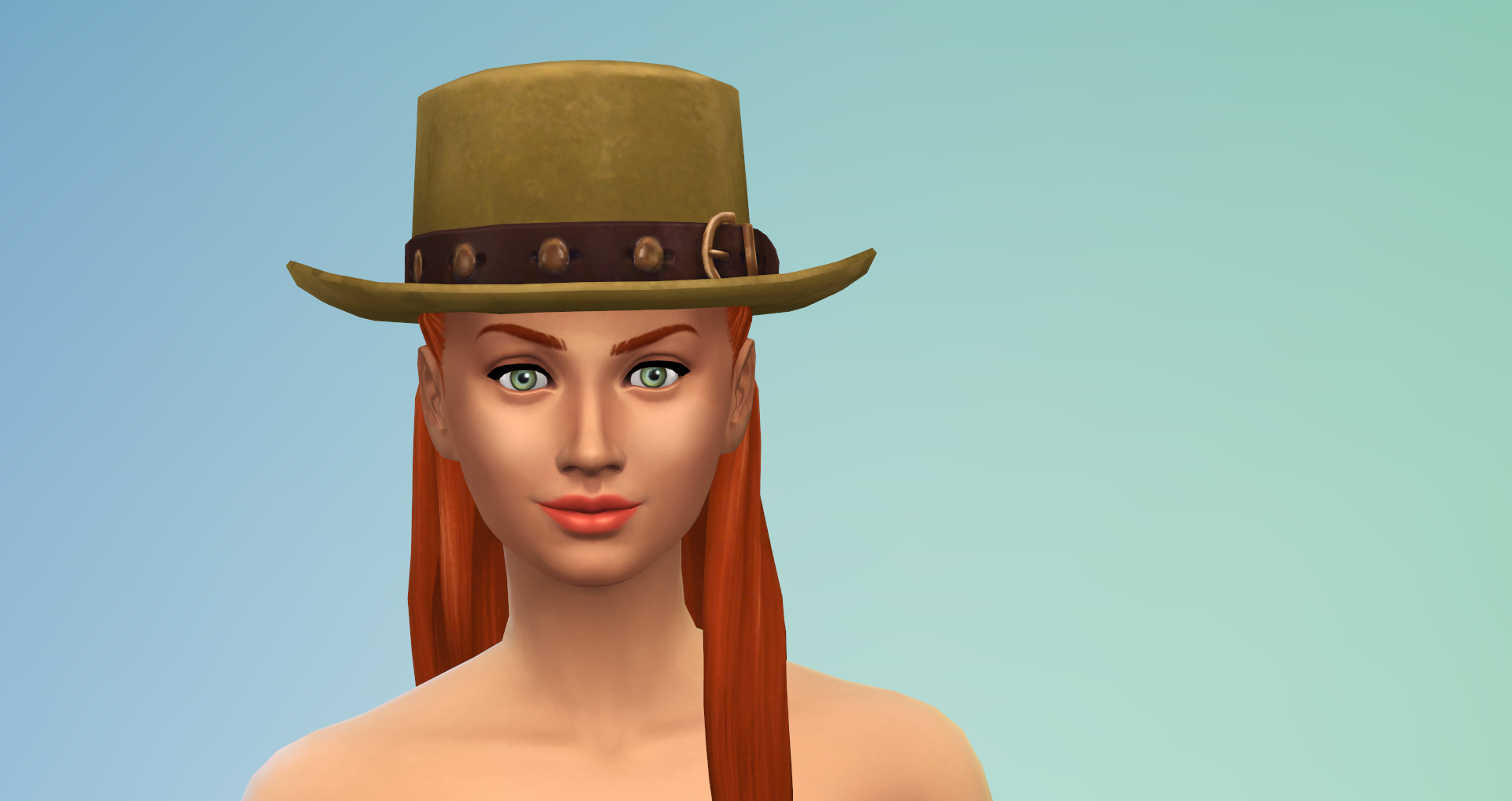
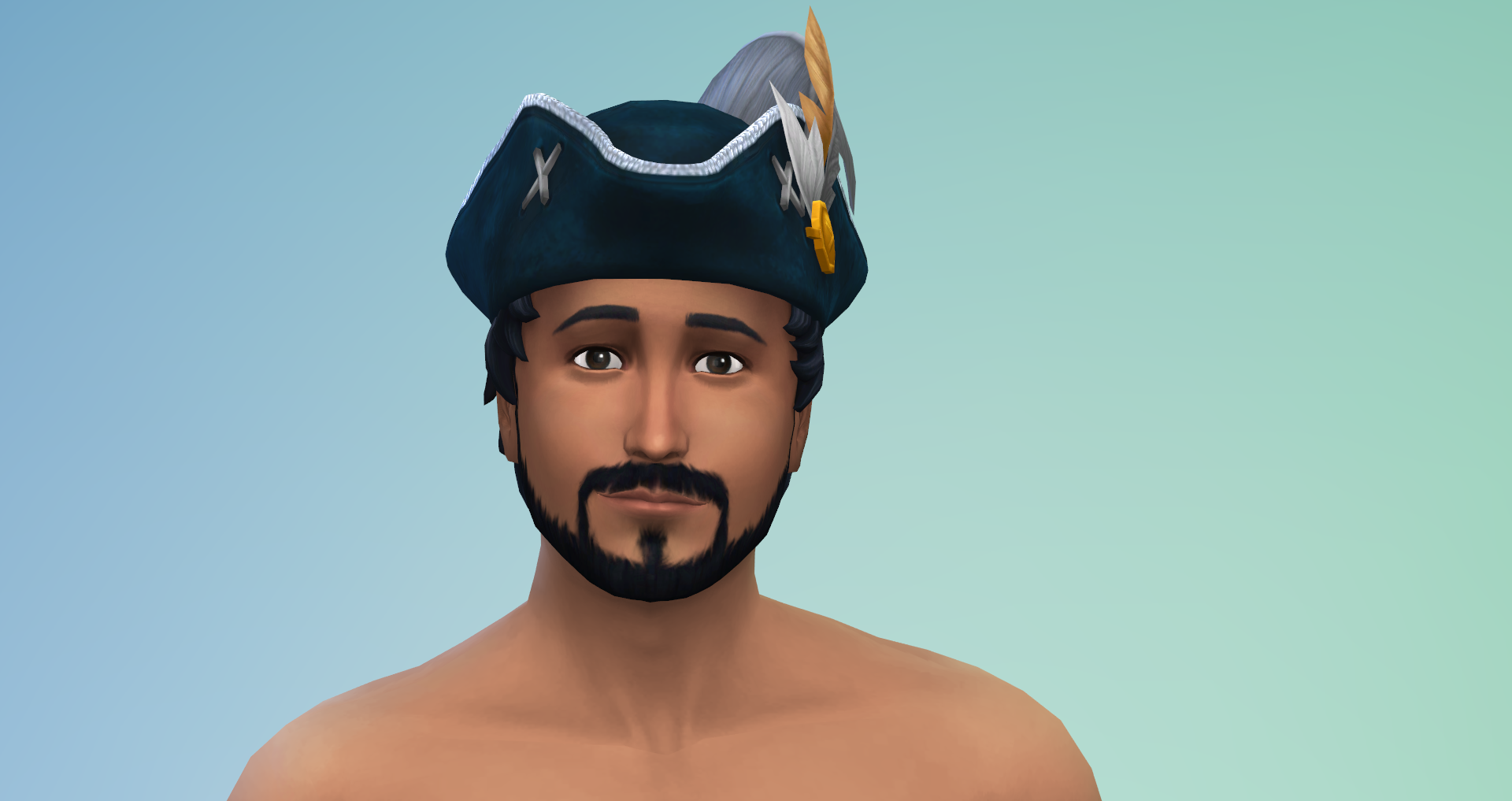
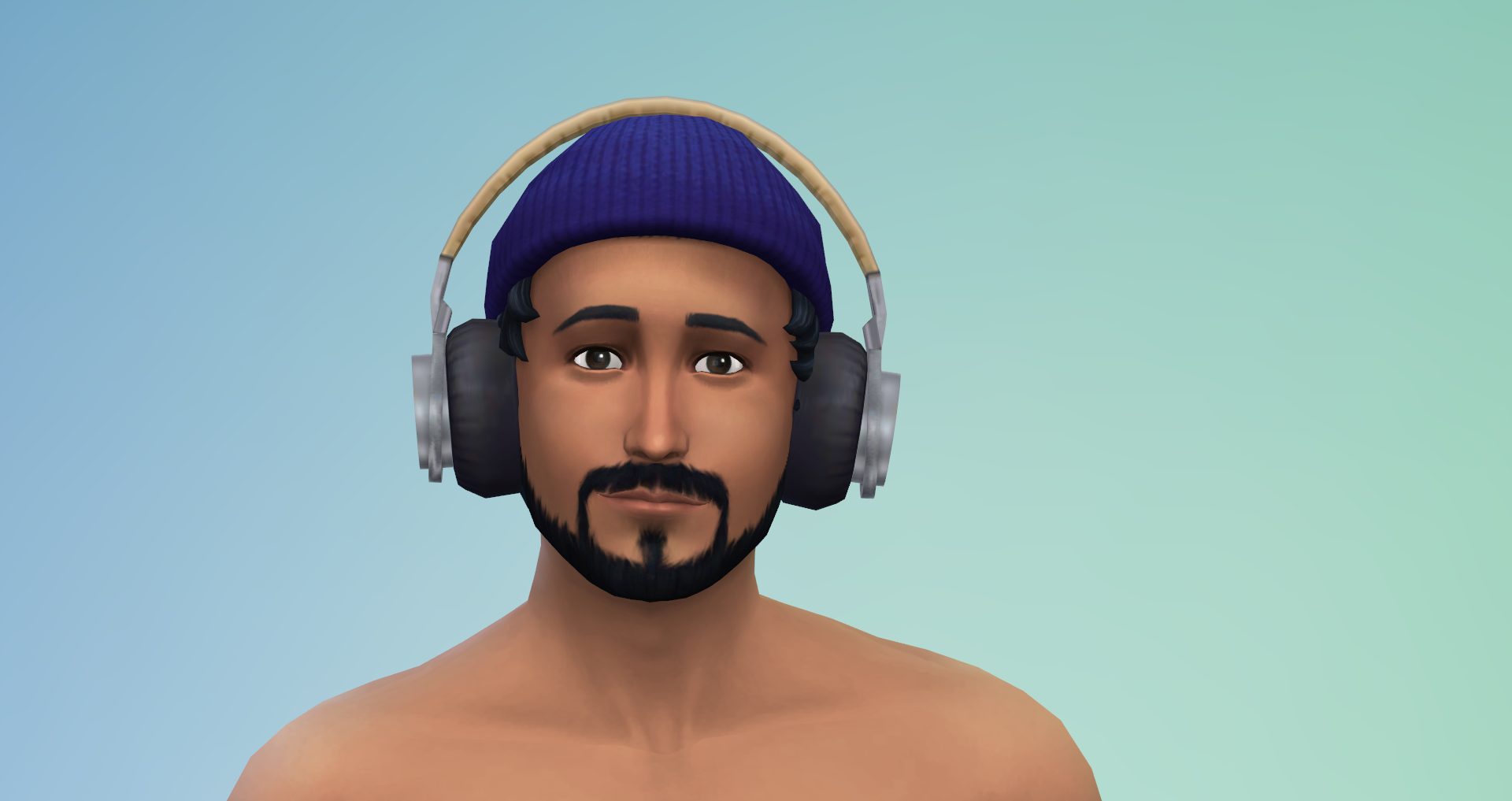
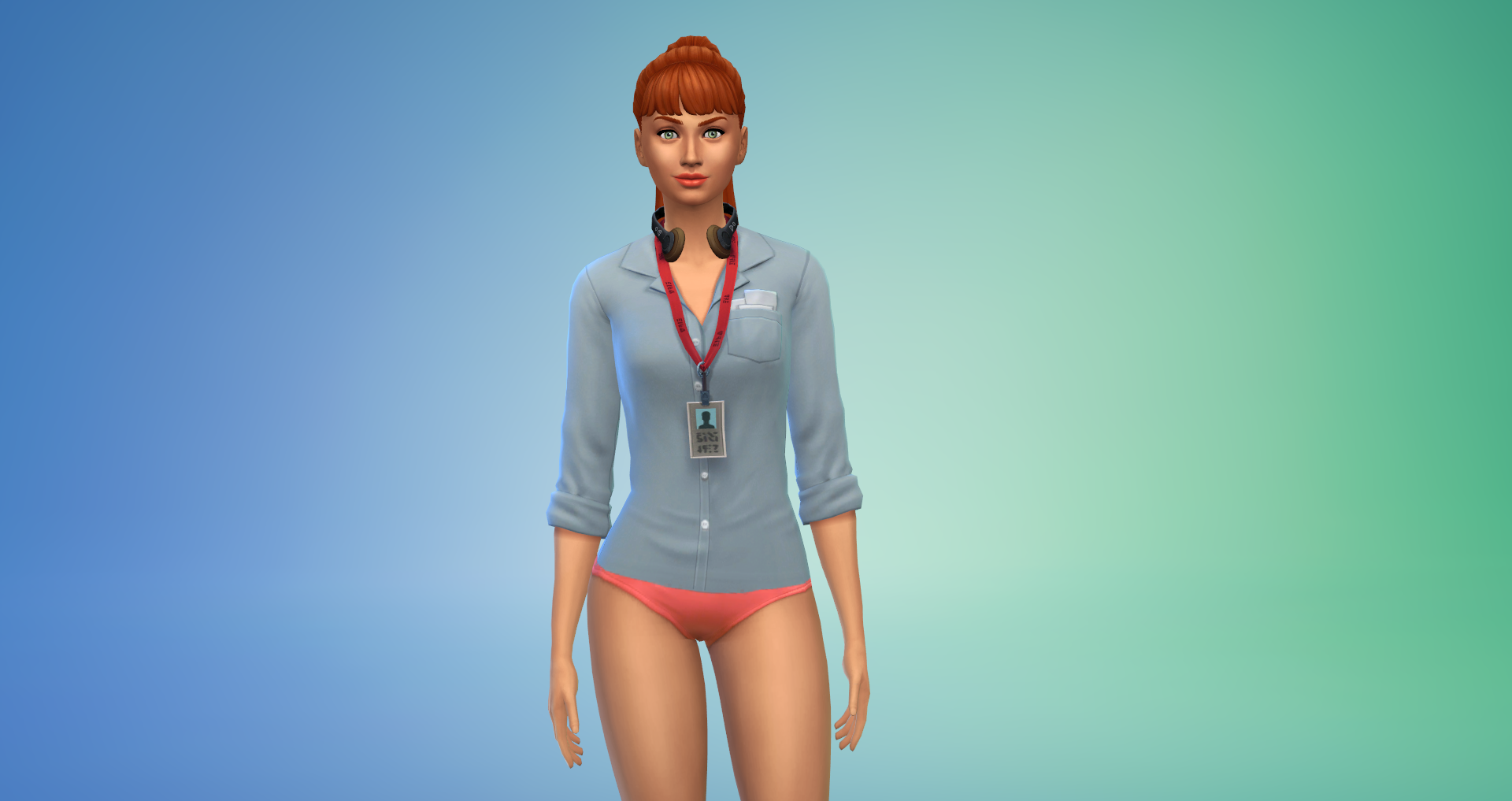
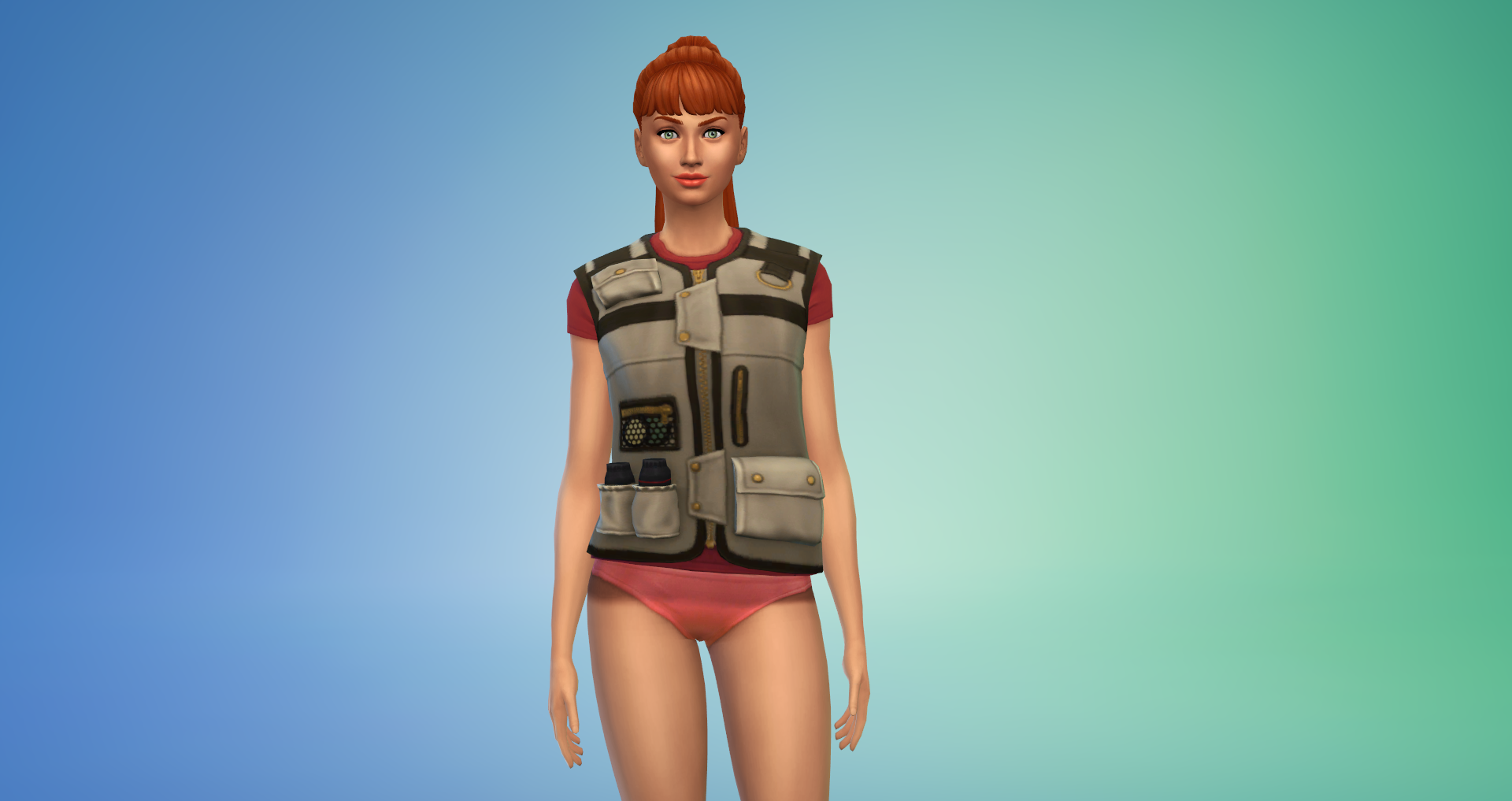
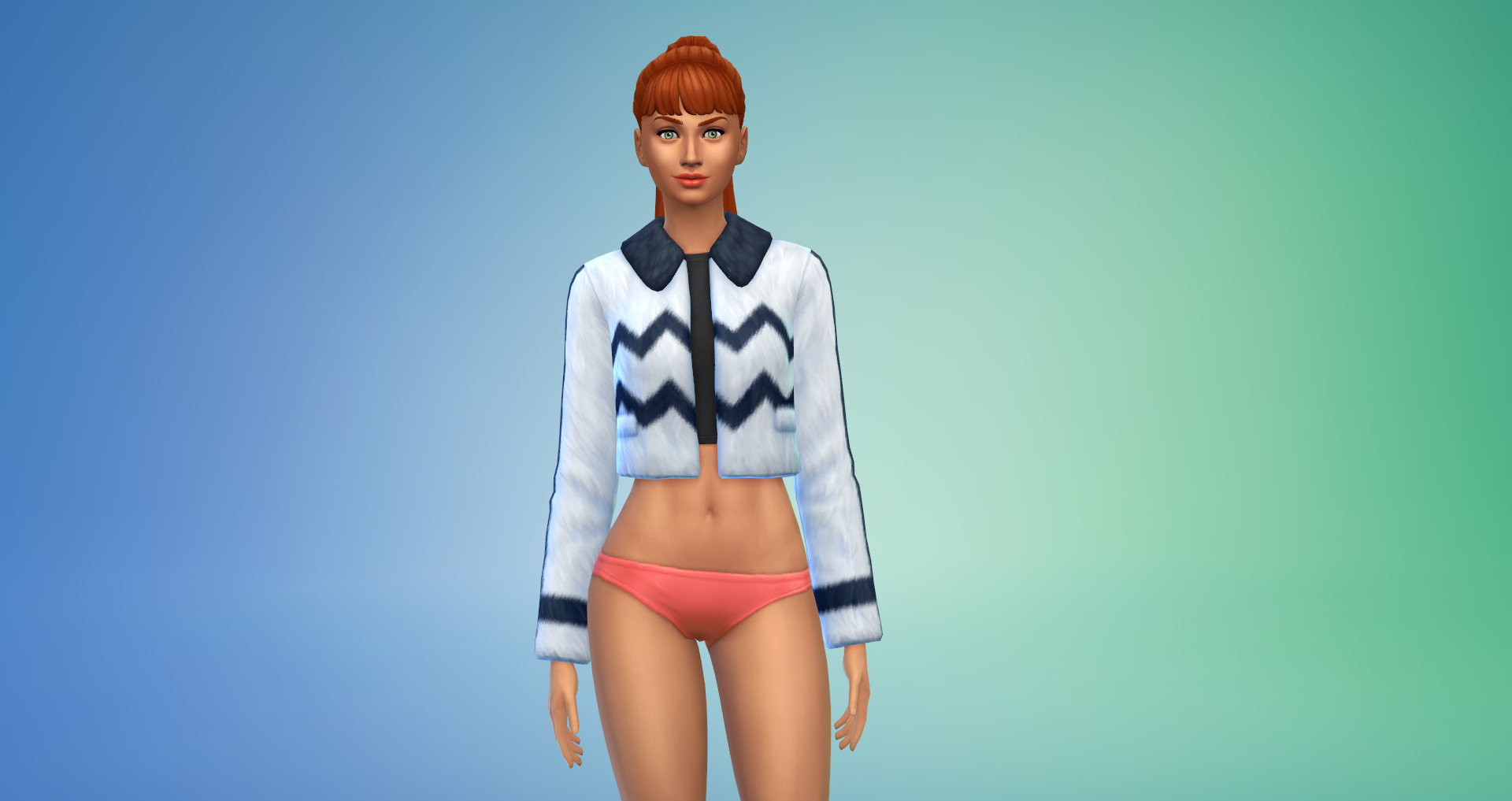
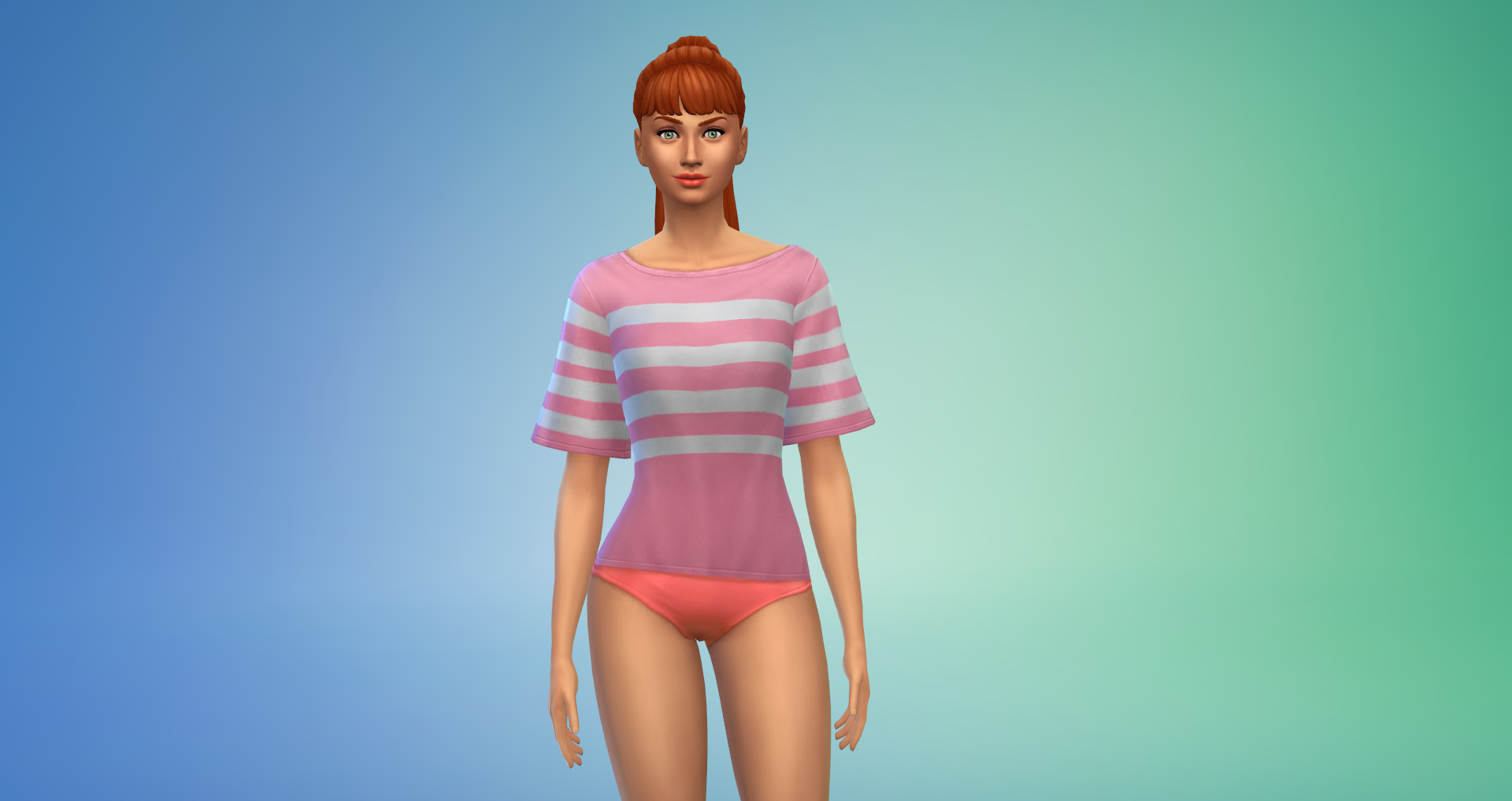
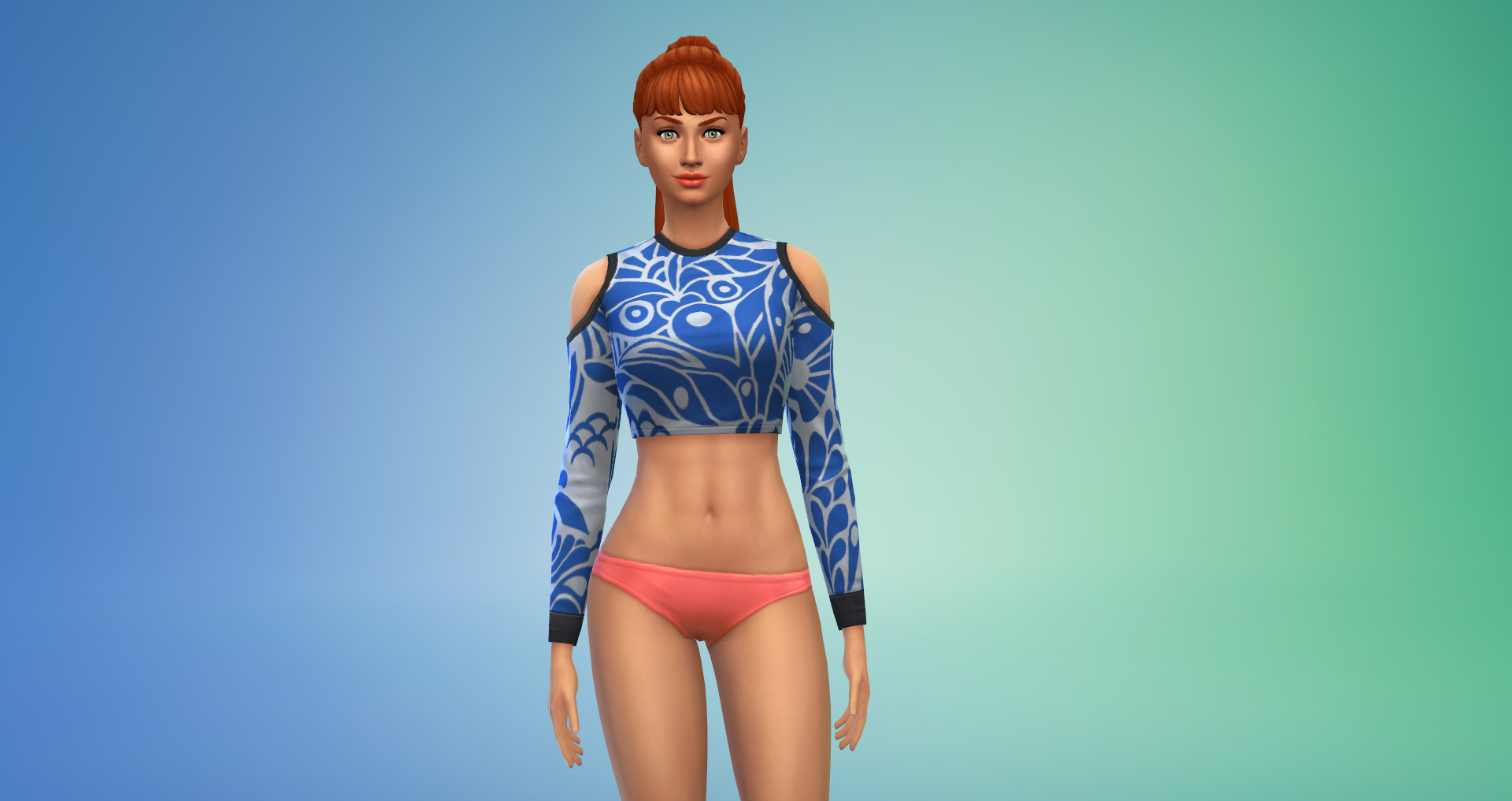
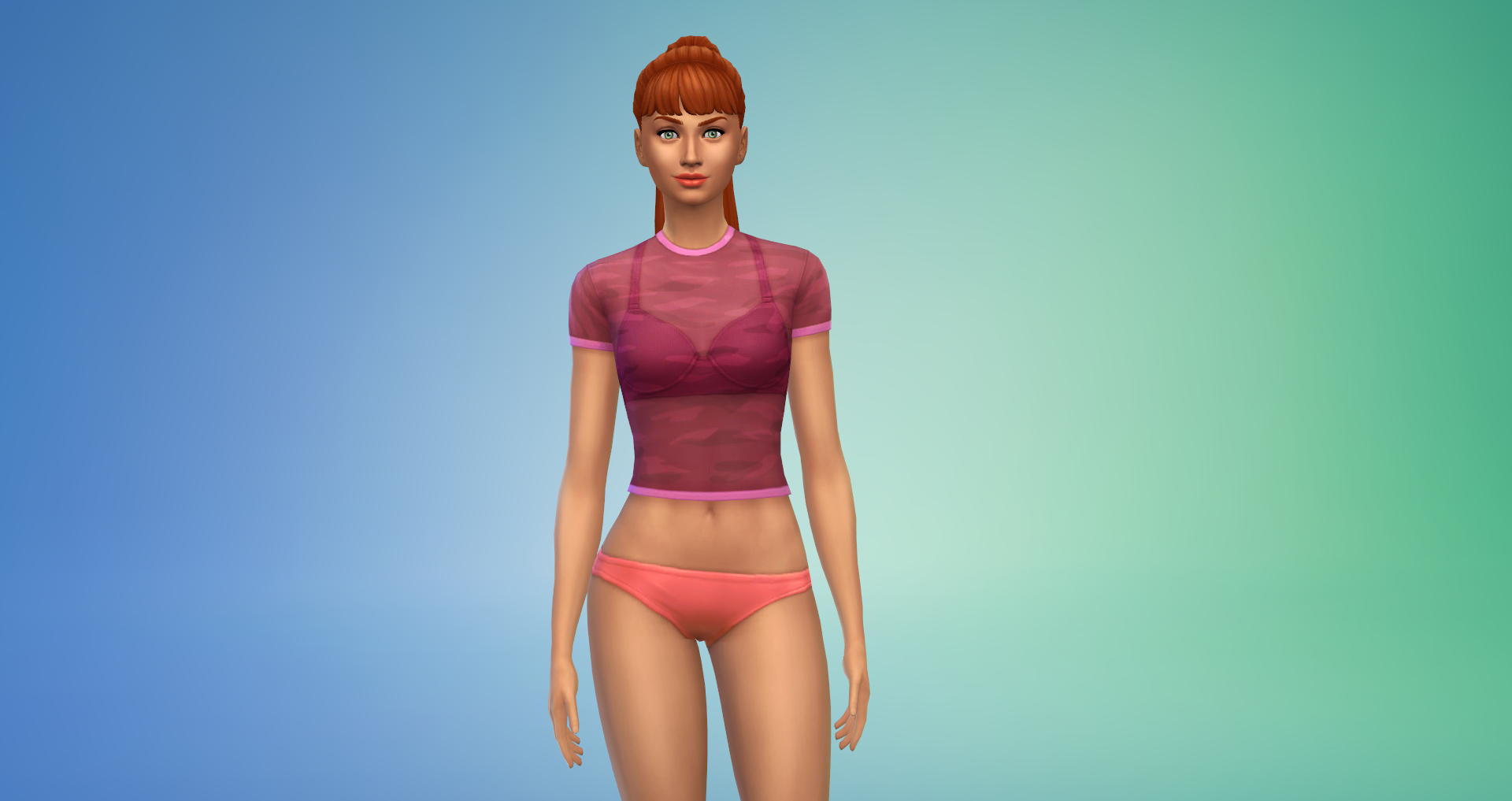
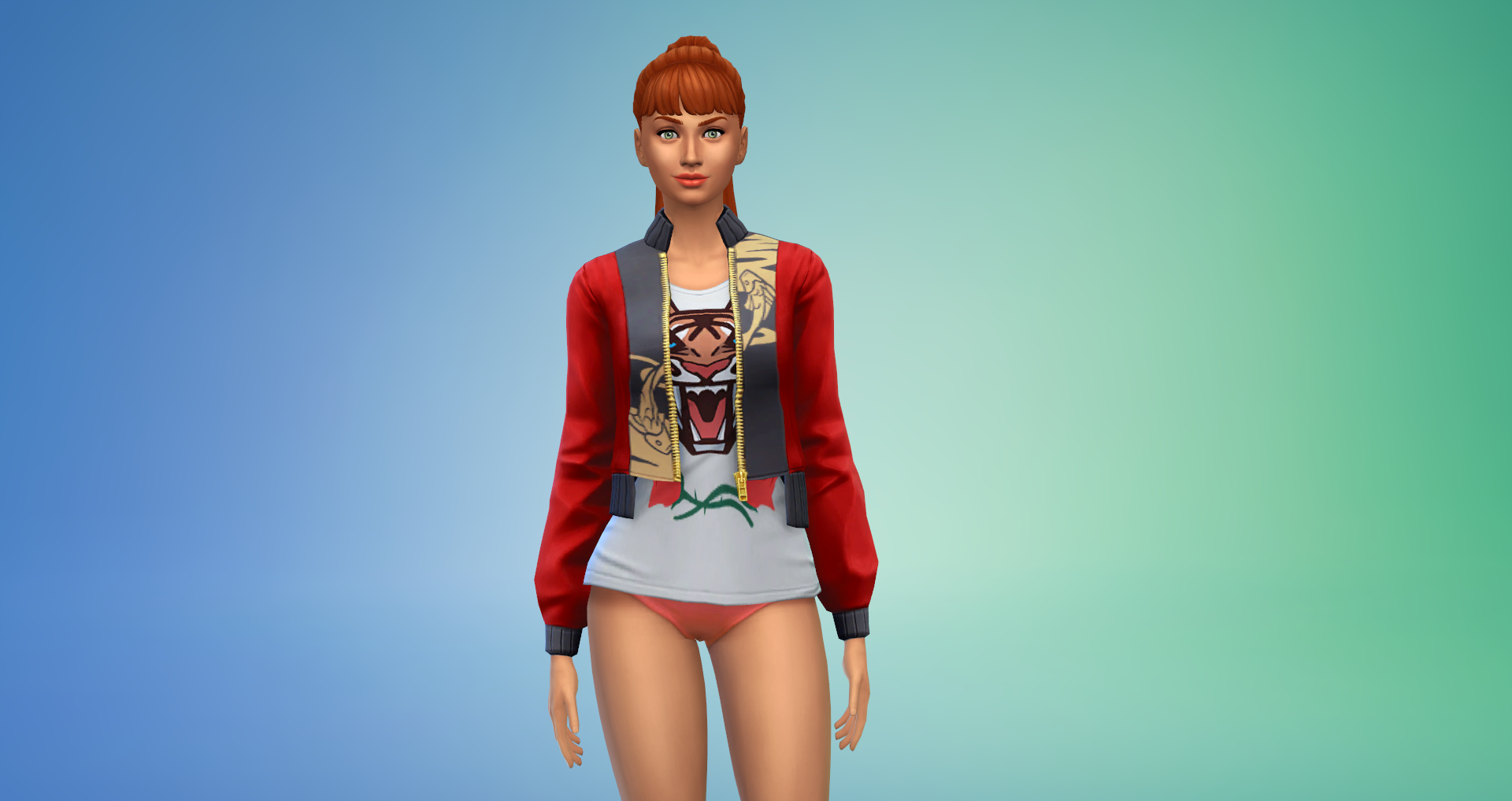
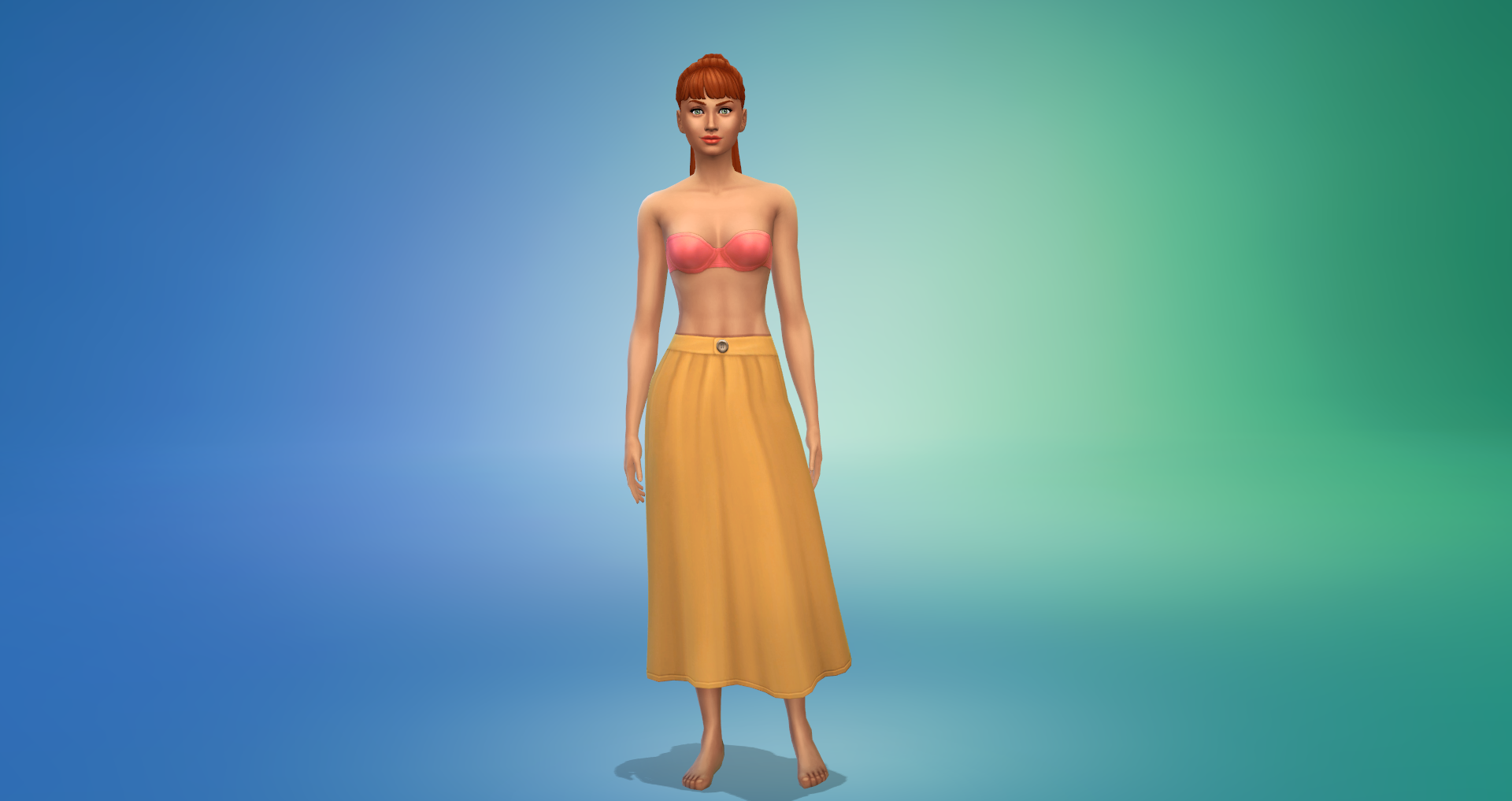
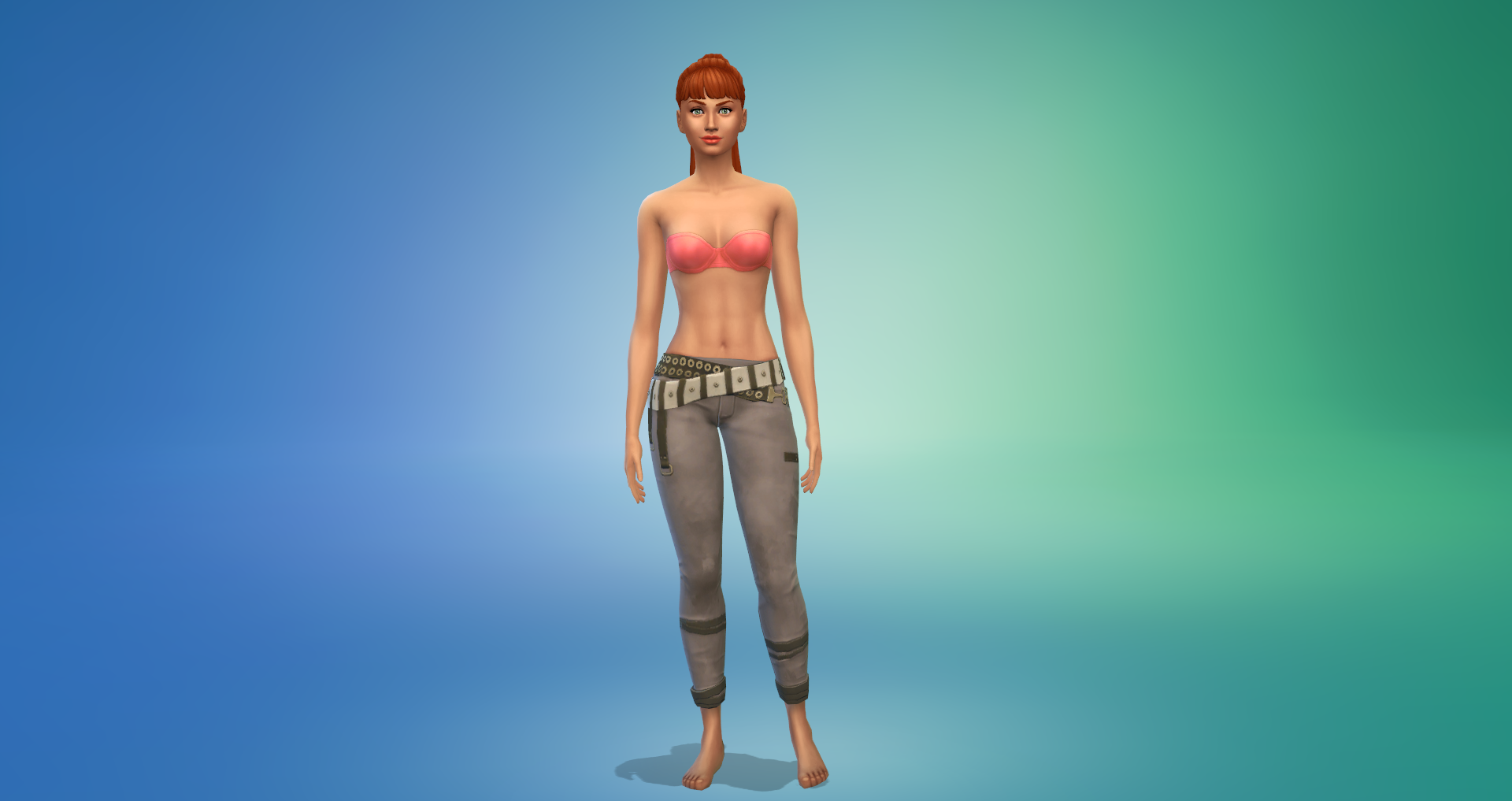
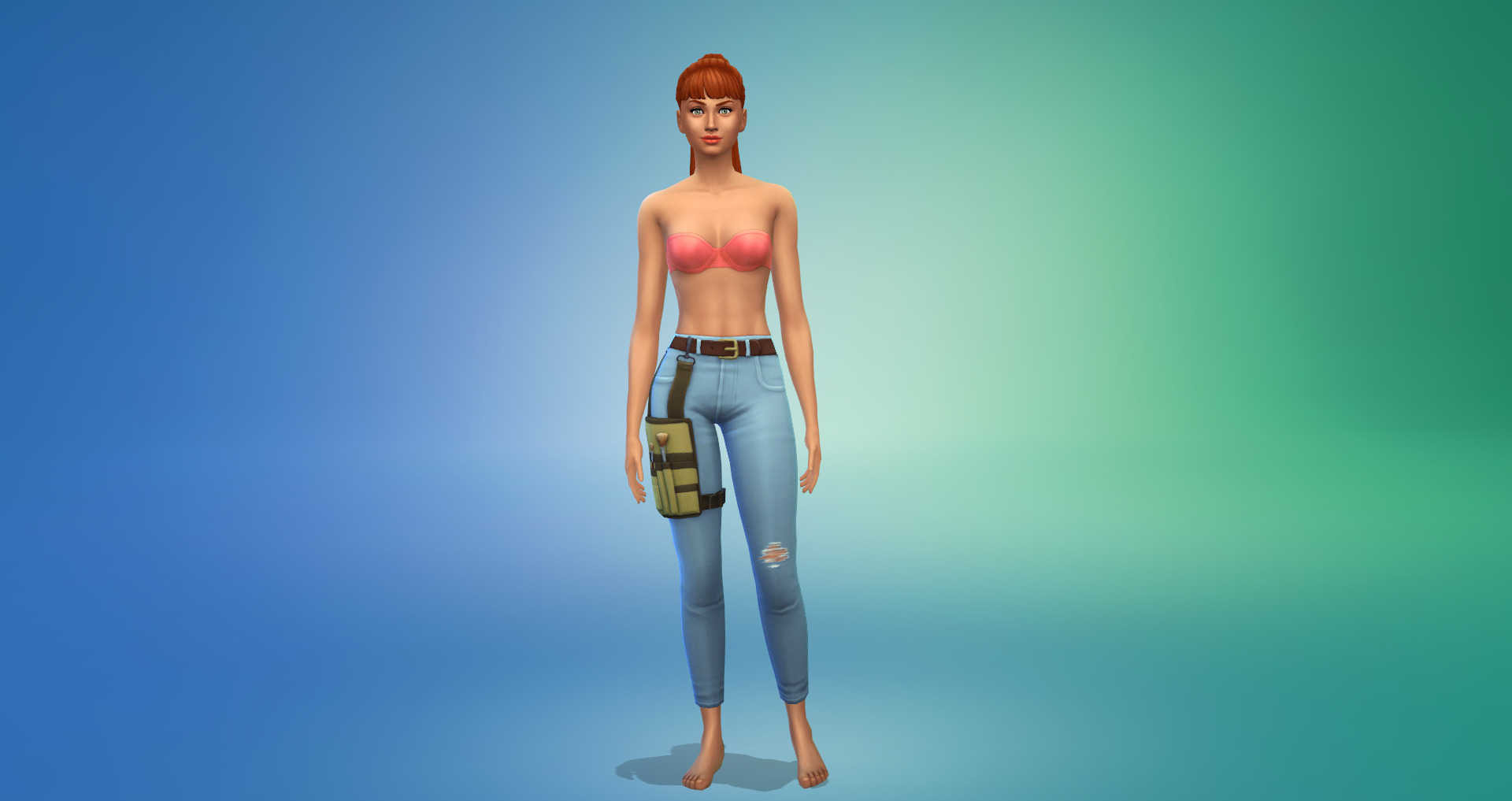
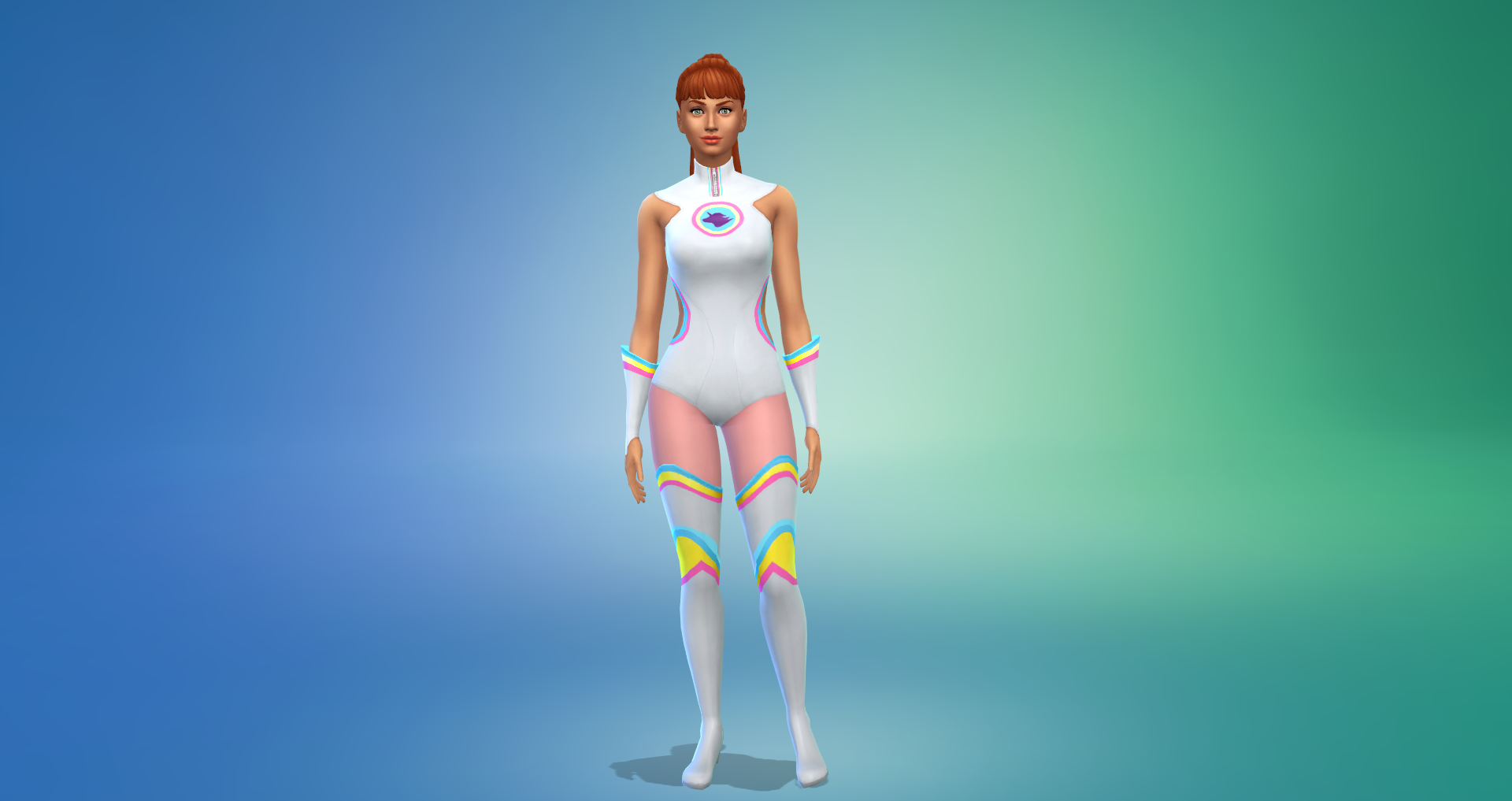
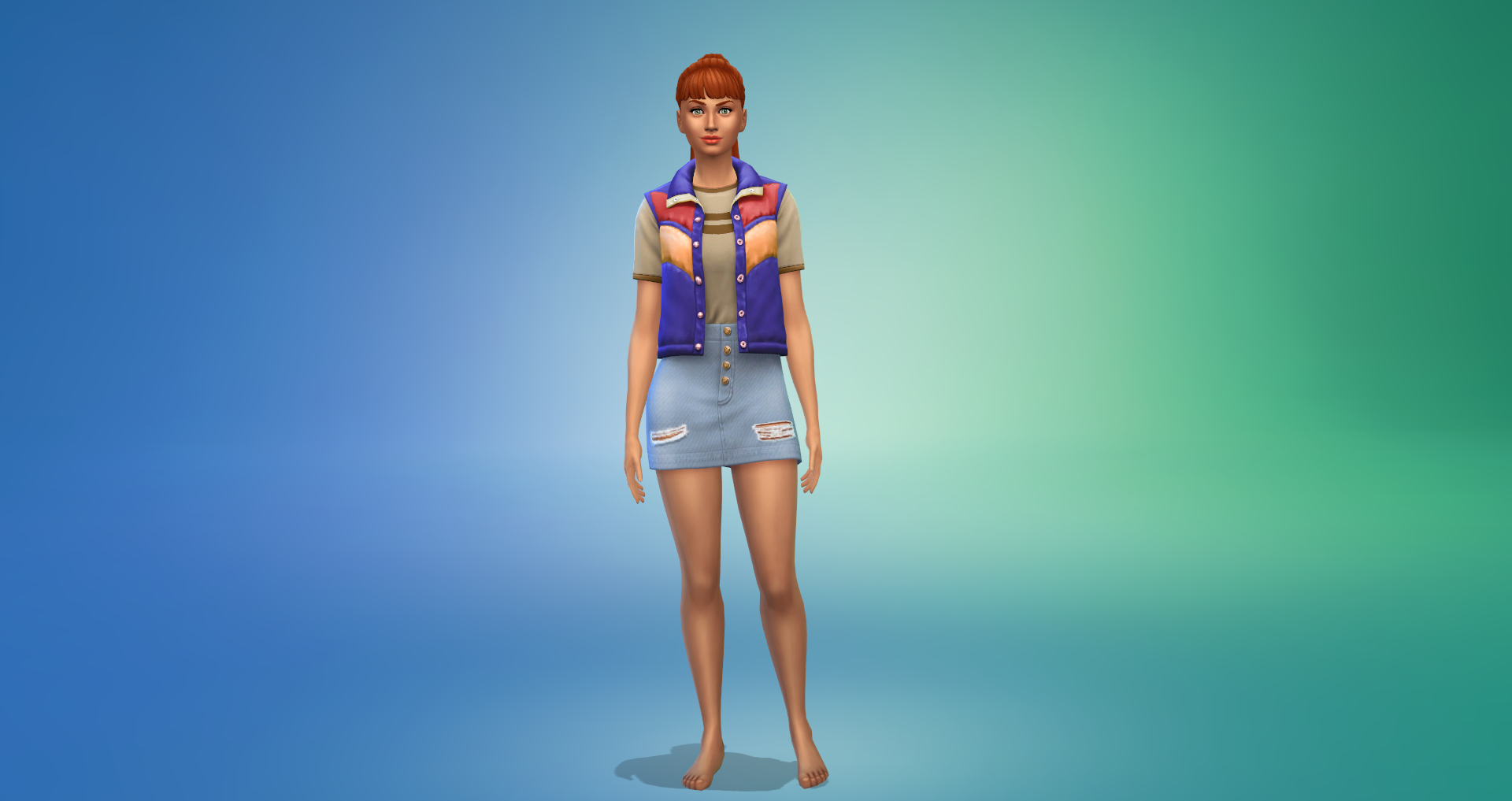
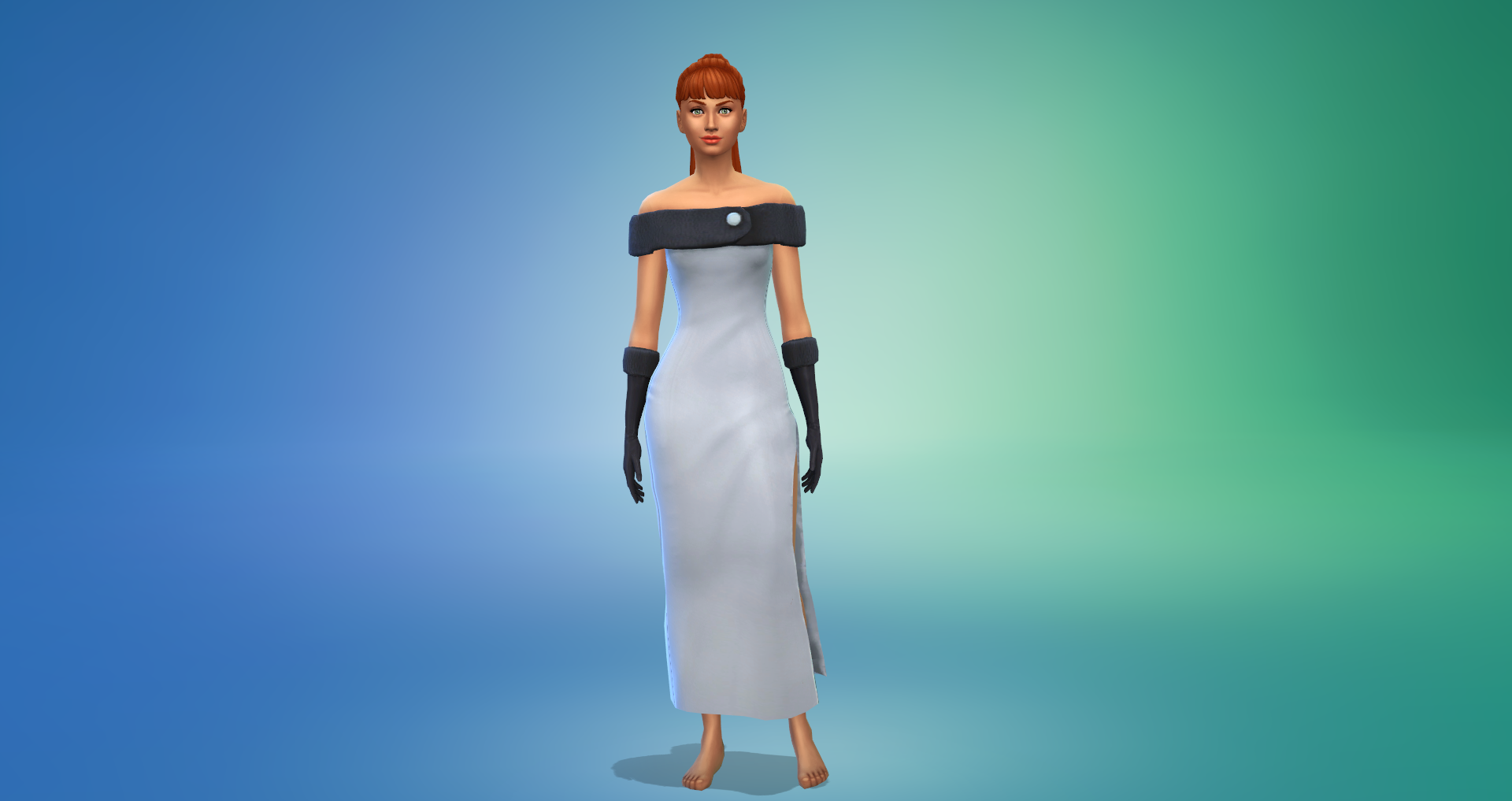
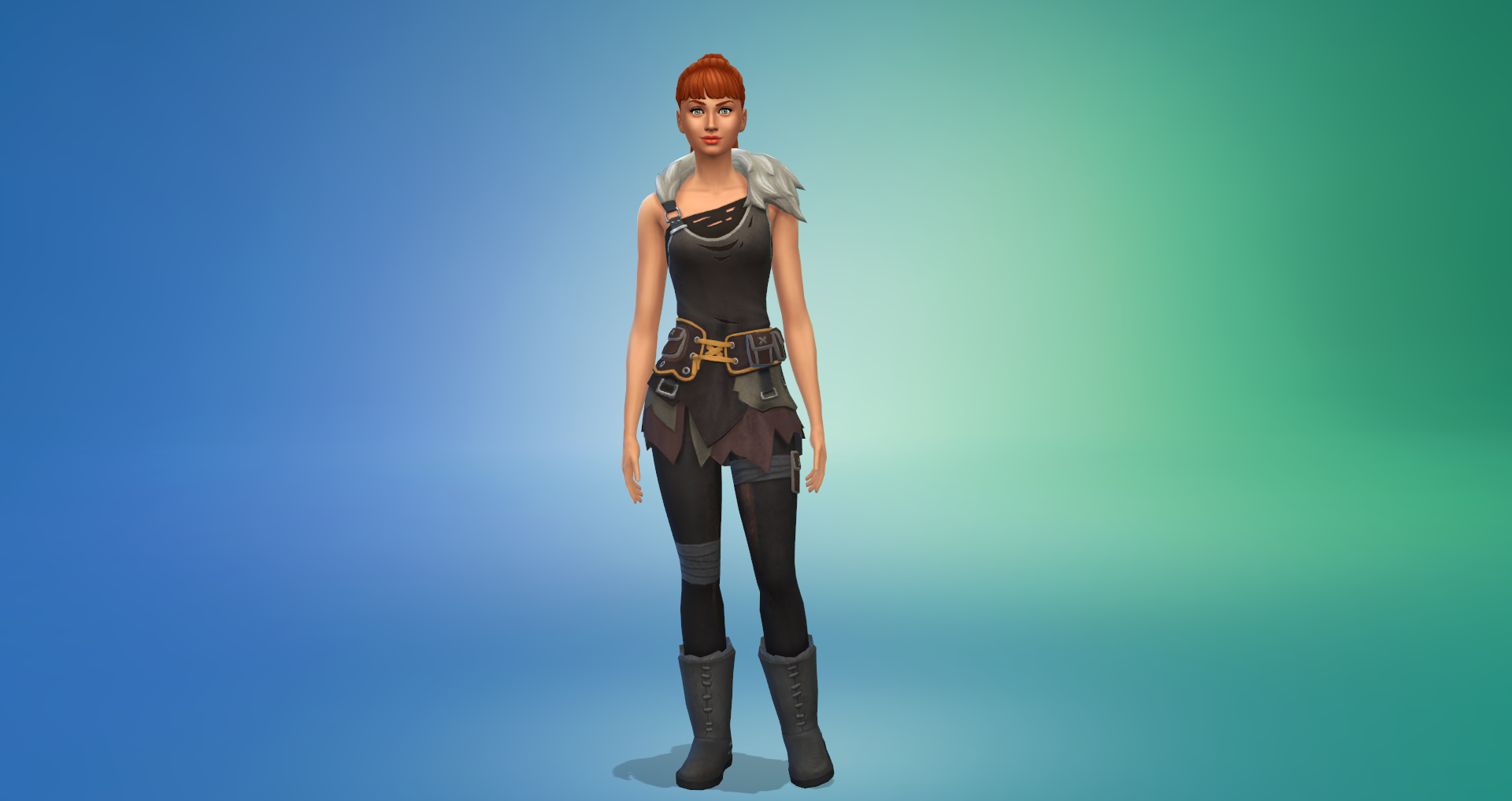
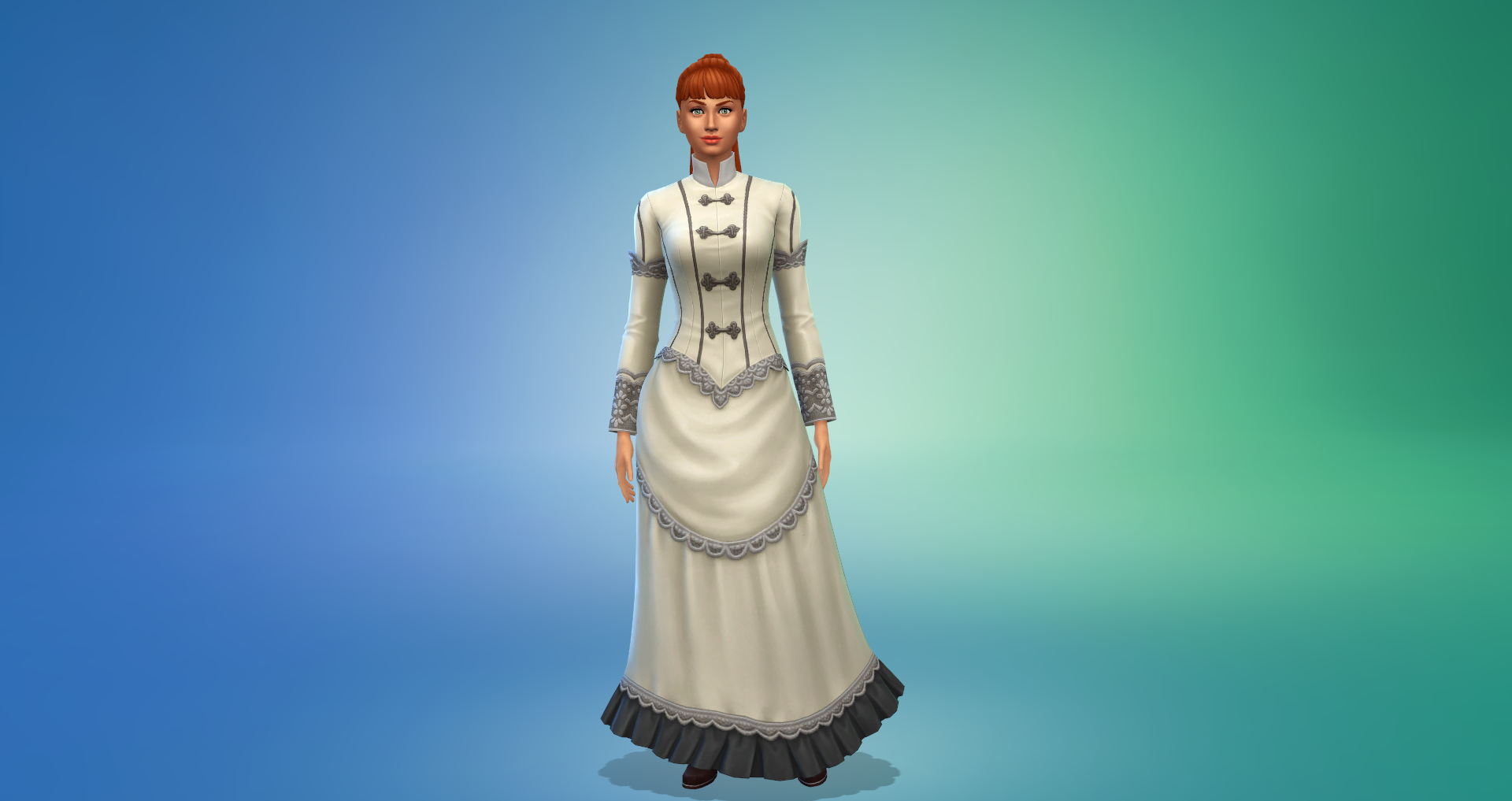
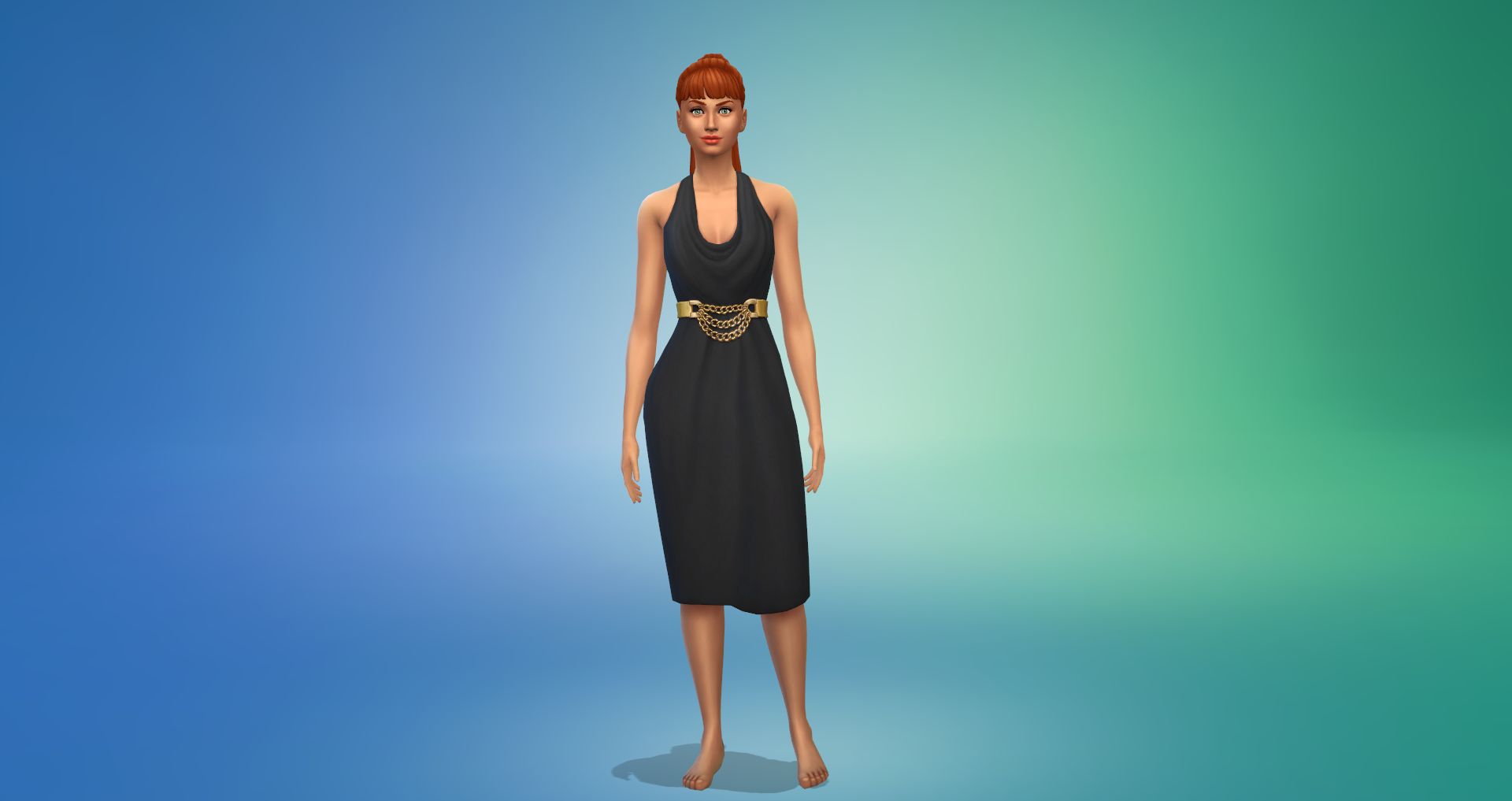
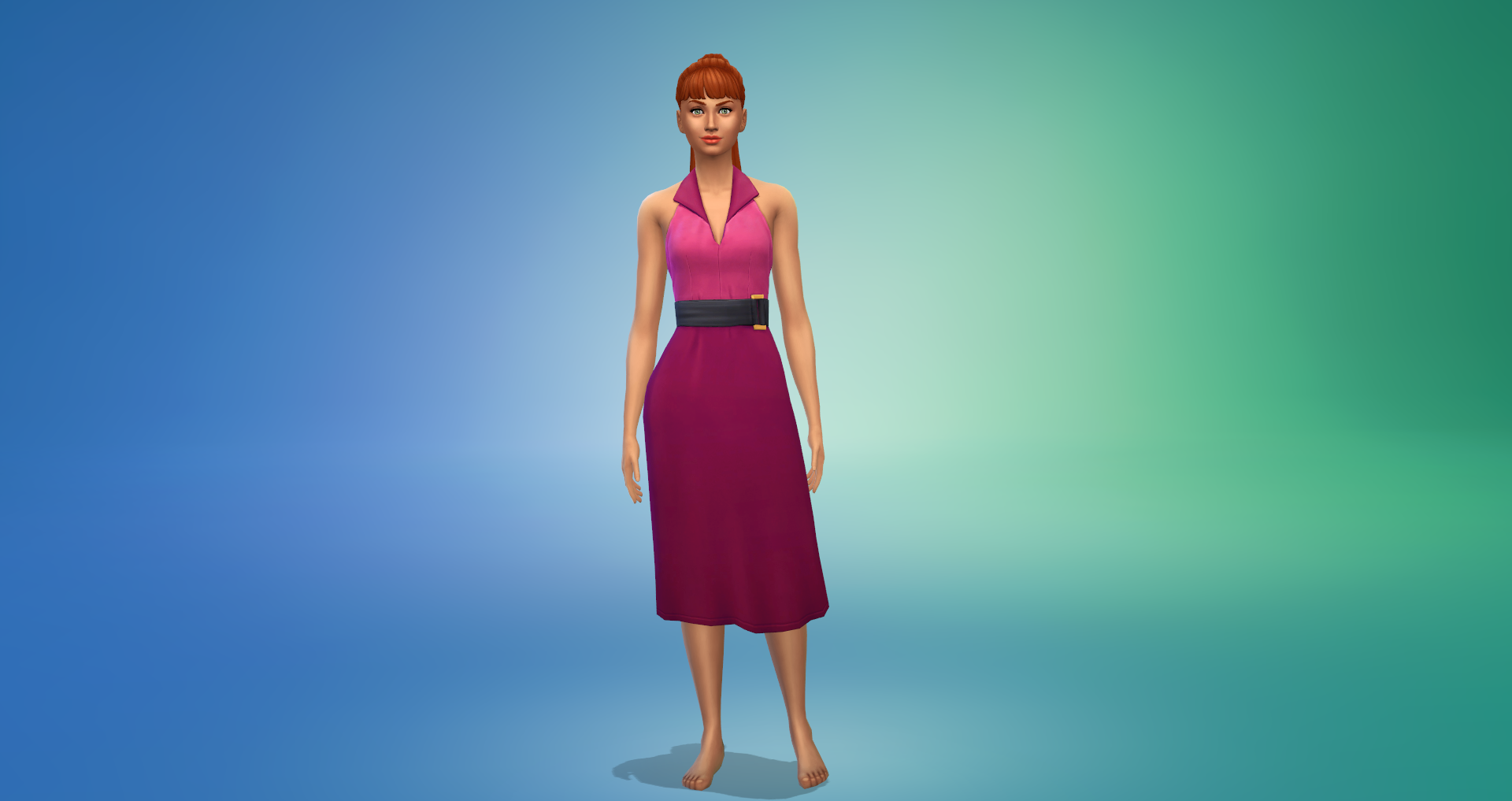
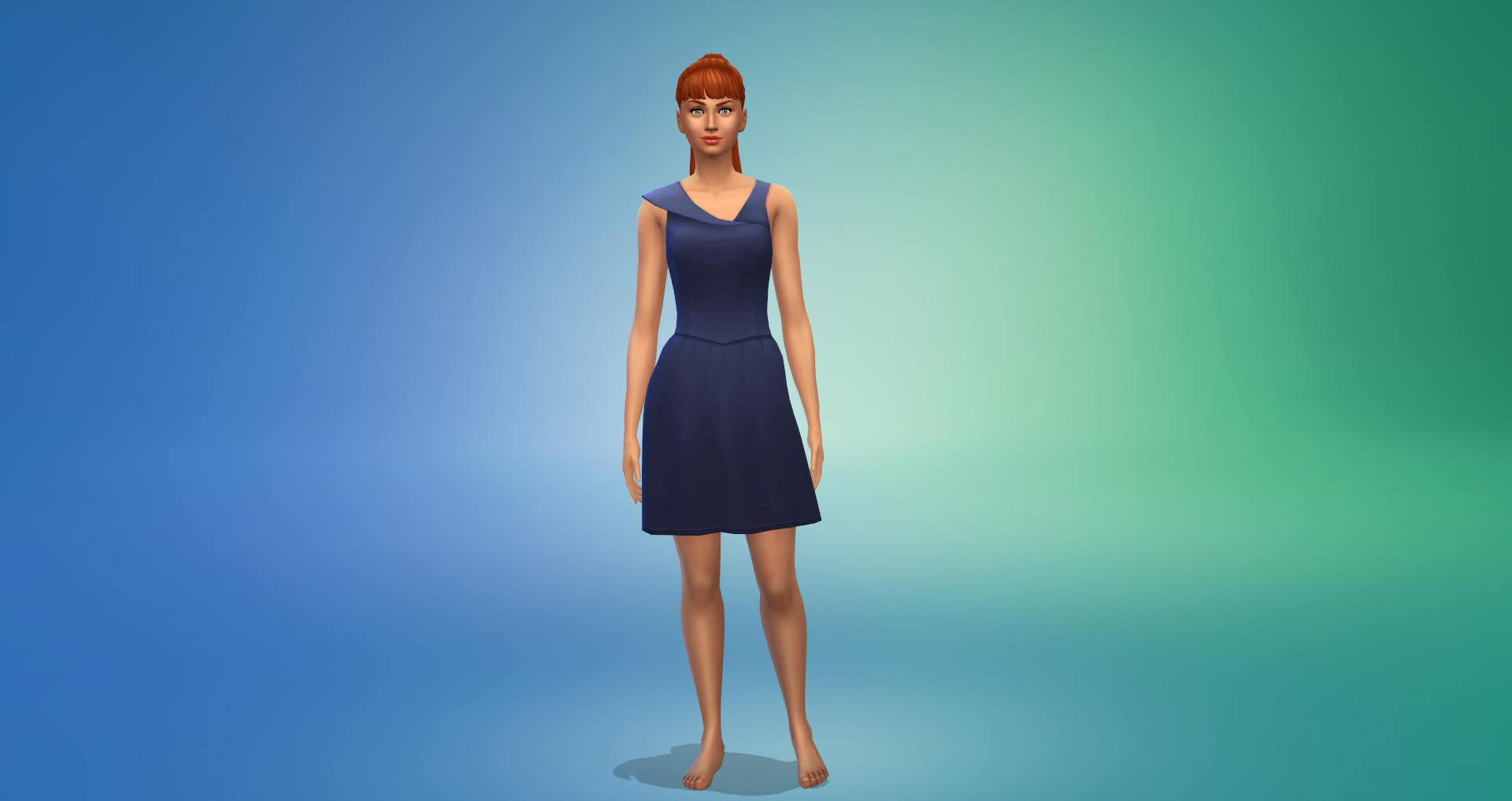
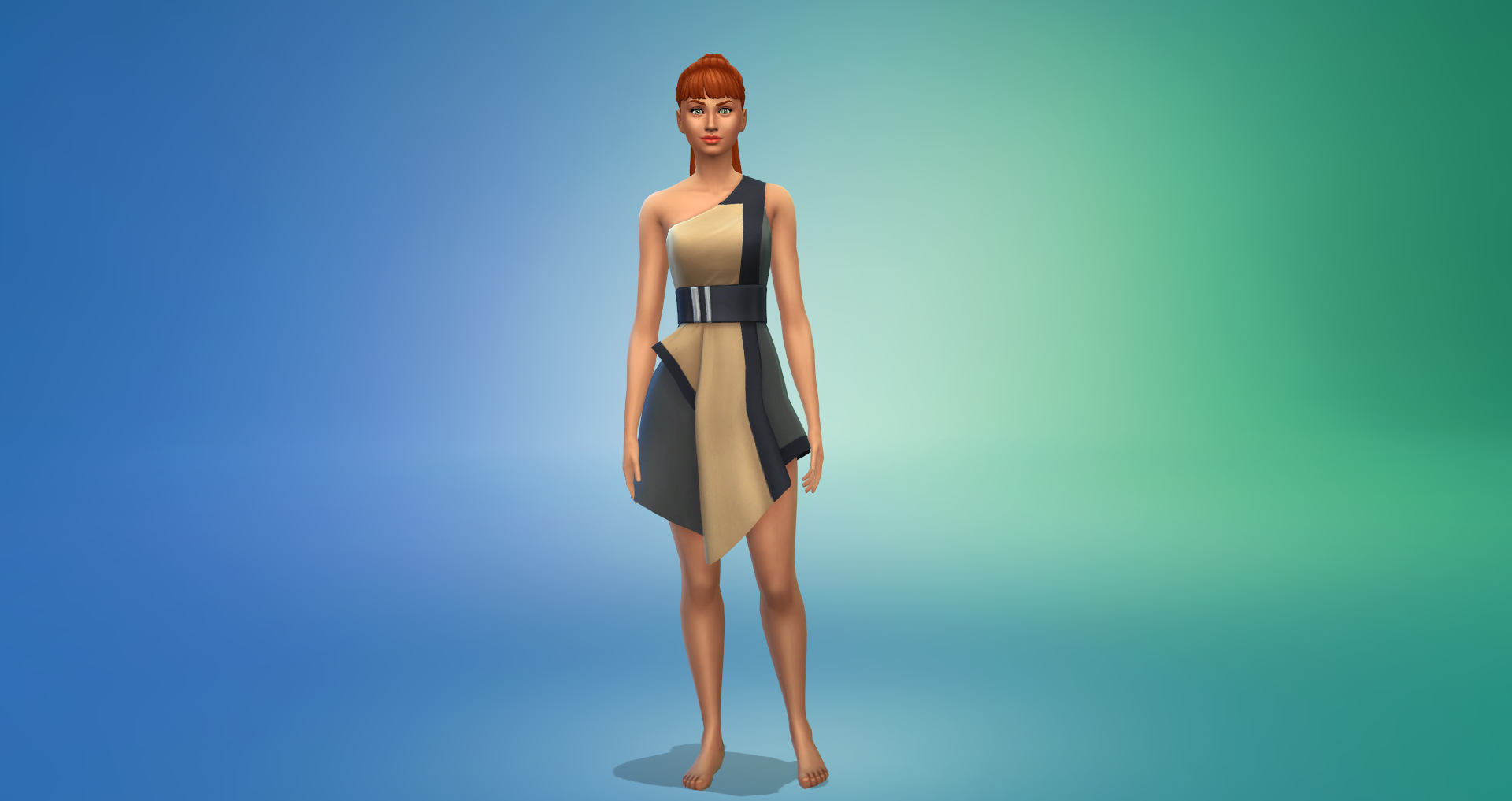
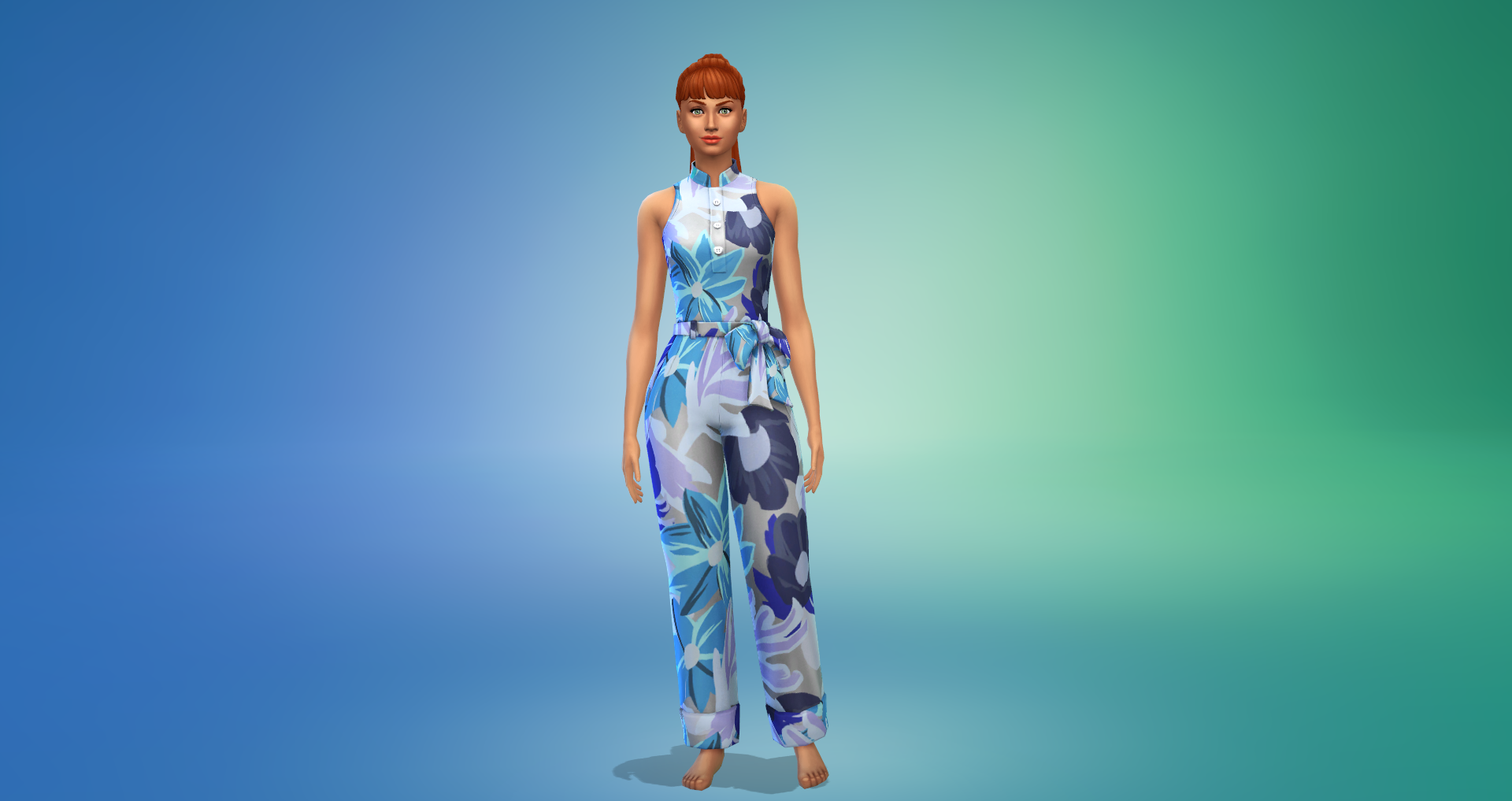
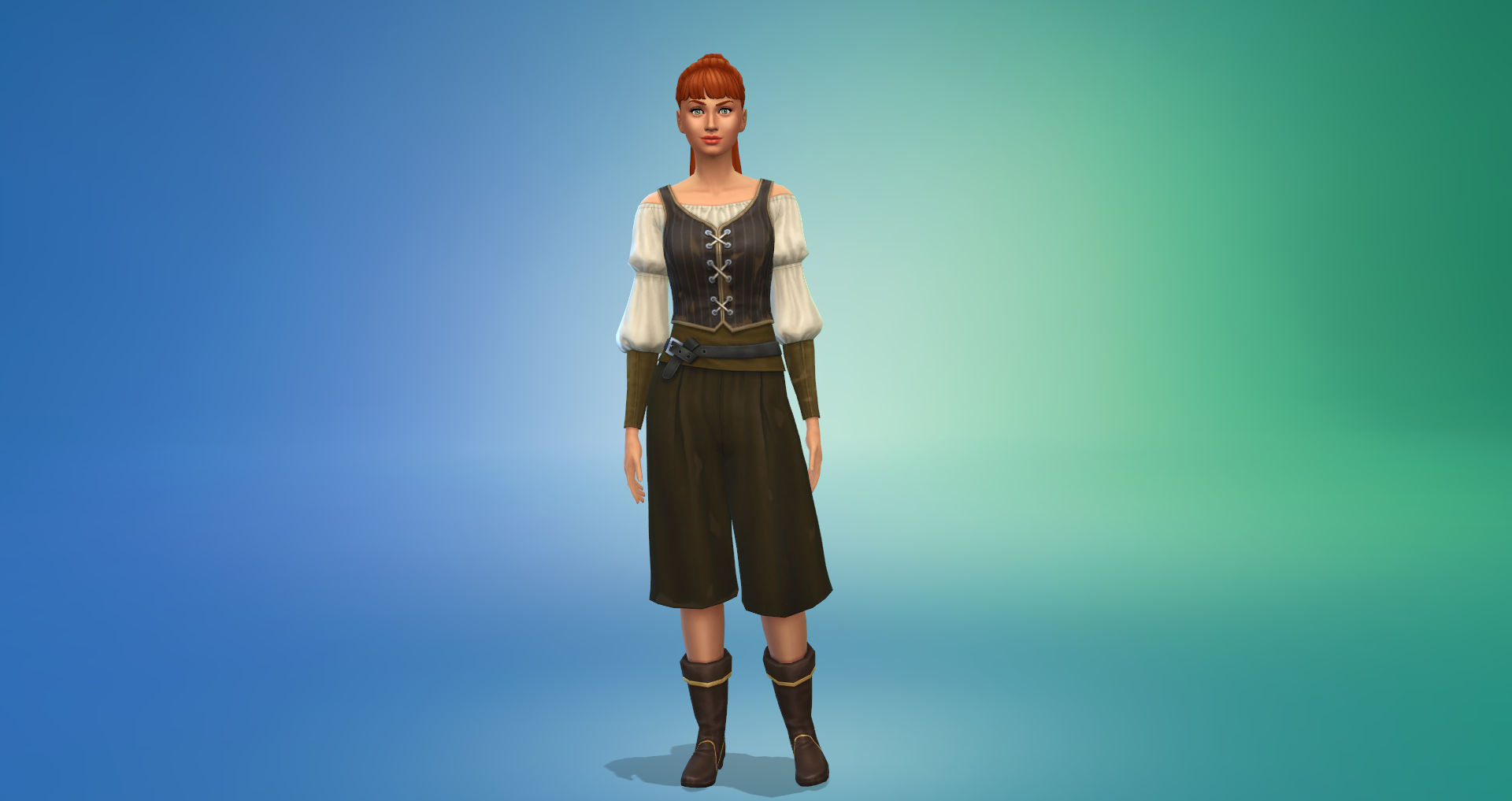
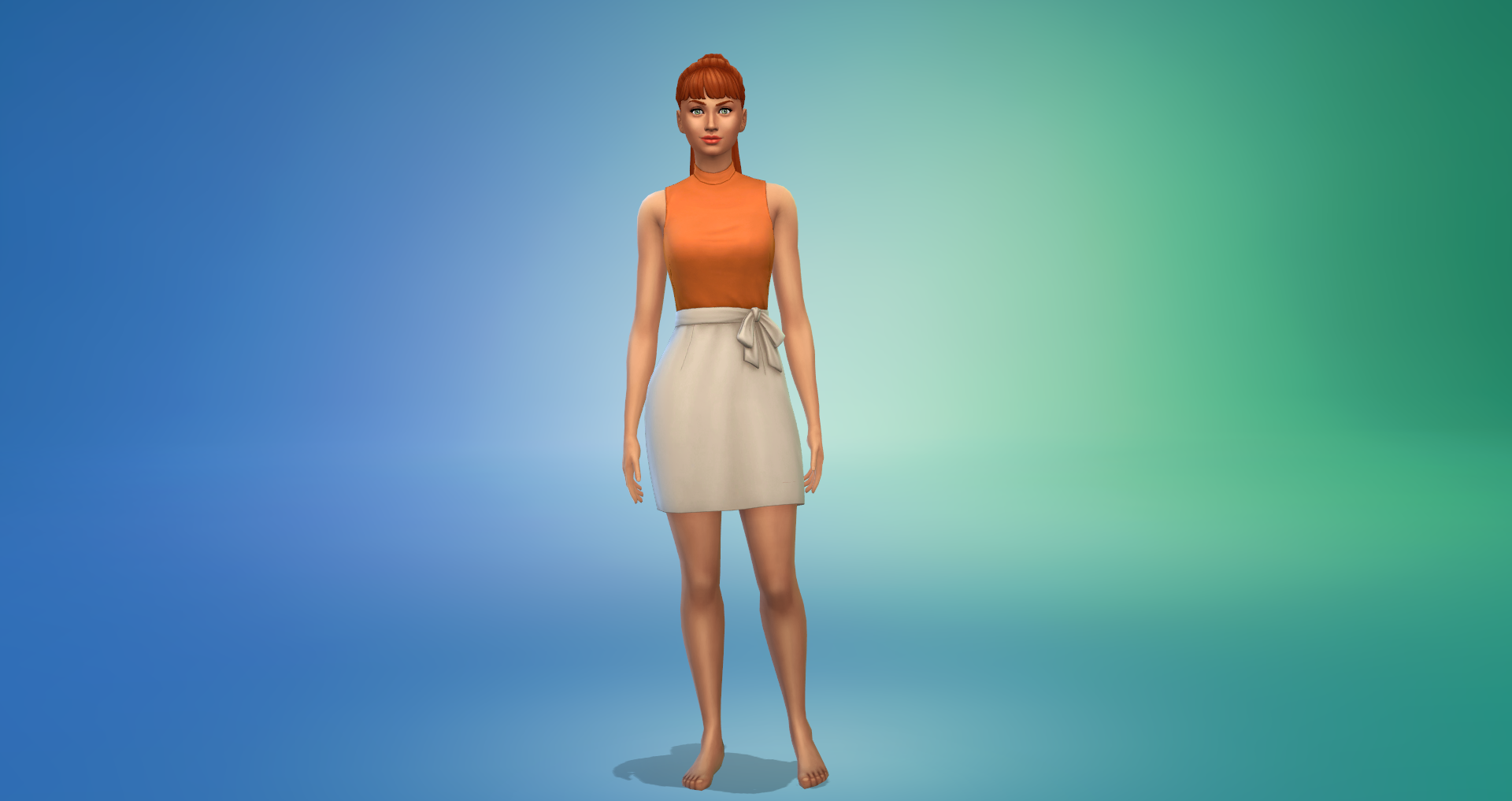
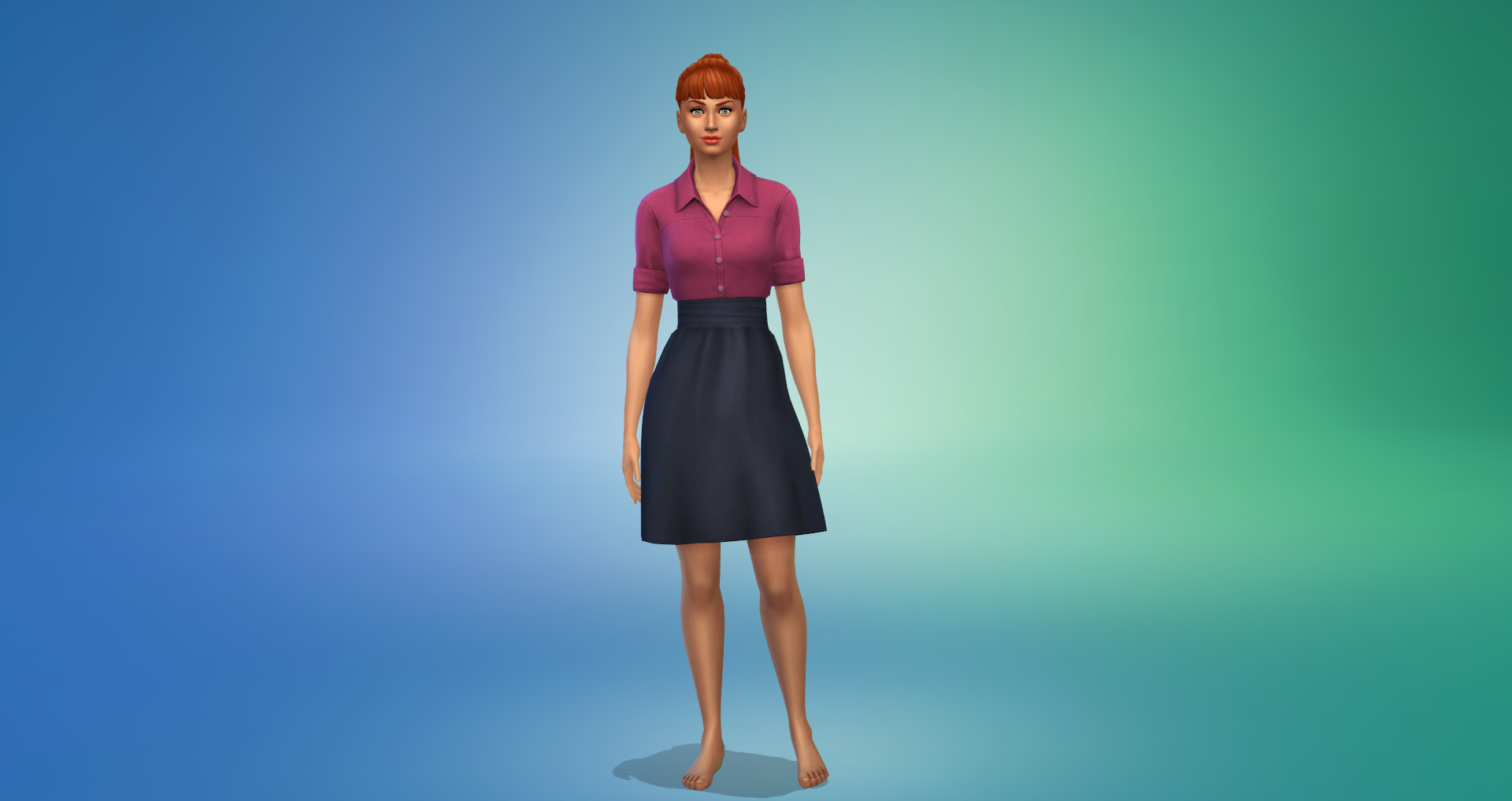
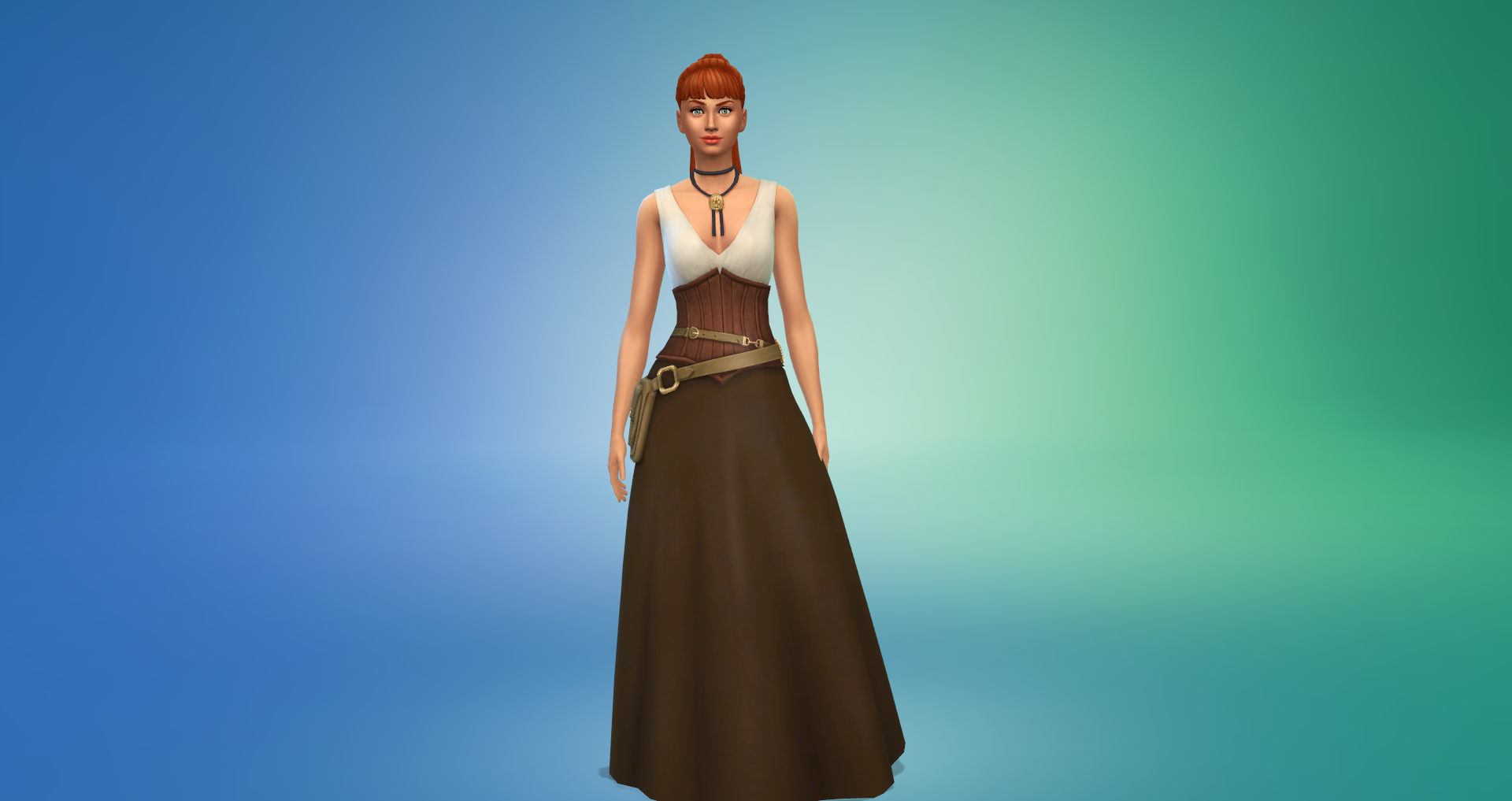
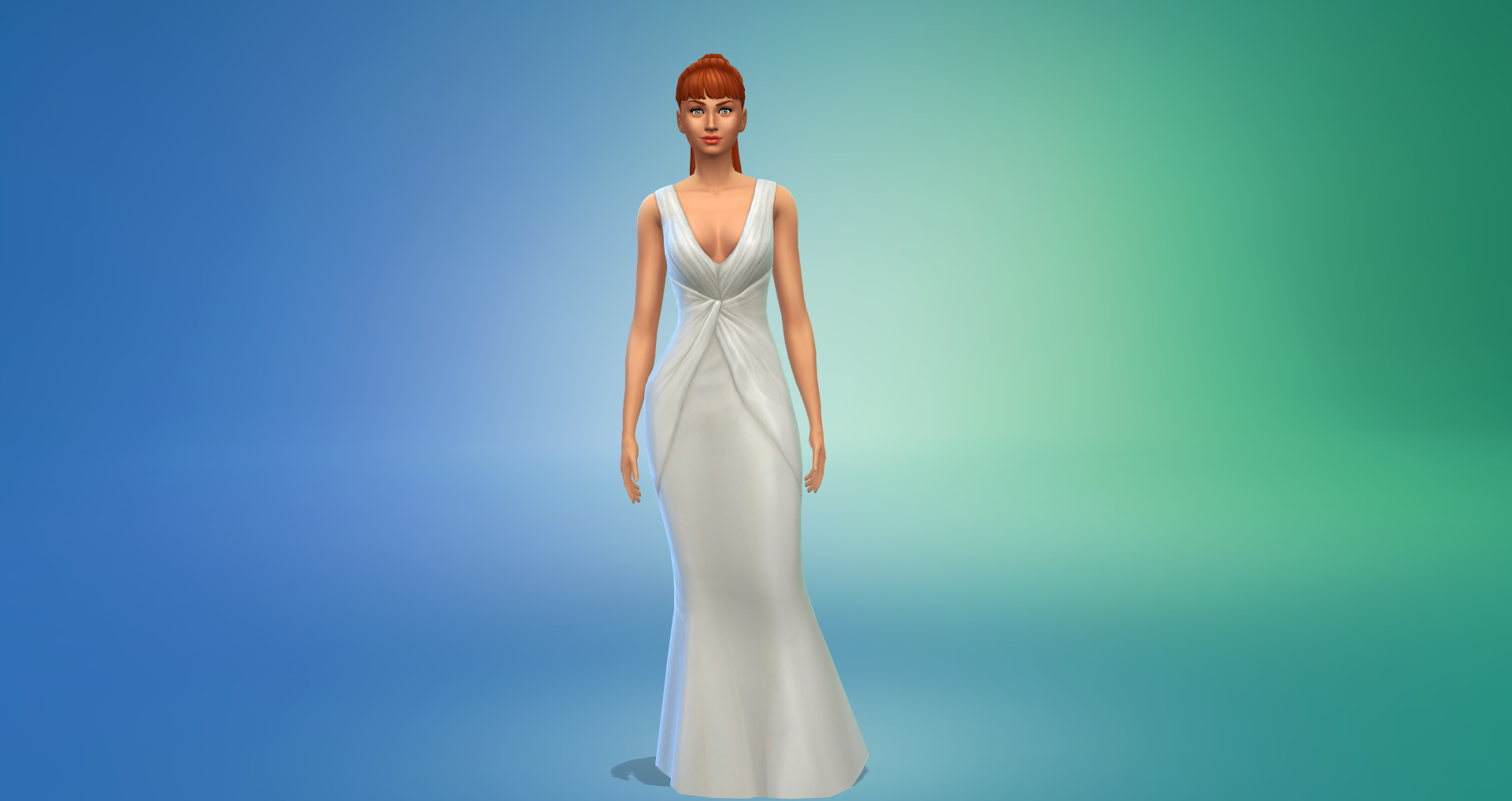
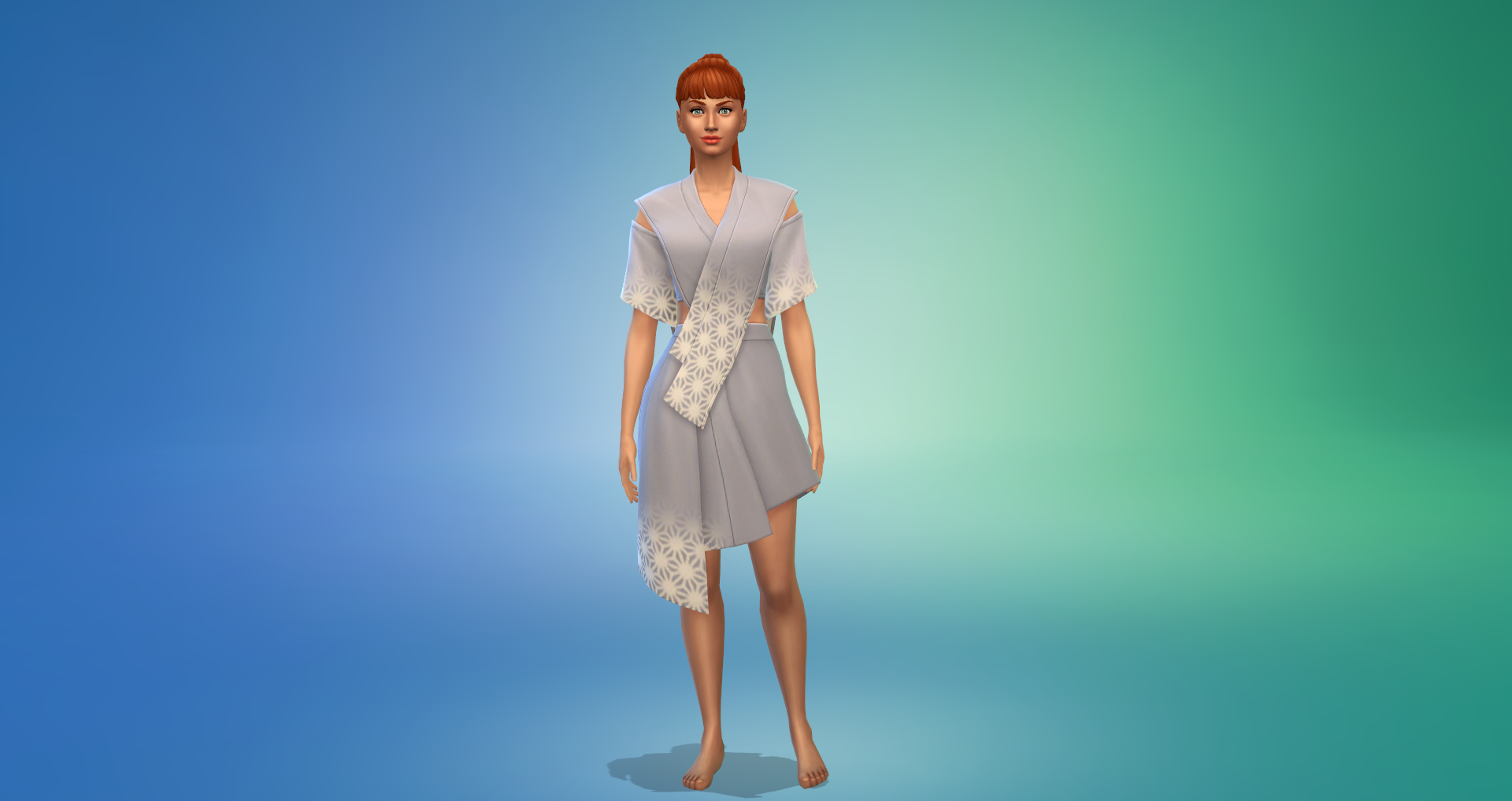
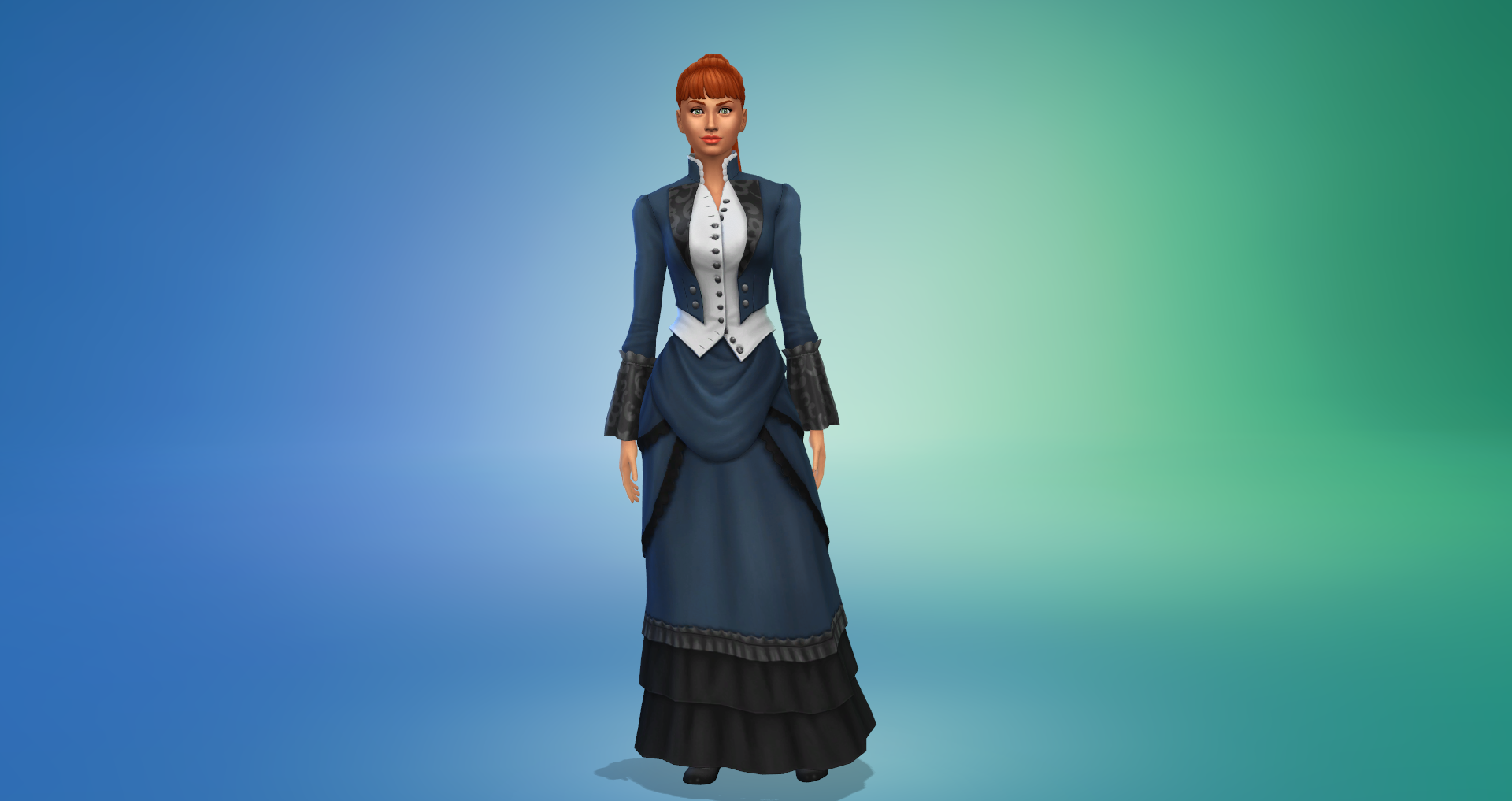
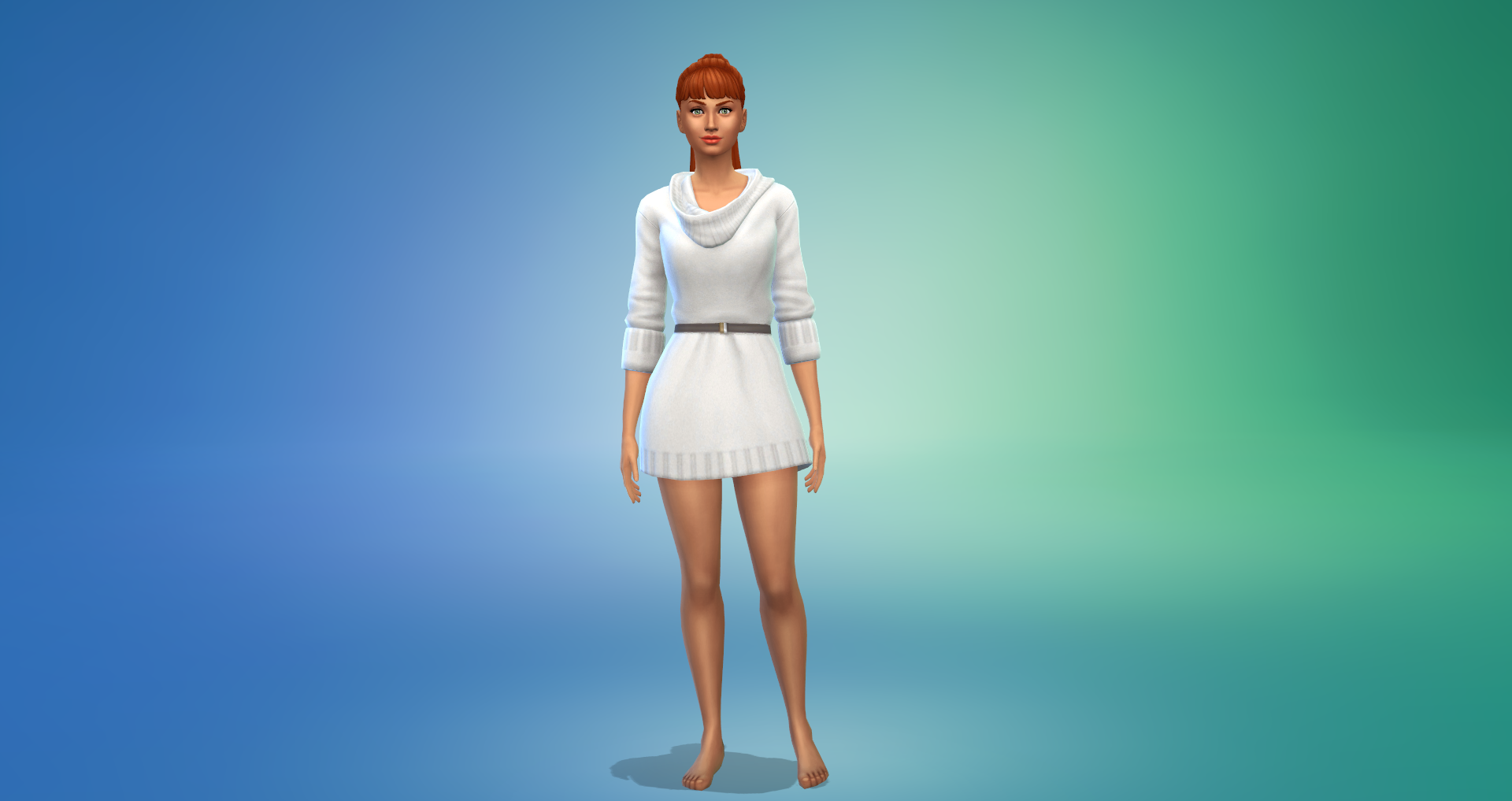
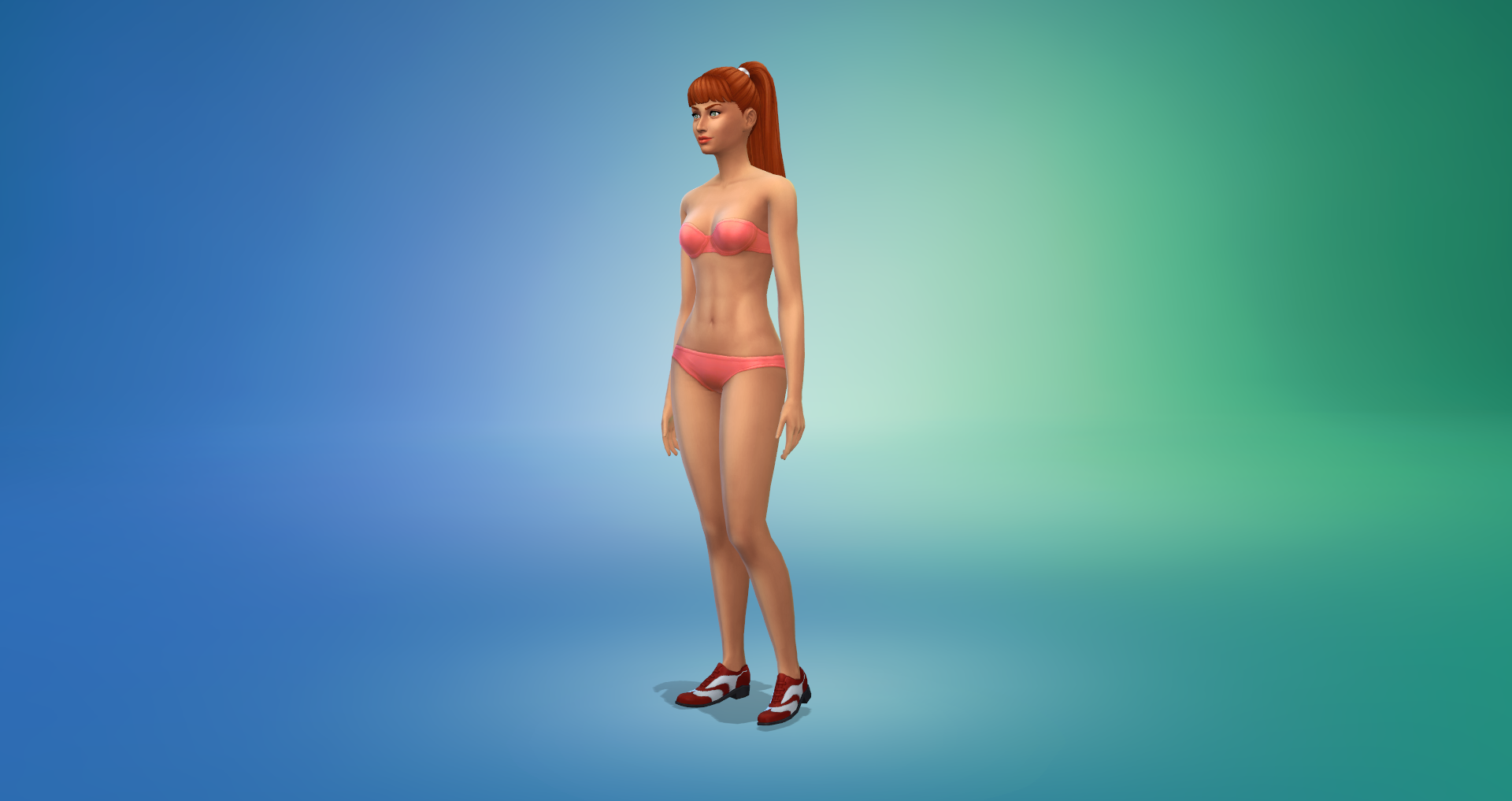
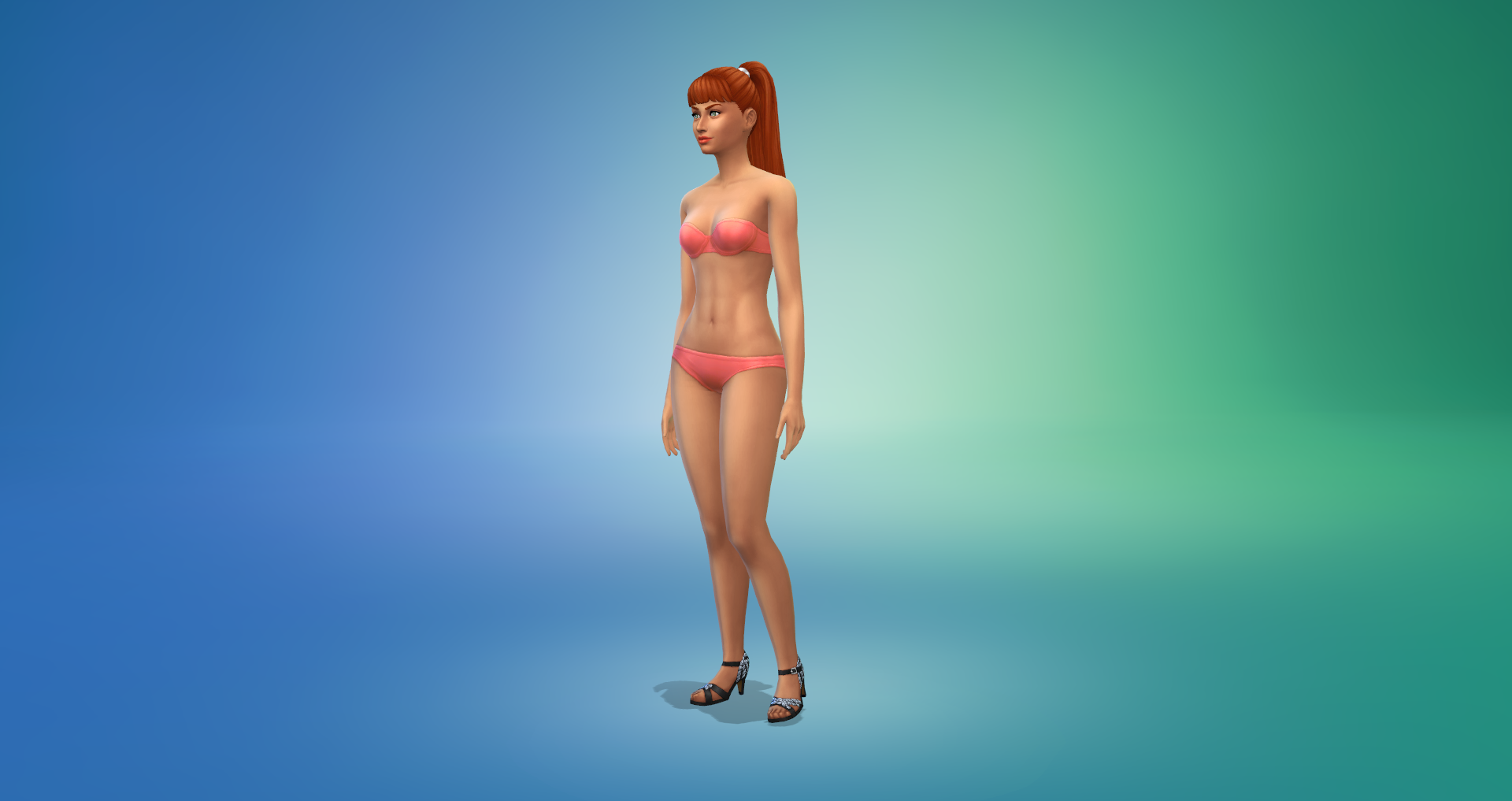
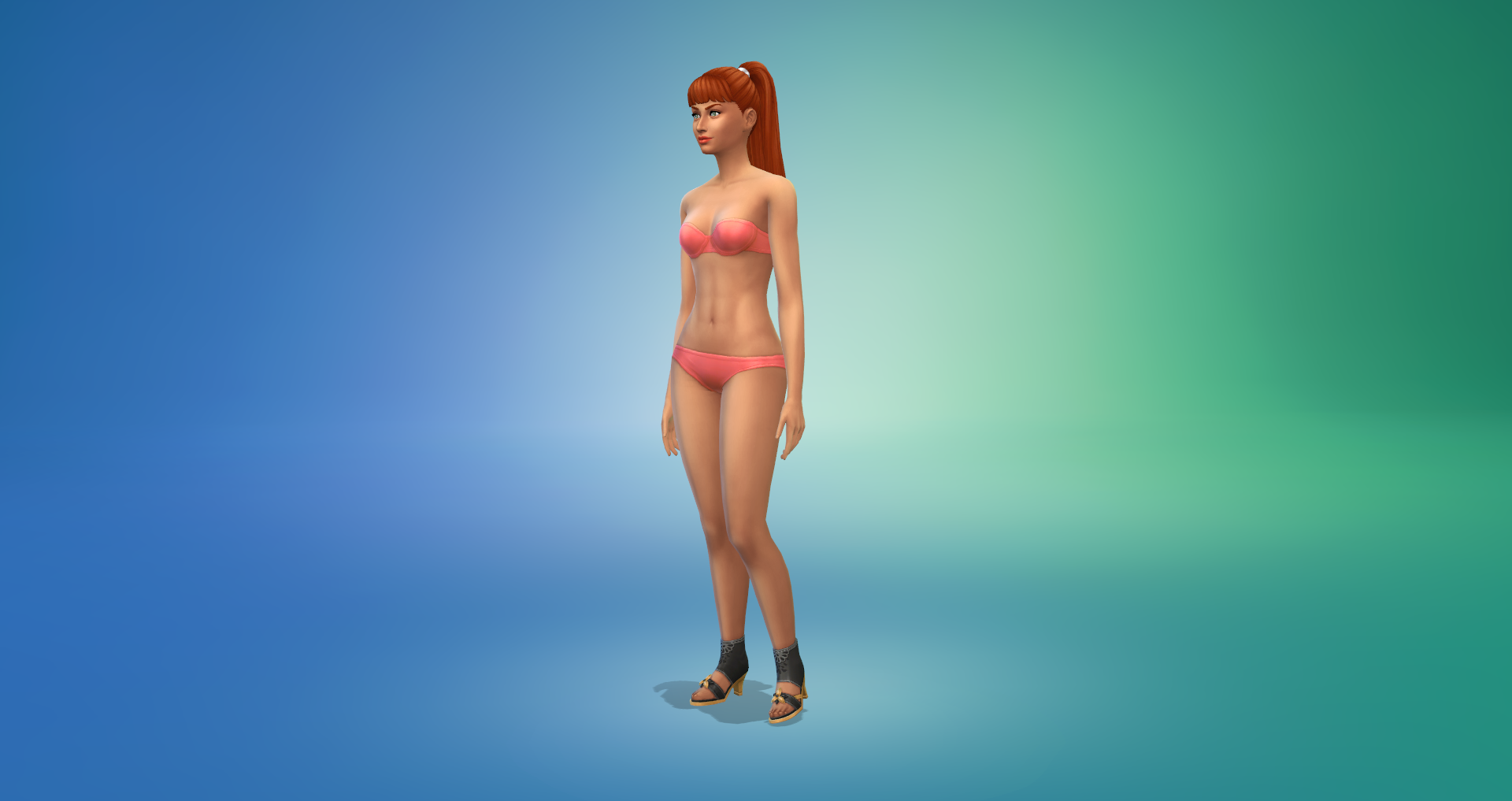
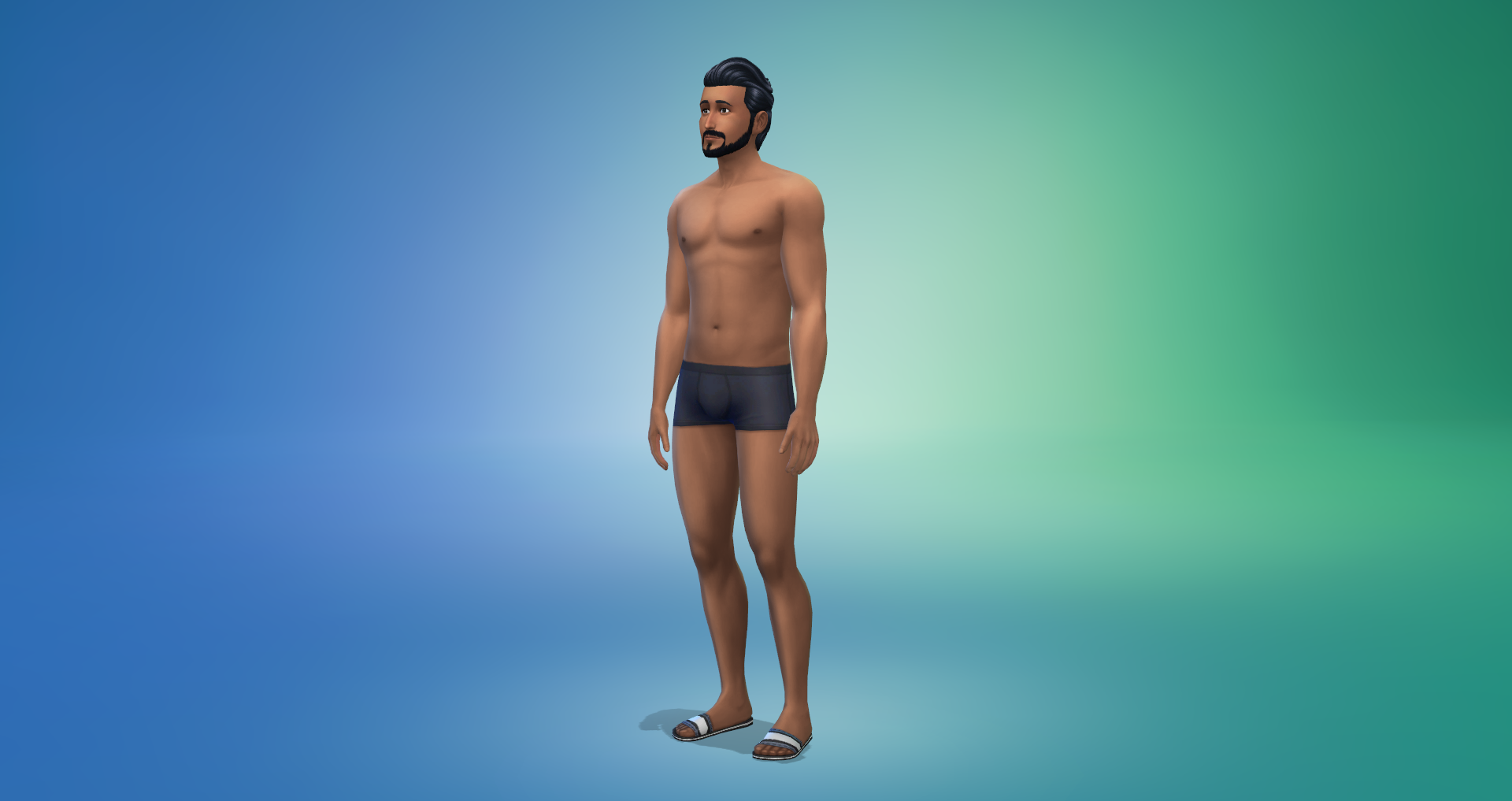
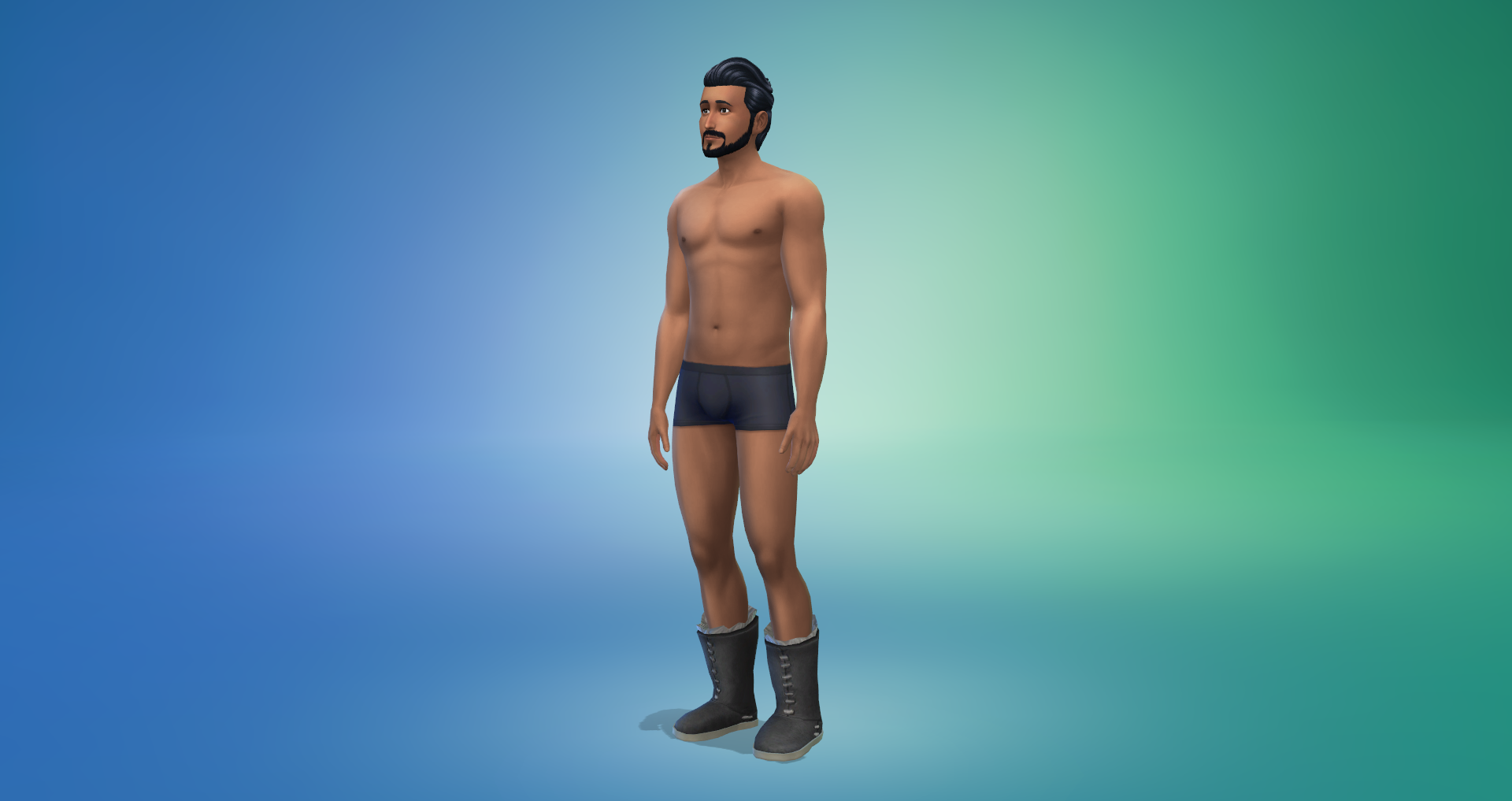
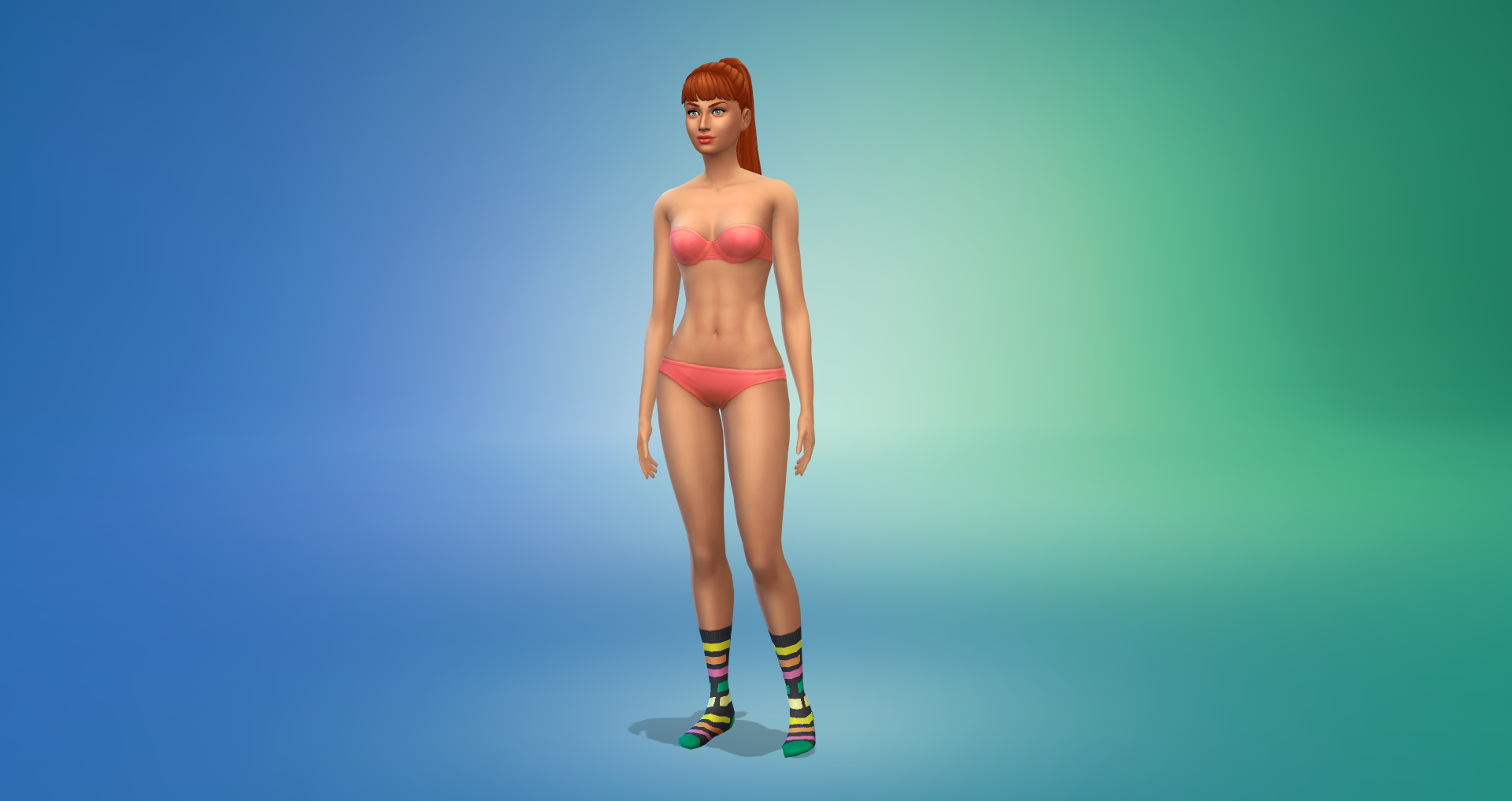
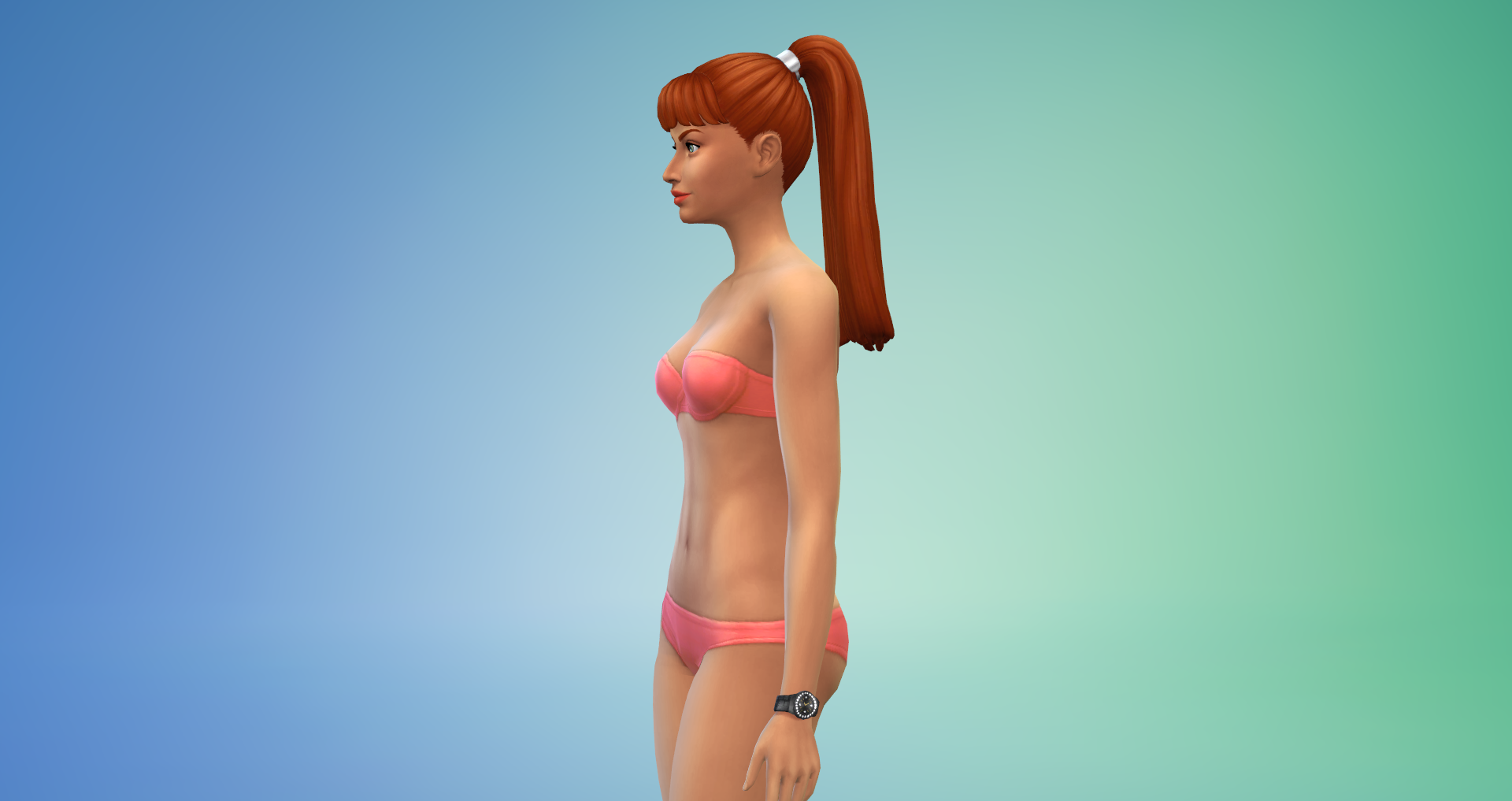
Female Adult/Teen/Elder – 18 Hairstyles and Hats, 11 Tops, 4 Bottoms, 21 Outfits, 5 Pairs of Shoes, 6 Accessories, 2 Teeth Styles, 2 Facial Details, 1 Face Paint, 24 Scars
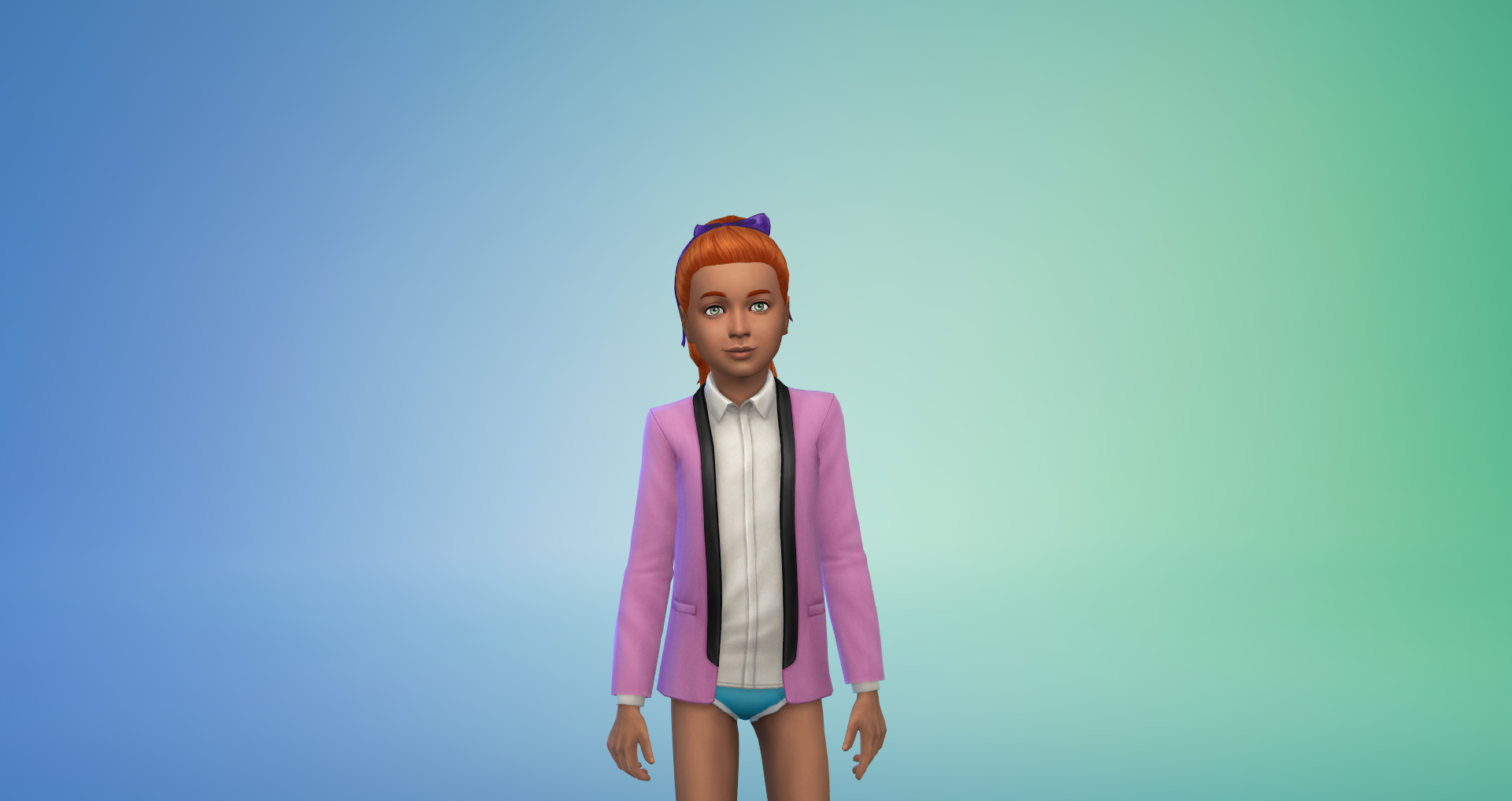
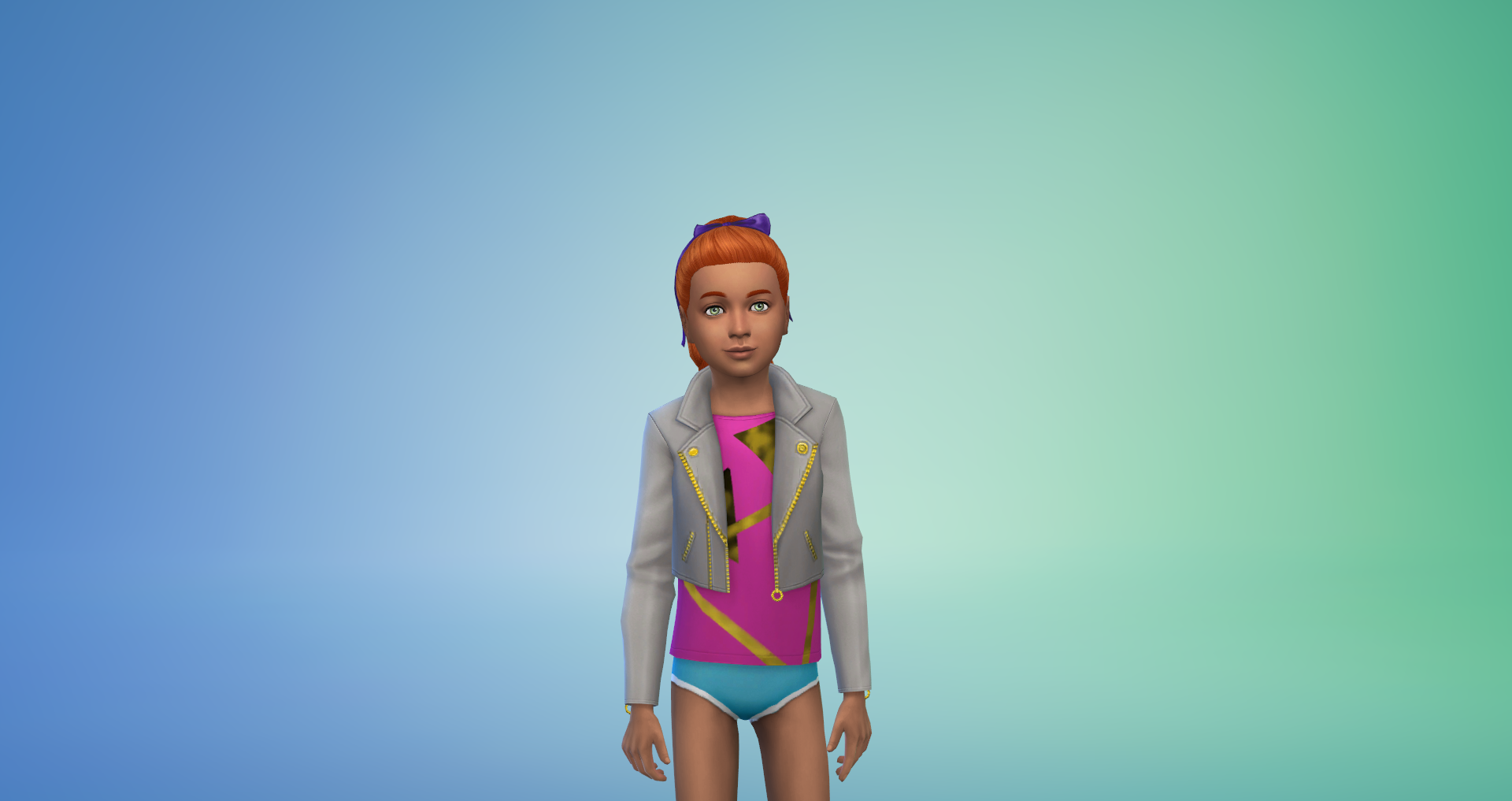
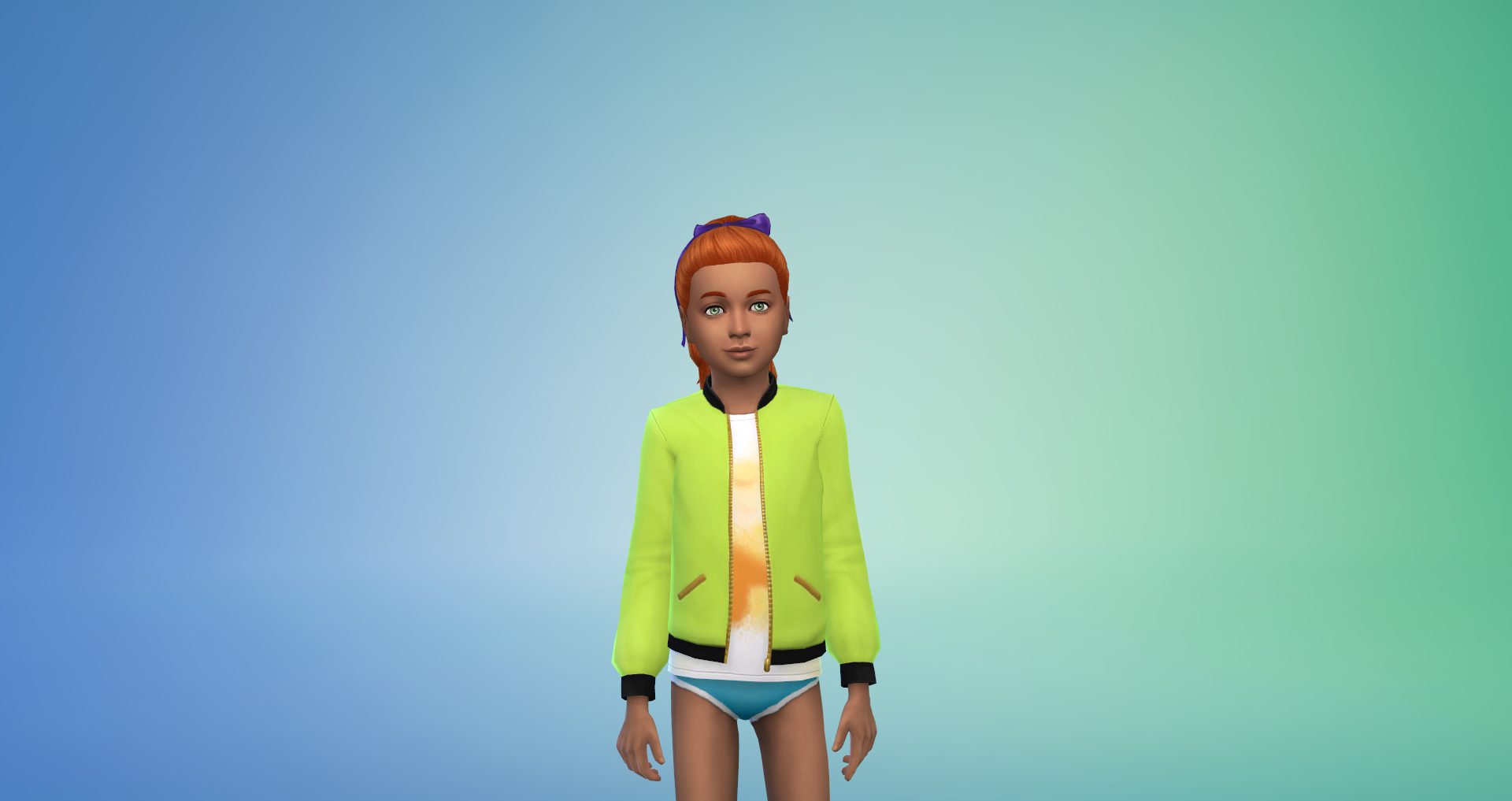
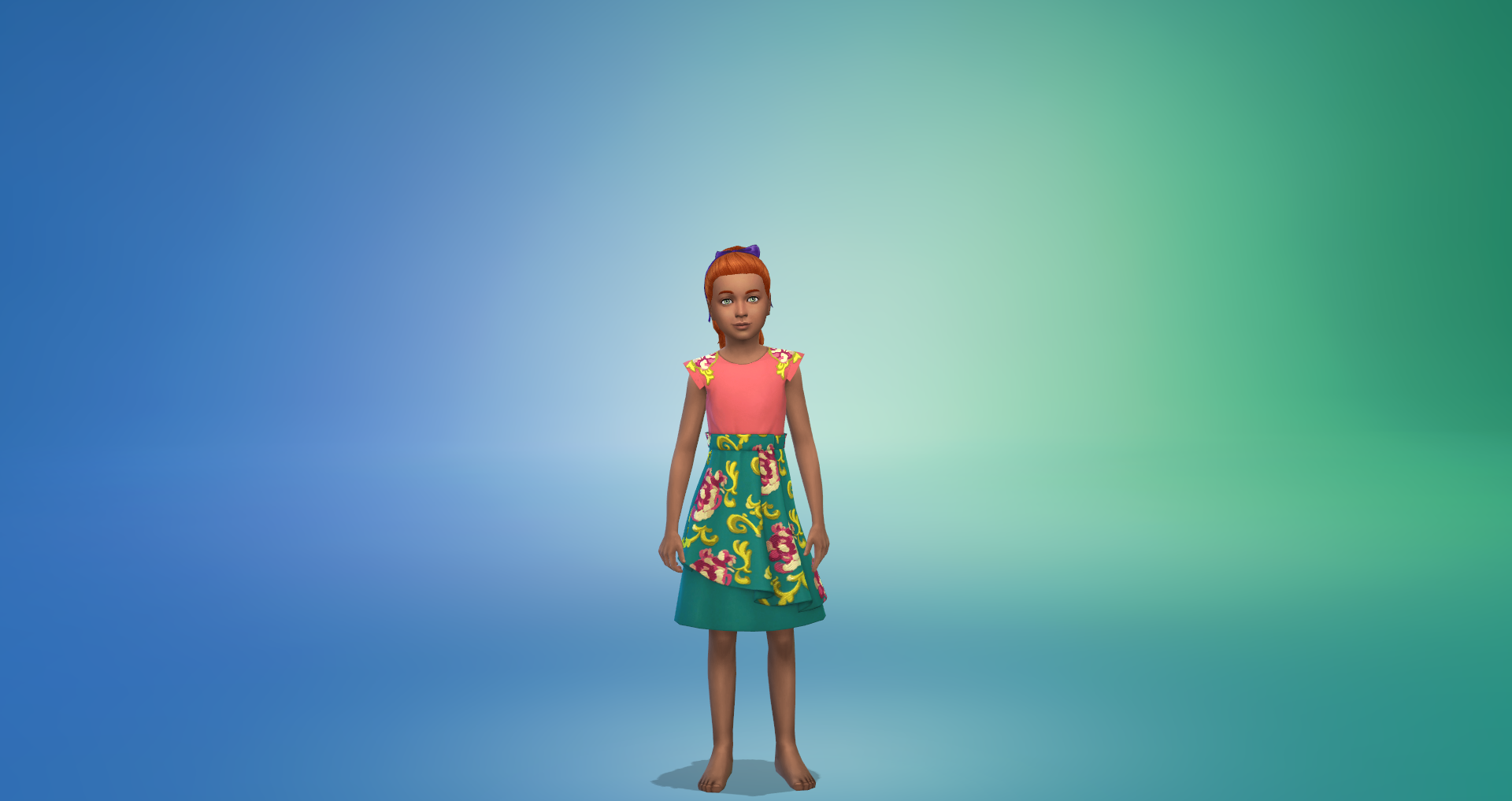
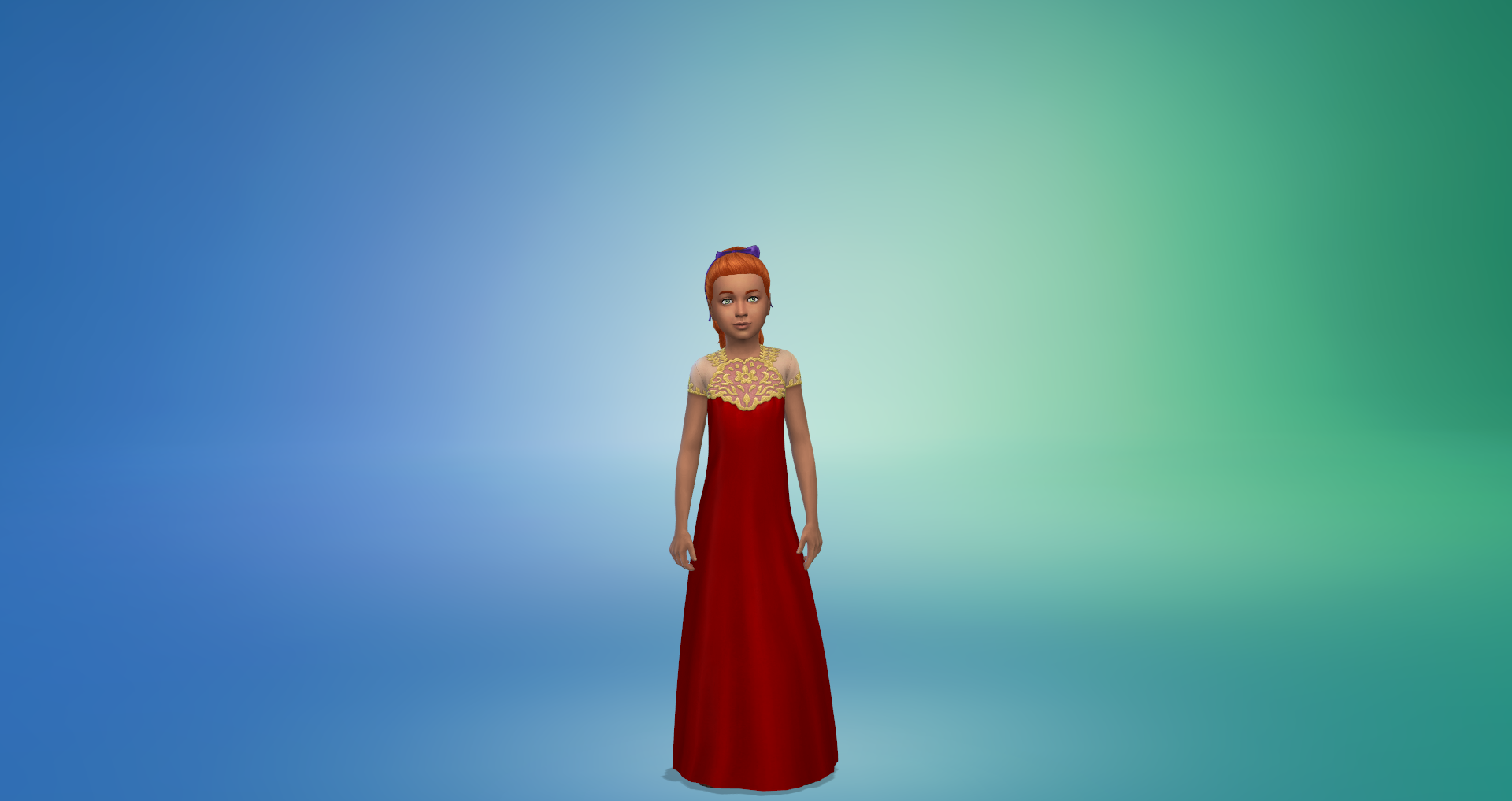
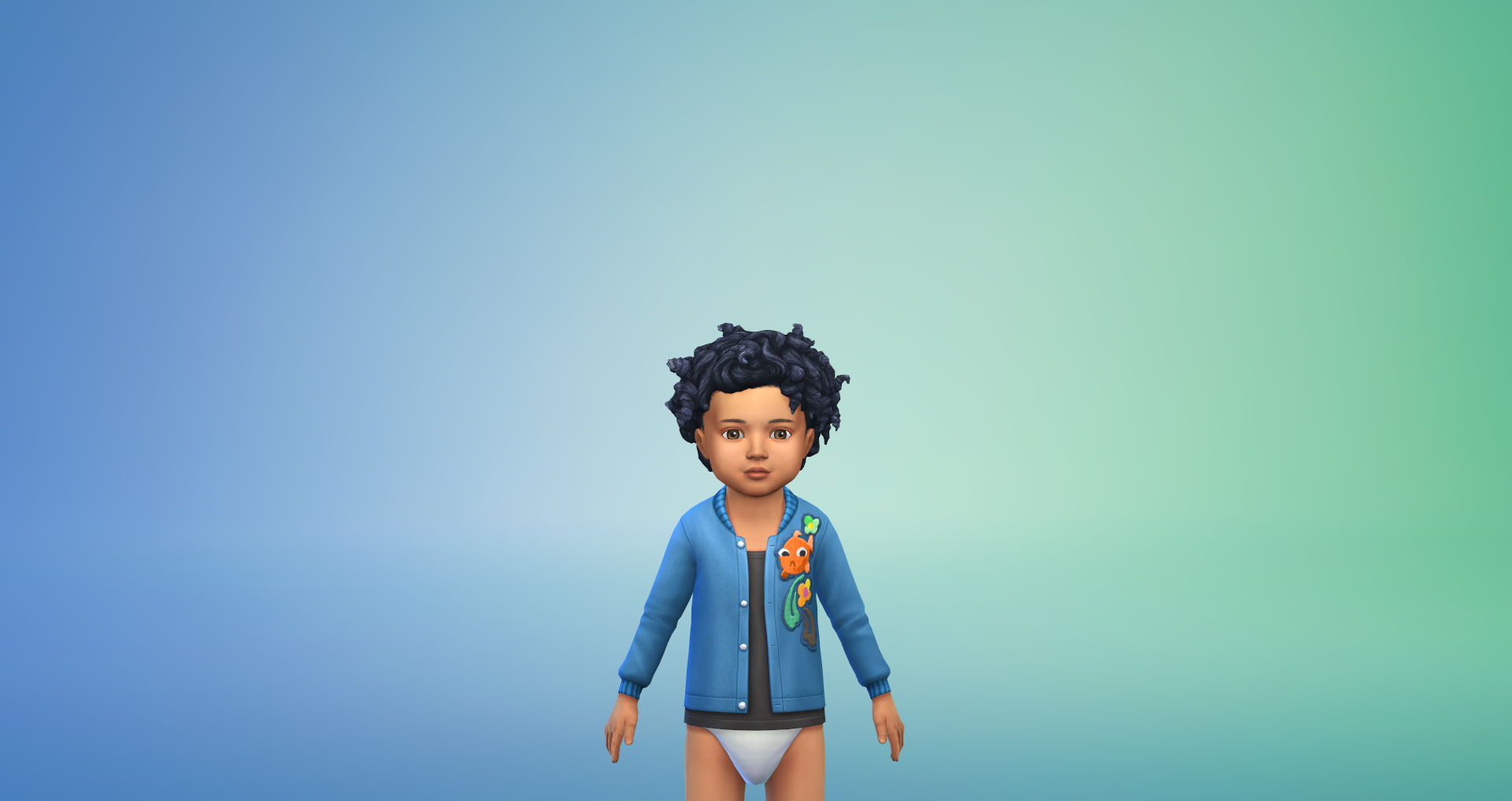
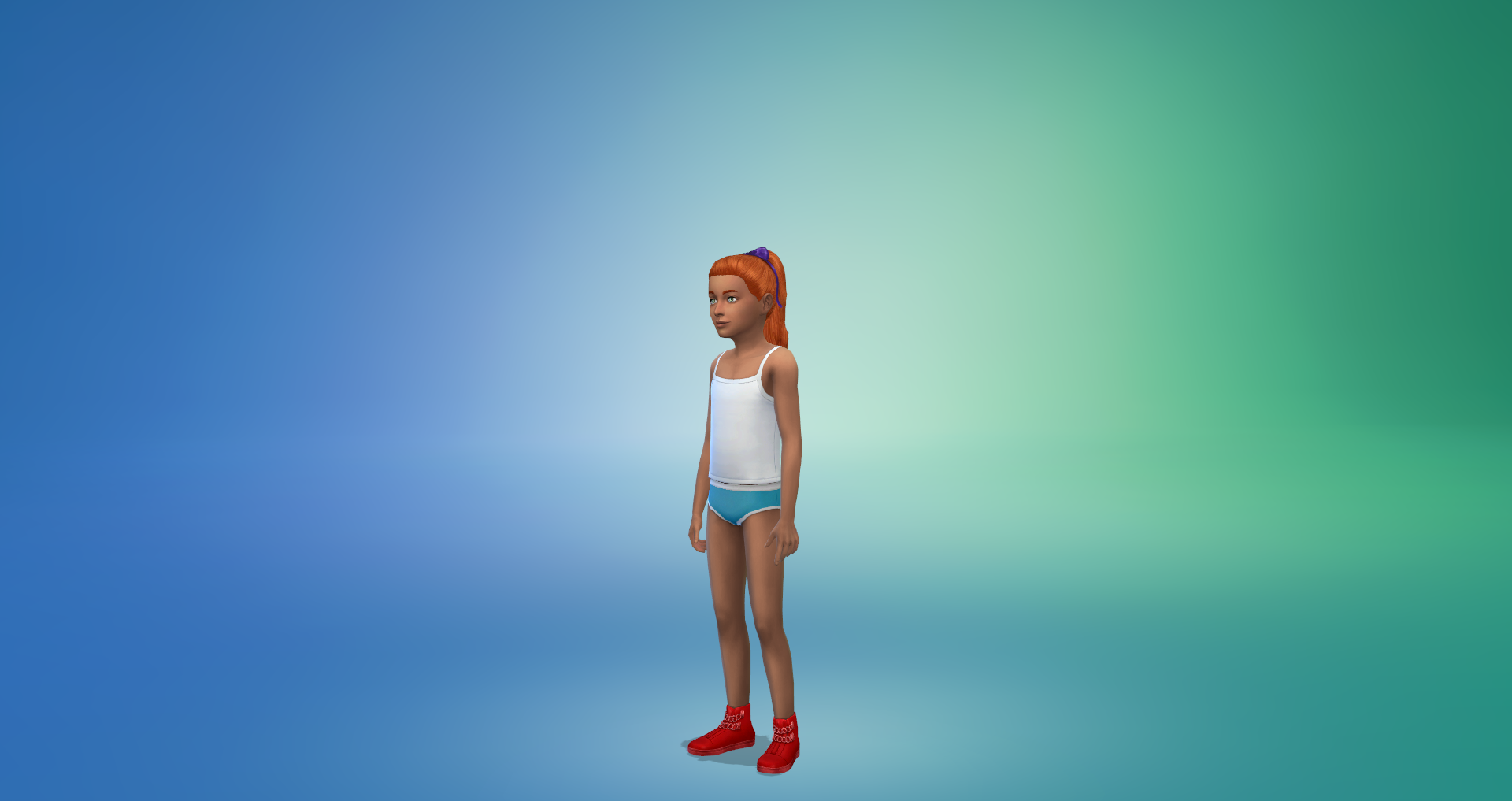
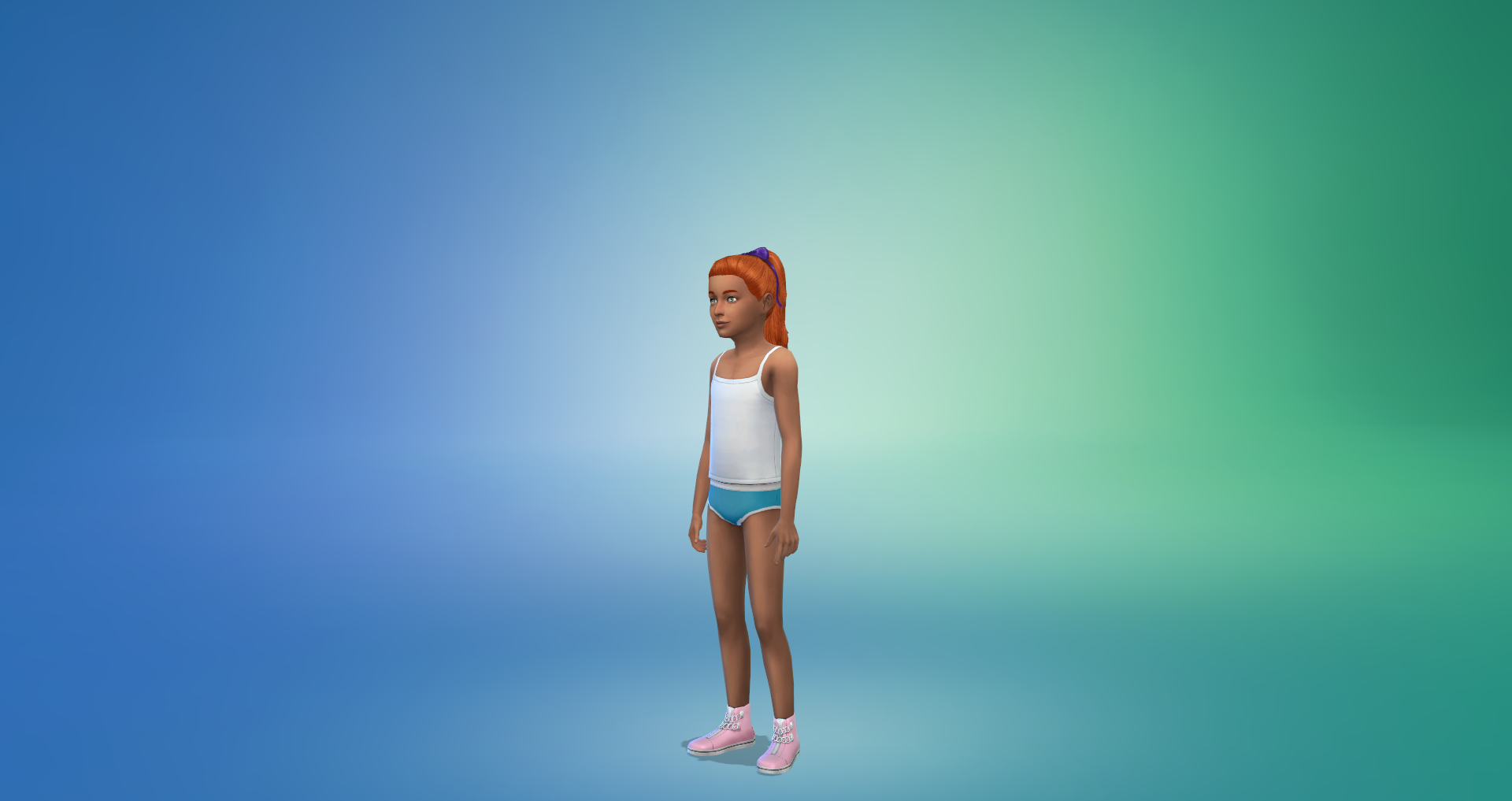
Female Children – 3 Tops, 2 Outfits, 2 Pairs of Shoes
Female Toddlers – 2 Tops, 1 Bottom
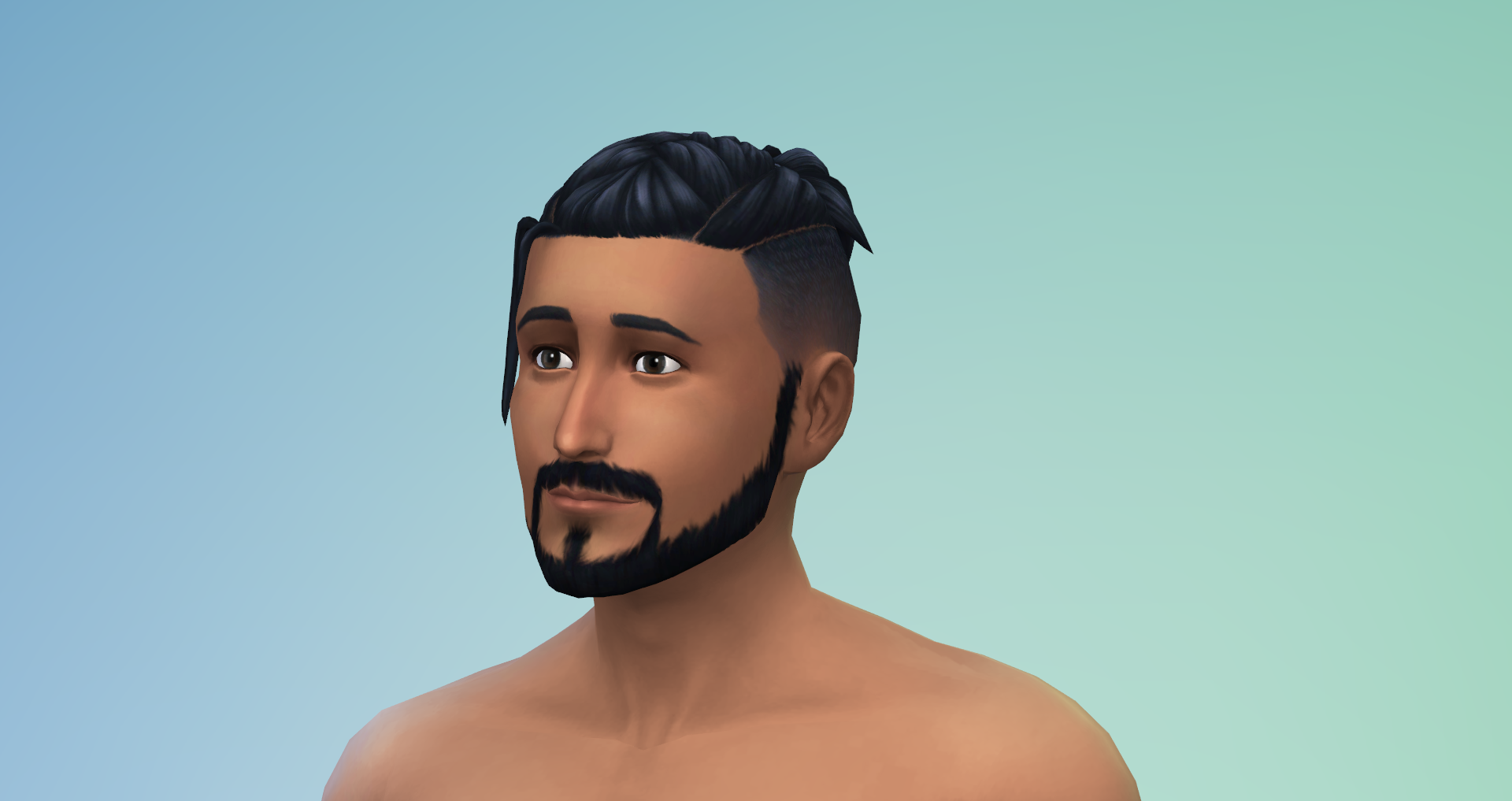
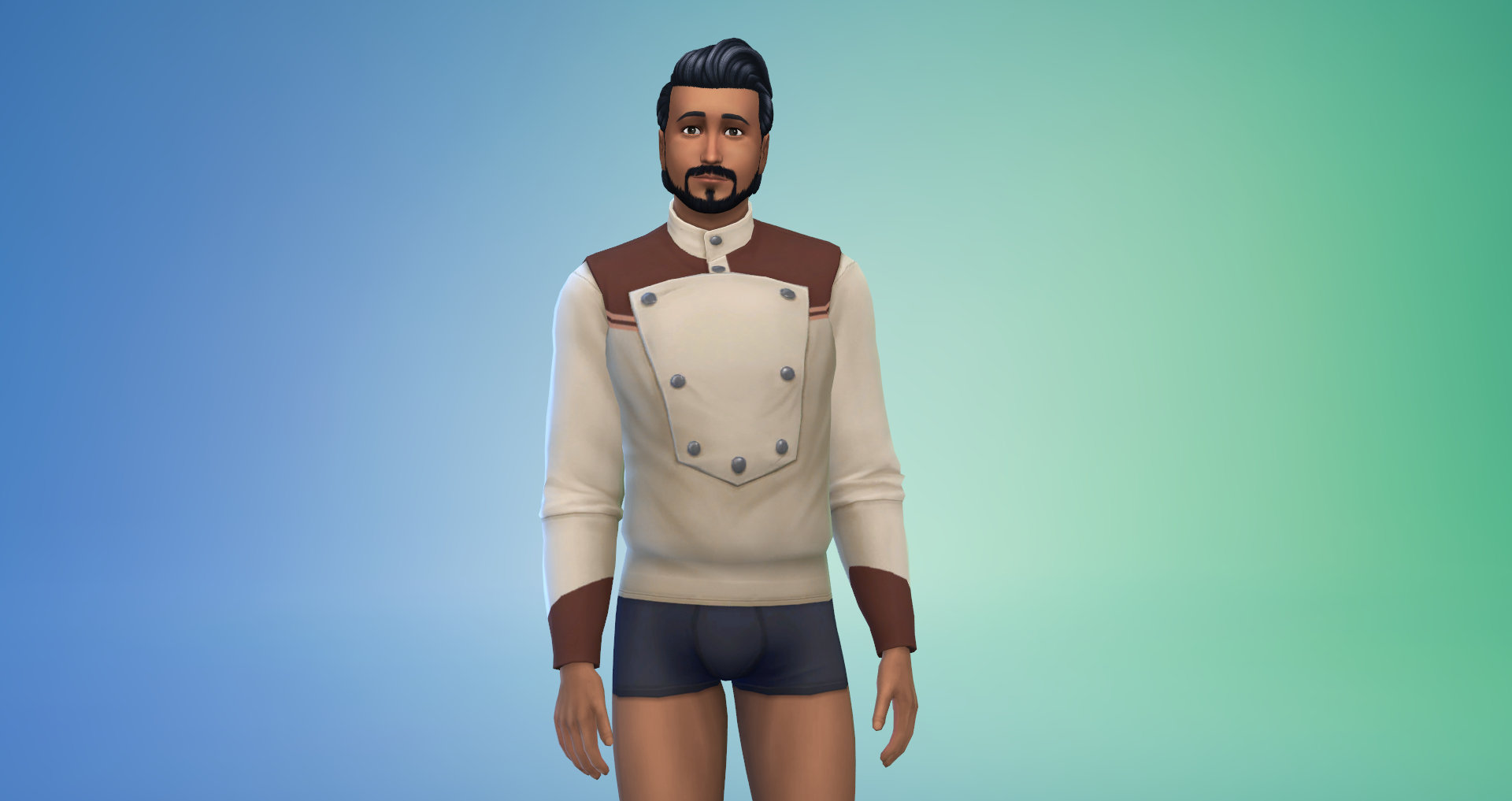
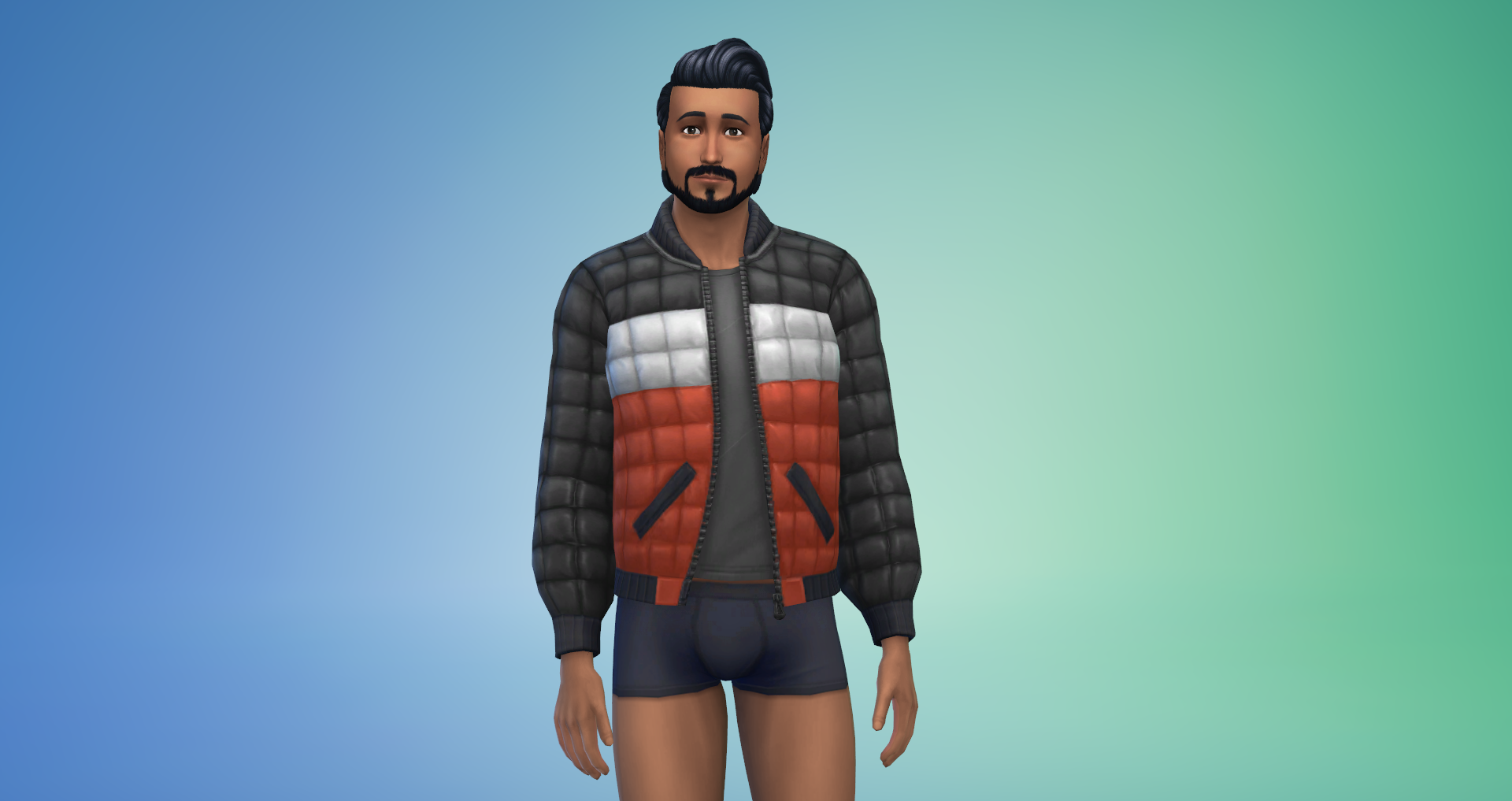
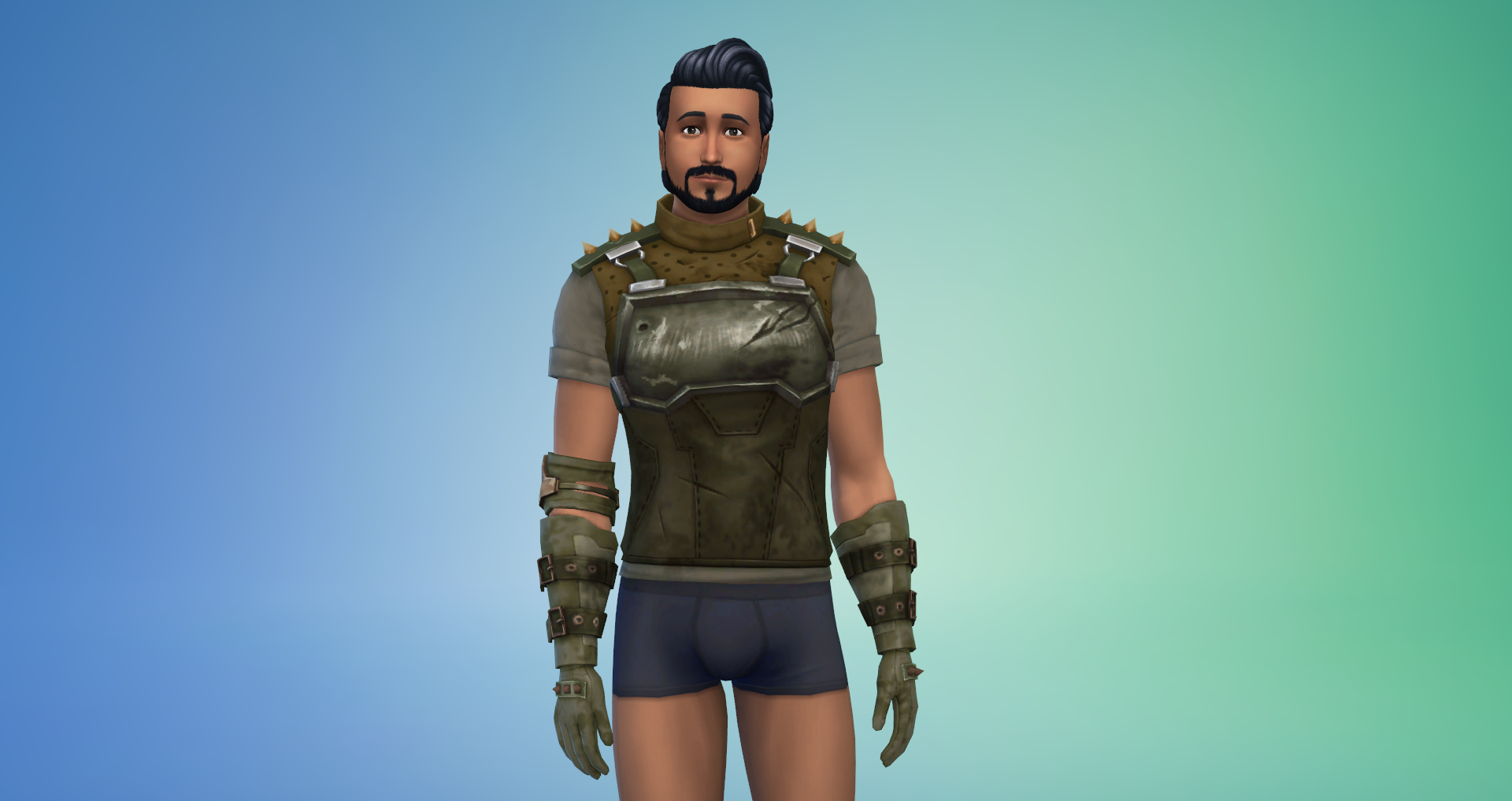
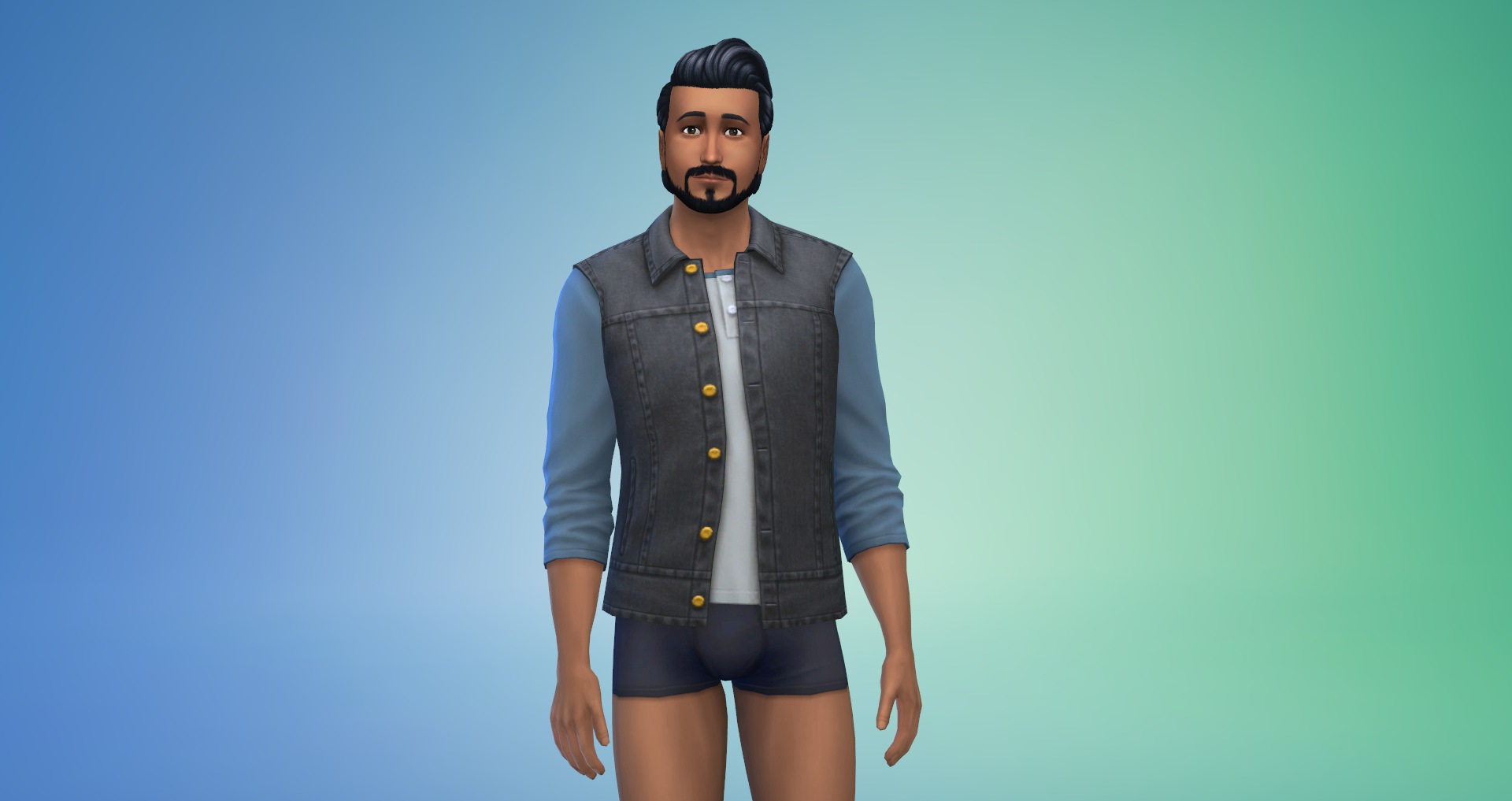
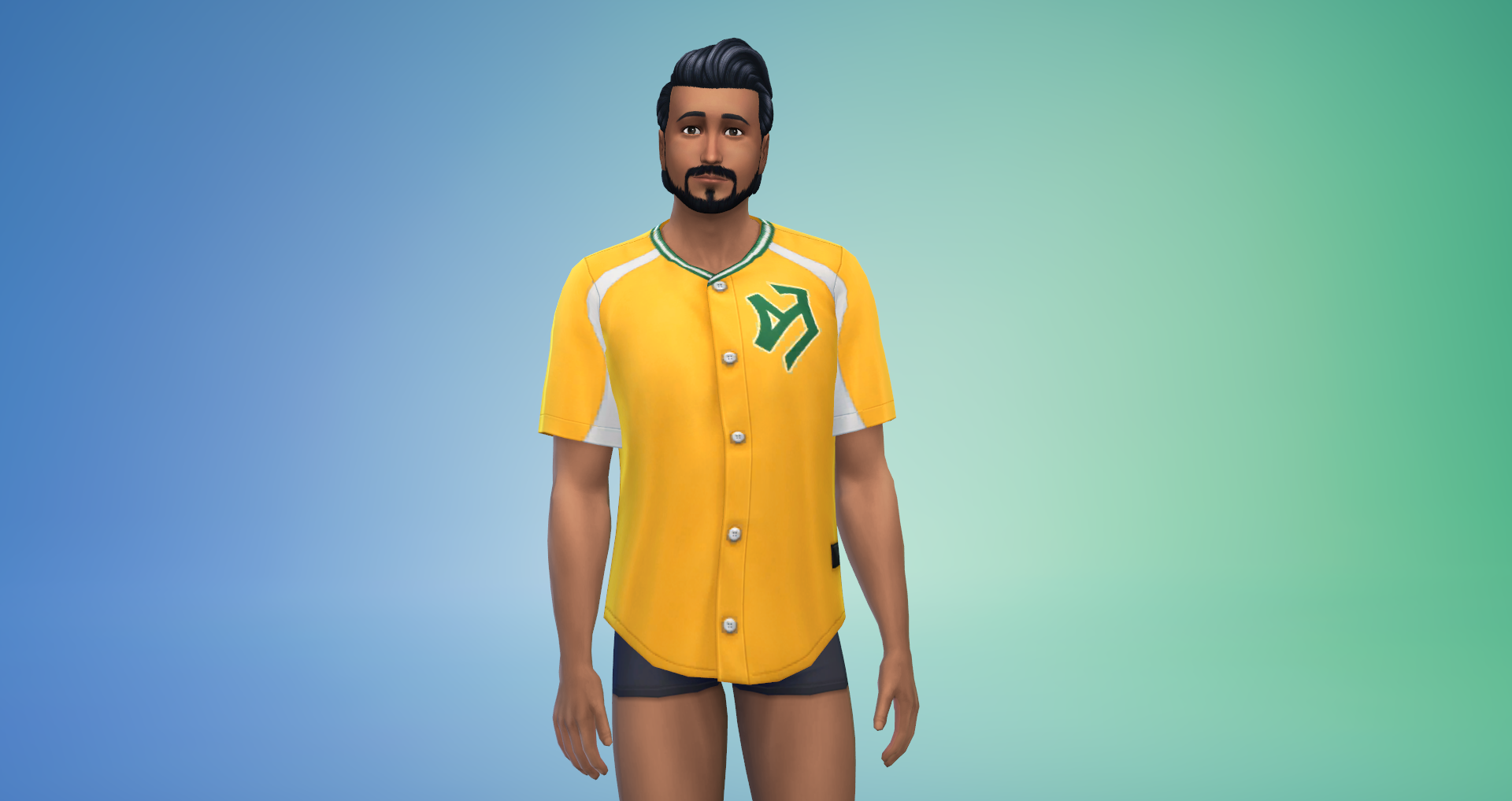
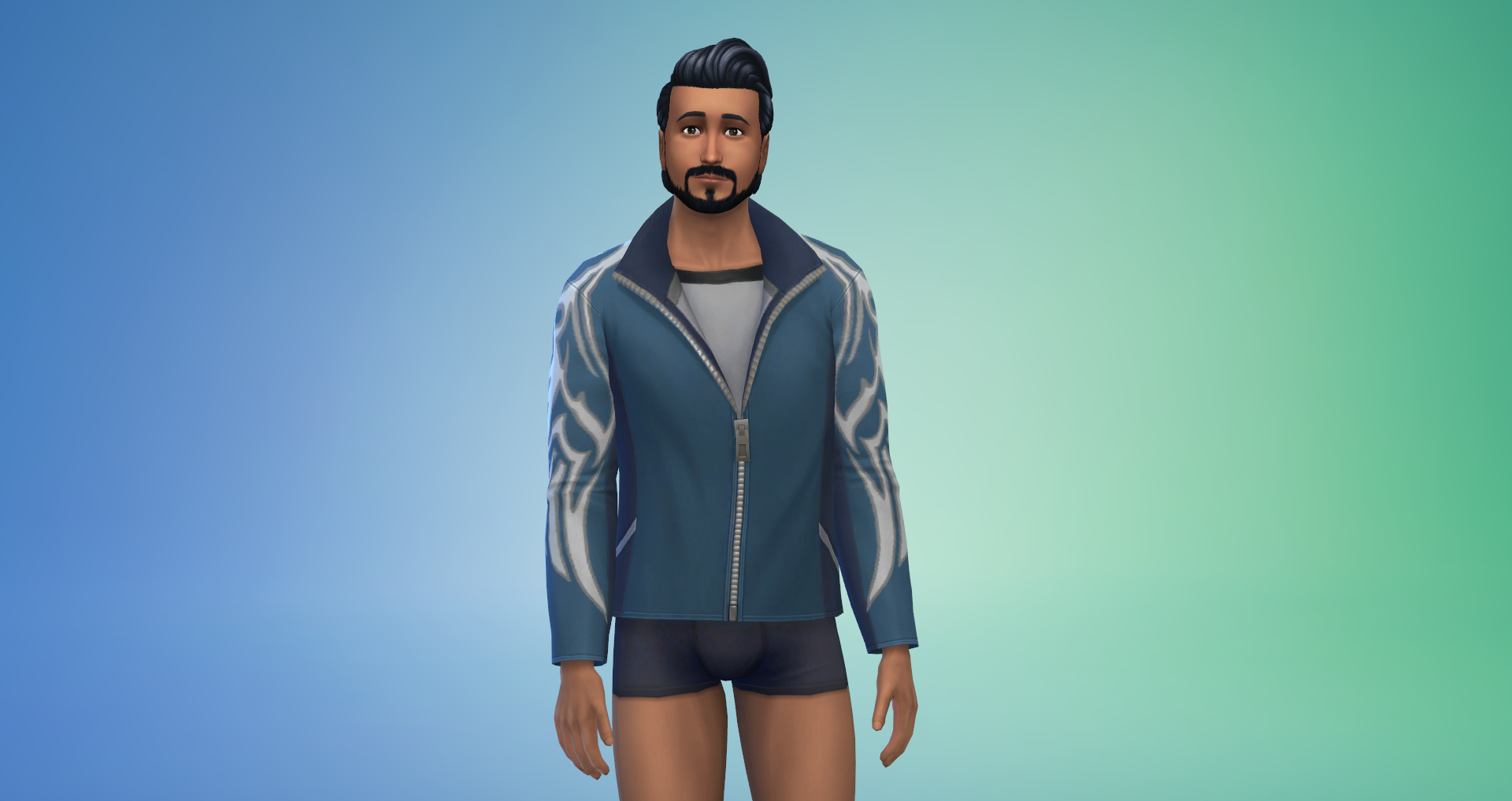
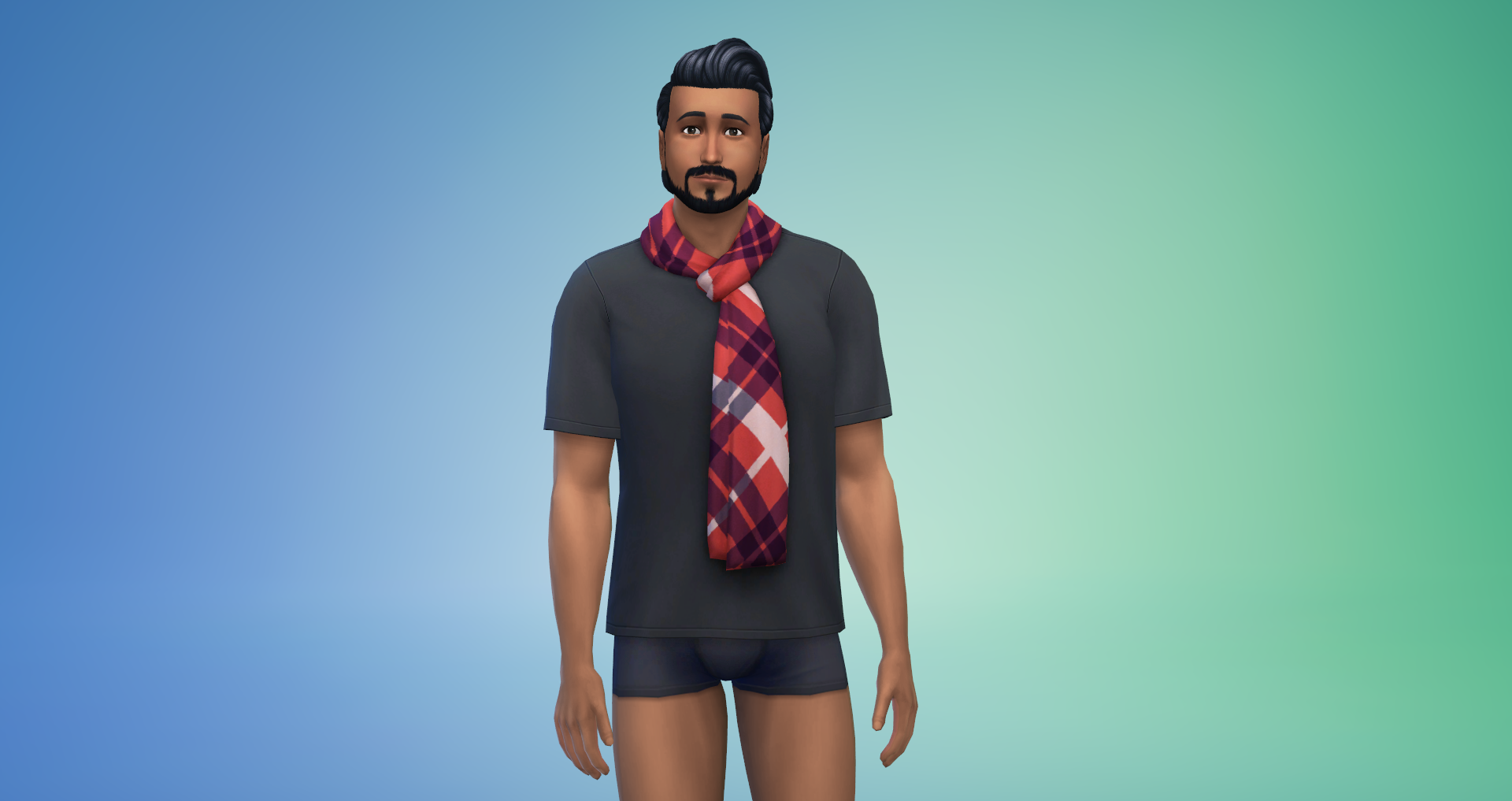
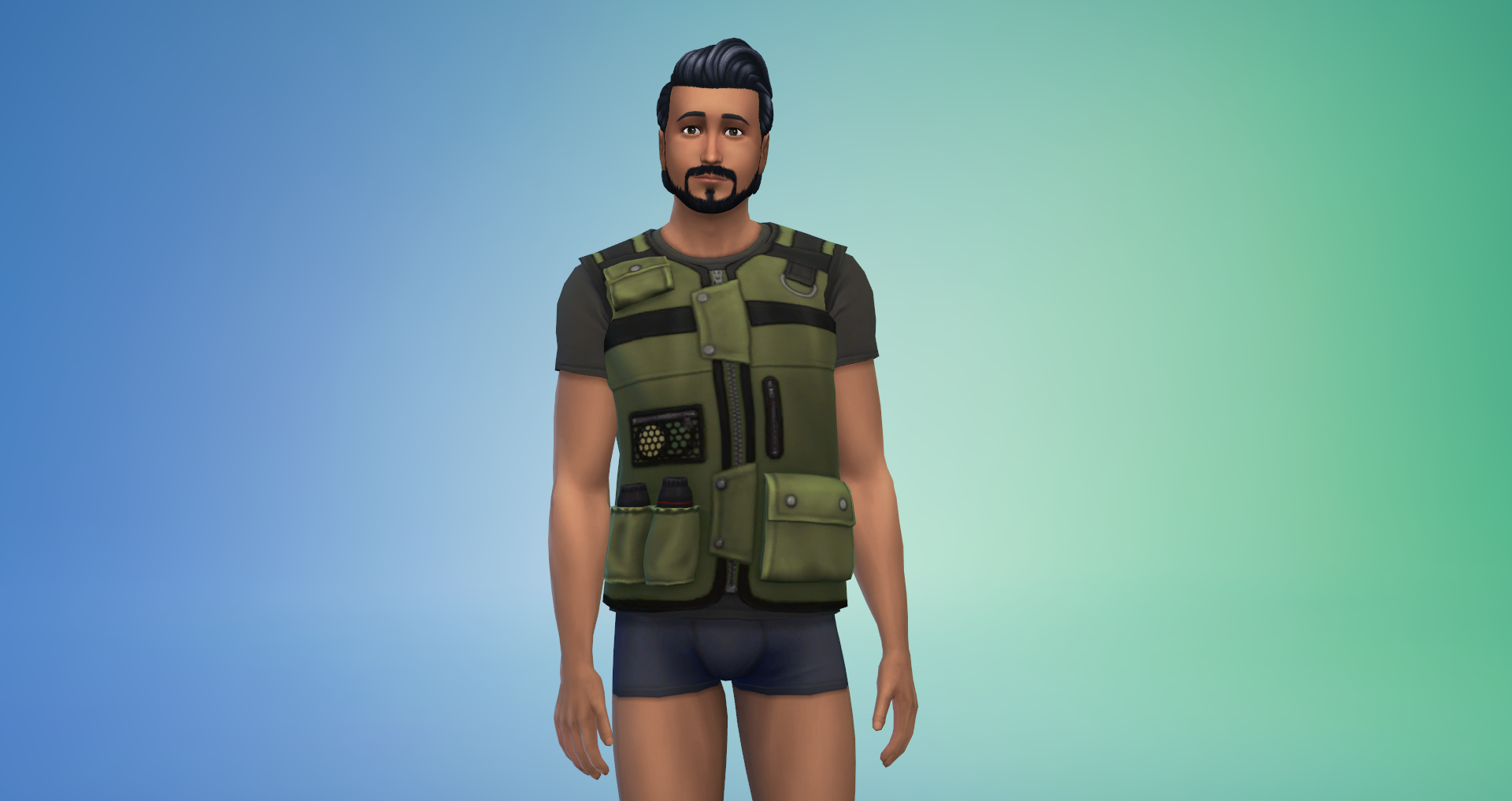
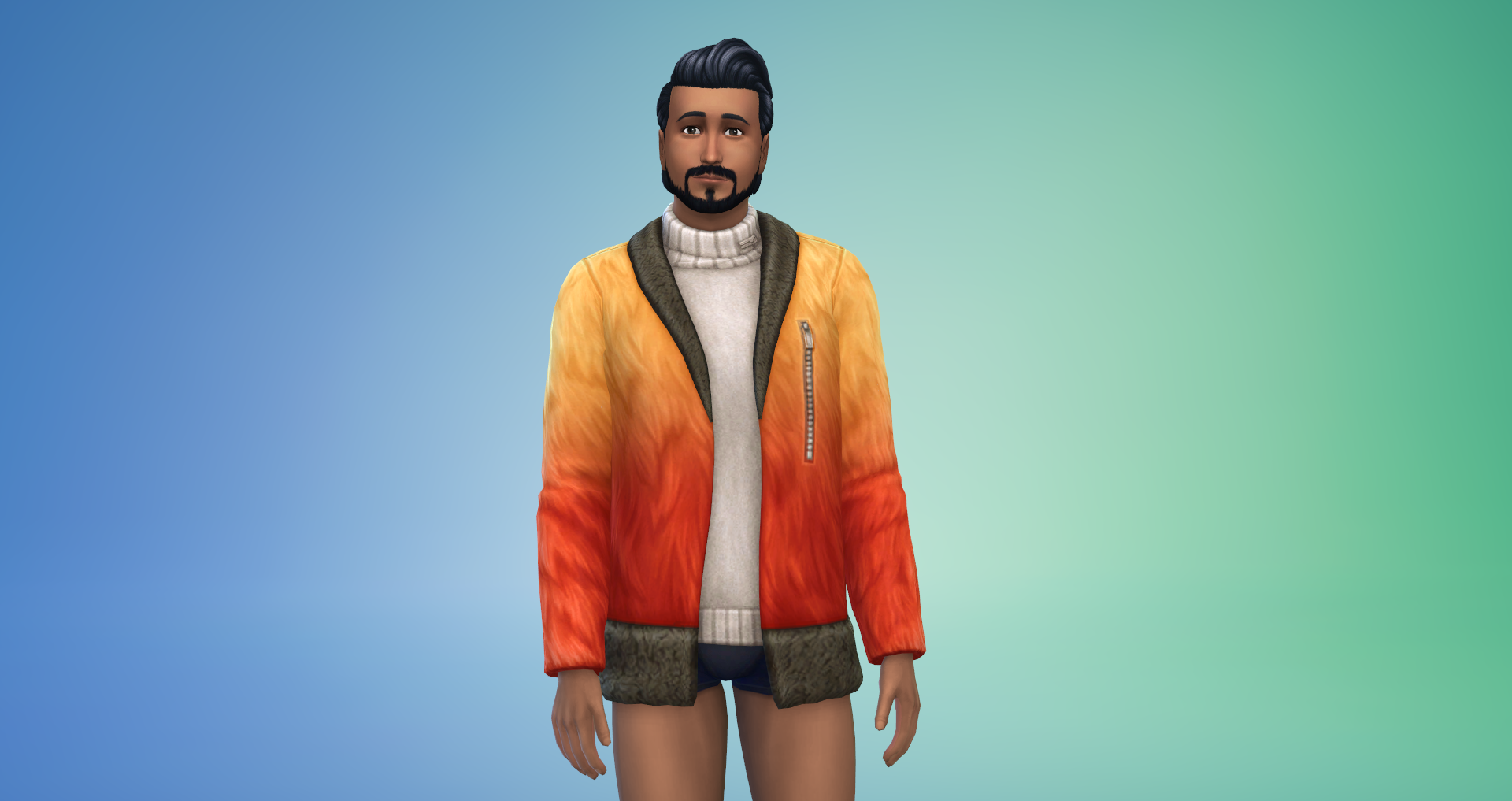
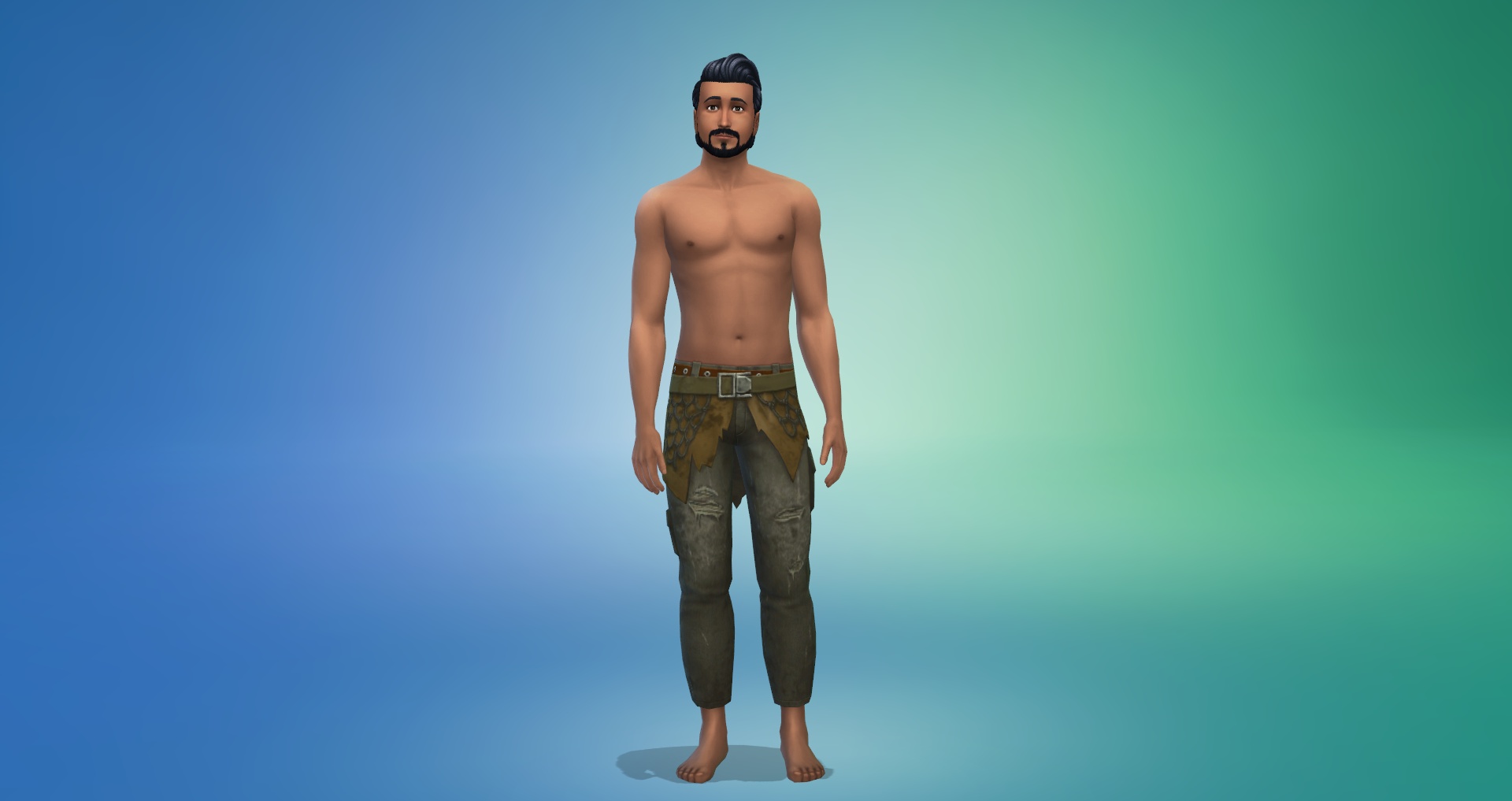
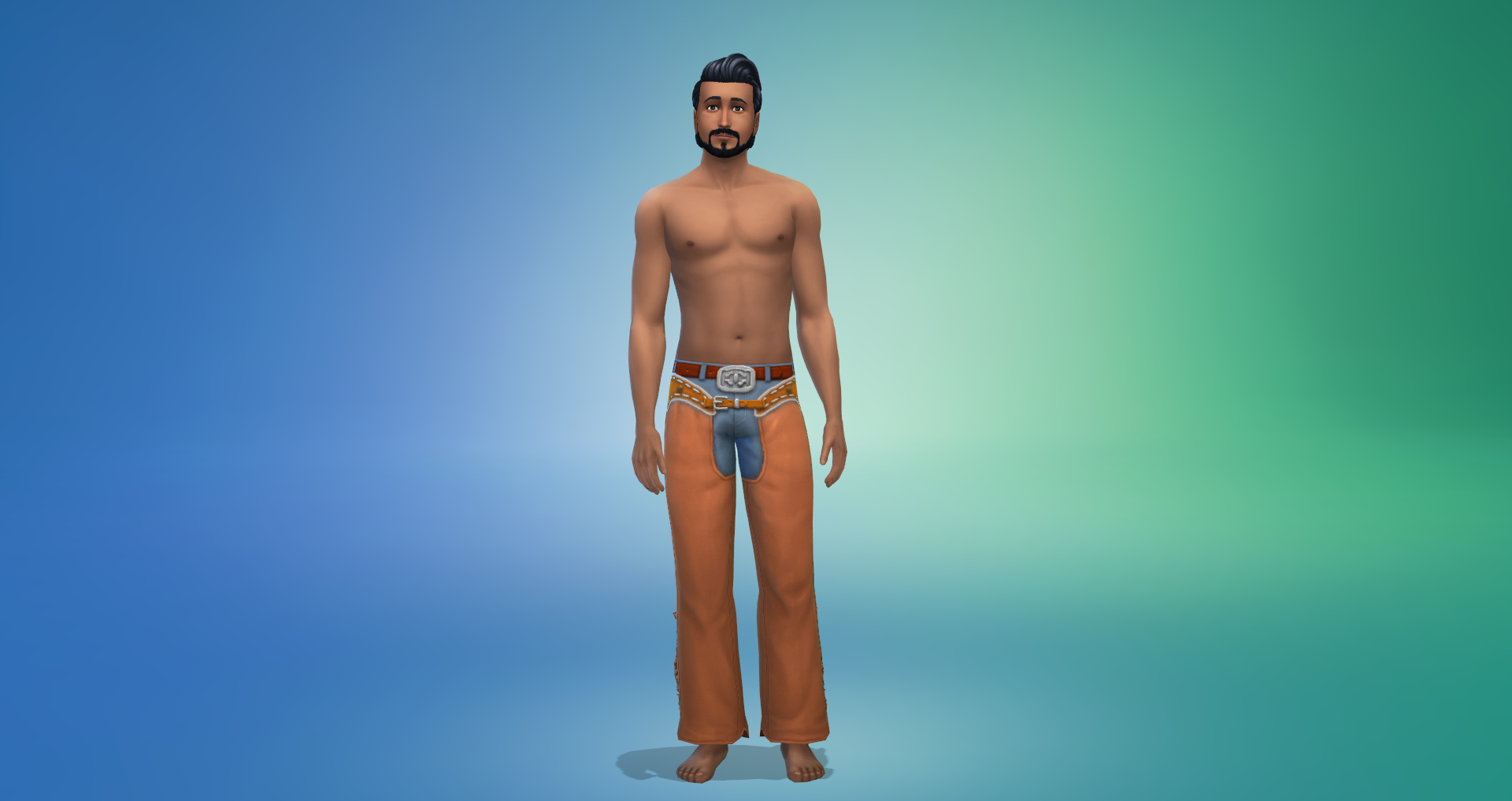
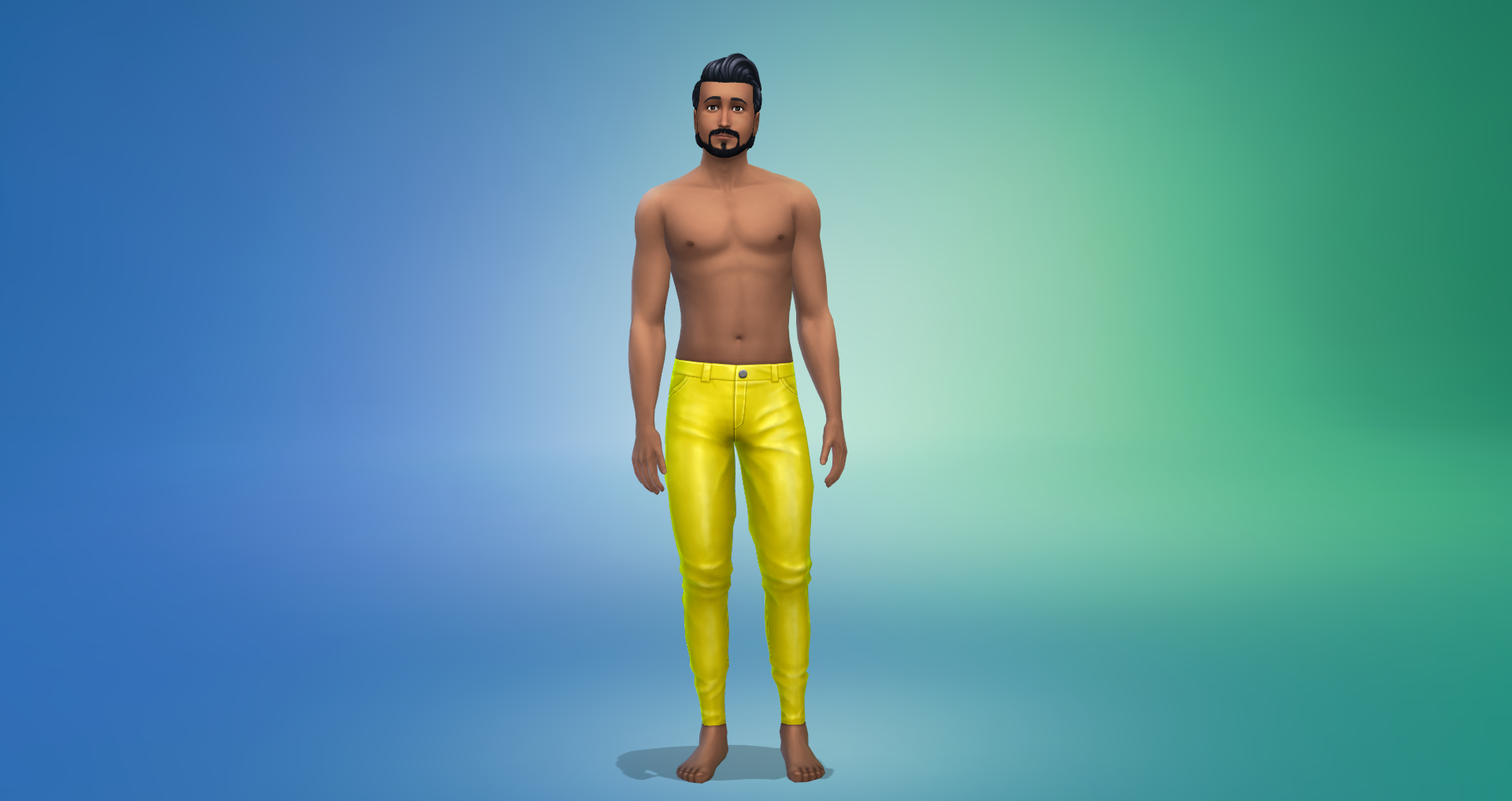
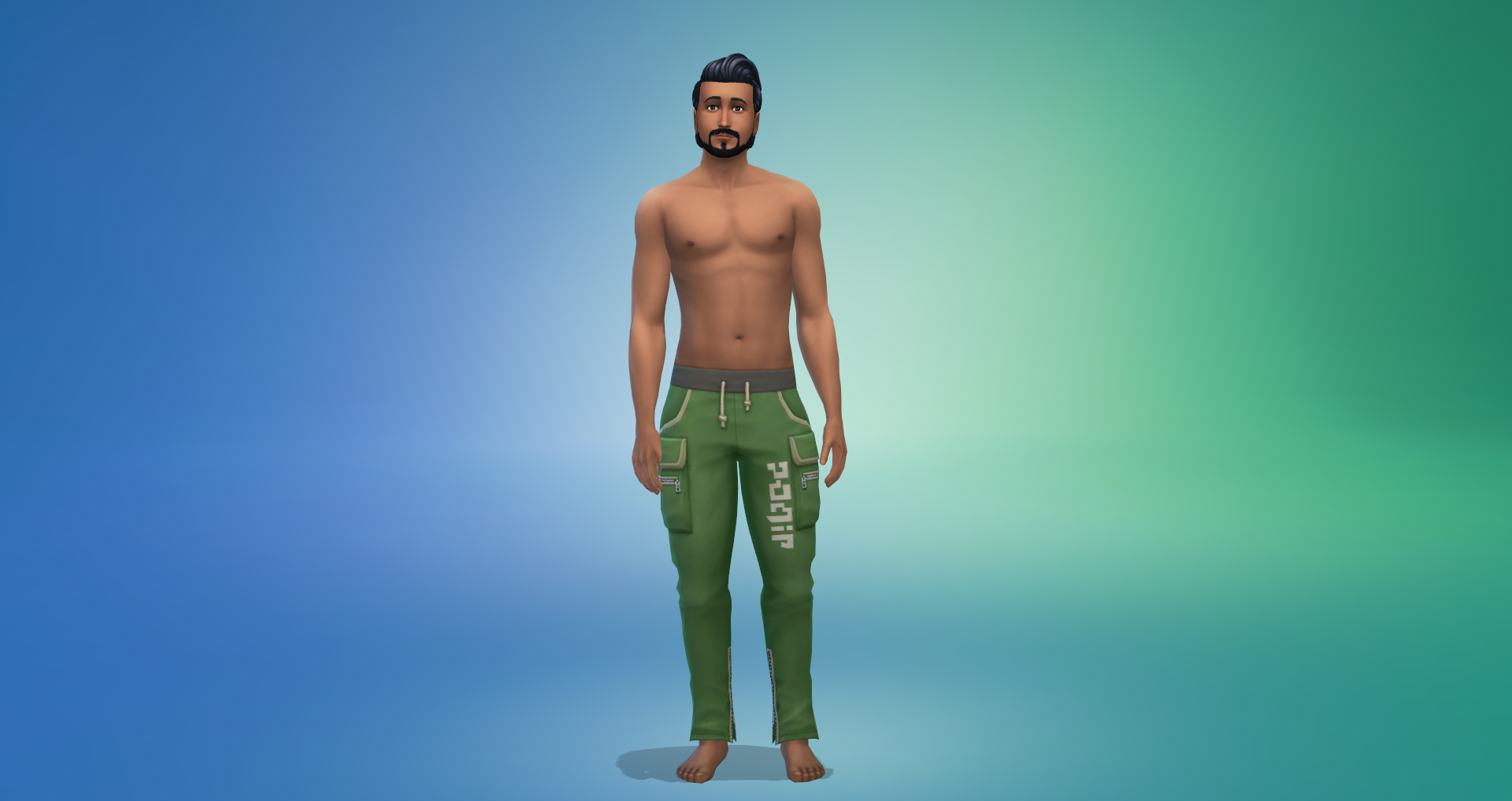
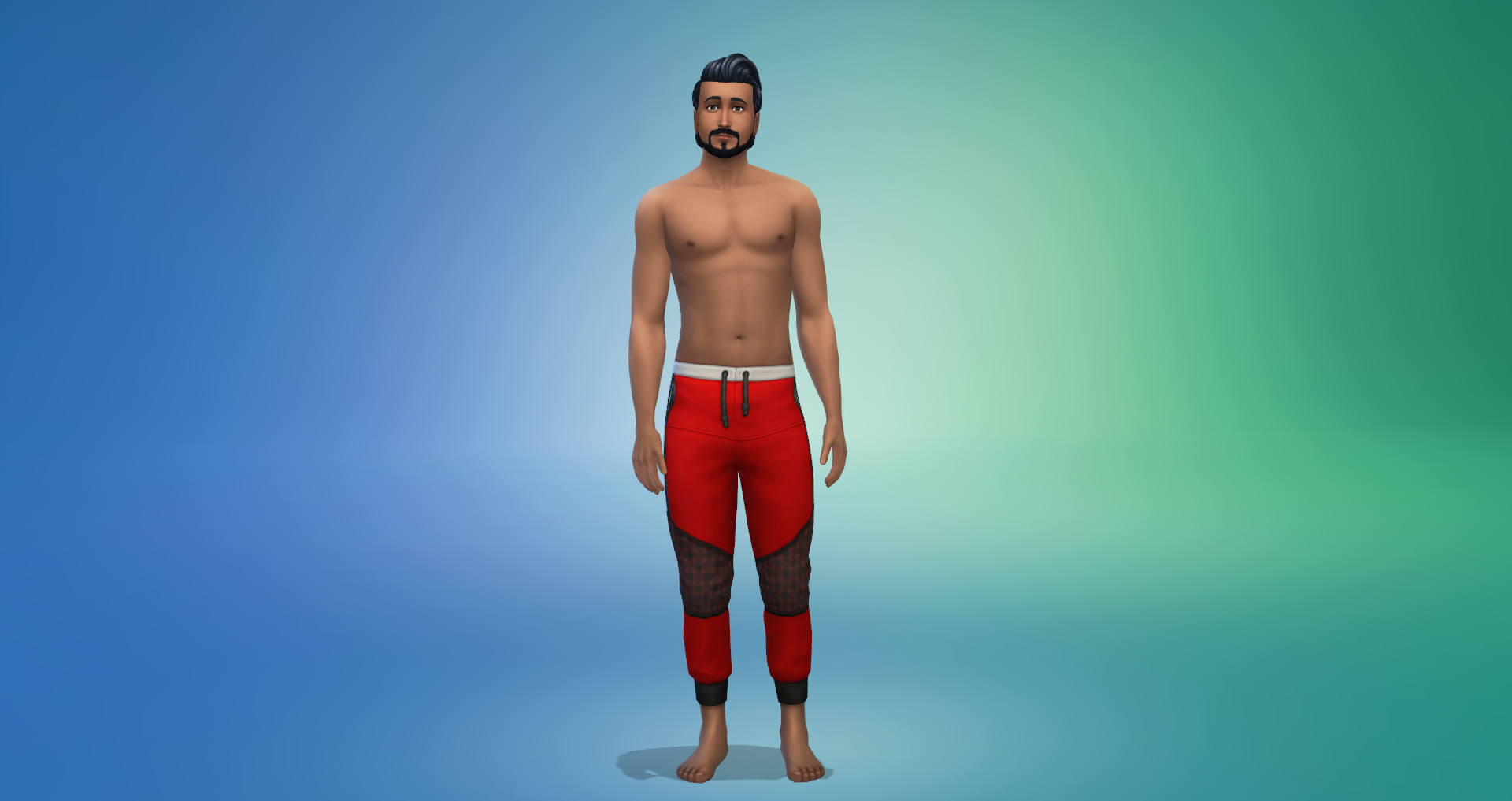
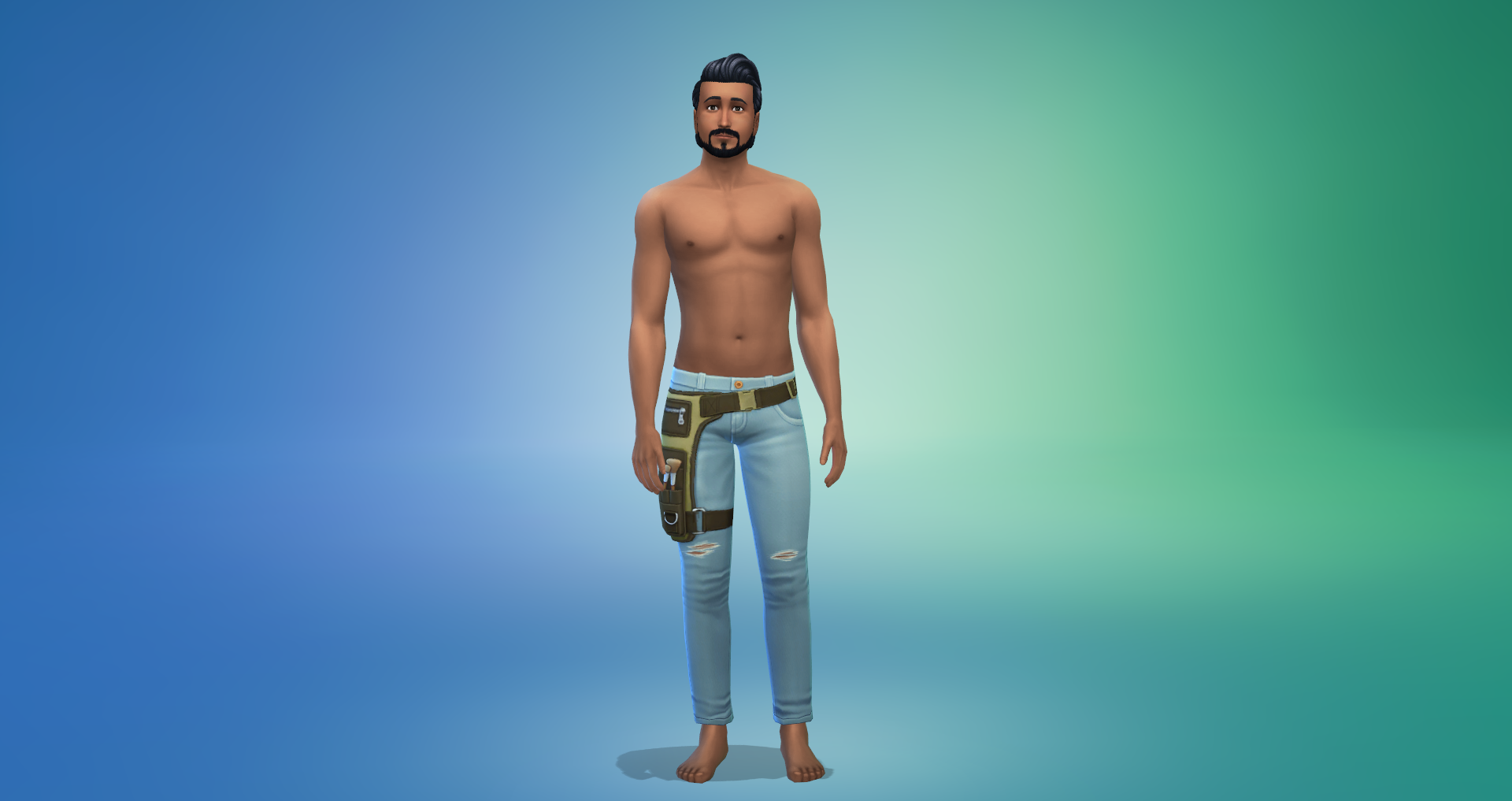
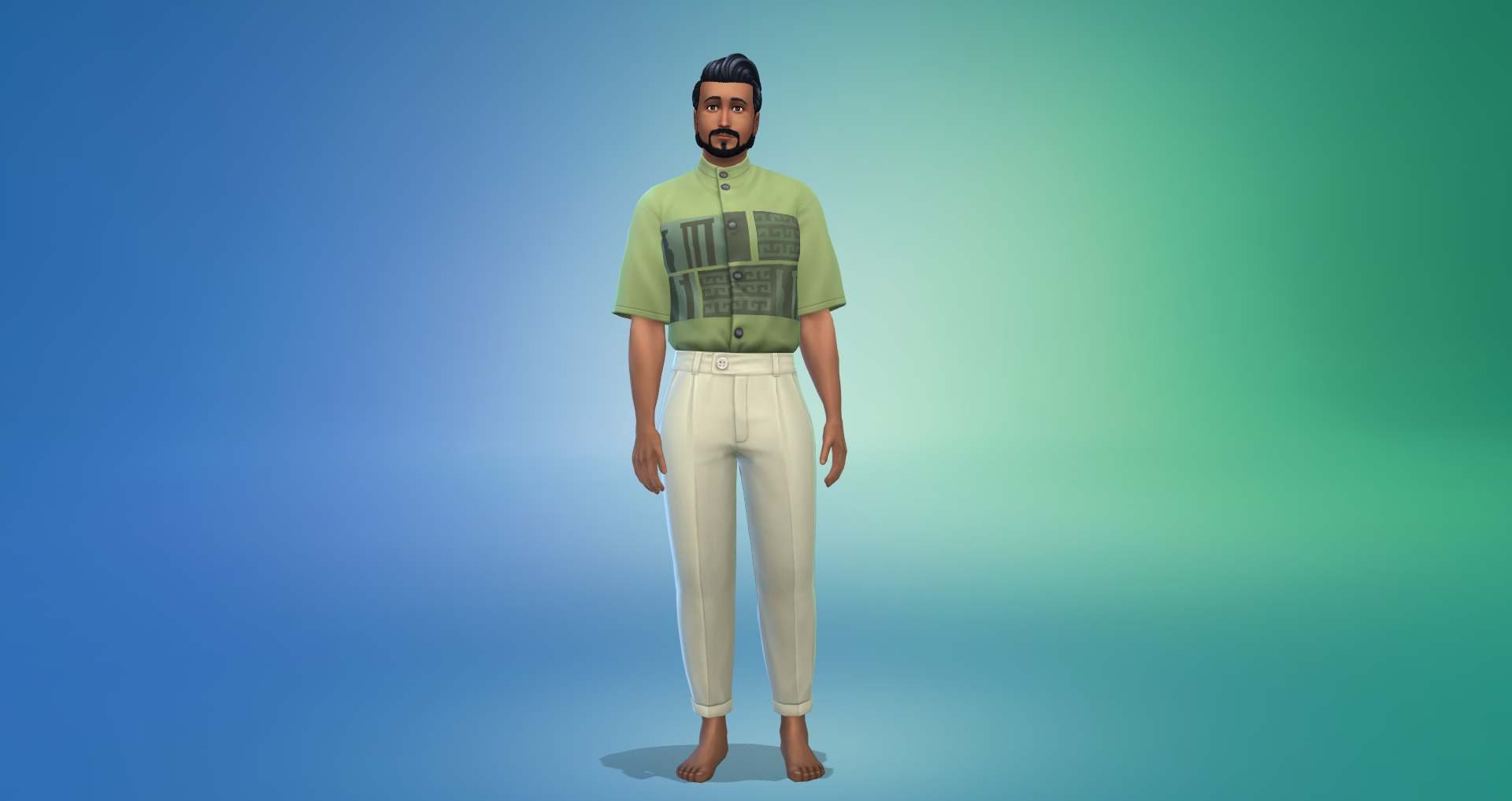
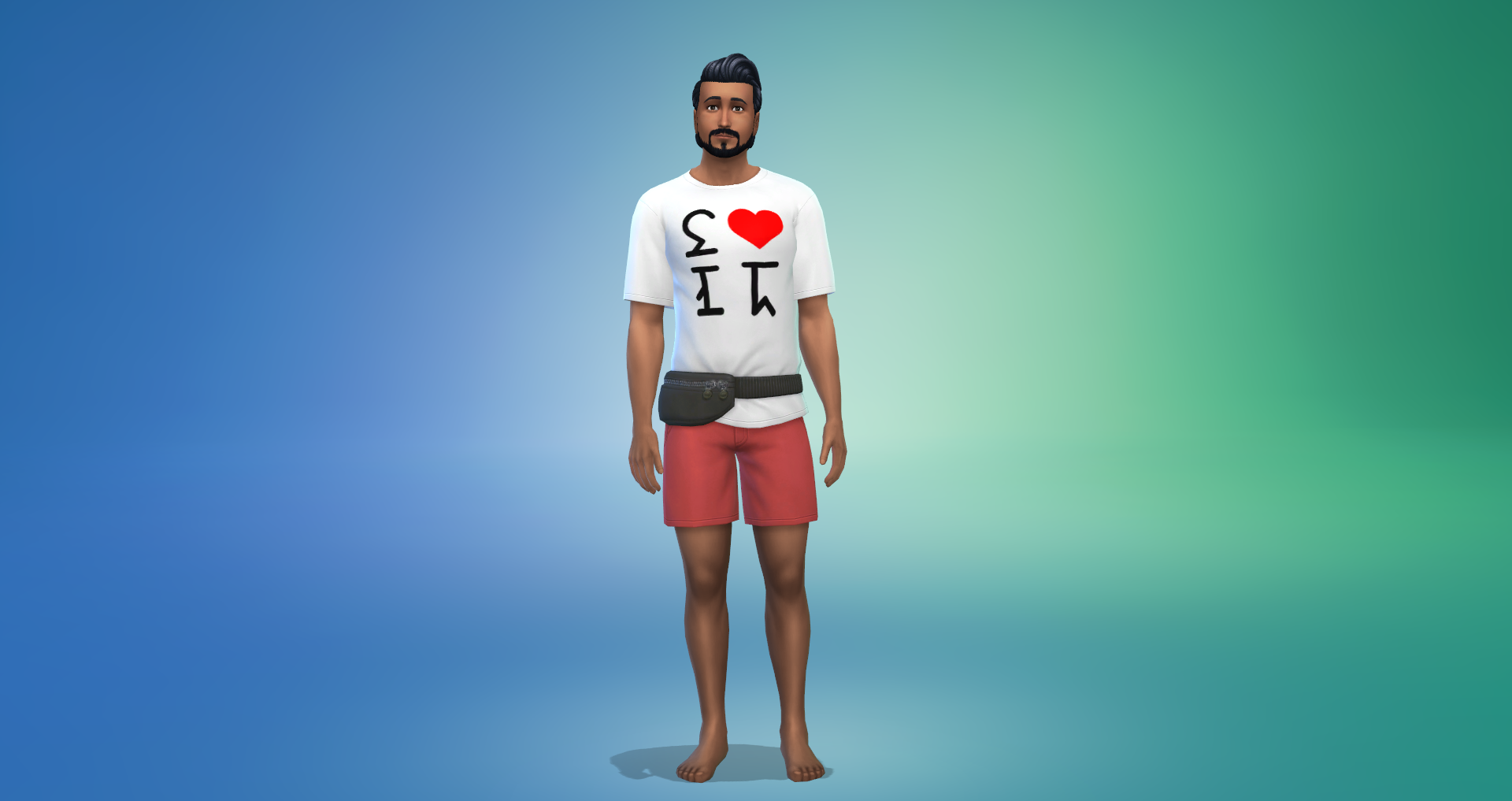
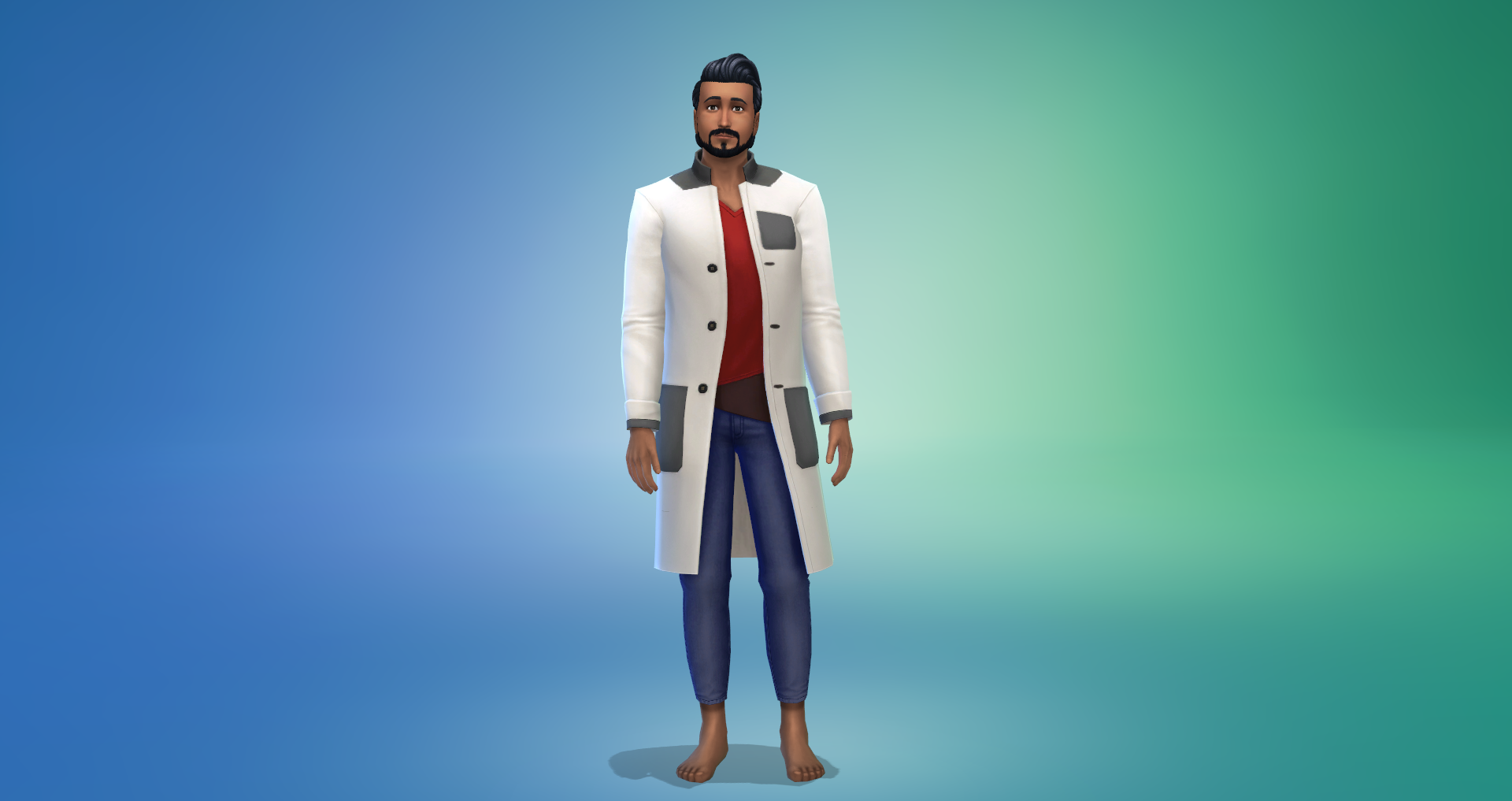
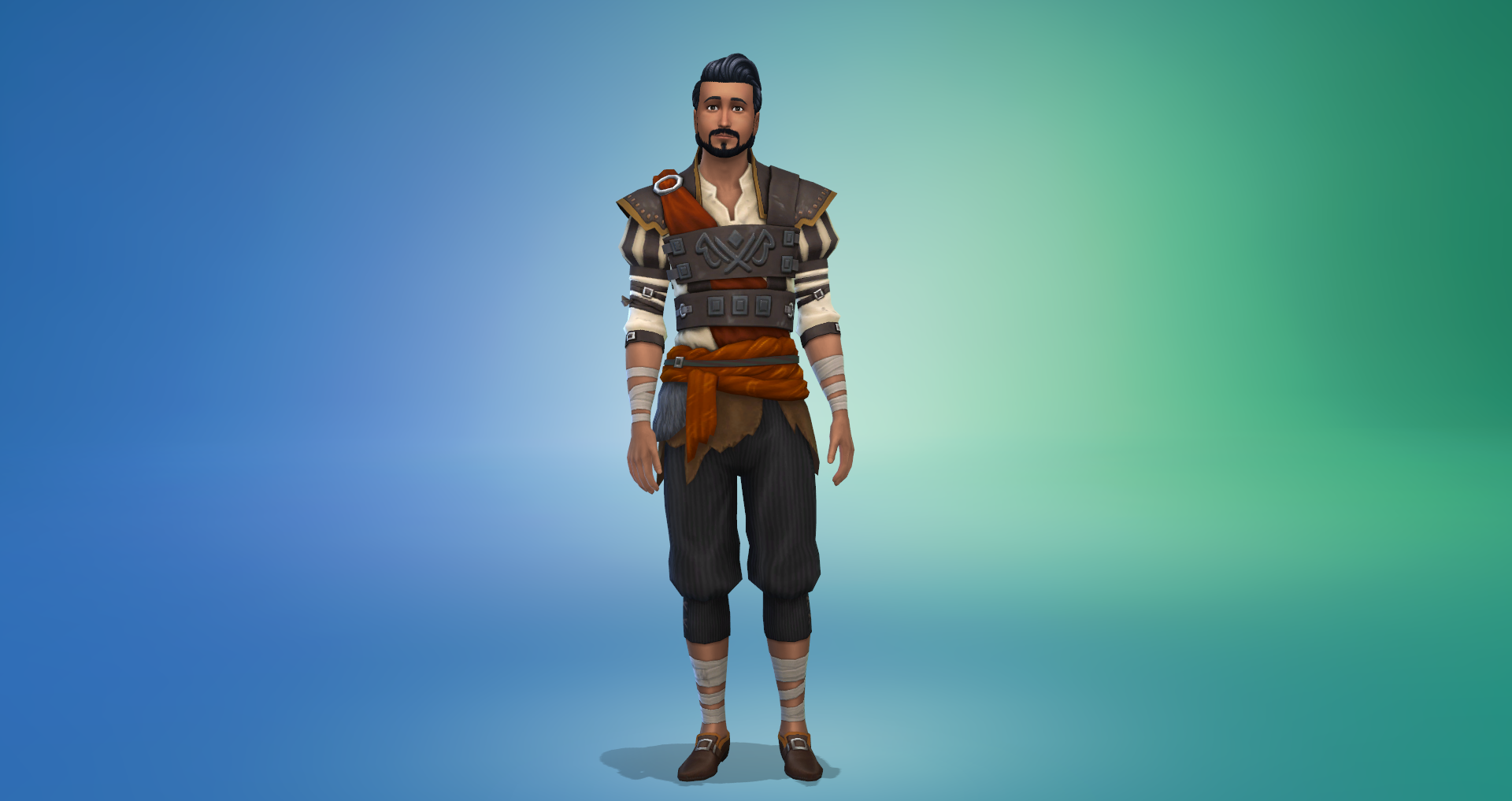
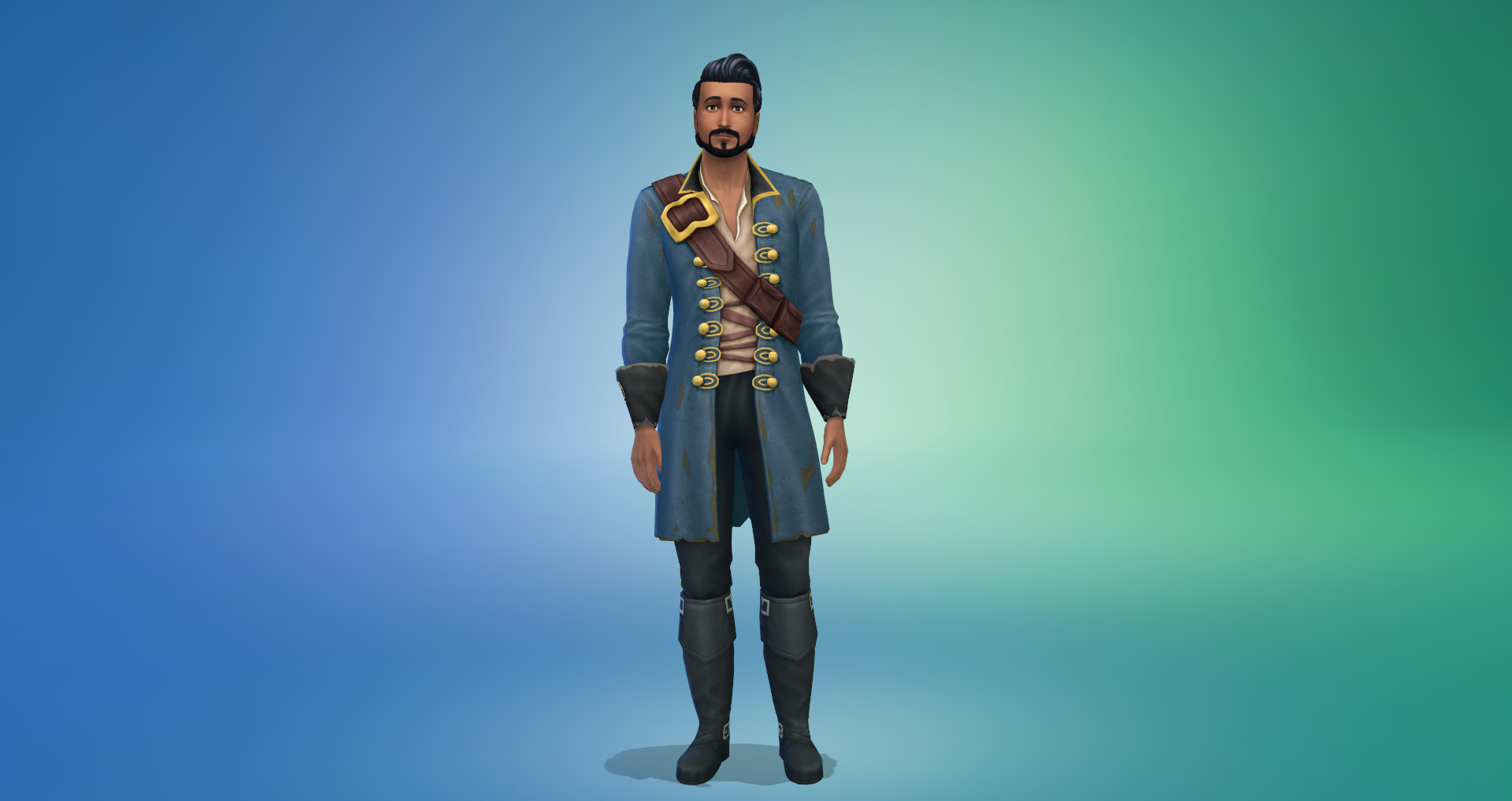
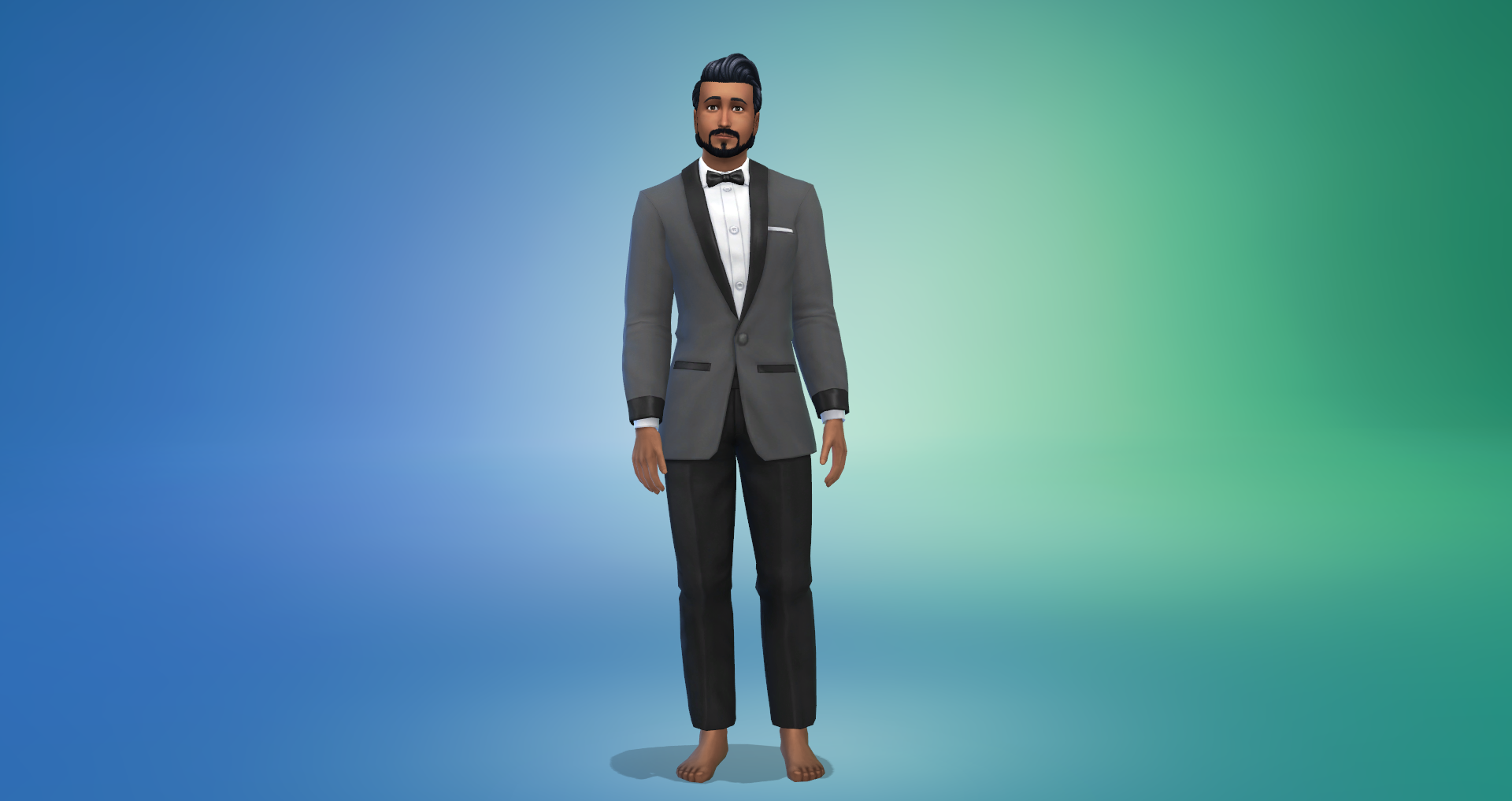
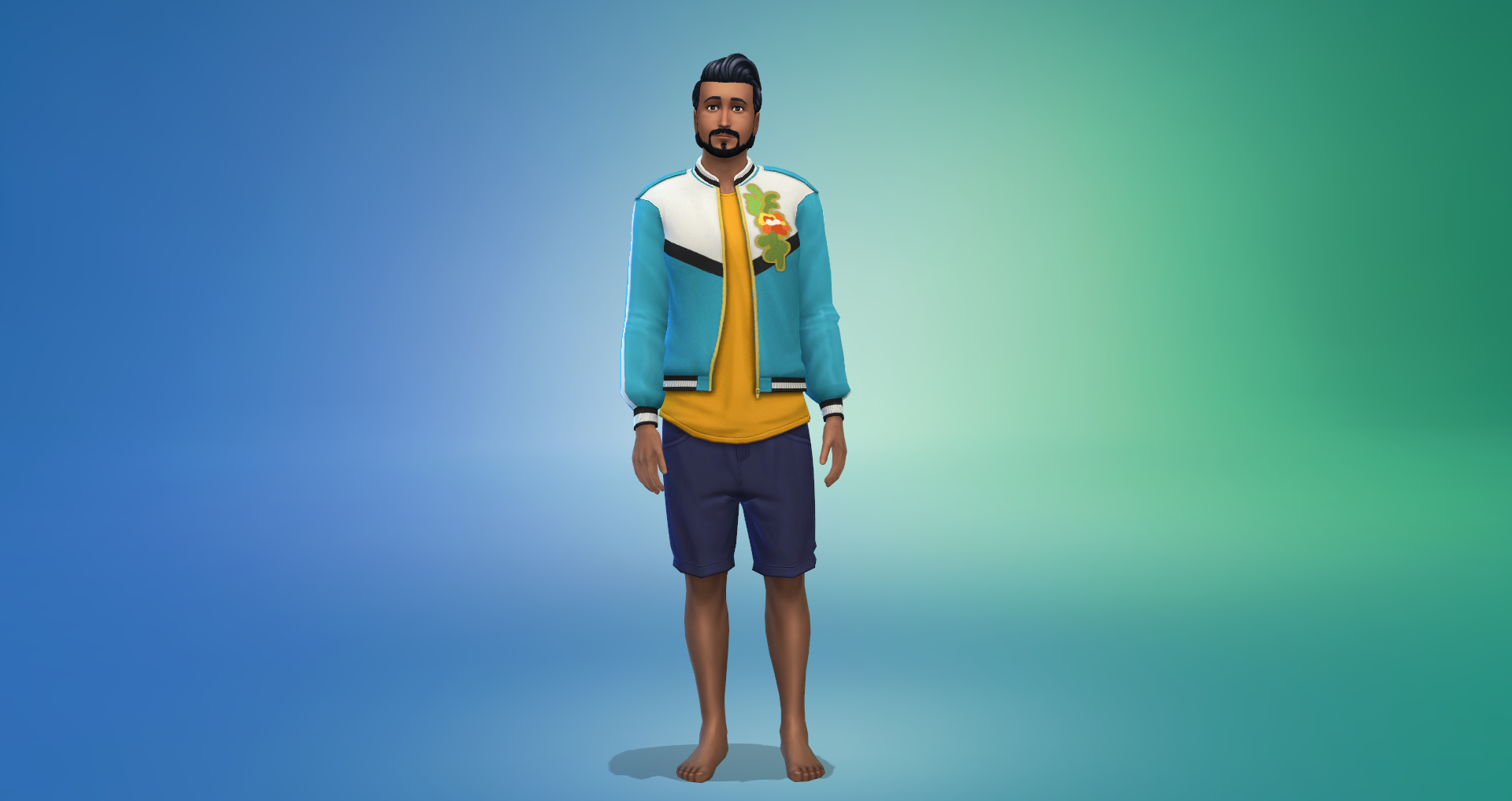
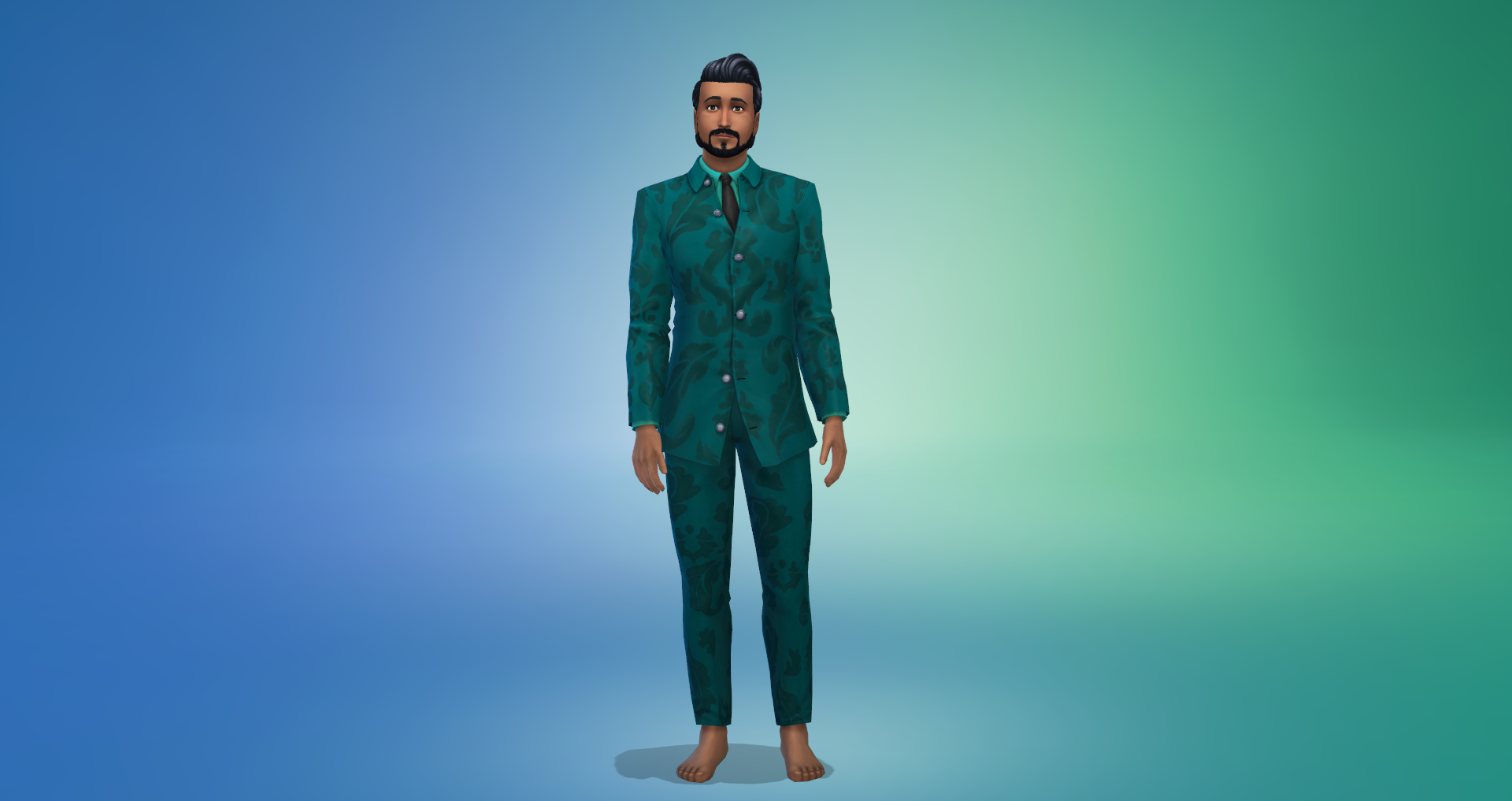
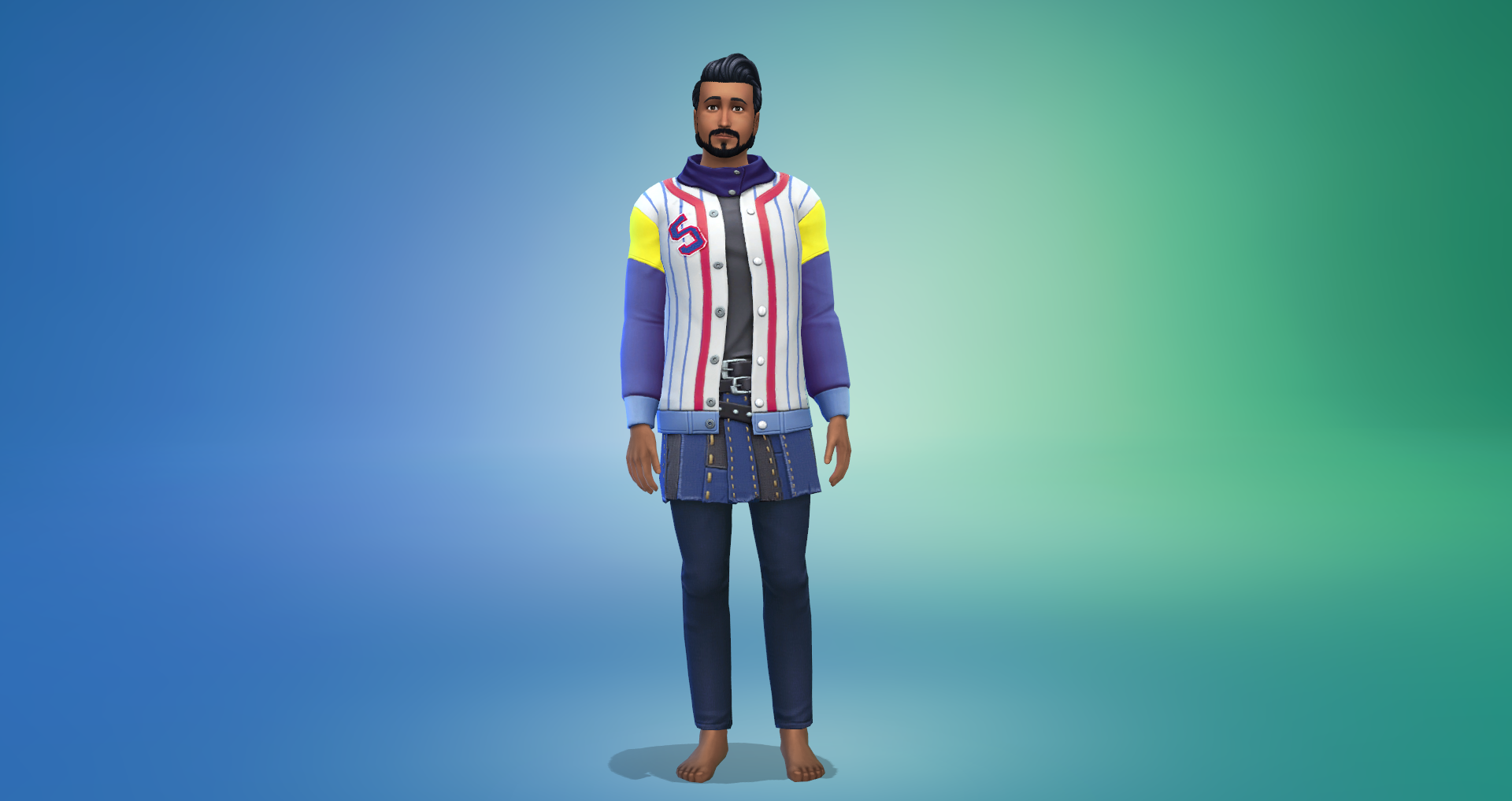
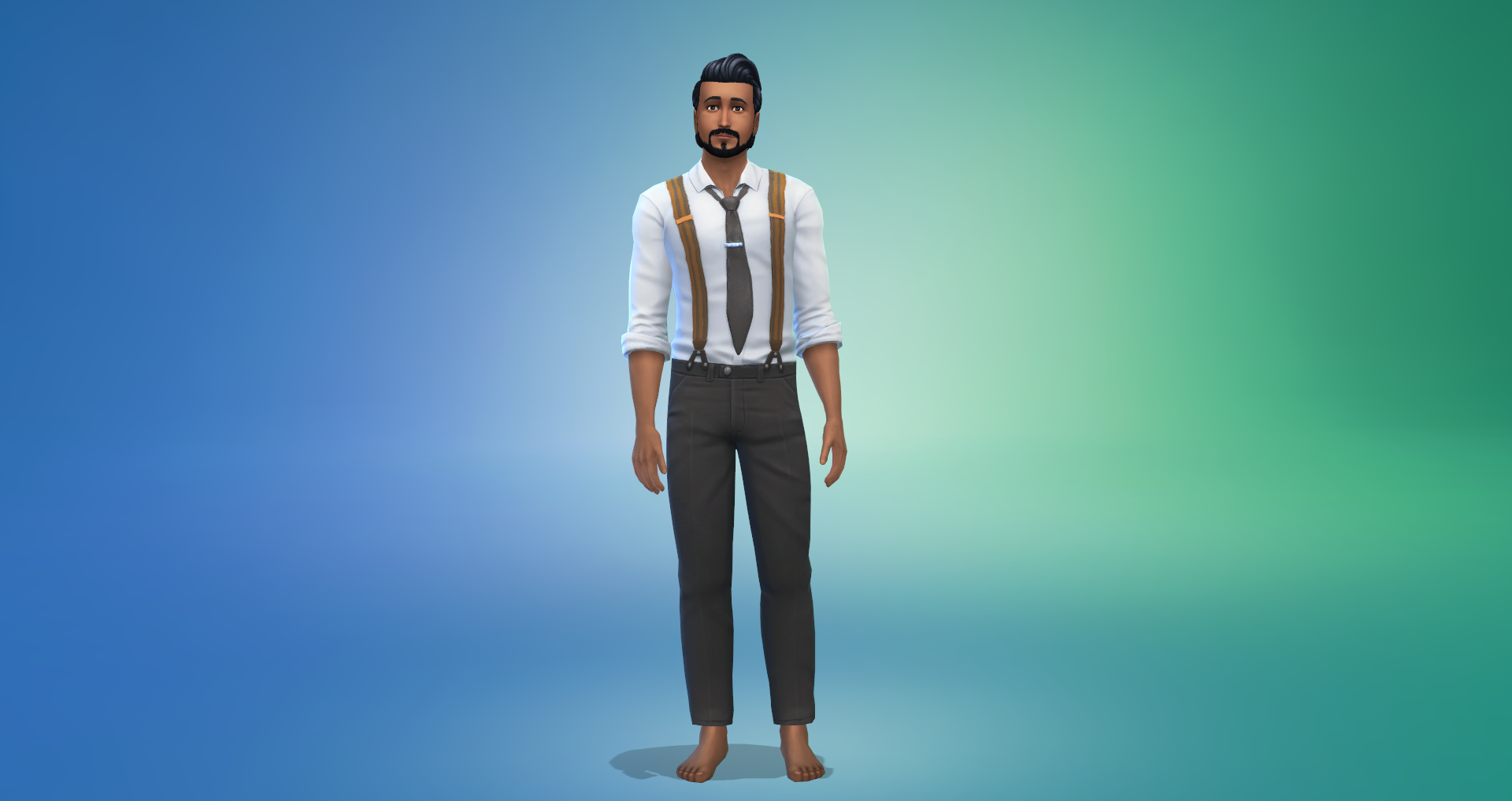
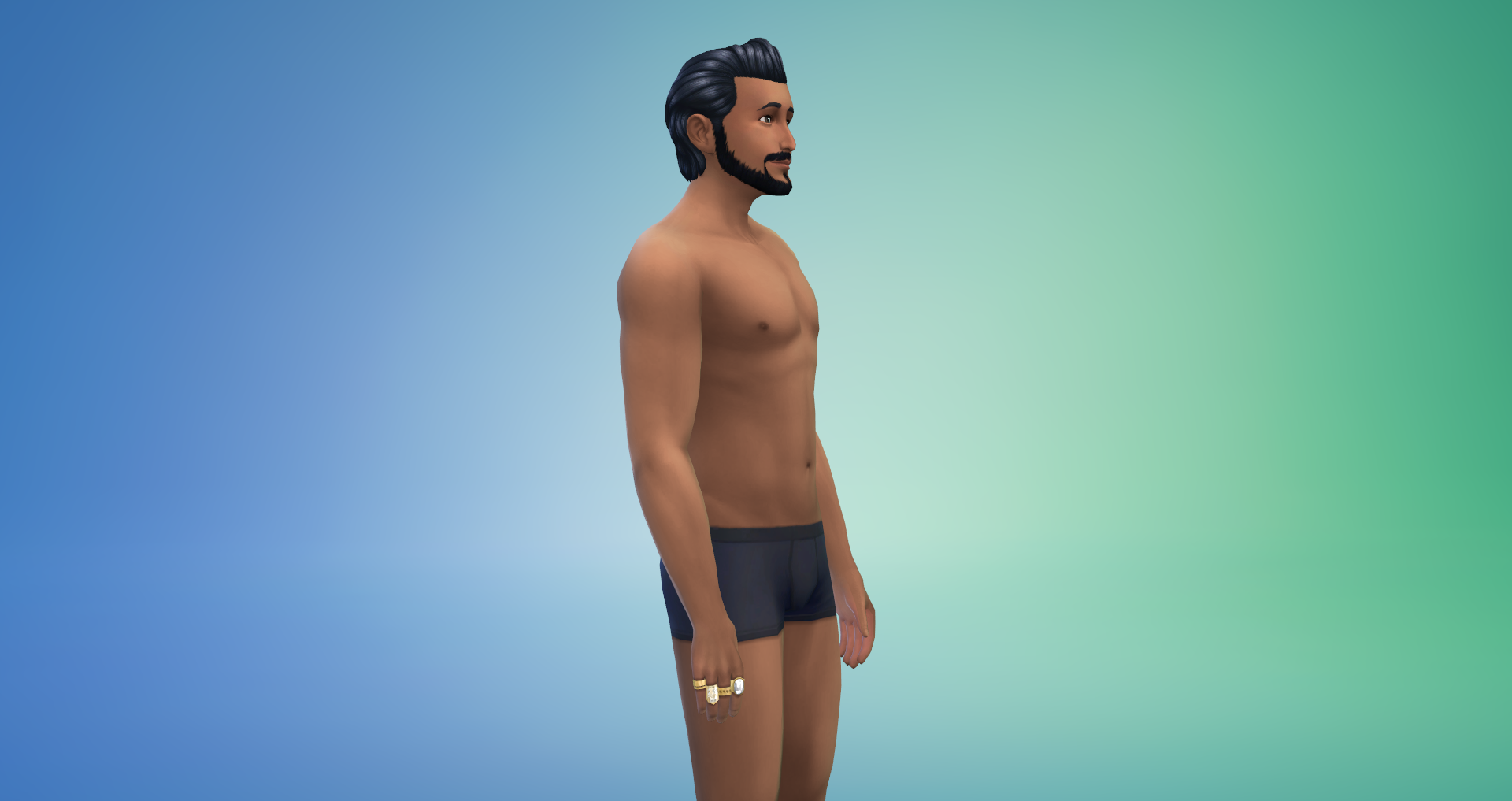
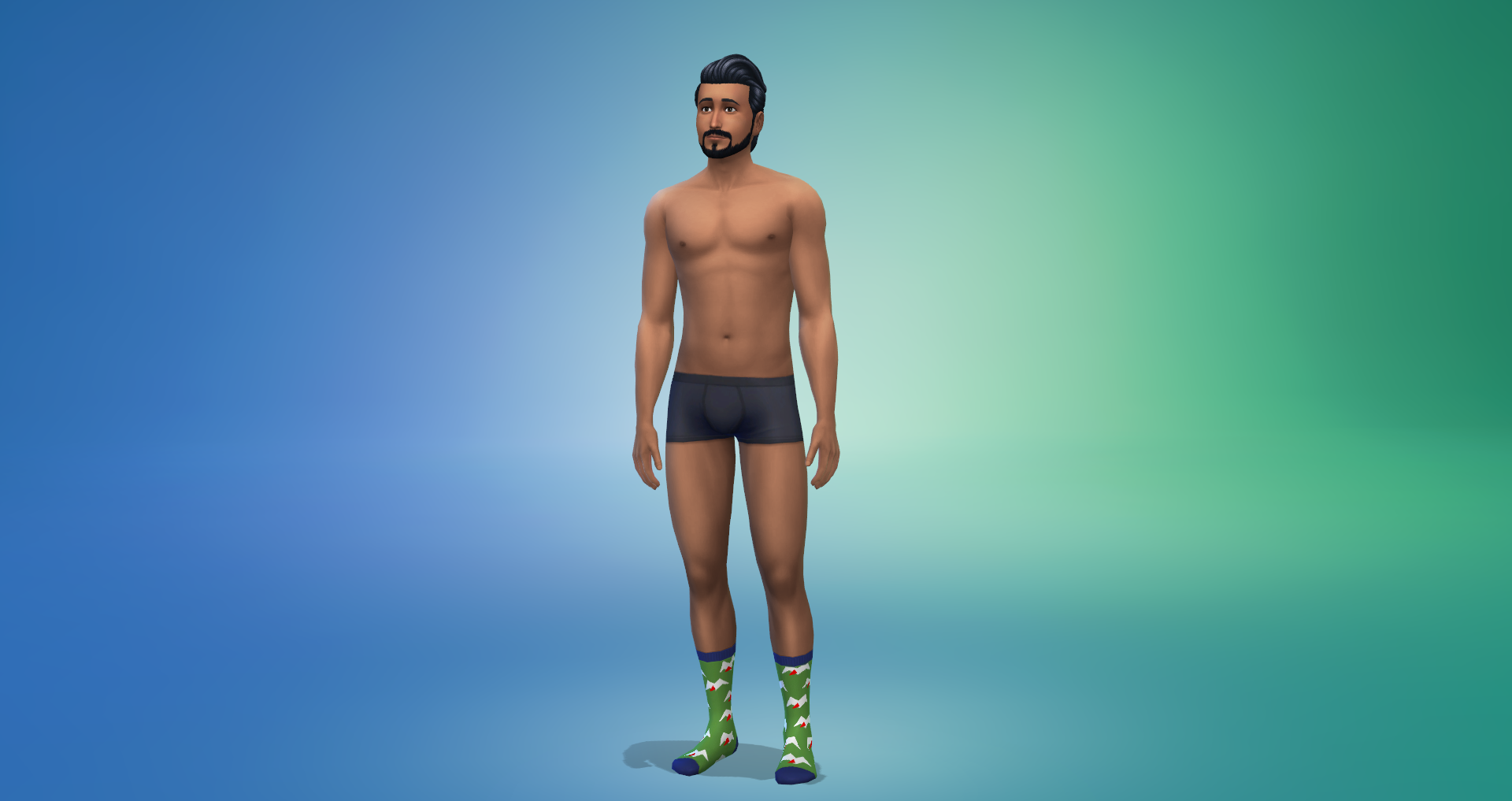
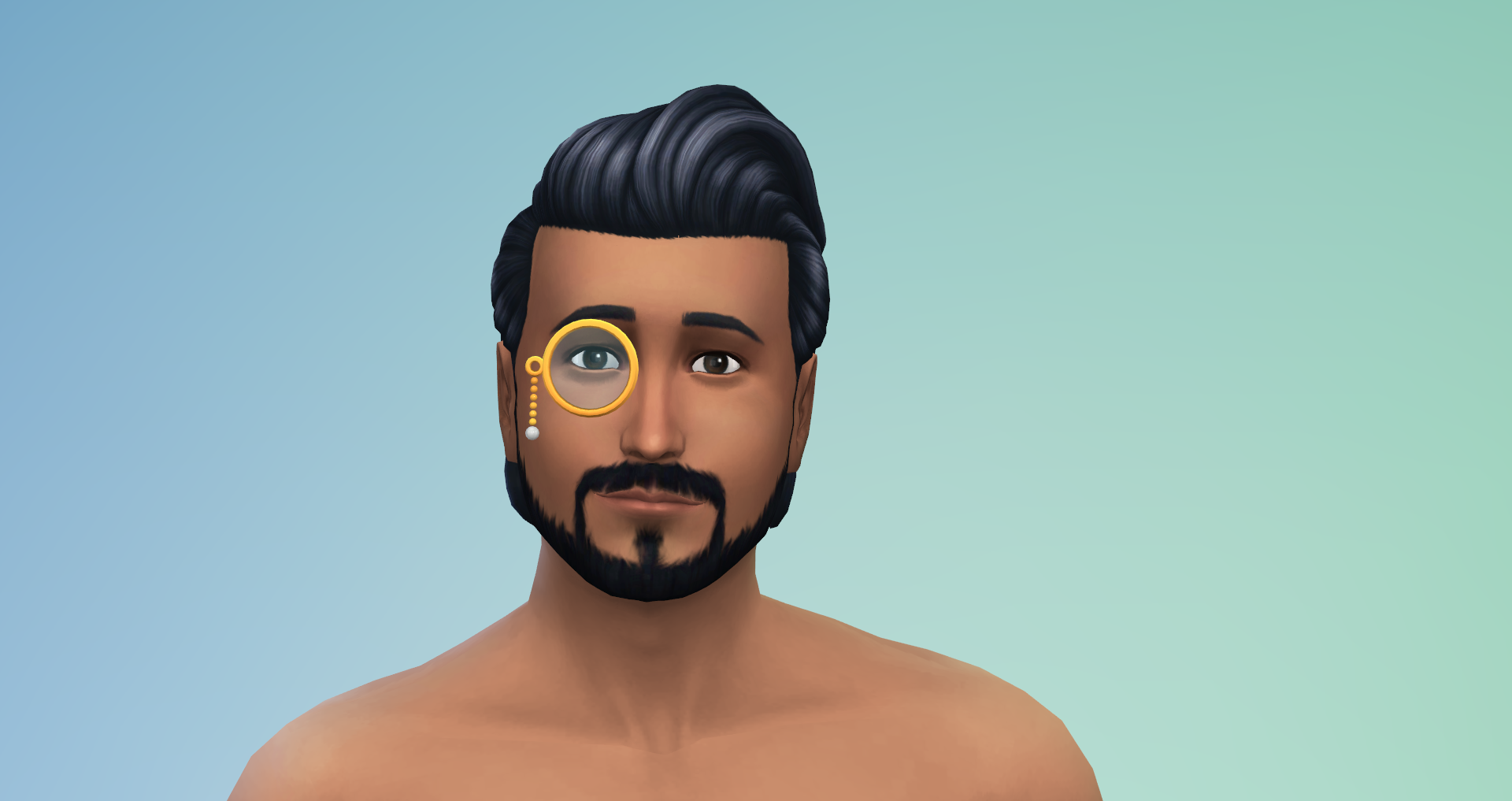
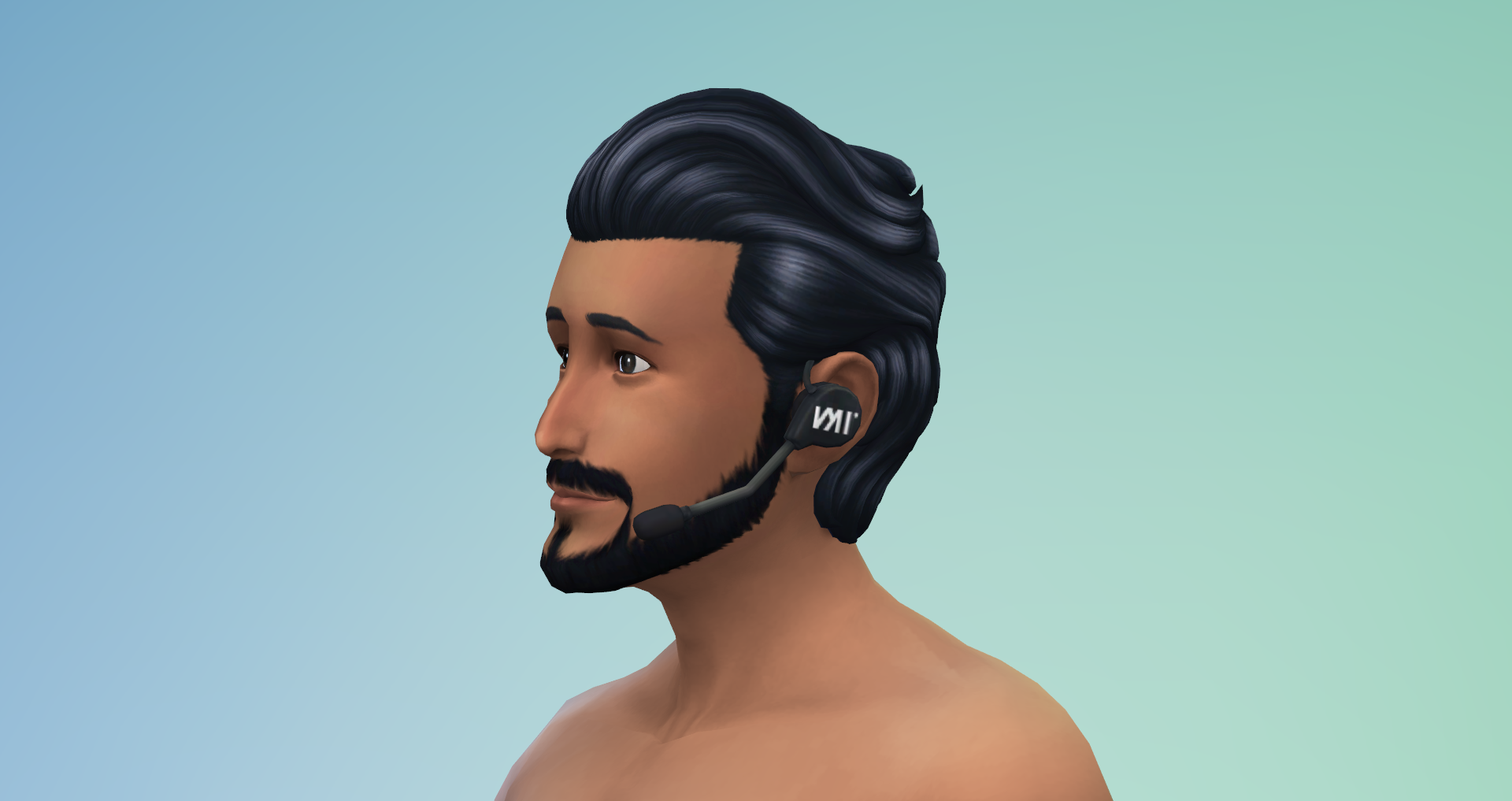
Male Adult/Teen/Elder – 12 Hairstyles and Hats, 13 Tops, 7 Bottoms, 14 Outfits, 5 Pairs of Shoes, 5 Accessories, 2 Teeth Styles, 2 Facial Details, 1 Face Paint, 24 Scars
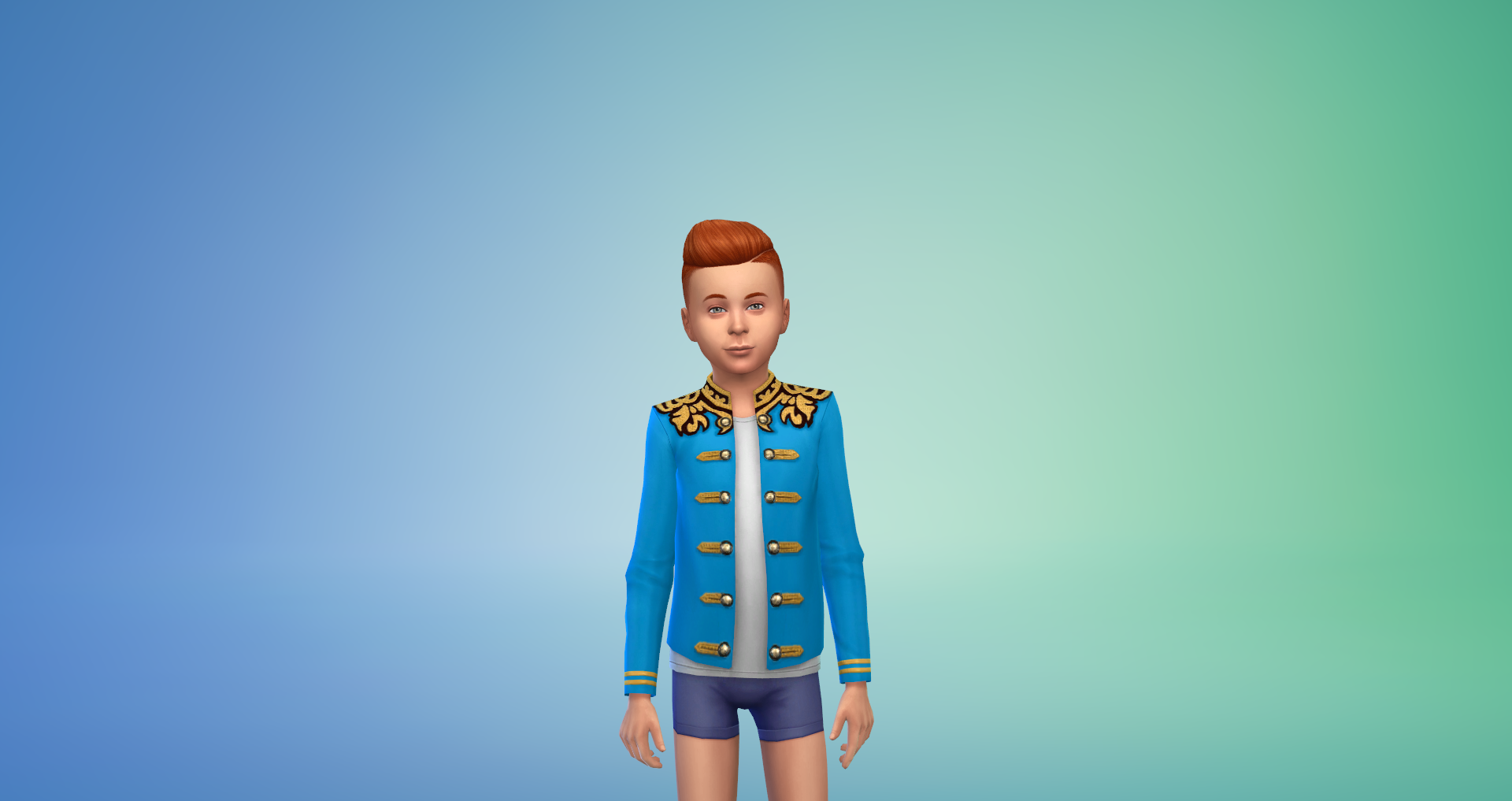
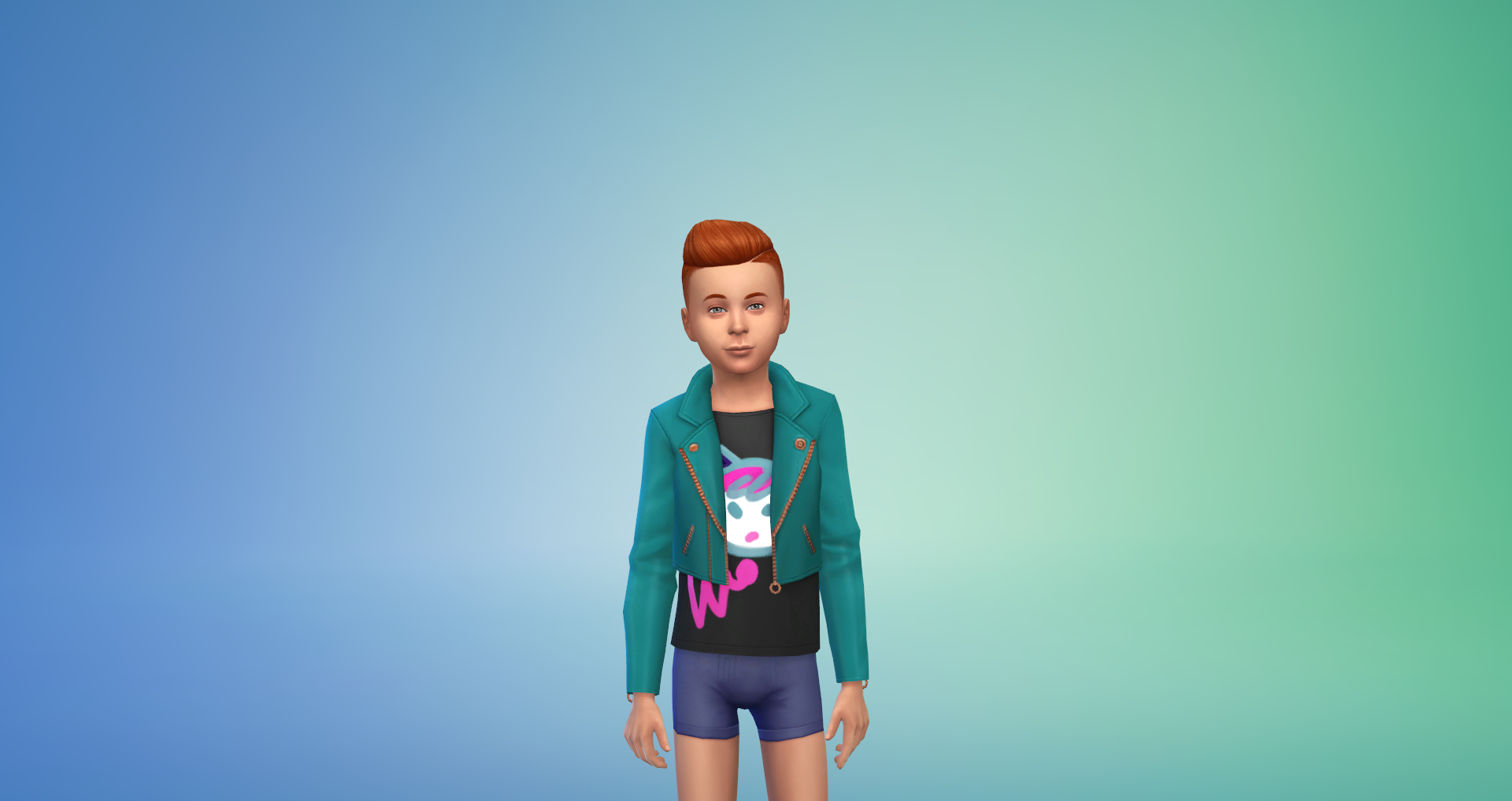
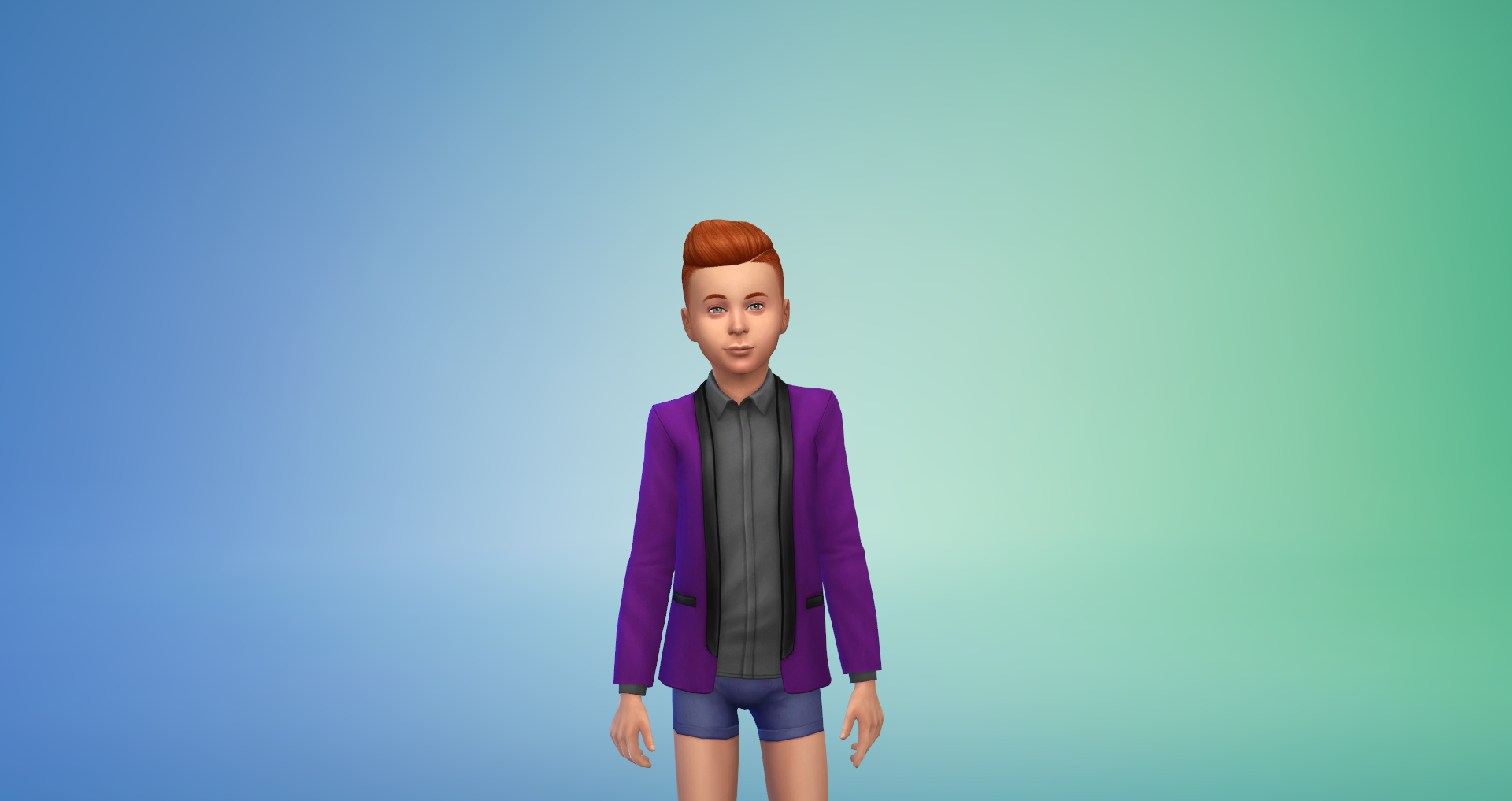
Male Children – 4 Tops, 2 Pairs of Shoes
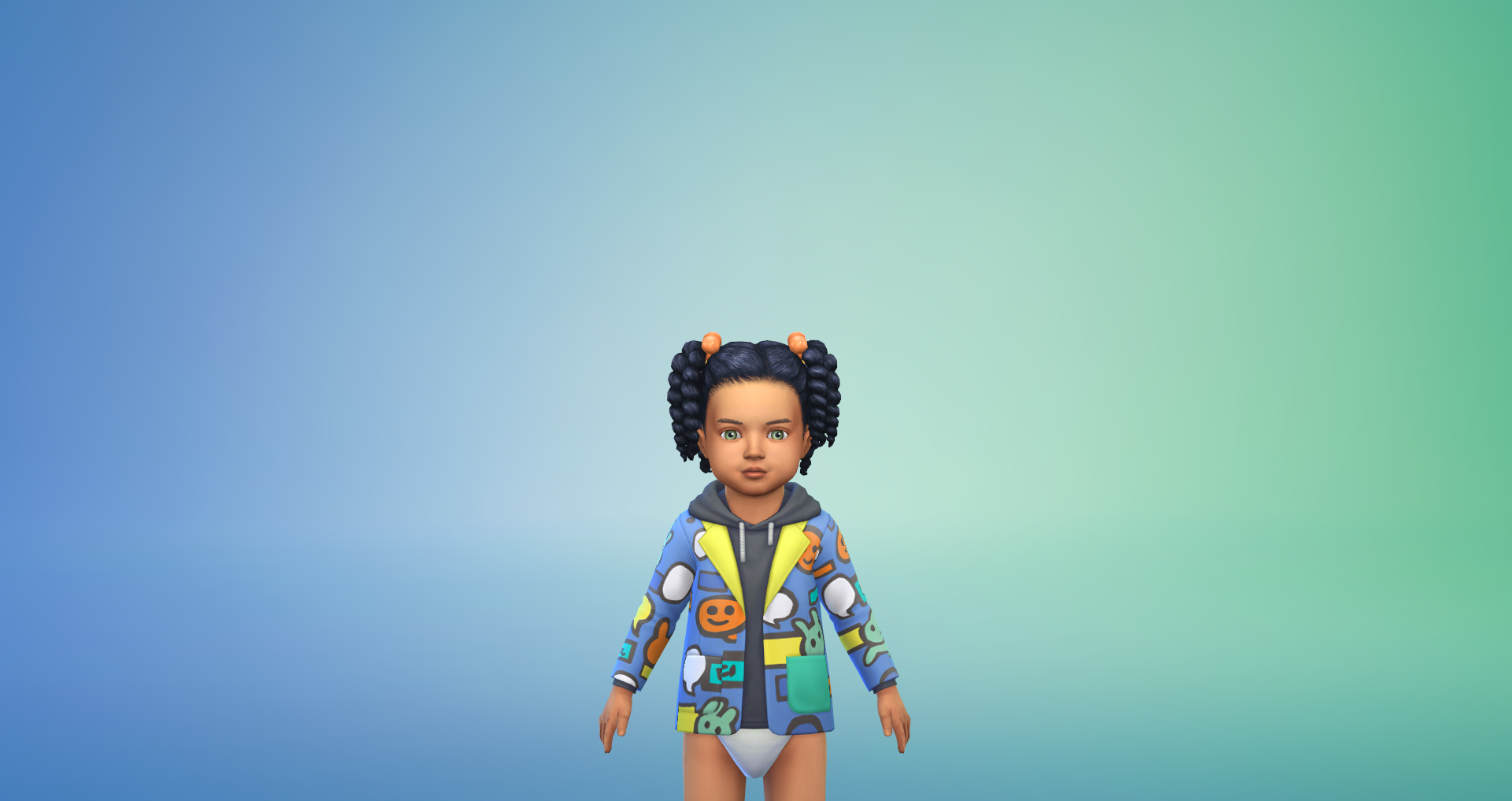
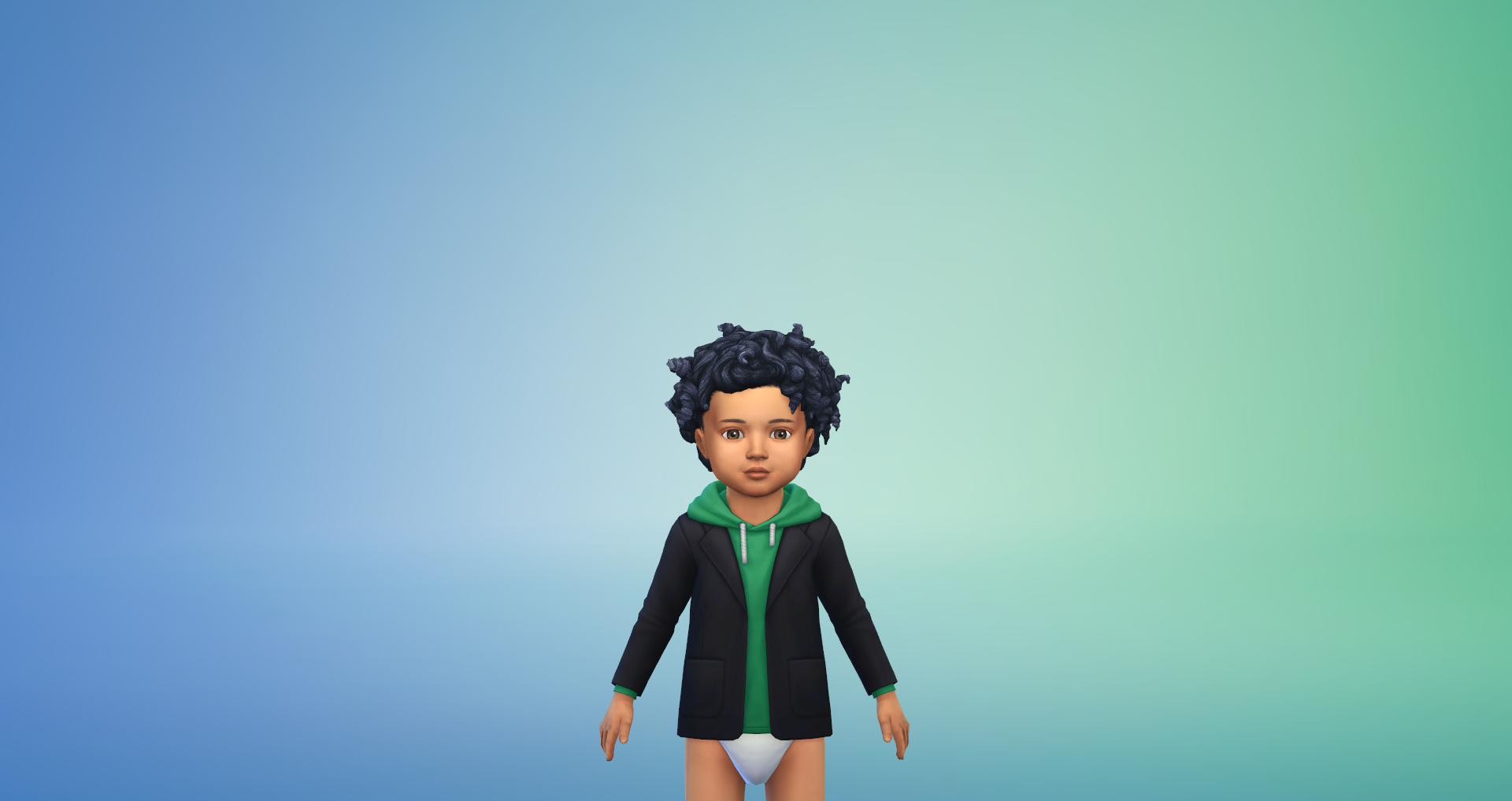
Male Toddlers – 2 Tops, 1 Bottom
Hairstyles and Hats







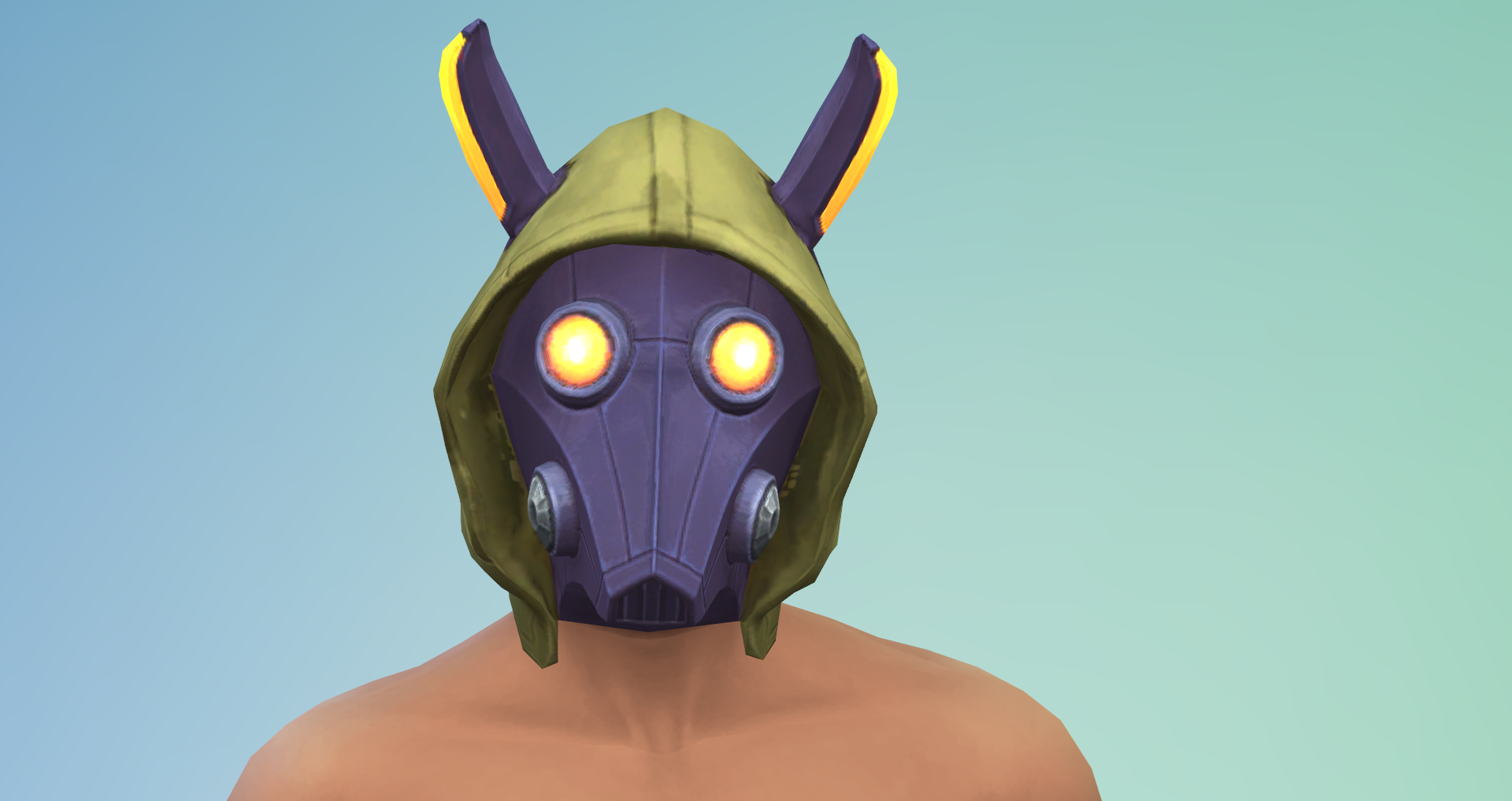
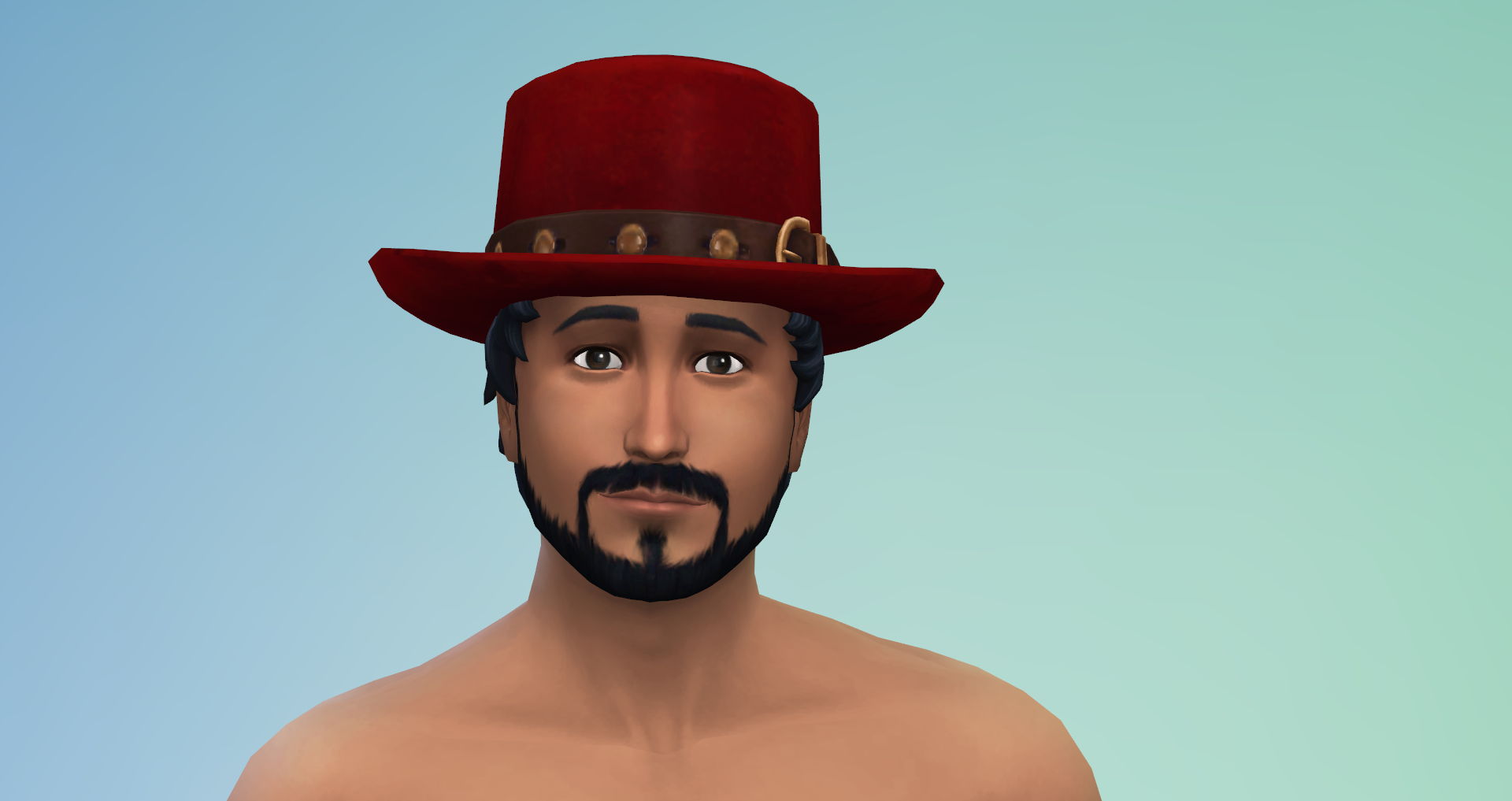
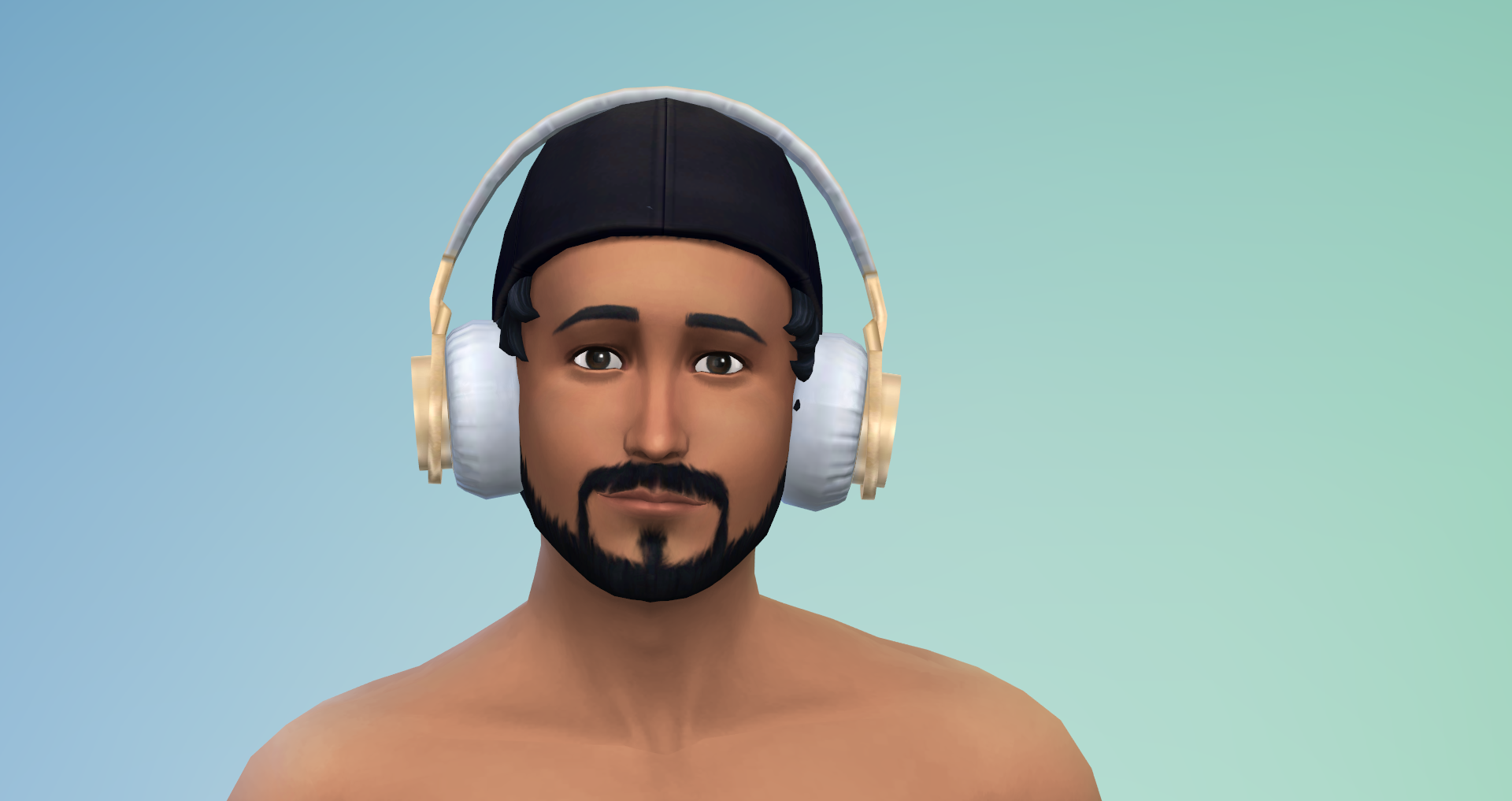
Clothing
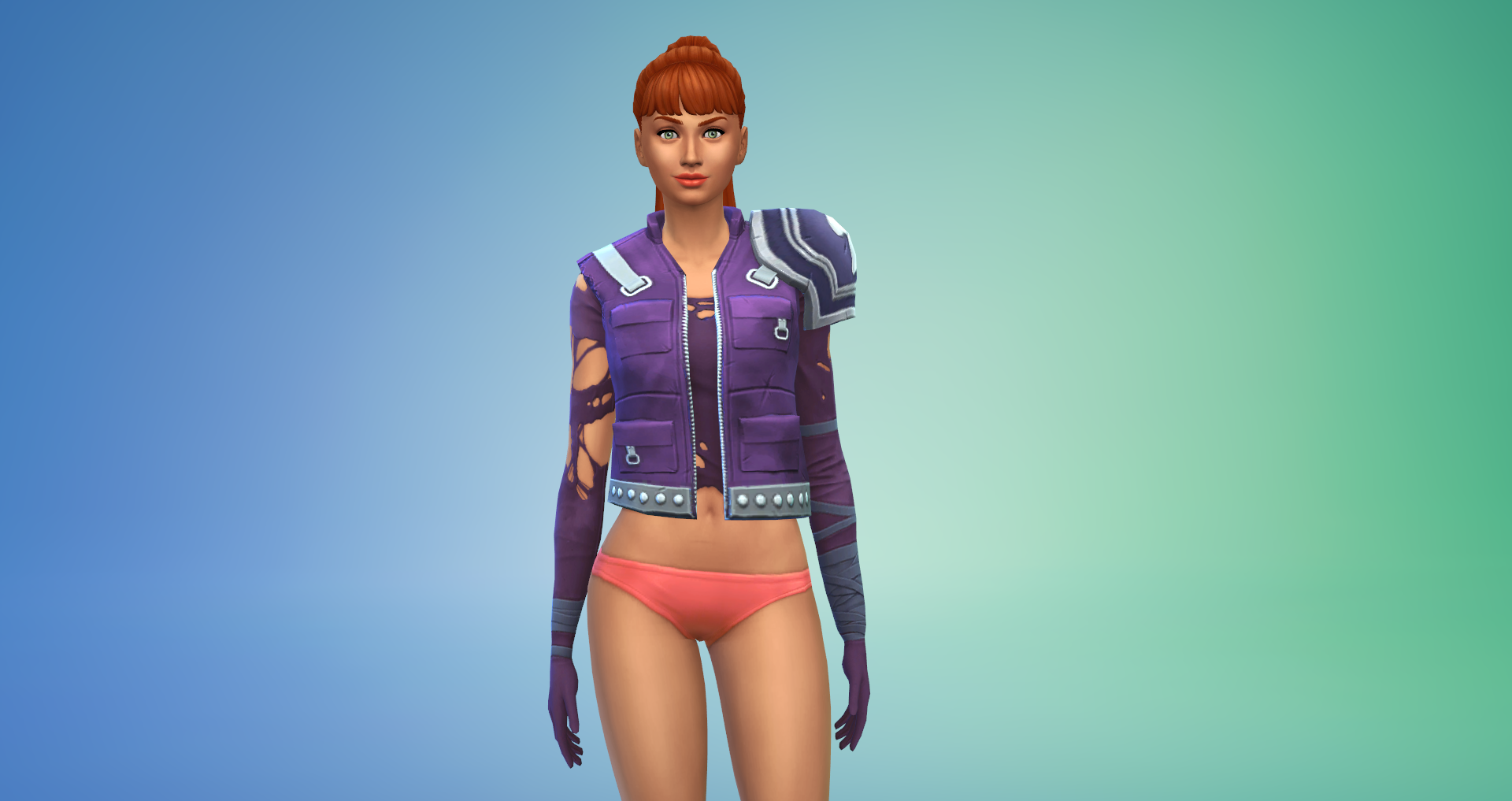





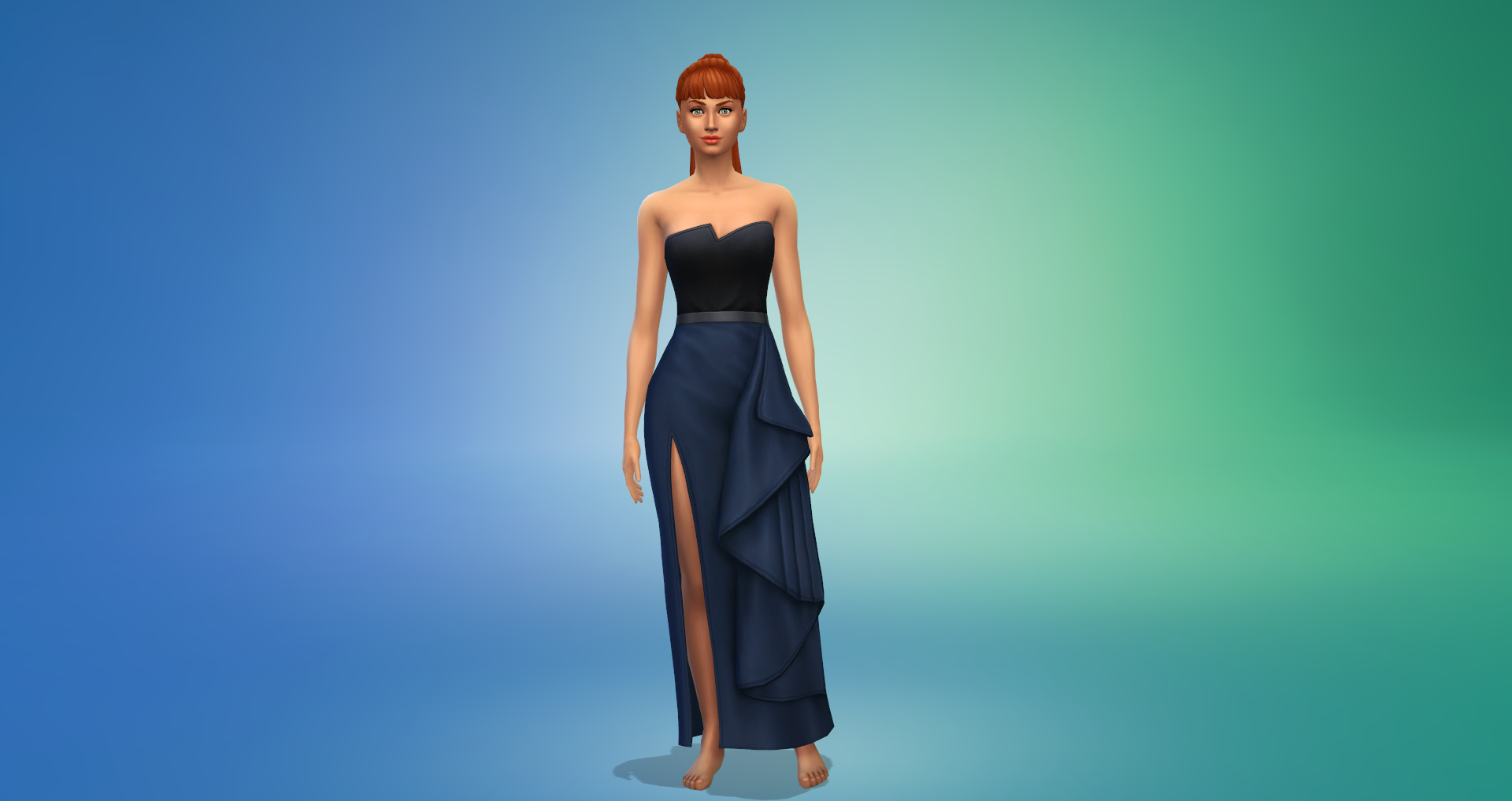
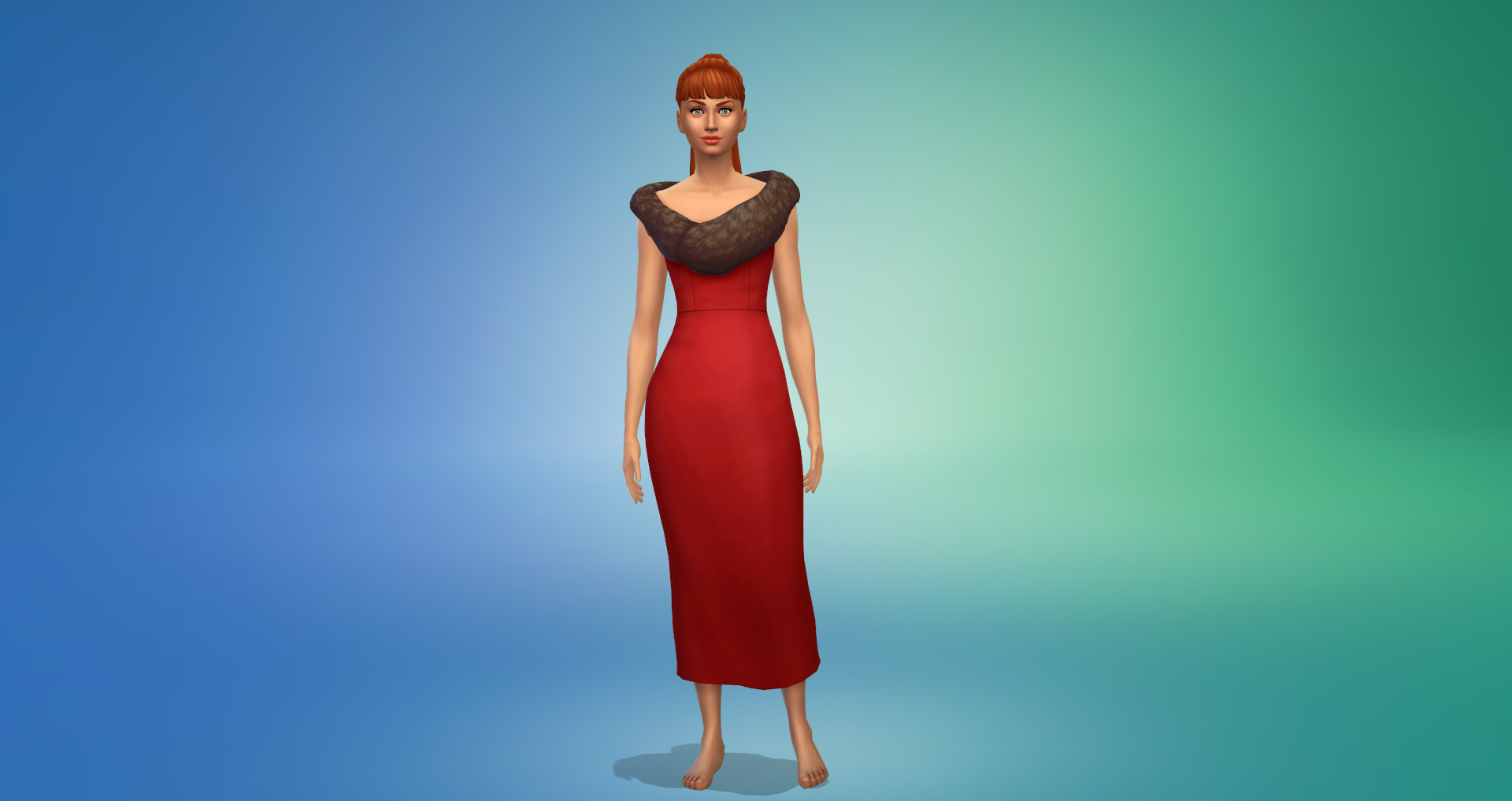
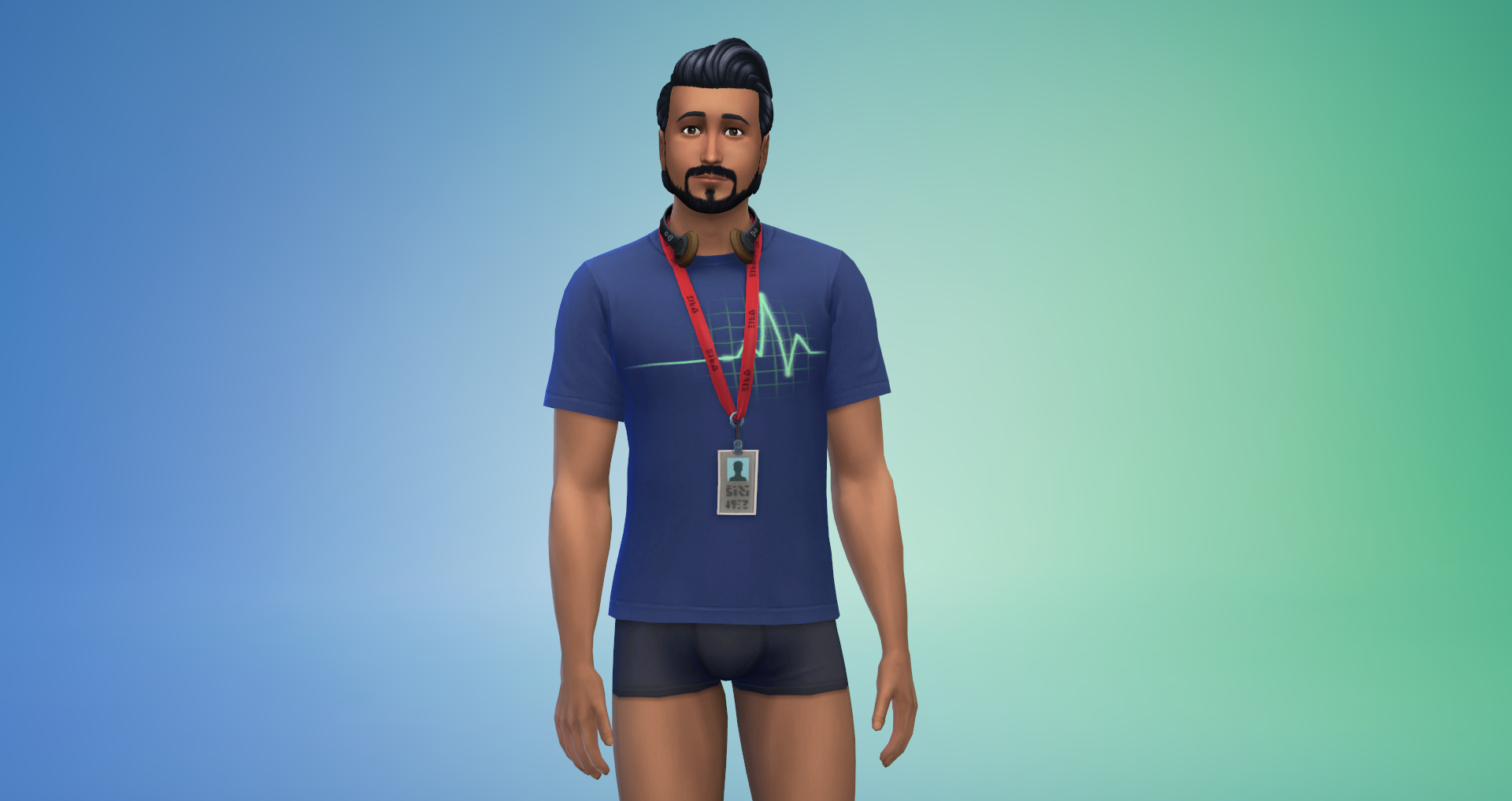


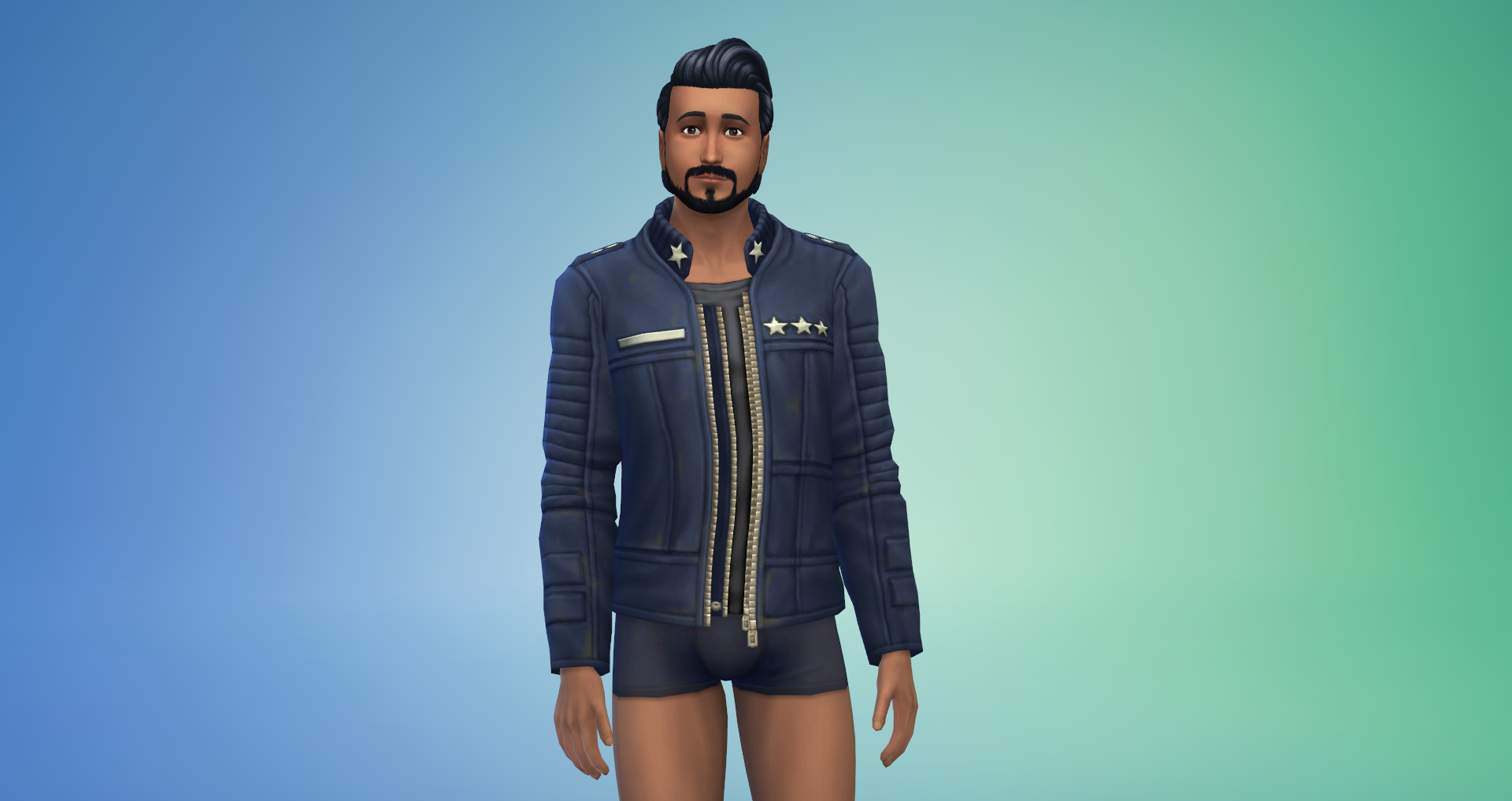








Shoes

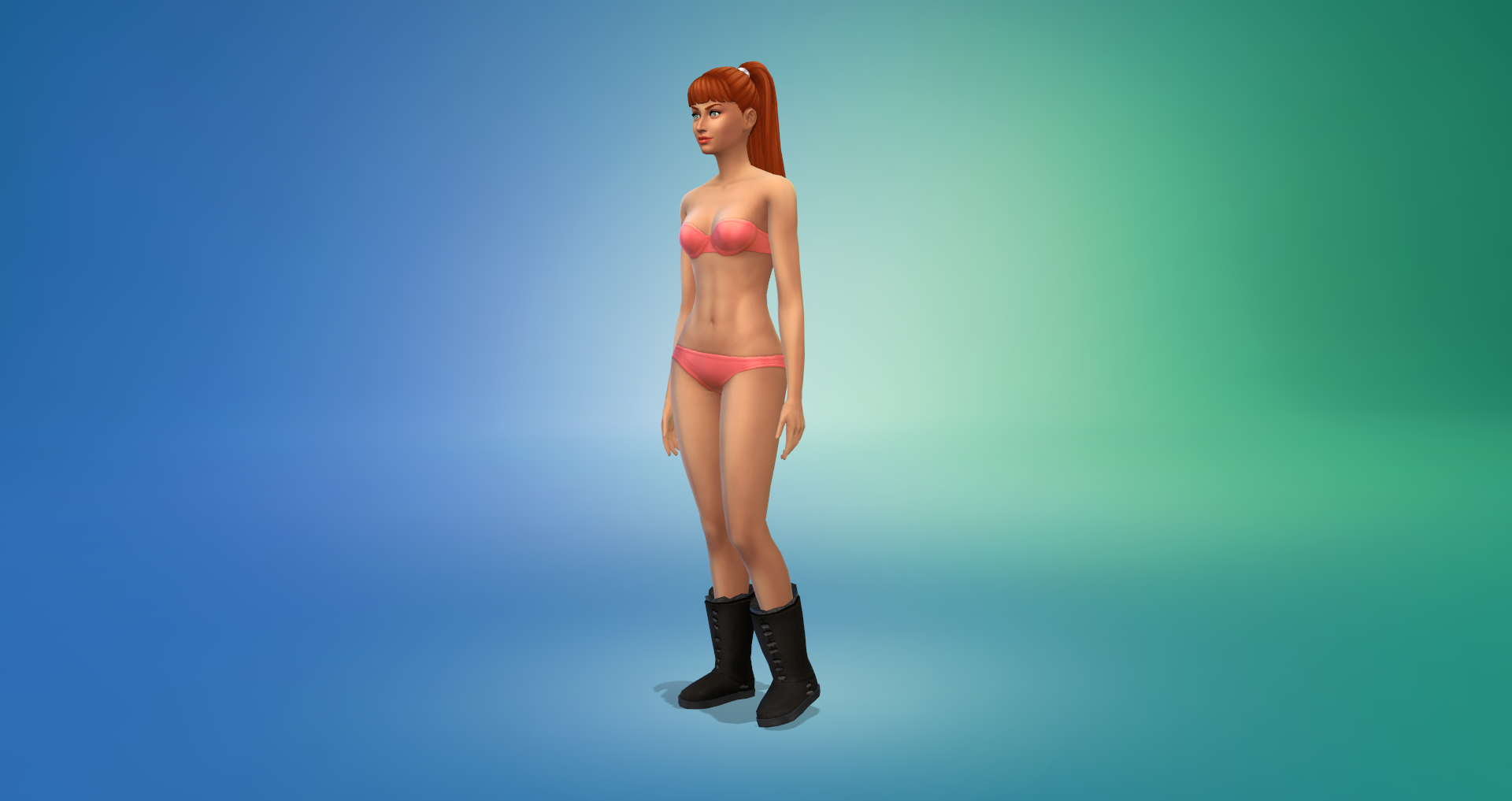
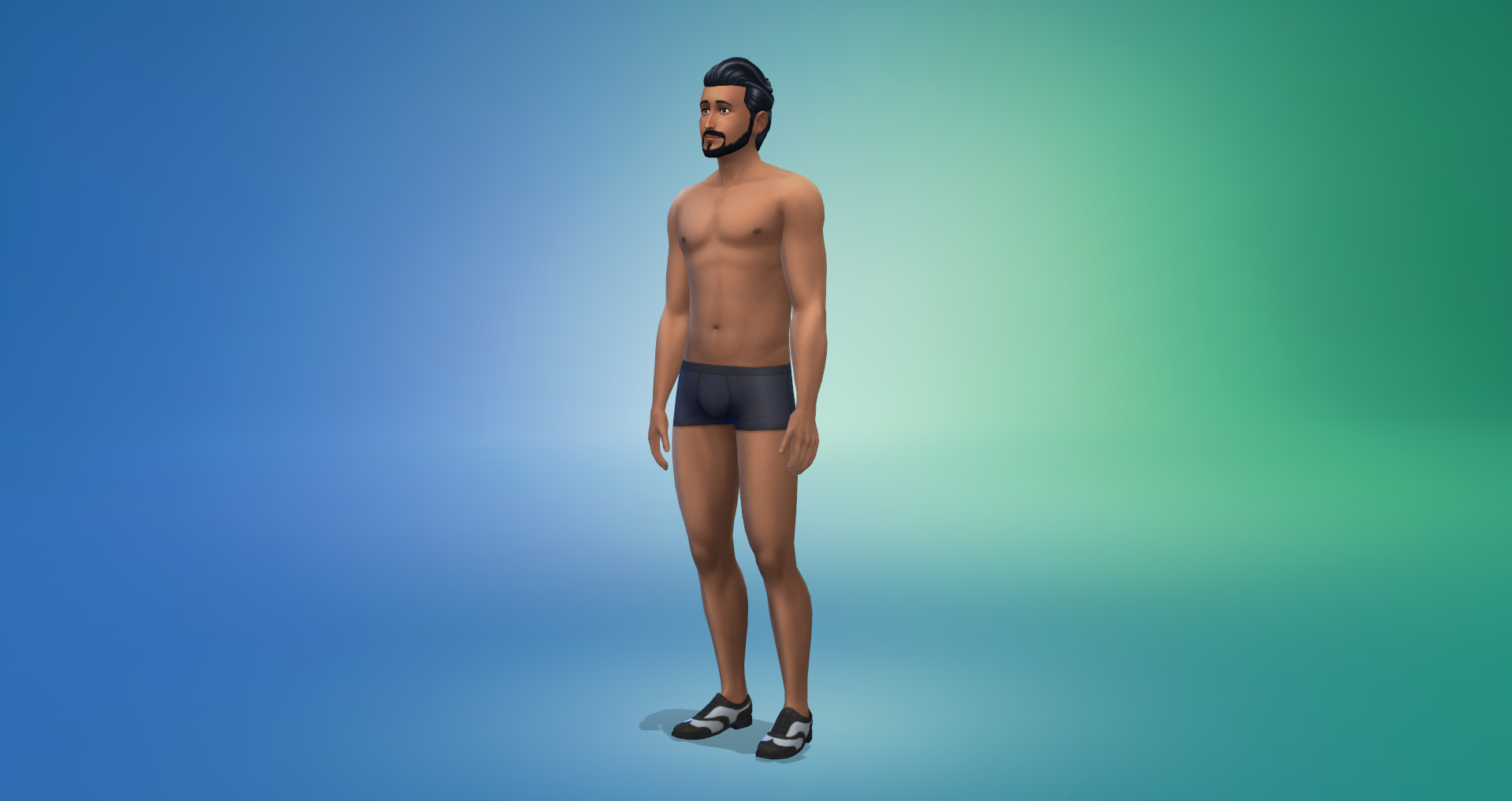
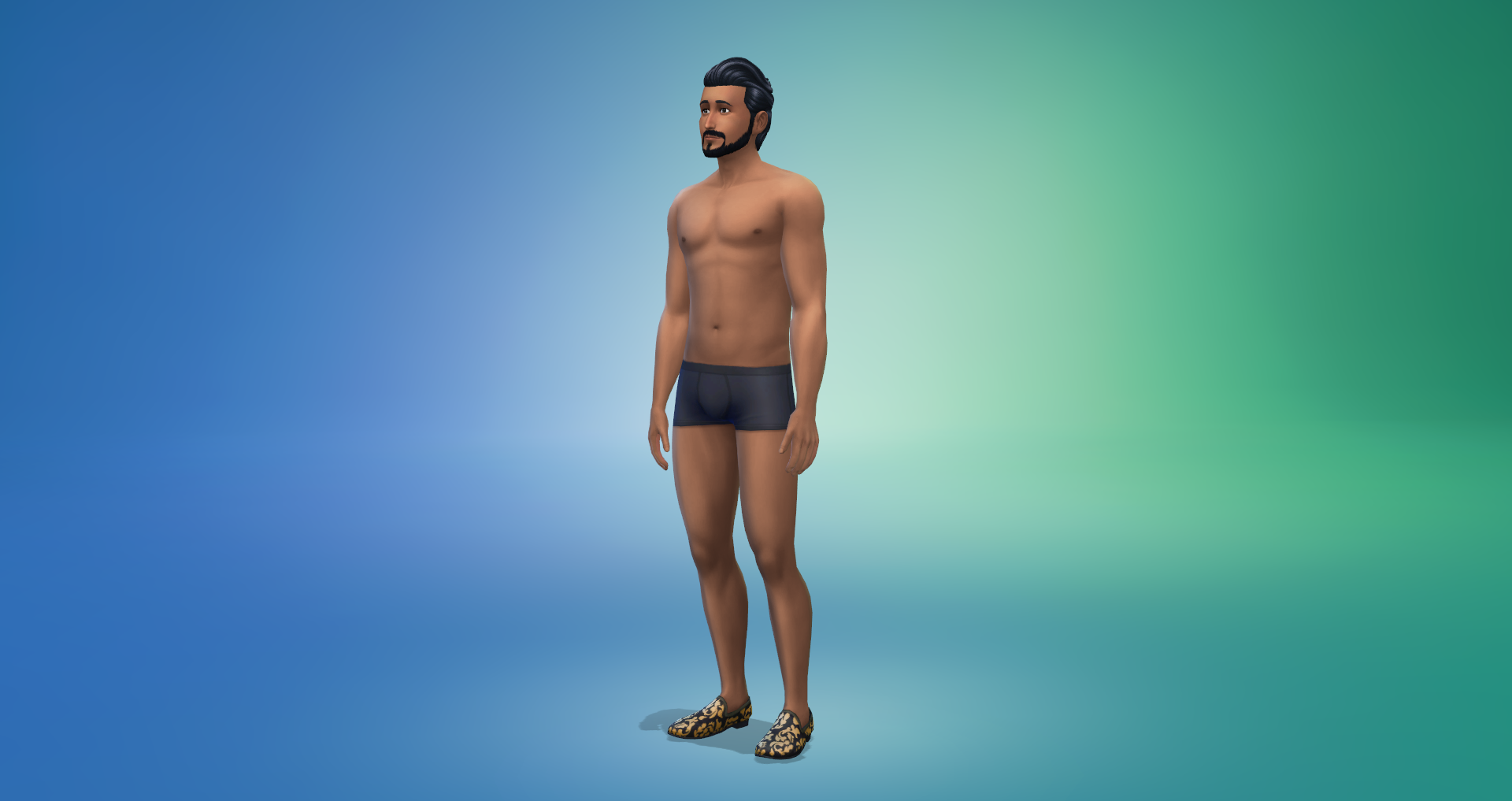
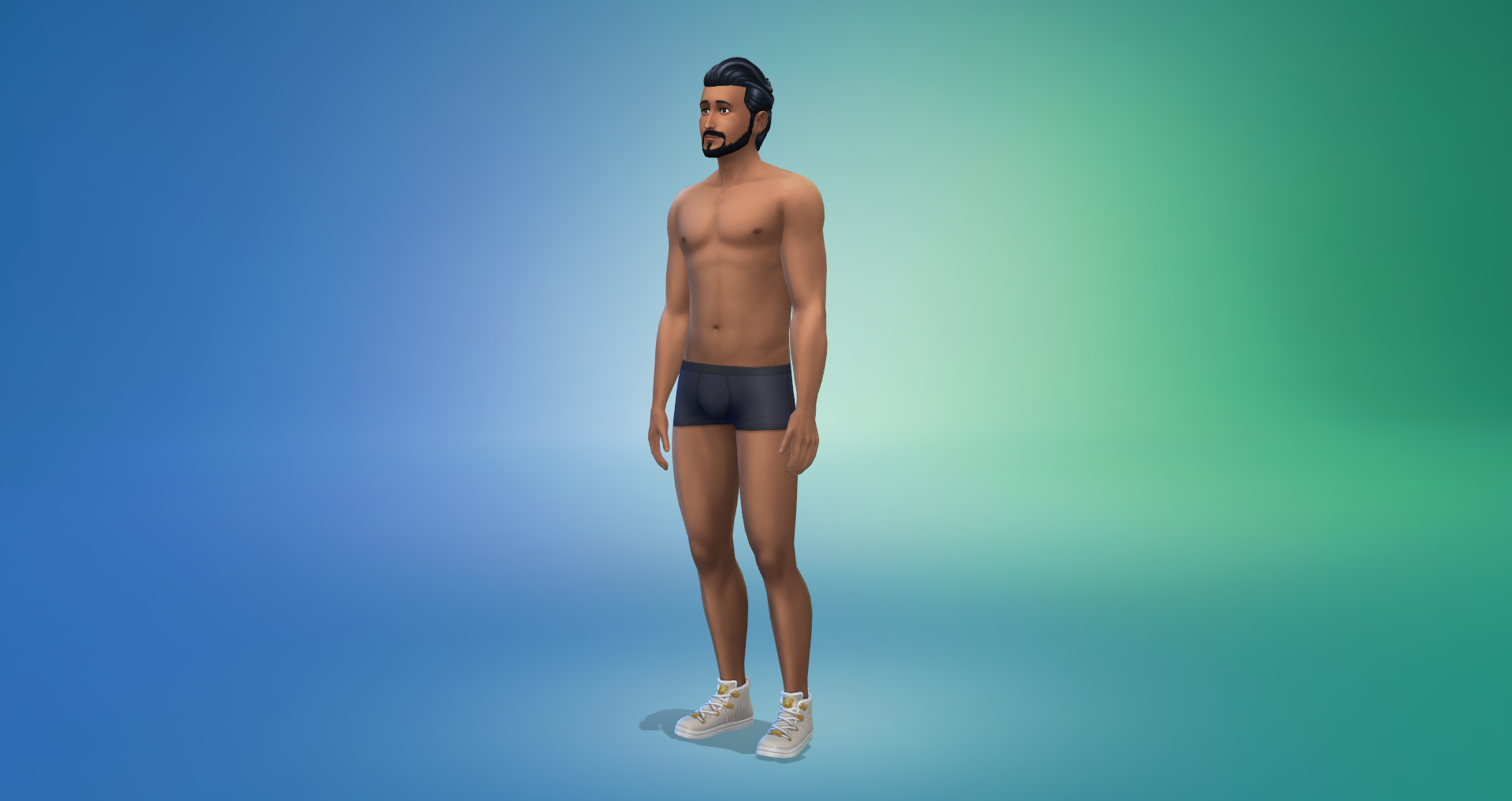

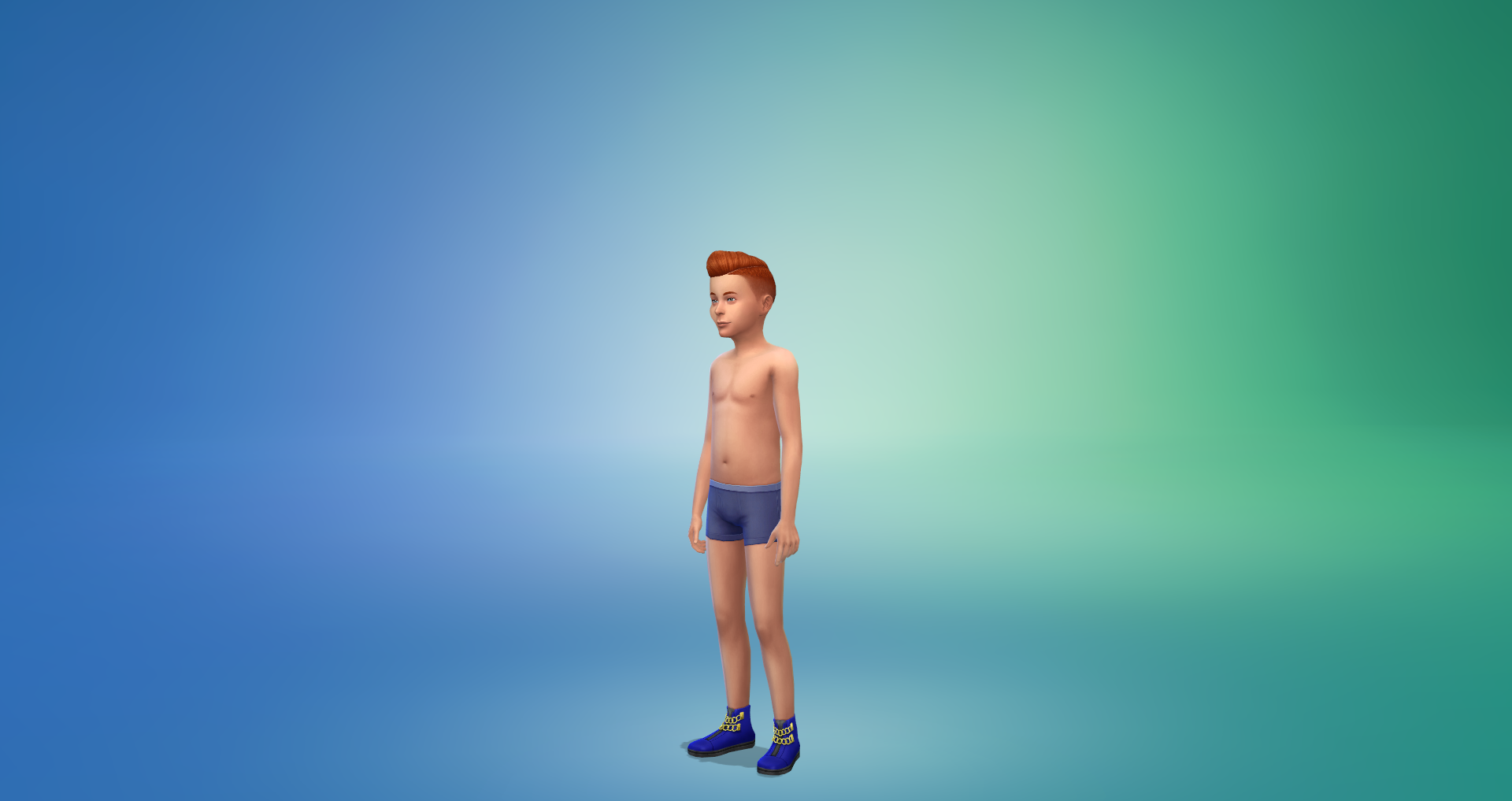
Accessories
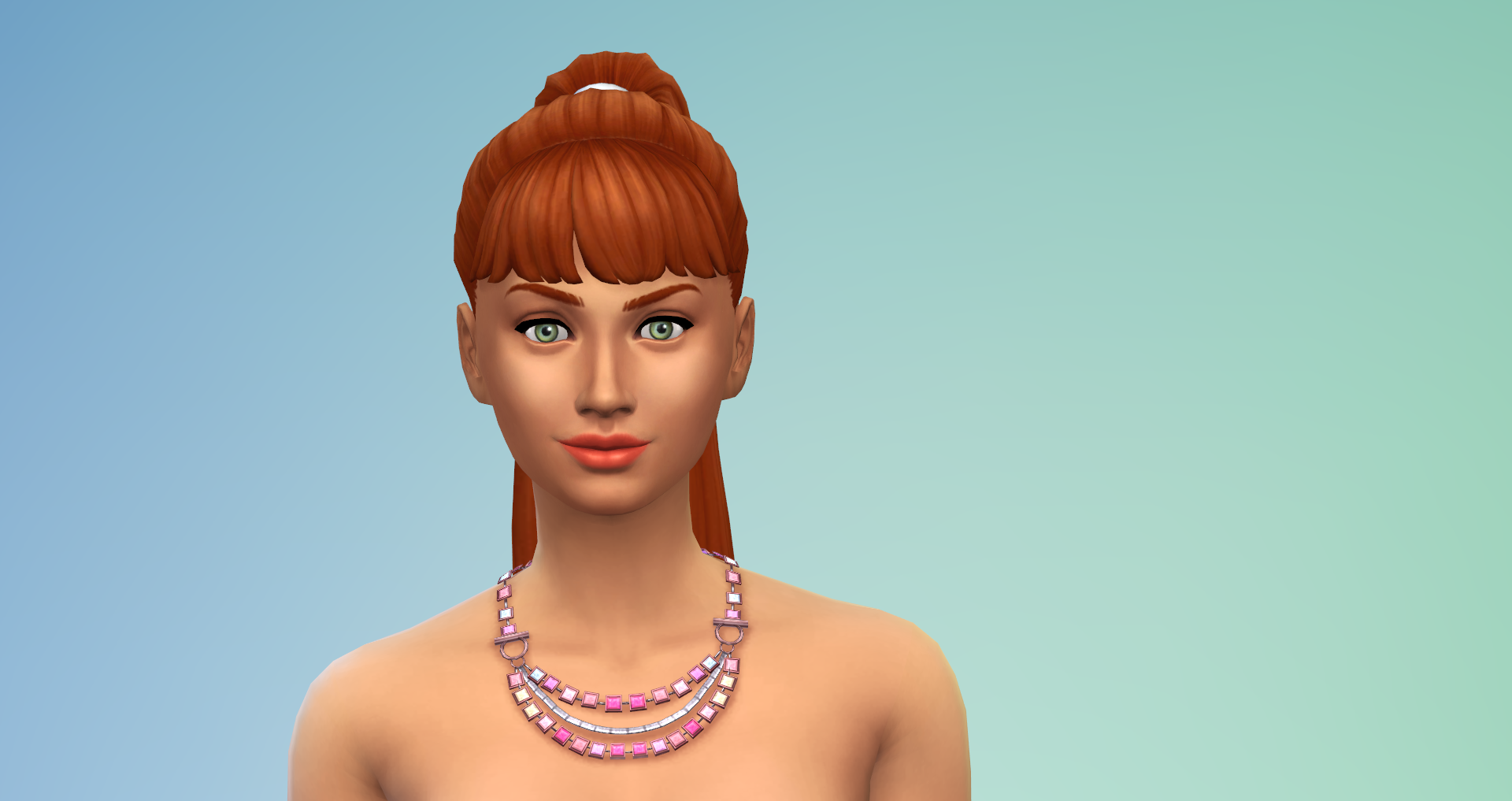
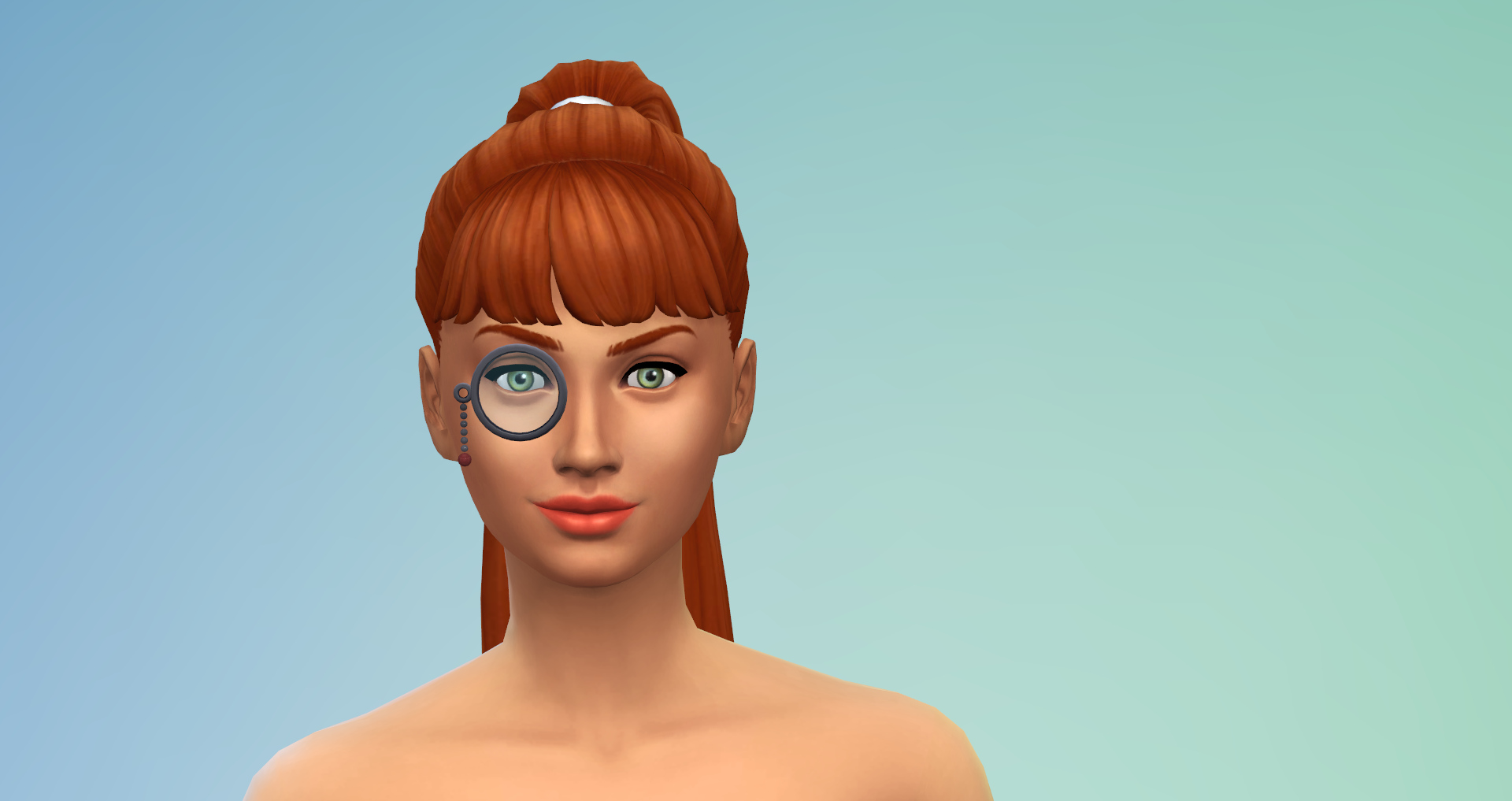
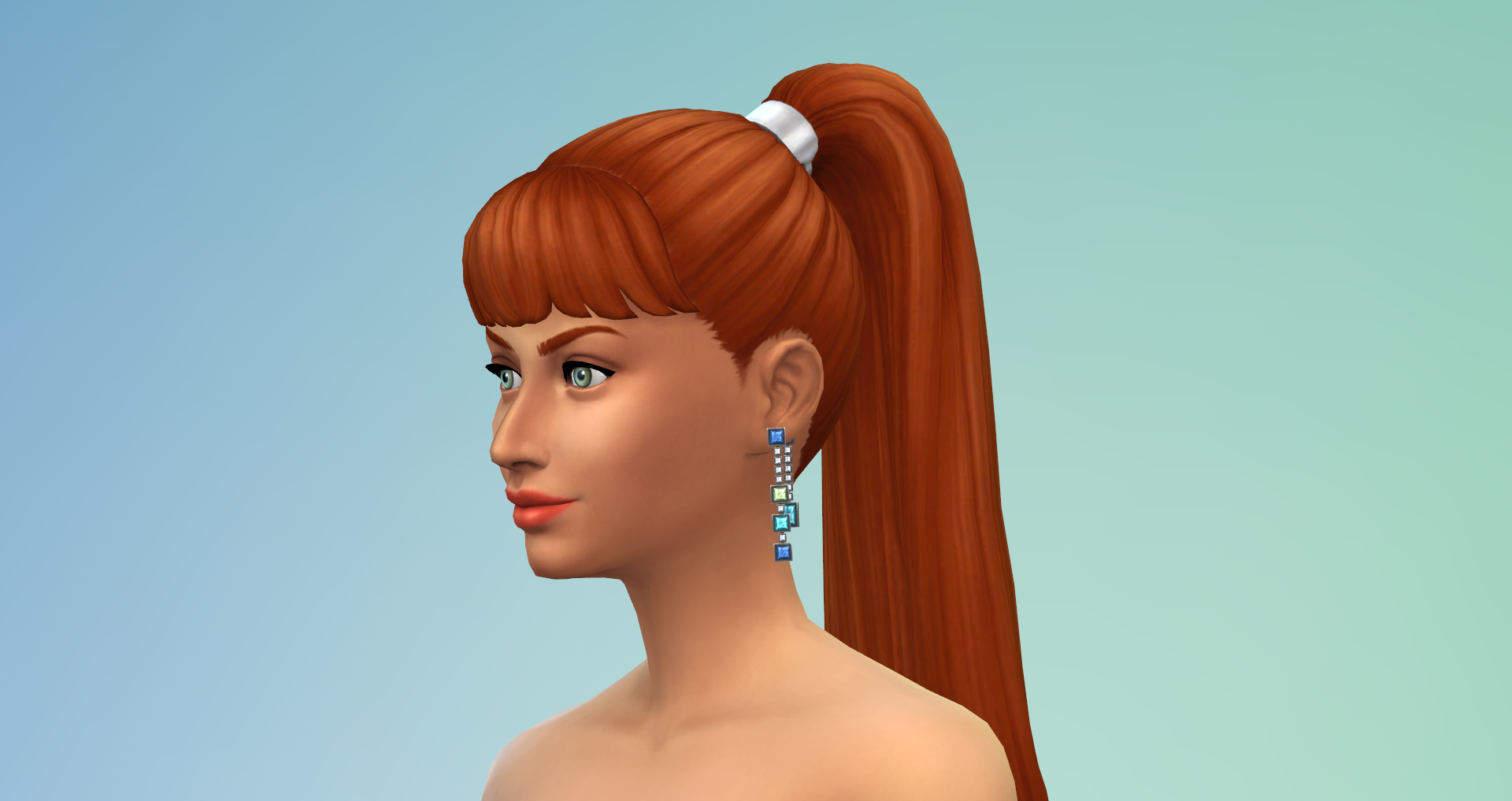
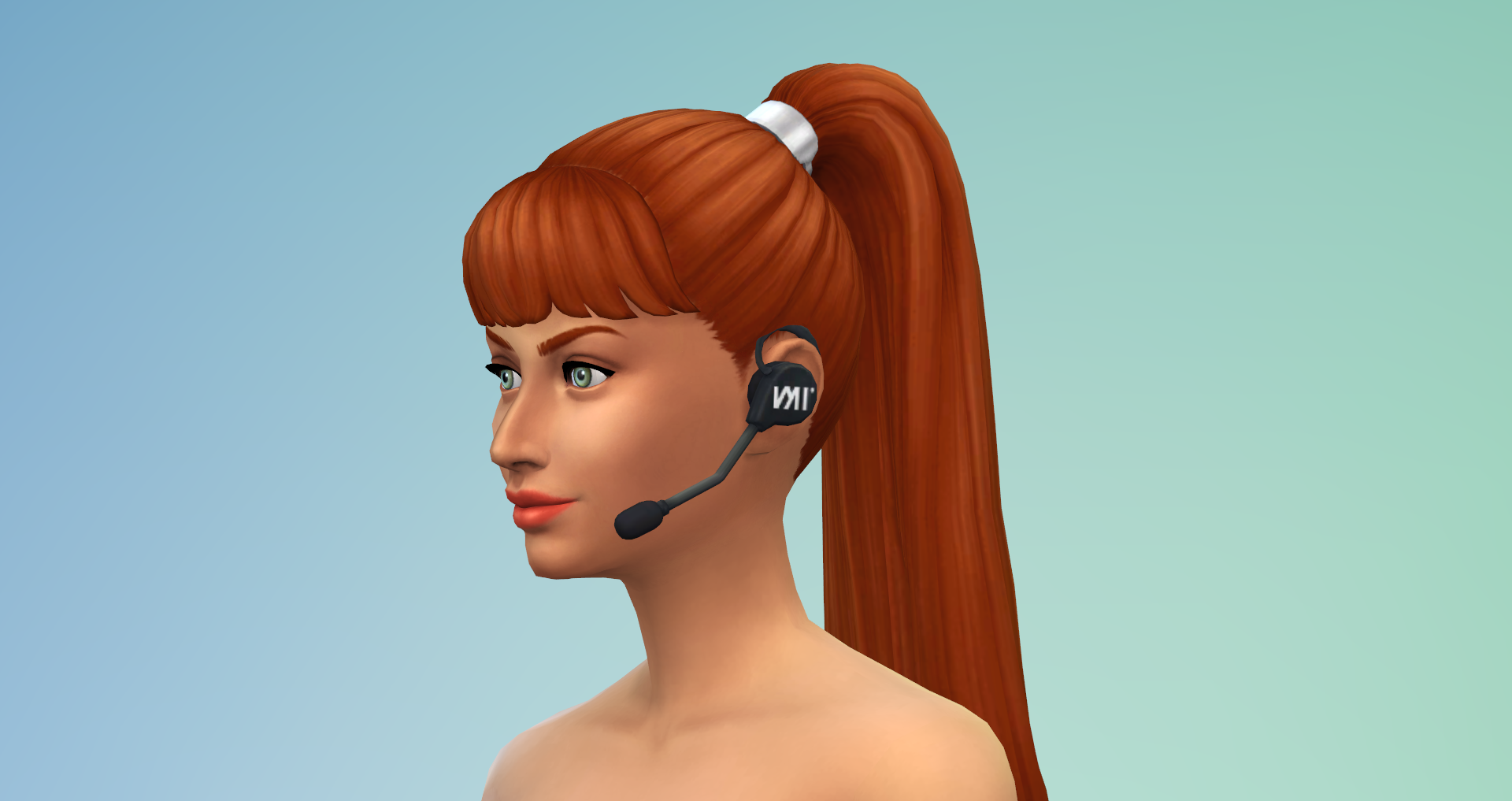
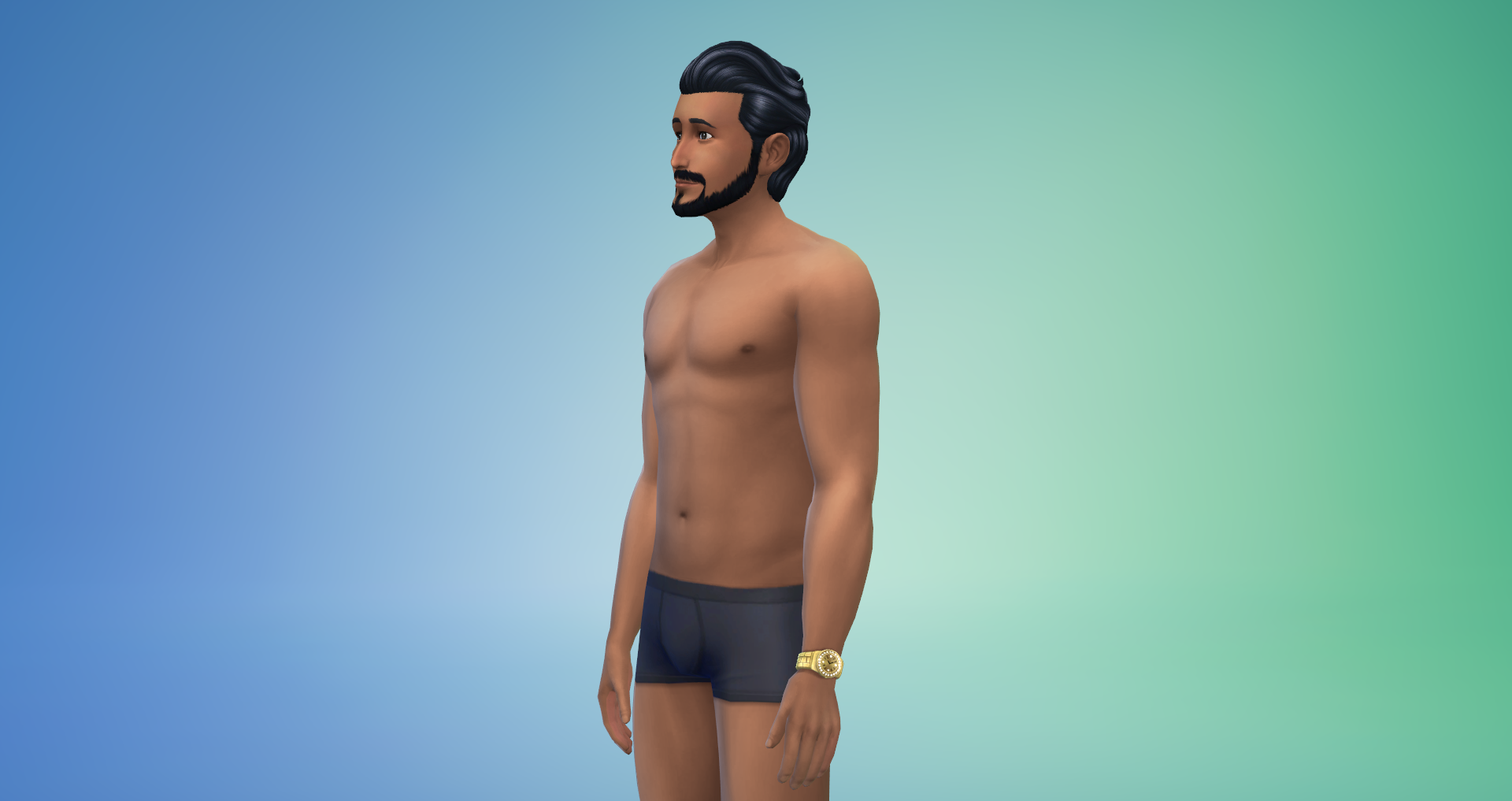
Teeth/Facial Details/Makeup

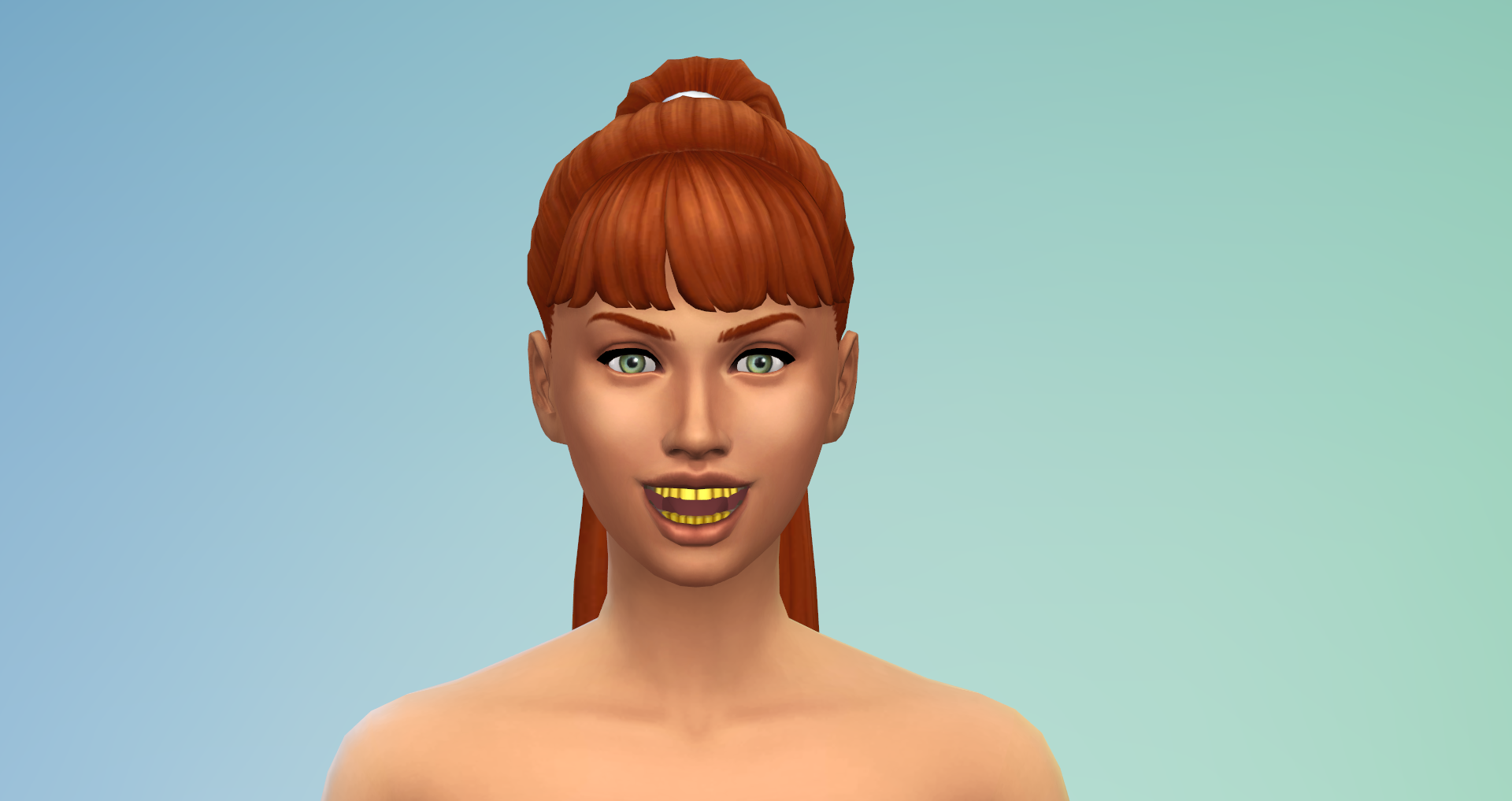
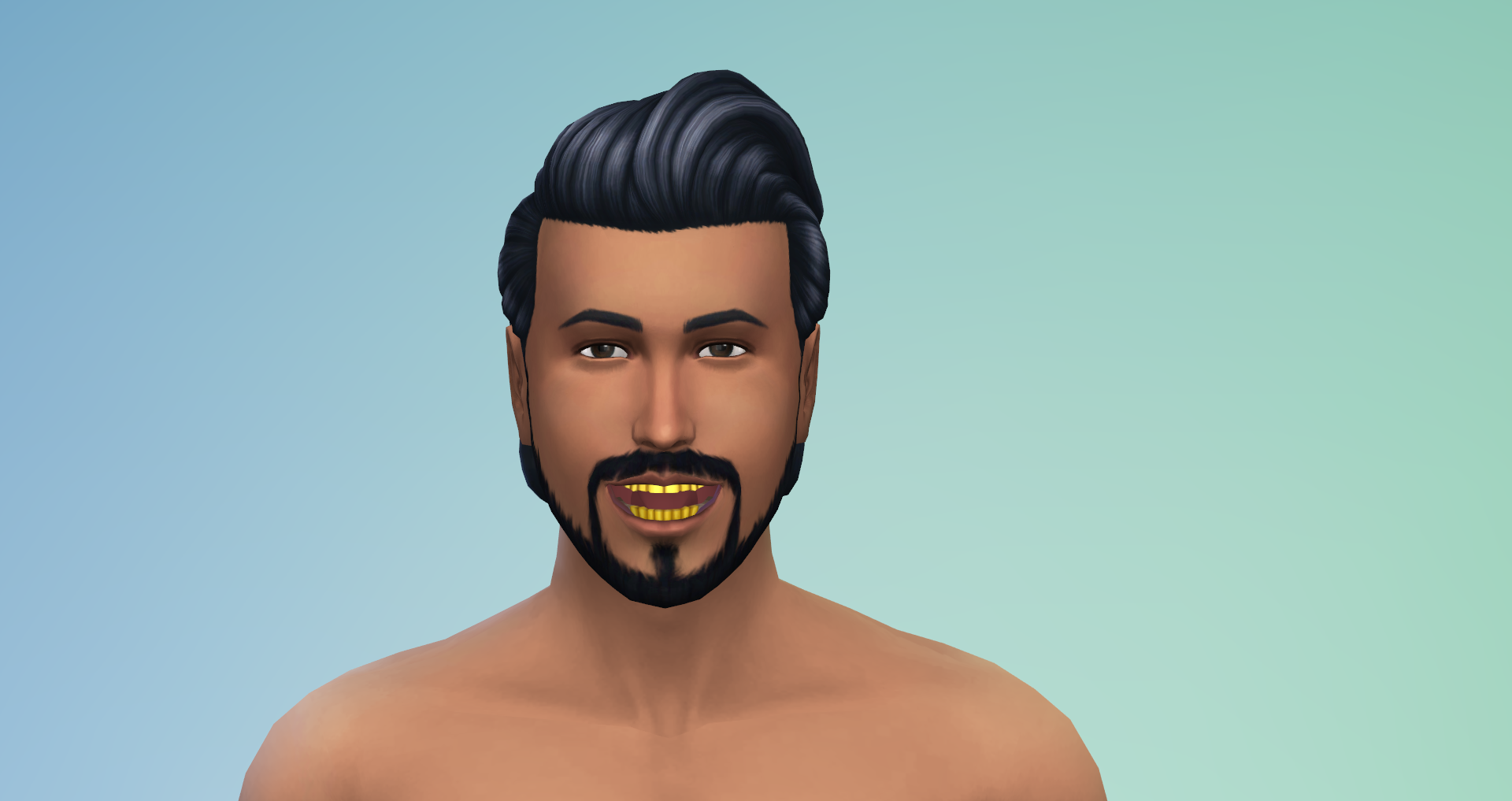
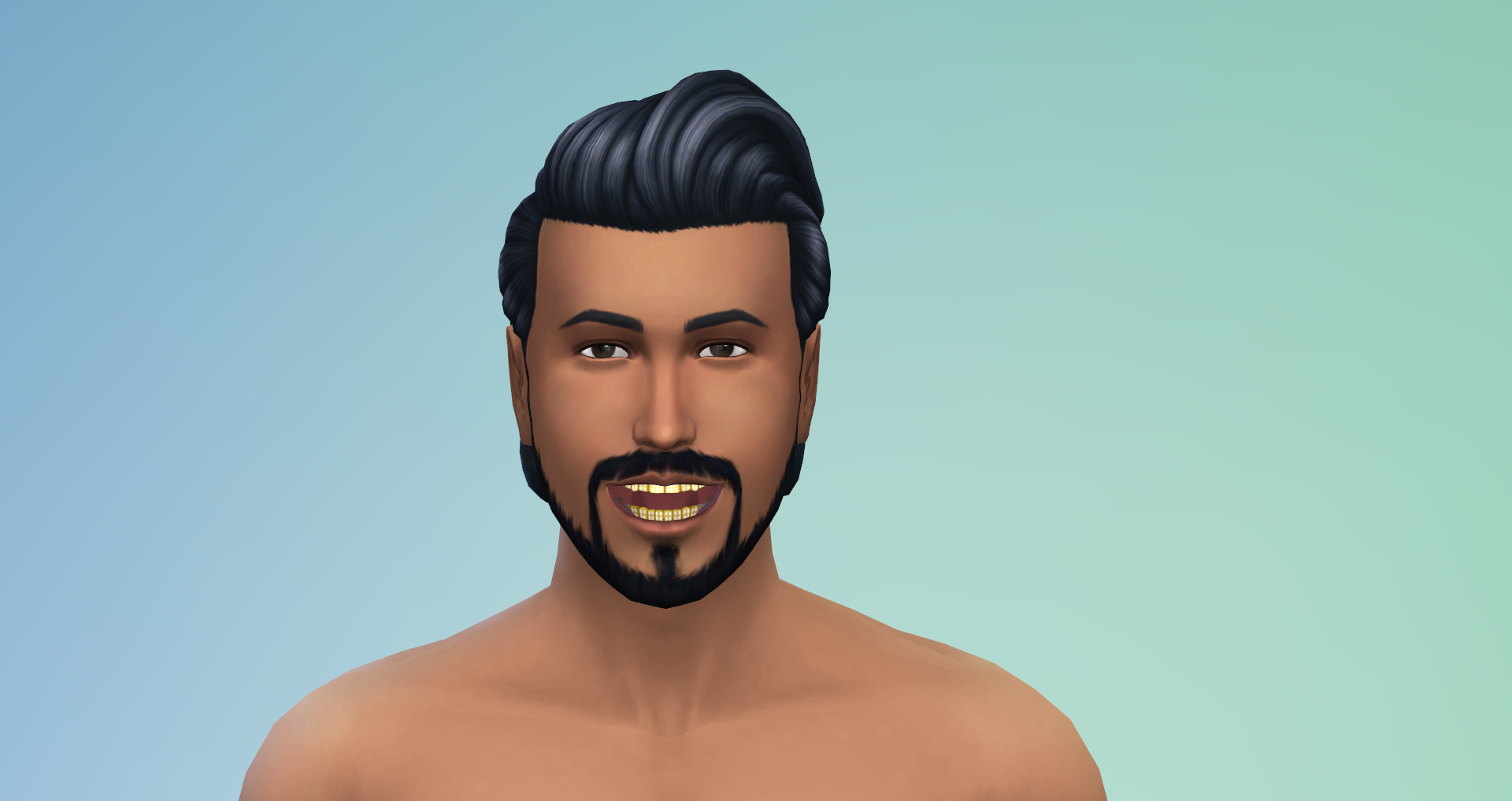
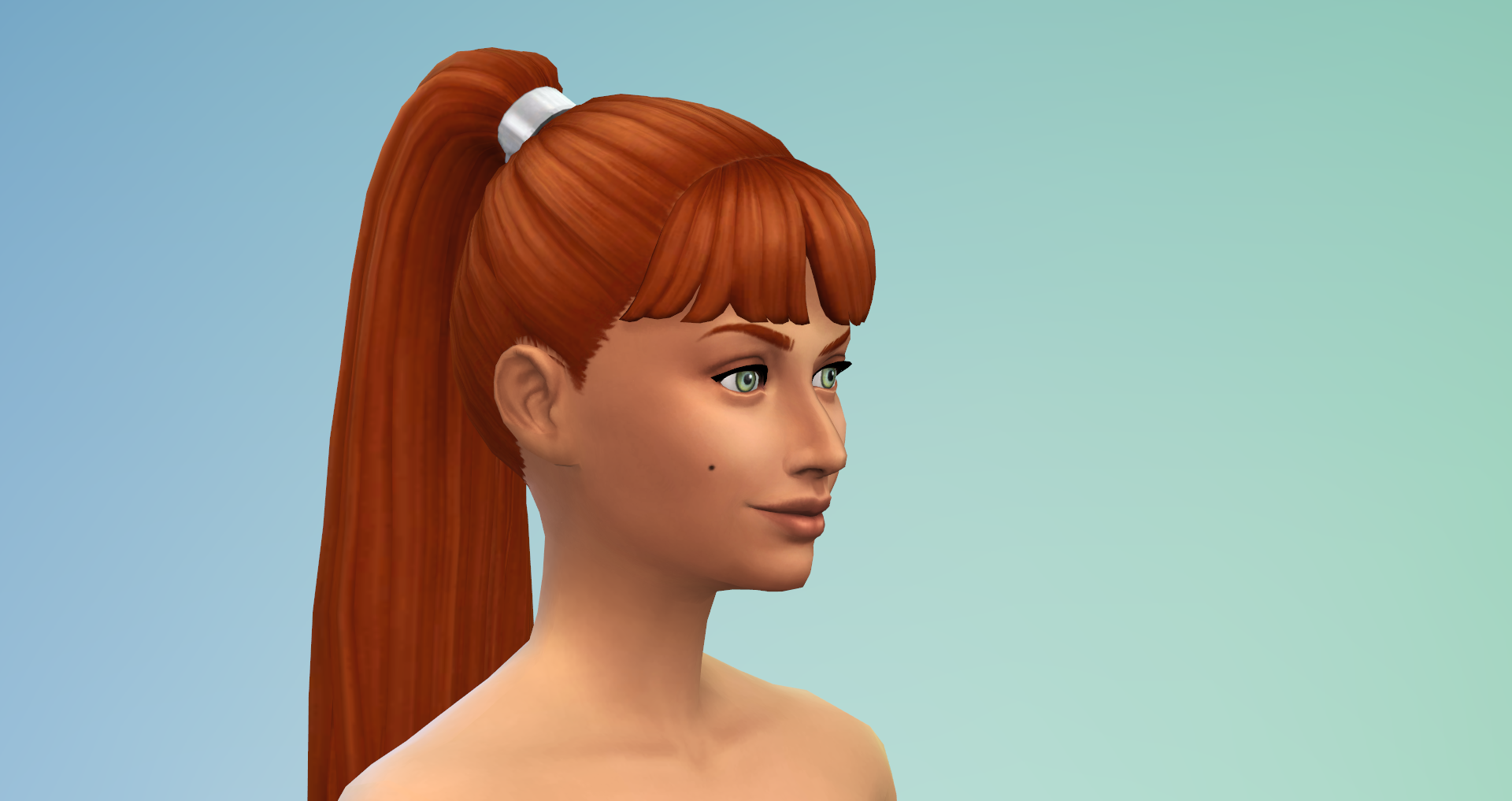
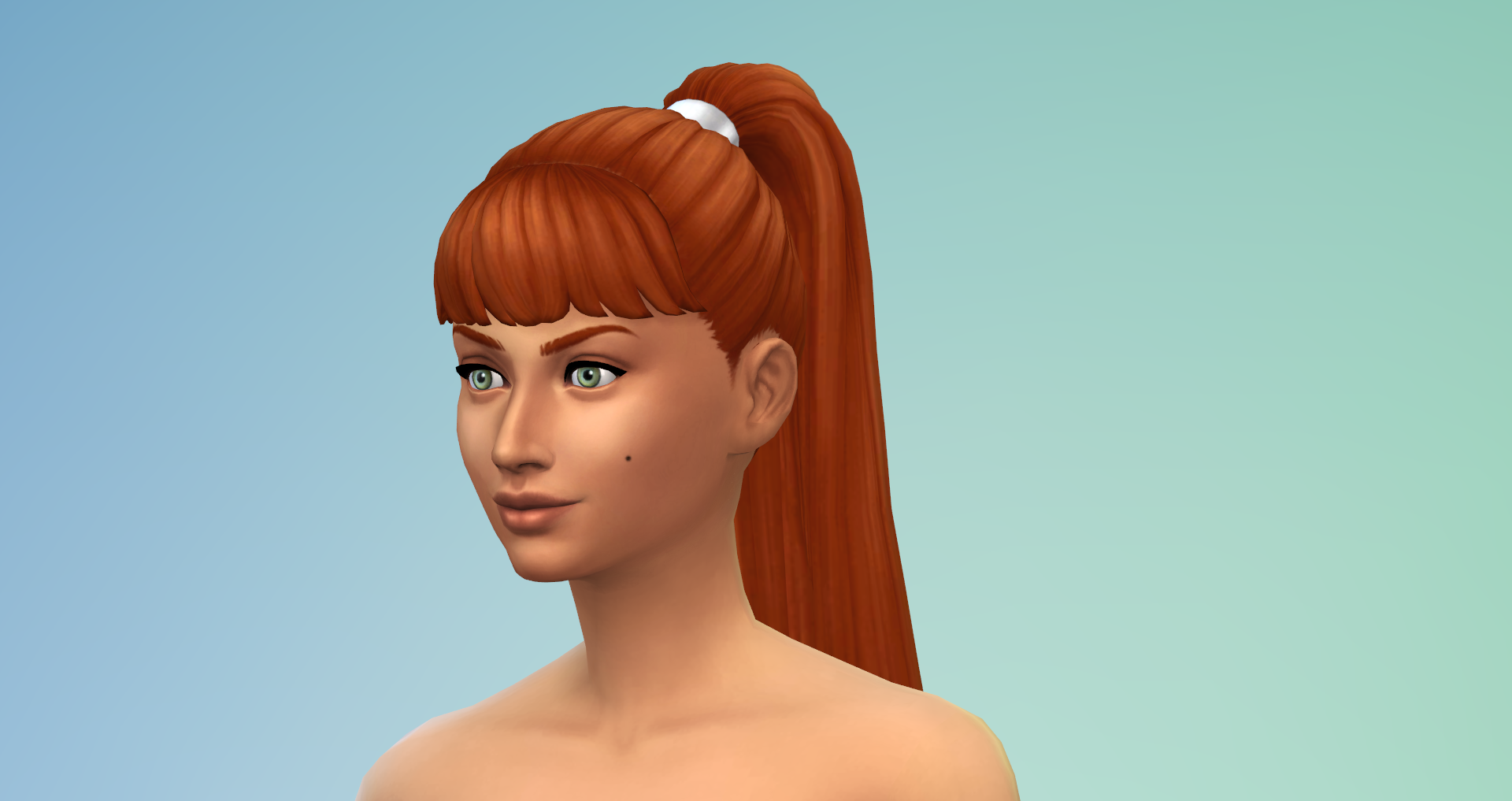
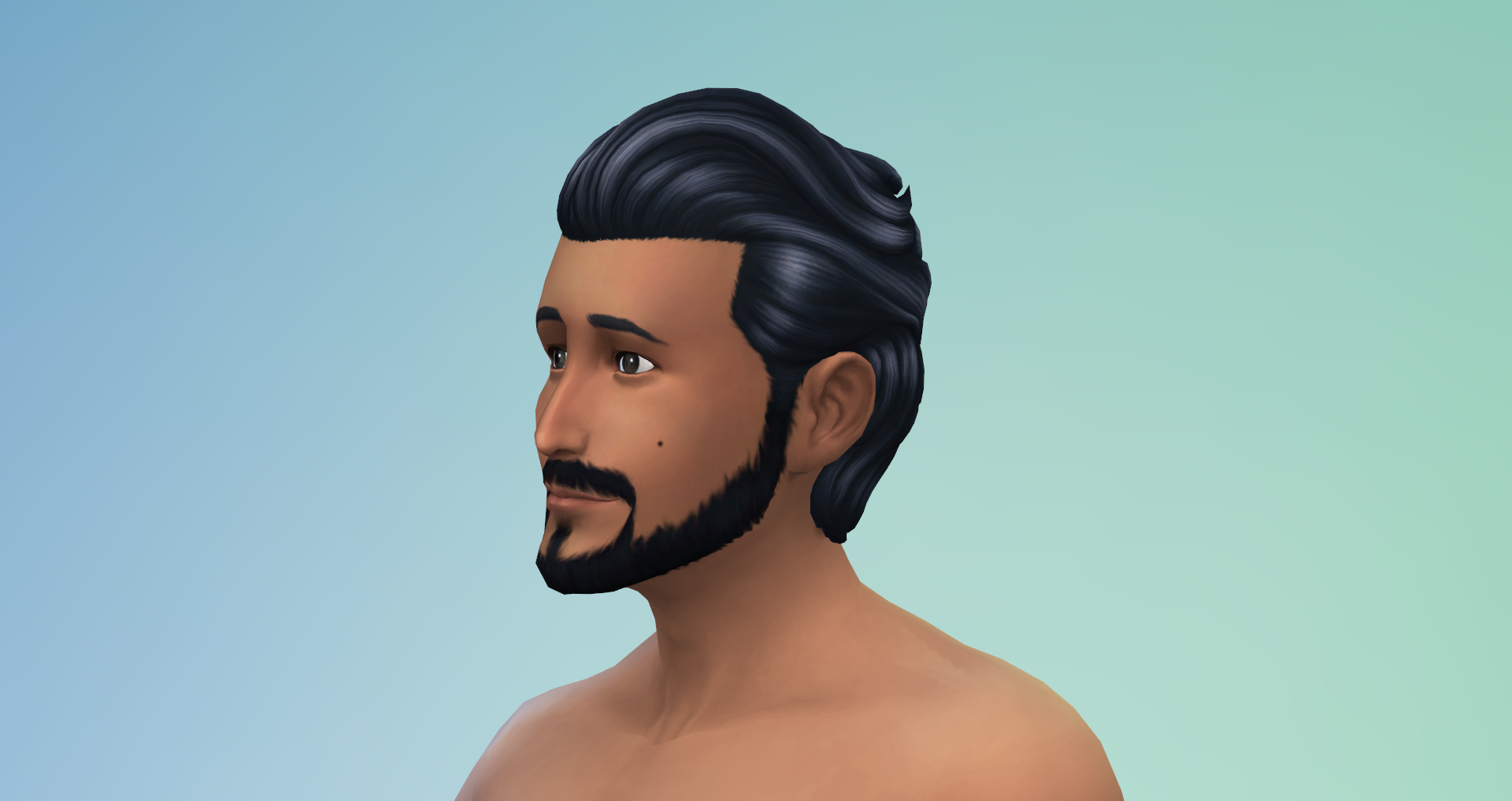
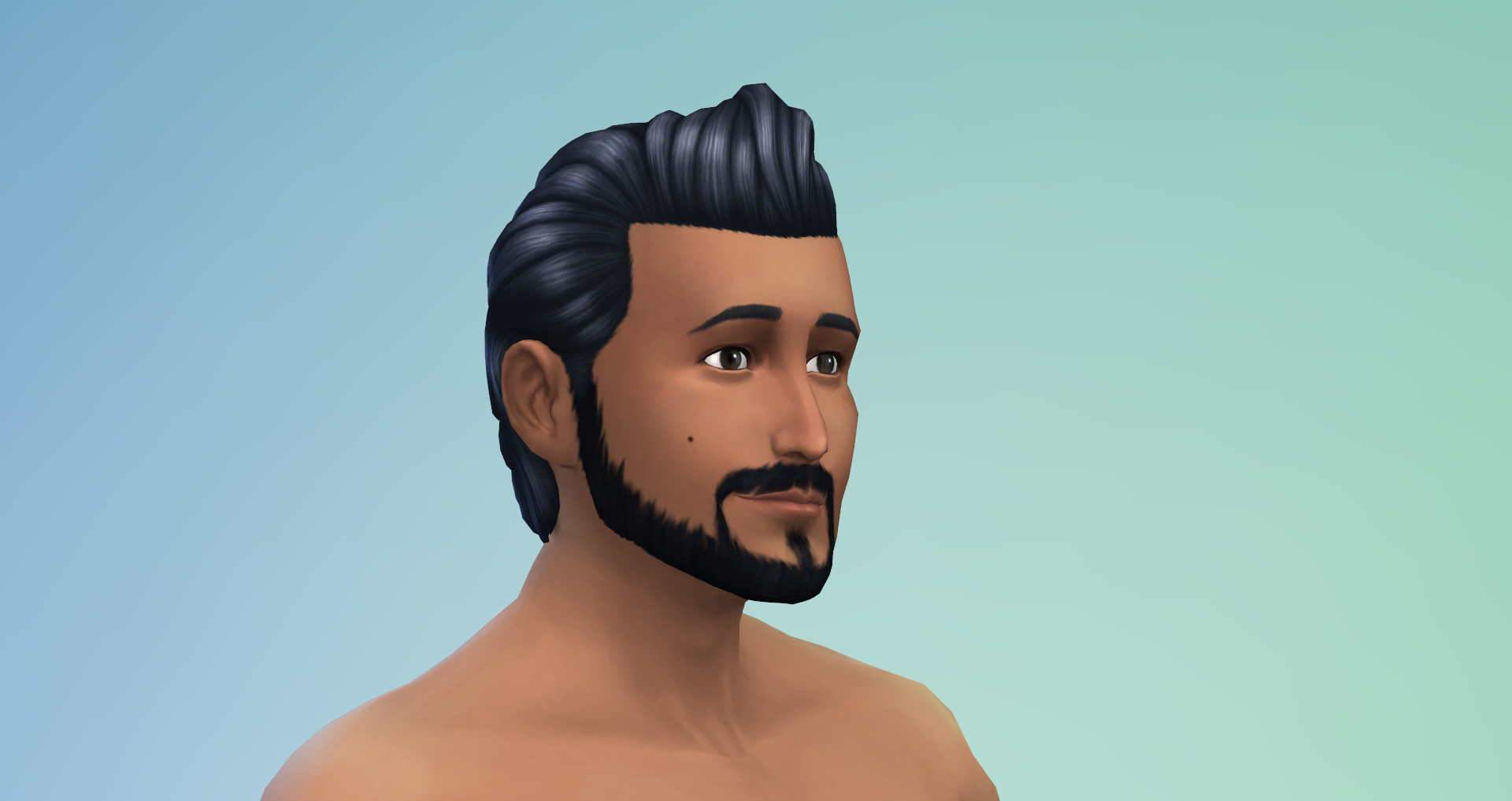
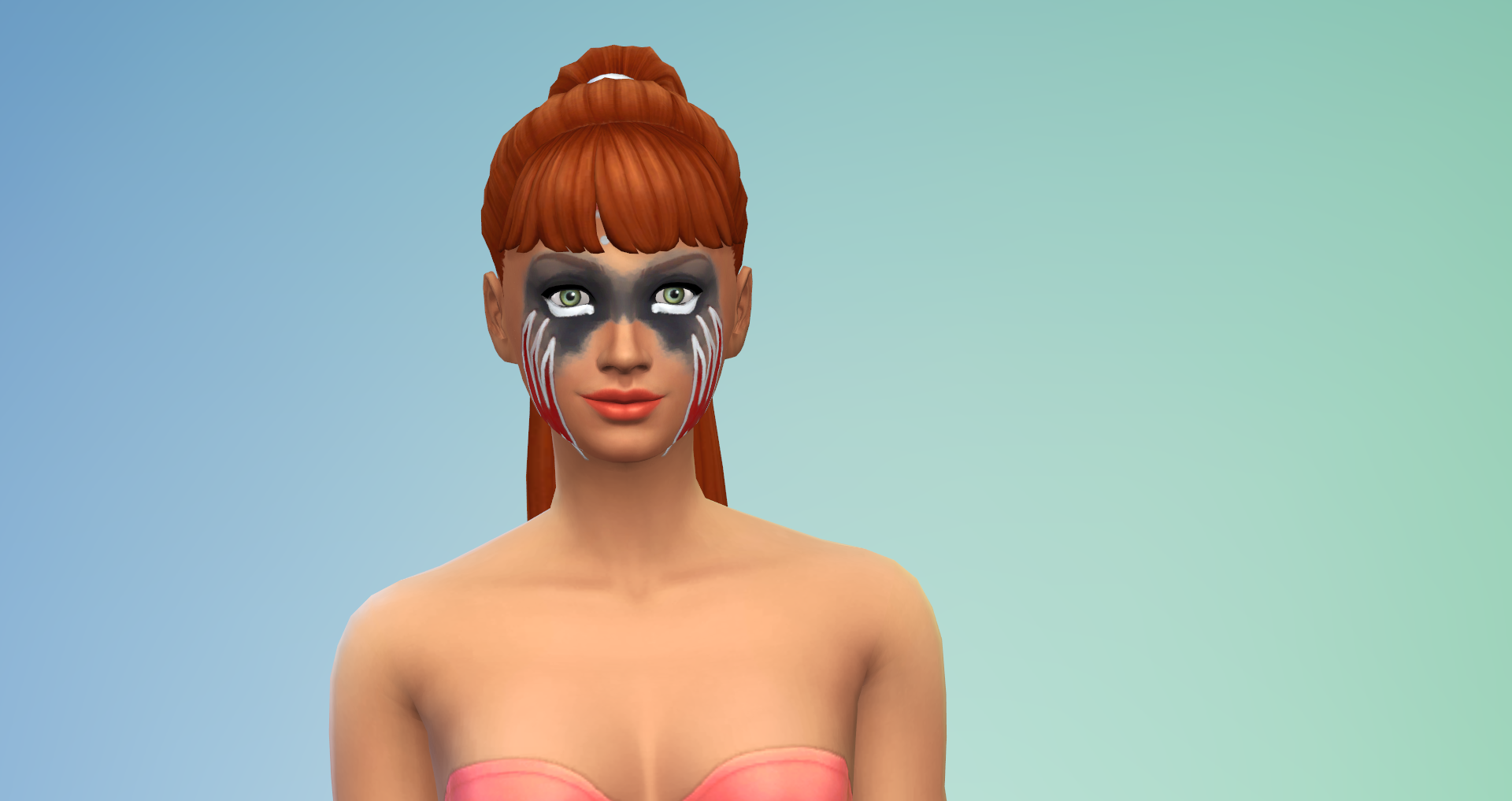

Create-a-Sim Scars
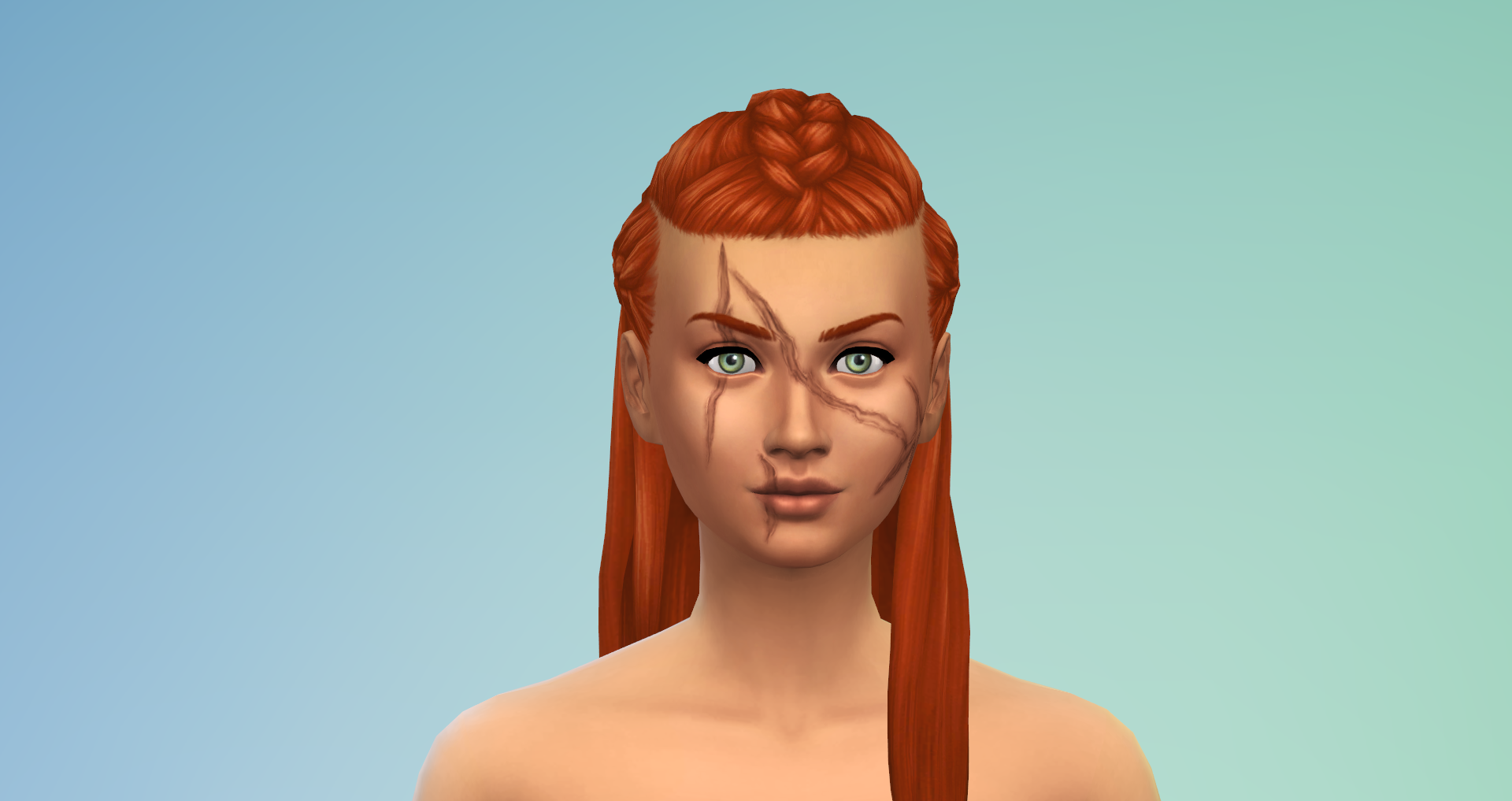
The Sims 4 Get Famous introduces new facial details for Teen/Adult Sims in Create-a-Sim. “Scars” can be placed on different parts of a Sim’s face, with four categories available for placement: Brows, Eyes, Cheeks, and Mouth.
❗ There are 24 Scars for both Female and Male Adult Sims. (Mixed Styles)
New Game Additions
This section includes details of the new gameplay available with The Sims 4 Get Famous. Images have been sized down in most cases, so click the images for a larger view.
New Music Genre/Radio Stations
The Sims 4 Get Famous adds the new “Hip-Hop” music genre to the game. You can listen to the new music and stations in game via the stereo and speaker systems.

Club Requirements & Activities
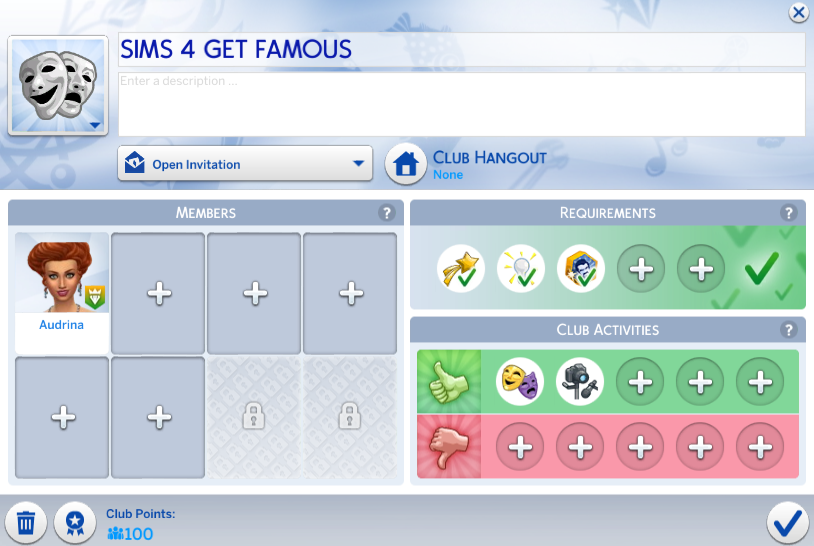
If you own The Sims 4 Get Together Expansion Pack, you will receive four new Club Requirements and two new Club Activities with The Sims 4 Get Famous. “Celebrity Level”, “Acting Skill”, “Media Production Skill”, “Self-Absorbed”, “Drama Club”, “Acting Routines”, and “Record Video” are the new trait/skill/career requirements/activities available.
Bar Food
The Sims 4 Get Famous adds a brand new food dish to the game. The dish is available for purchase only at bars and pubs, so Sims will not be able to make it at home.
❗ Sims are required to be at least a level 3 Celebrity for the option to appear. (B-Lister)
 | Caviar Crackers (§22) | Can be ordered by Sims directly from the bar object at public venues. (Requires Sims to be a B-Lister or higher Celebrity Level) |
Quirk-B-Gone Potion
The Sims 4 Get Famous adds a new potion to the game. Sims can spend Satisfaction Points in the Reward Store to buy “Quirk-B-Gone” which removes any quirk of your choosing.
 | Quirk-Be-Gone (250 Points) | This potion removes one Fame Quirk of your choosing from a Celebrity Sim. |
Drama Club
Get Famous introduces a new career-like activity called the Drama Club. Children and Teens can join by using their phone to “Join After School Activity” (C) and “Find a Job” (T).
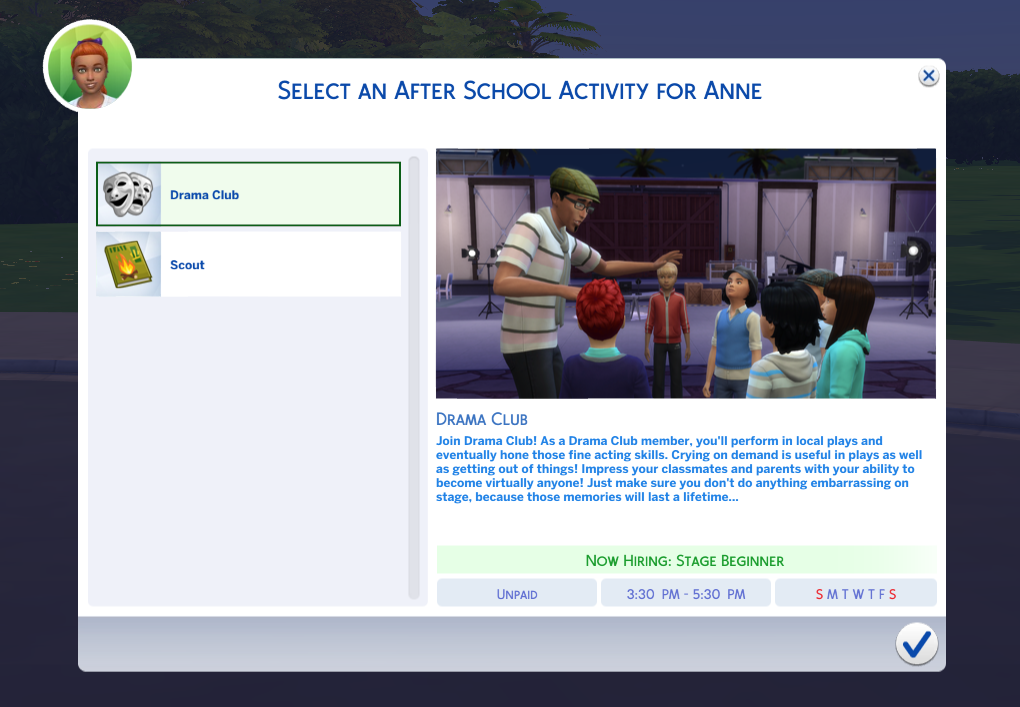
❗ Drama Club meets Monday through Friday from 3:30pm to 5:30pm.
❗ Sims who perform well in the Drama Club may be awarded a Drama Club Accolade

 | Stage Beginner | Practice Acting or Dramatics by using a mirror or selecting the Sim. Level 2 Creativity Skill (C) Level 2 Charisma Skill (T) |
| Line Learner | Learn New Lines by either selecting the Sim or using a mirror. Level 4 Creativity Skill (C) Level 2 Acting Skill (T) |
| Practical Performer | Learn New Lines by either selecting the Sim or using a mirror. Level 2 Acting Skill (T) |
| Junior Artiste | Learn New Lines by either selecting the Sim or using a mirror Level 3 Acting Skill (T) |
Events
IN PROGRESS
Residence Key
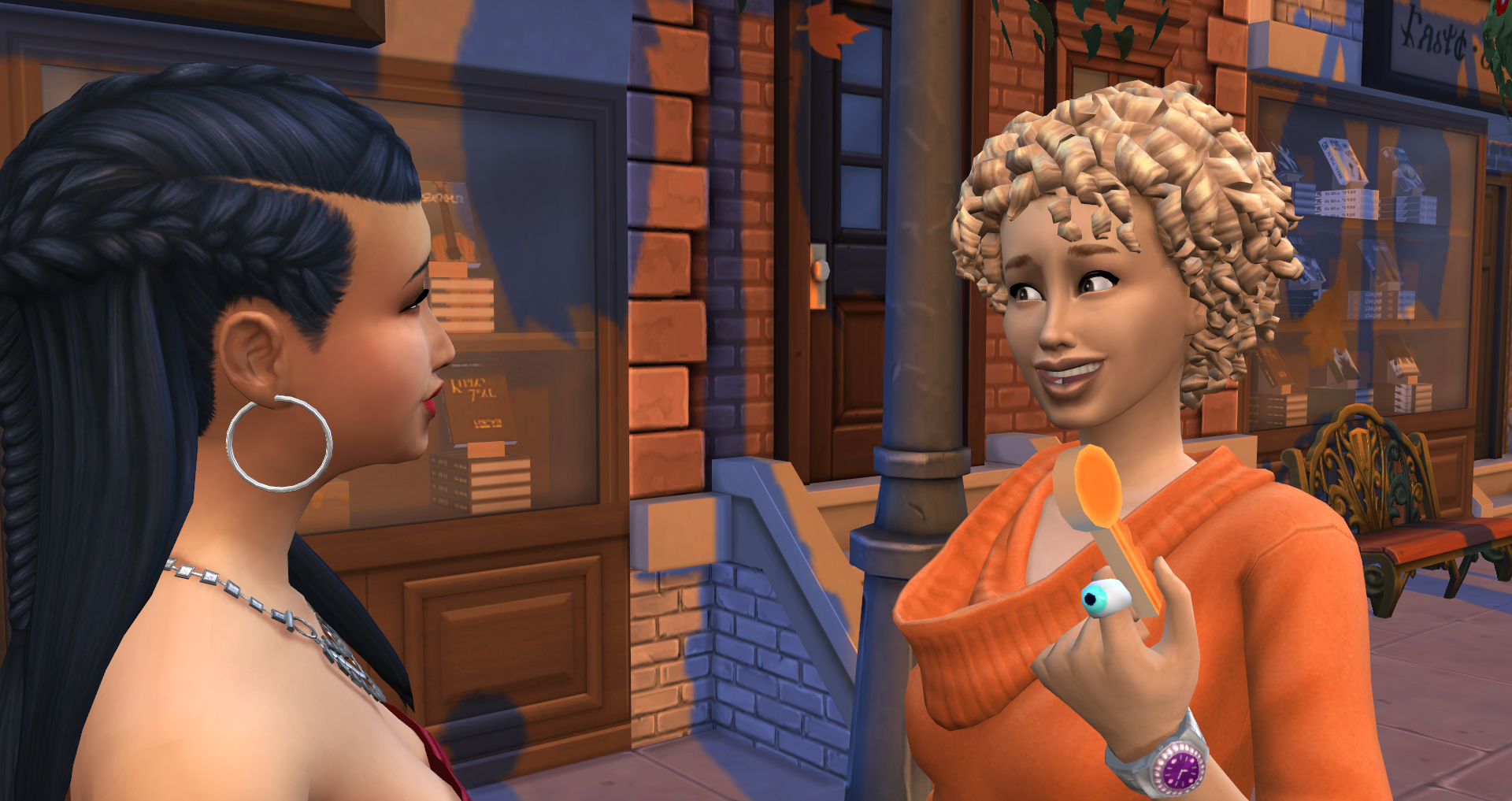
Sims who establish good relationships with others can use the new “Give Residence Key” interaction. This allows friends with keys to come and go as they please. The option to “Take Back” the residence key will then become available on any Sims who received a key.
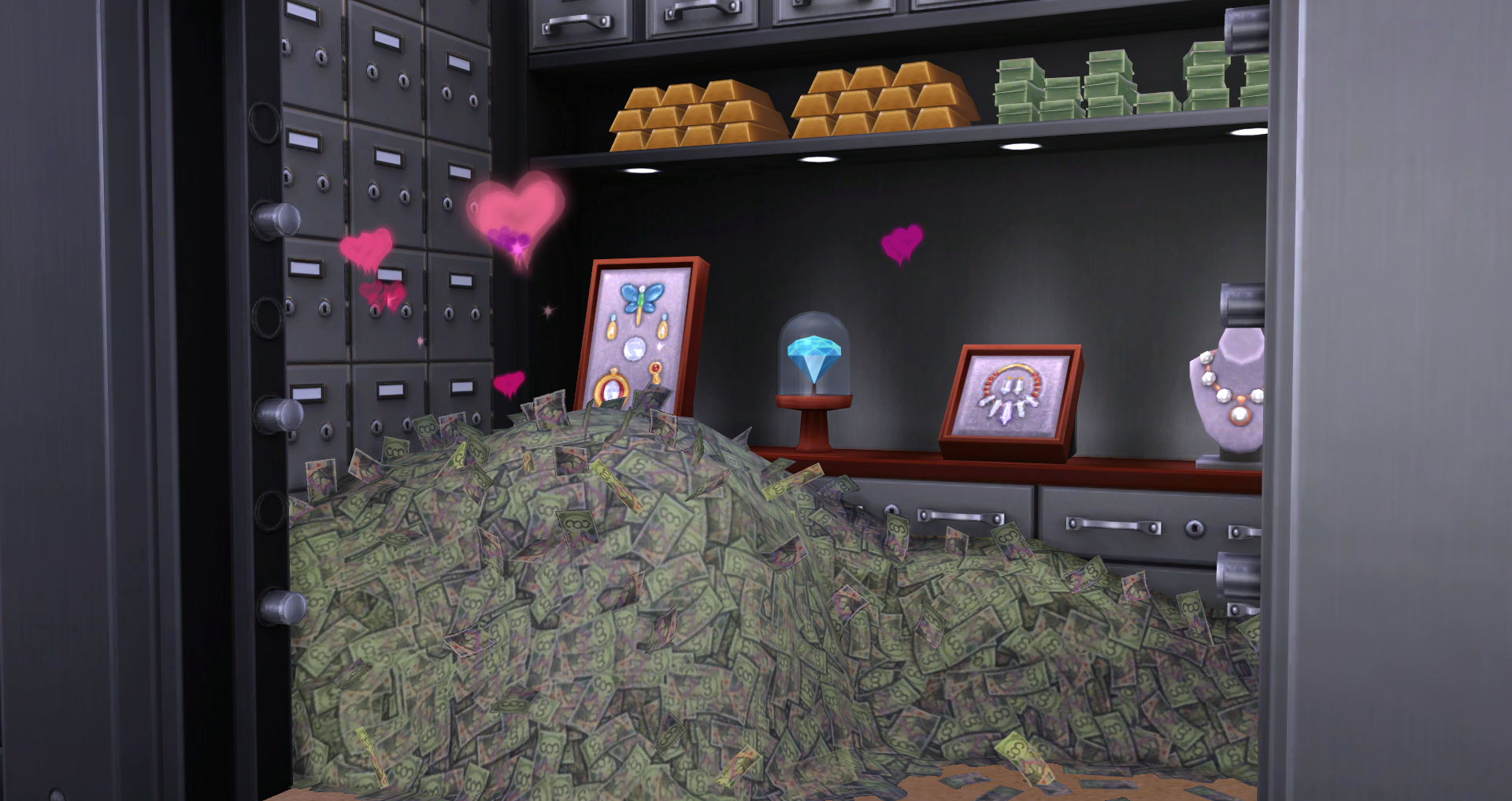
Money Vault Woohoo
The Sims 4 Get Famous introduces a new Woohoo location for Sims. Any Sims that are in a romantic relationship can use the Money Vault object to “Woohoo” or “Try for a Baby”.
❗ Sims will have to use the “Add Money to Vault” interaction in order to create the money pile. Money piles must be large enough for Sims to Woohoo in, so it is required that Sims add at least §5,001 Simoleons for the Woohoo money pile to appear.
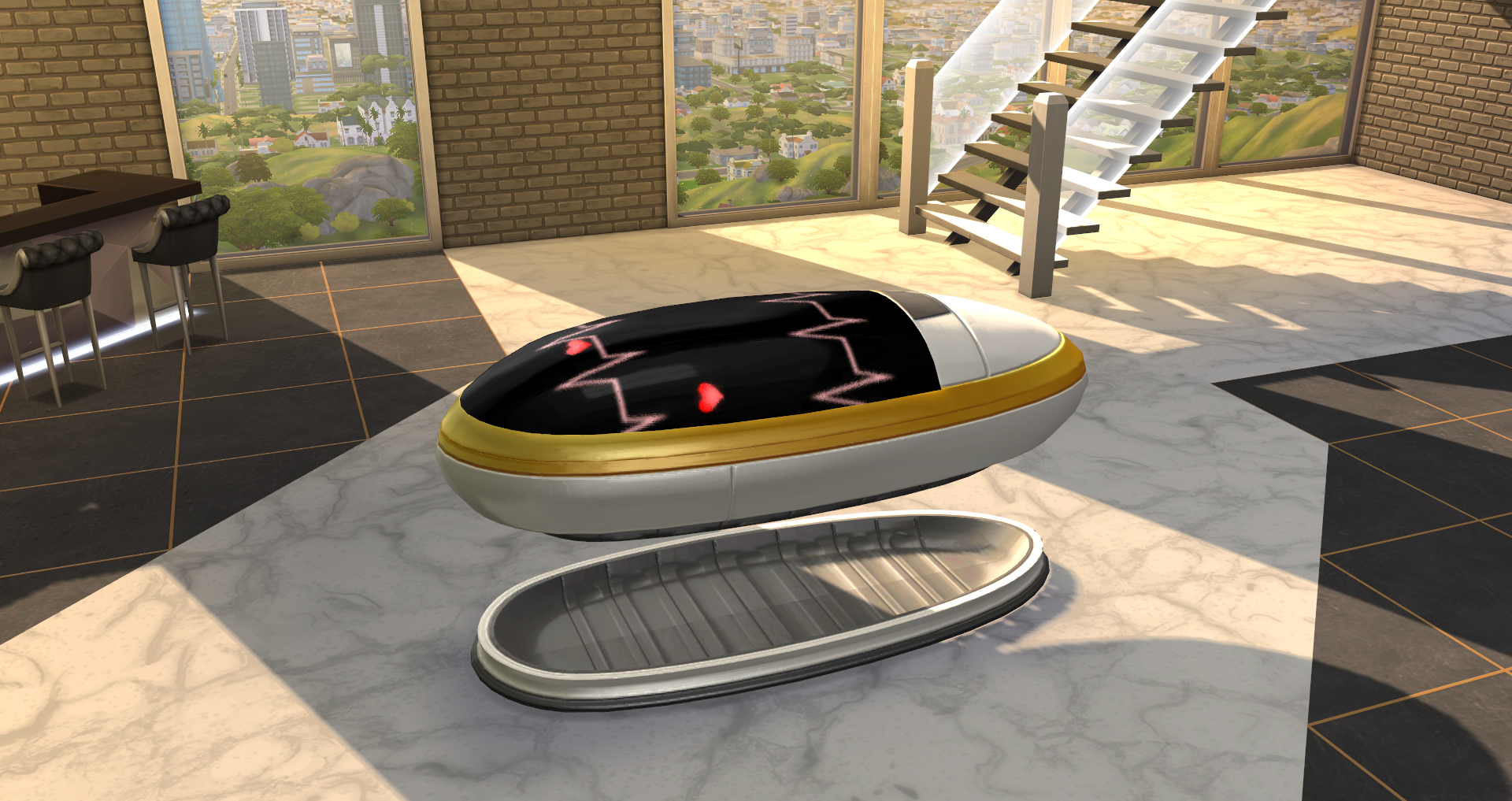
Sleeping Pod Woohoo
The Sims 4 Get Famous introduces another new Woohoo location. Any Sims that are in a romantic relationship can use the Sleeping Pod object to “Woohoo” or “Try for a Baby”.
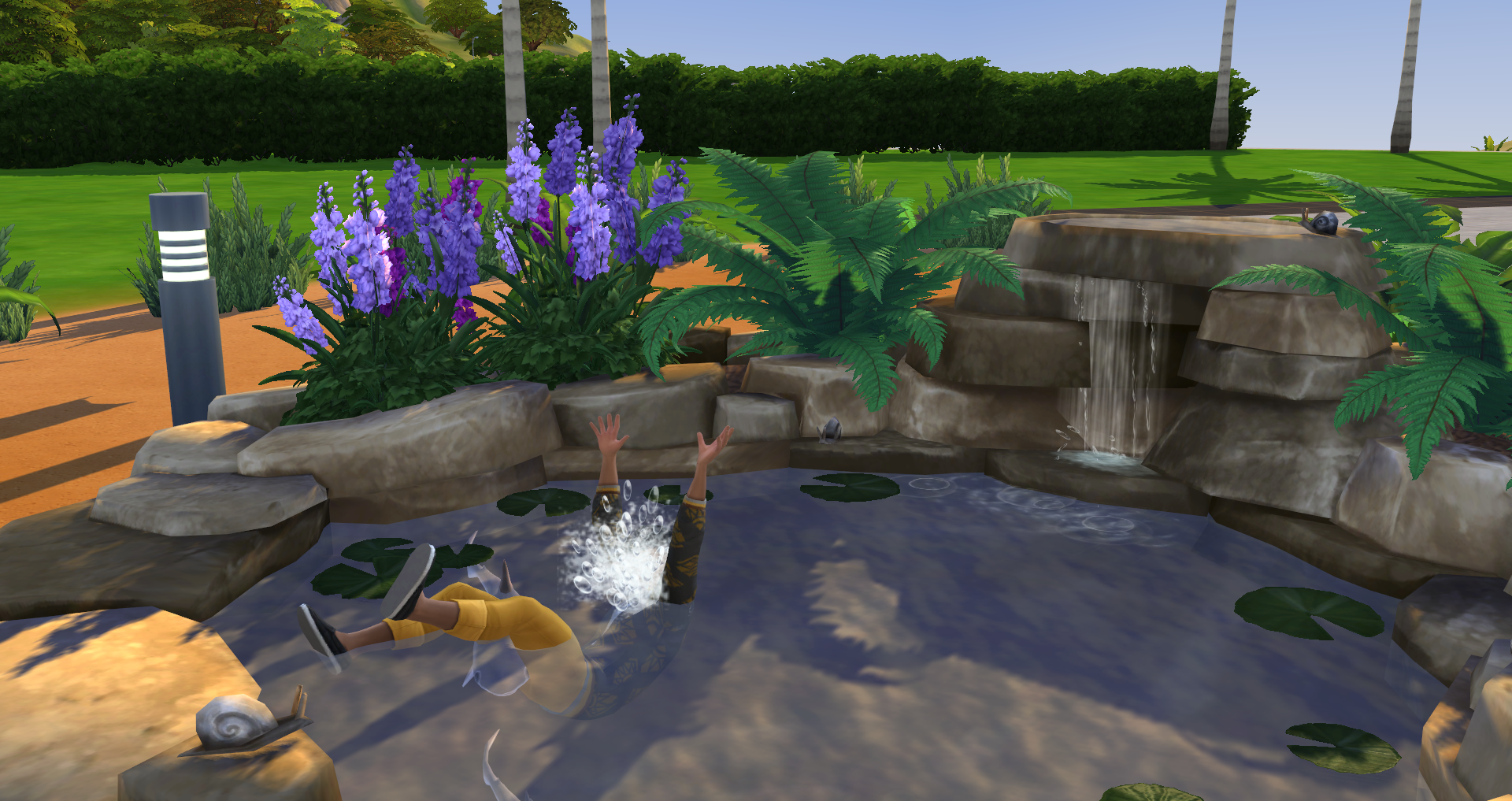
Death by Water Garden Denizens
The Sims 4 Get Famous adds a new way for Sims to die by drowning: Death by Water Garden Denizens. This death is inflicted on Sims who “Jump” or “Fall” into a water garden object when it’s filled with fish that are hungry. Sims who do not survive the jump/fall will drown and die in the water garden. Some factors increase their chances of drowning.
❗ Sims will only “fall” into the water garden when using the “Play” interaction.
- Chances of Drowning when “Jumping” are increased:
- If the fish in the pond are hungry
- If Sims have the Clumsy, Geek, Goofball, or Slob Traits
- If Sims have the Lazy, Glutton, or Mean Traits
- If the Sim’s Fitness Skill level is 3 or lower
- If the Sim’s mood is Uncomfortable, Stressed, or Dazed
- Chances of Drowning when “Jumping” are decreased:
- If the fish in the pond are at least half full
- If Sims have the Active, Self-Assured, or Erratic Traits
- If Sims have the Angler’s Tranquility, Naturalist, Long Lived, or Gym Rat Traits
- If the Sim’s Fitness Skill level is at least 9 or higher
- If the Sim’s mood is Playful, Confident or Energized
- Chances of Drowning when “Falling” are increased:
- If the fish in the pond are hungry
- If Sims have the Lazy, Glutton, or Erratic Traits
- If the Sim’s Fitness Skill level is 3 or lower
- If the Sim’s mood is Stressed or Dazed
- Chances of Drowning when “Falling” are decreased:
- If the fish in the pond are at least half full
- If sims have the Active or Loves Outdoors Traits
- If Sims have the Naturalist Trait
- If the Sim’s Fitness Skill level is at least 9 or higher
- If the Sim’s mood is Focused or Energized
Media Production Skill
Get Famous introduces the Media Produce Skill. Sims can master this skill using the Music Production Station, Video Station, and Streaming Drones. Increasing the Media Production Skill will reward Sims with new options, interactions, and opportunities.
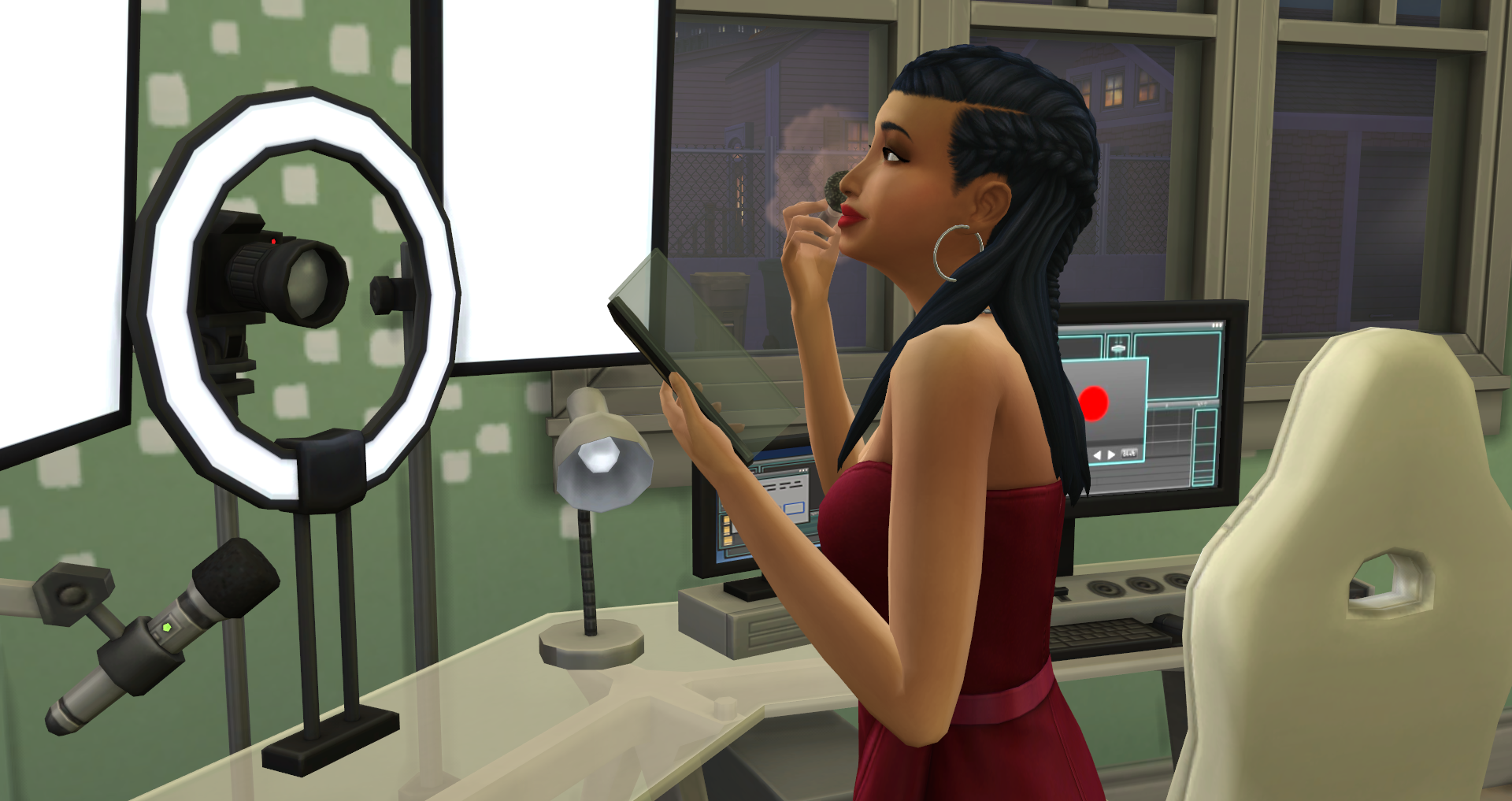
As Sims increase their media production skill, they will also be able produce music and videos, stream and upload content, and make some extra Simoleons on the side.
• Media Production Skill Level 1 – This Sim can continue building Media Production Skill by using the Mix Master Music Production Station, The More Views Video Station, or either Streaming Drone.
• Media Production Skill Level 2 – This Sim is learning the ins and outs of producing digital content. They can now Add Transitions to videos on the video station and has more tracks and remixes available on the music station.
• Media Production Skill Level 3 – Gettin’ likes ain’t easy. But this Sim makes it look like it is. Sims can now Add Effects and Combine Videos on the video station.
• Media Production Skill Level 4 – Hashtagging has become second nature to this Sim! This Sim can now produce more tracks and has additional remix options on the music station.
• Media Production Skill Level 5 – This Sim has mastered the Media Production Skill. They can now Add Trends in Posts on the video station.
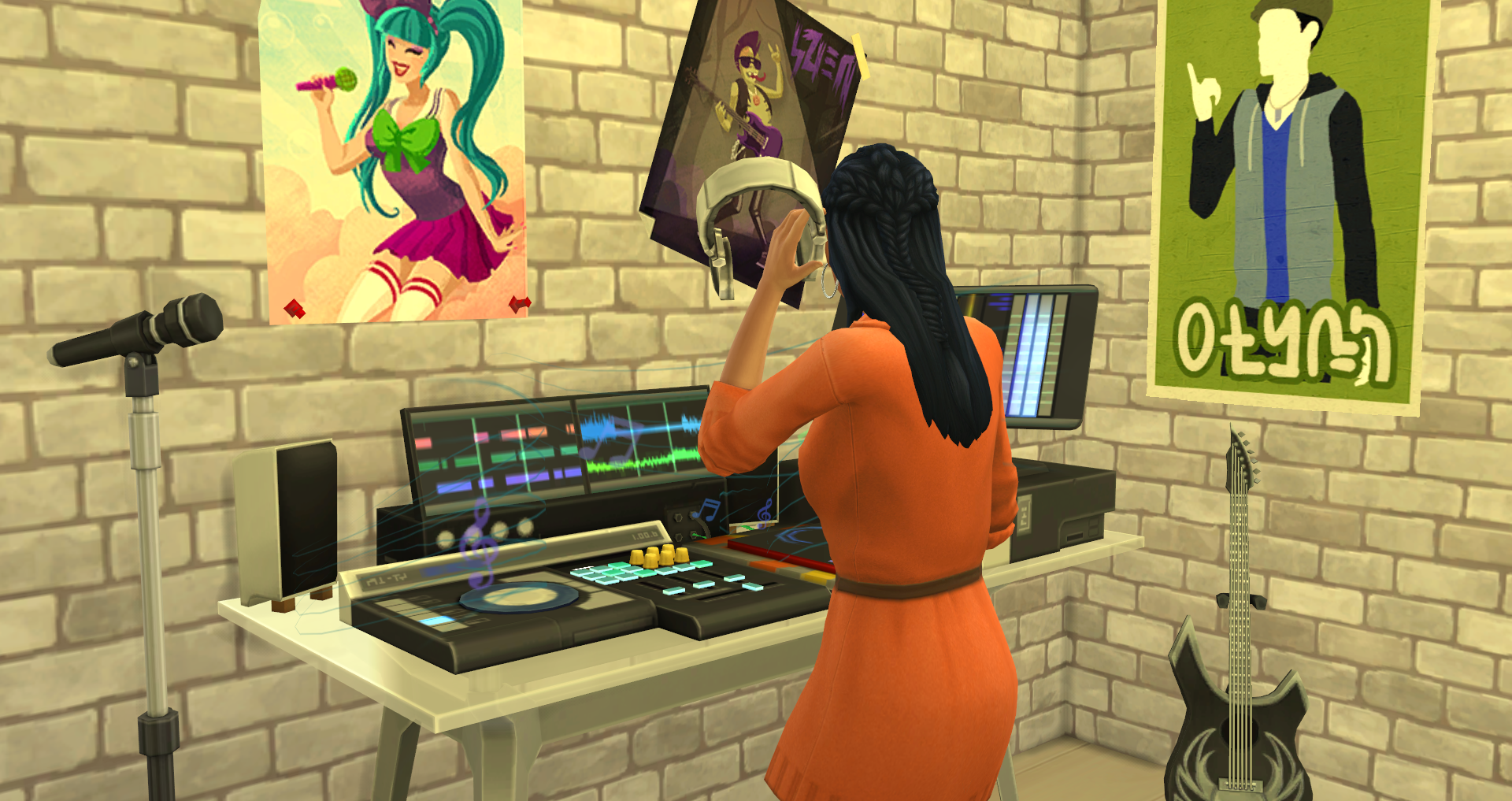
For information on the options available with the Music Production Station, Video Station, and Drones, be sure to check out the interactive objects section of the guide.
Acting Skill
Get Famous introduces the Acting Skill. Sims can master this skill using Microphones and Mirrors to “Practice Acting”, or by reading the new Acting Skill book. Increasing the Acting Skill will reward Sims with new objects, interactions, and opportunities.
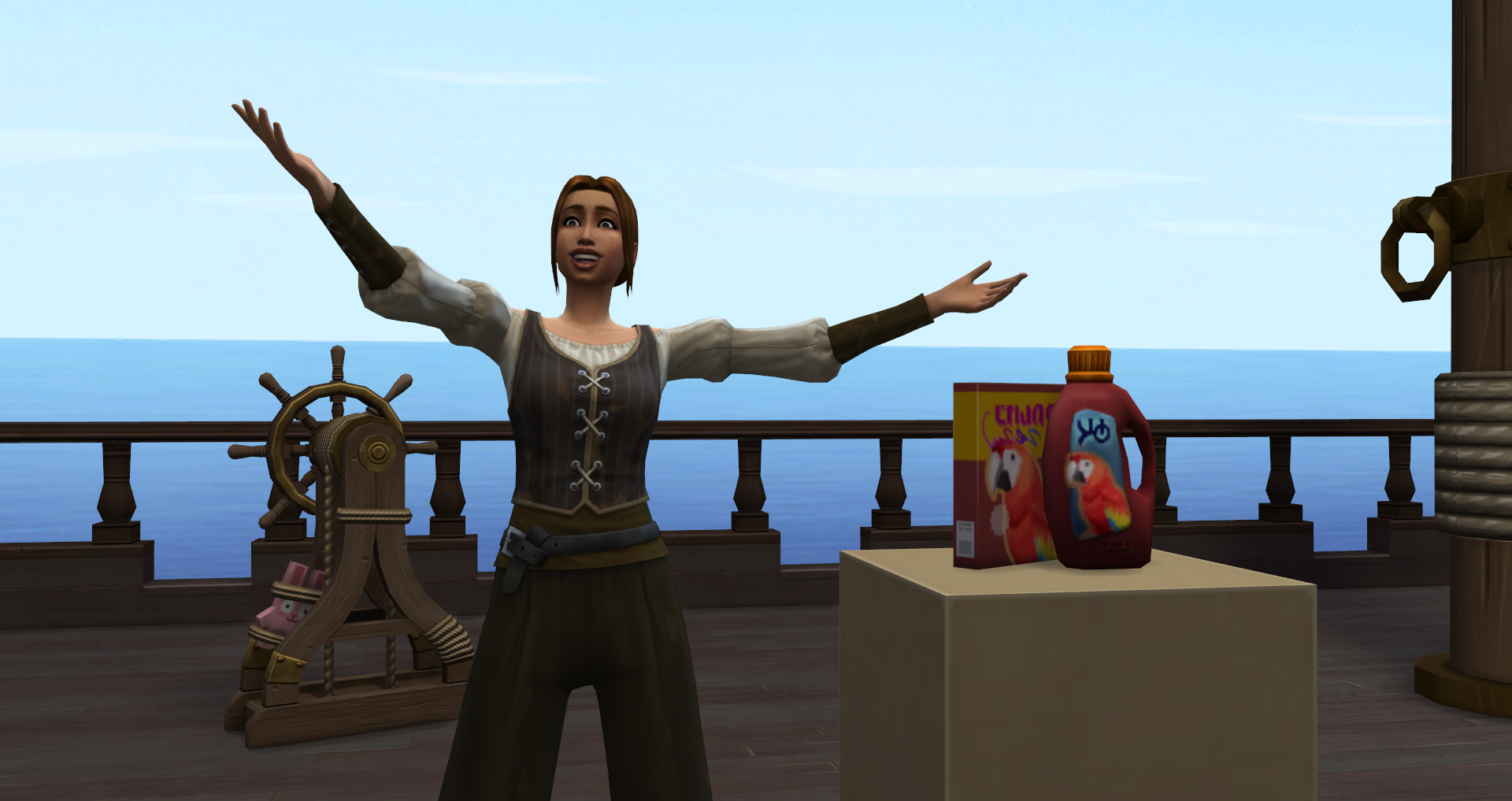
As Sims increase their acting skill, they will also be able to perform scenes in public and make some extra Simoleons doing so. Adults require the skill in order to advance their Acting Careers, and Teens will need it to advance in Drama Club.
• Acting Skill Level 1 – This Sim’s new skill in Acting allows them to Practice Acting in the mirror or with a microphone.
• Acting Skill Level 2 – This Sim is now skilled enough to Practice Acting with another Sim. They can also Cry on Demand as a self-interaction.
• Acting Skill Level 3 – This Sim has now learned how to Perform a Romance Scene with another Sim. This can also be done for tips to earn extra income. They can also use their skill to Save an Awkward Conversation.
• Acting Skill Level 4 – This Sim has unlocked The Trouper’s Looking Glass which will help them improve the Acting skill much faster.
• Acting Skill Level 5 – This Sim can now Perform a Musical Scene.
• Acting Skill Level 6 – This Sim can now Perform an Action Scene and also Act Not Bored to save themselves or Save a Boring Conversation to save everyone from boredom.
• Acting Skill Level 7 – This Sim can now Perform a Horror Scene and save an Unpleasant Conversation from any faux pas.
• Acting Skill Level 8 – This can now Perform a Sci-Fi Scene. You could say the performance will be out of this world. They have also unlocked the #Basic Microphone Stand which will help build Acting Skill faster than other microphones.
• Acting Skill Level 9 – This Sim is now able to Perform a Comedy Scene. If those jokes fail, they also have the ability to Act Not Embarrassed and clear out those embarrassed feelings.
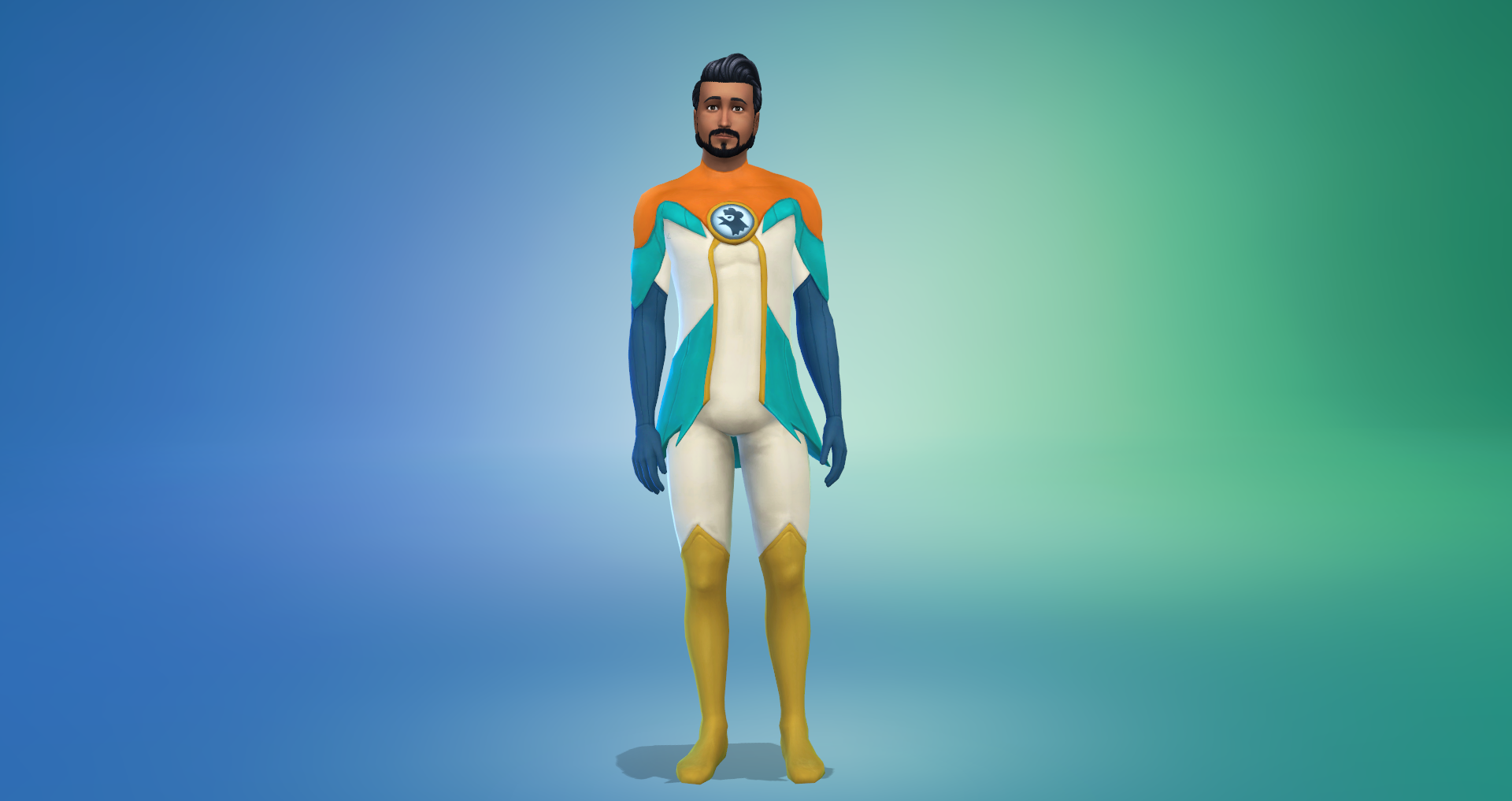
• Acting Skill Level 10 – This Sim’s Acting skill has reached it’s pinnacle and can now Perform Drama Scenes. They have also unlocked a special Gold Jacket and Pants that will really shine.
Acting Career
Many Sims move to Del Sol Valley for a chance at fame, but does yours have what it takes to make it onto the silver screen? Before you can hit the town and start auditioning you’re going to need to find a Talent Agency to represent you.
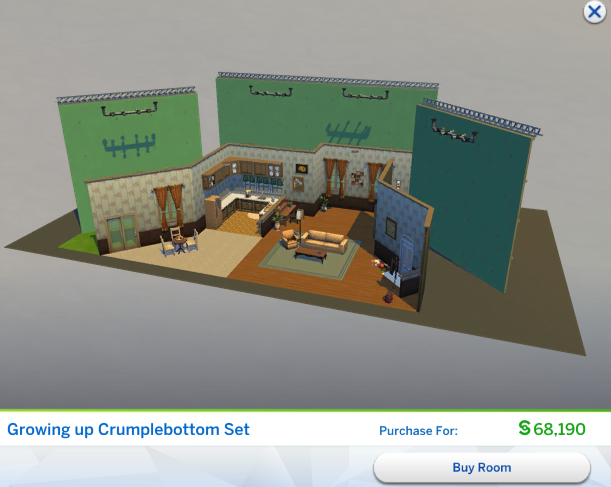
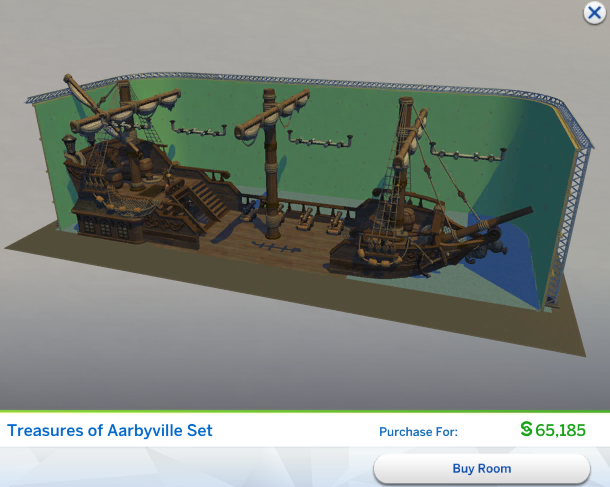
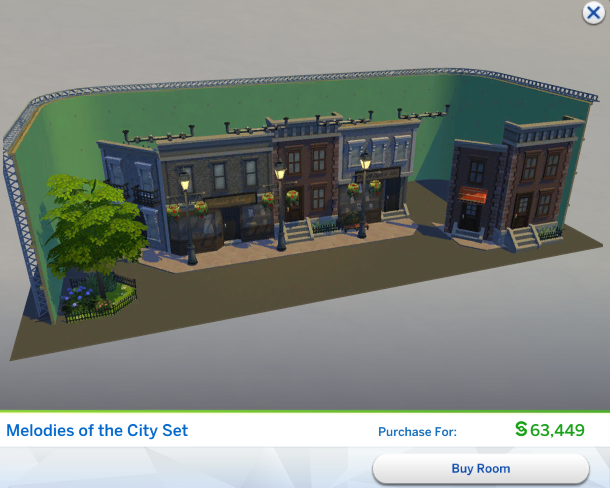
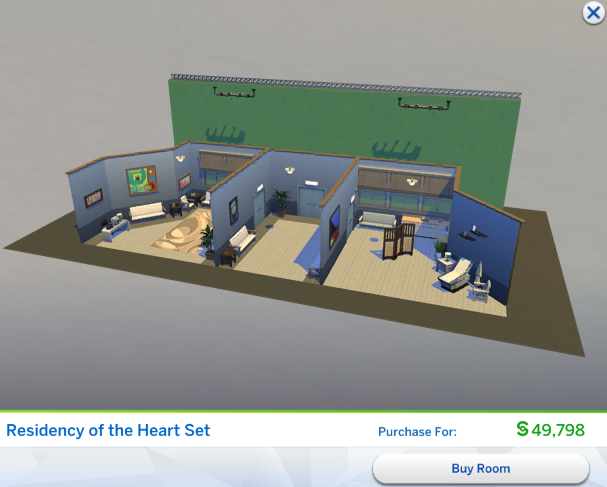
As your Sims successfully completes acting gigs they will be promoted to the next level of their career. Like most careers, promotions can come with a promotion bonus and unlock cool new career objects. Unlocked sets can be found in the ‘Styled Rooms’ section in Build Mode.
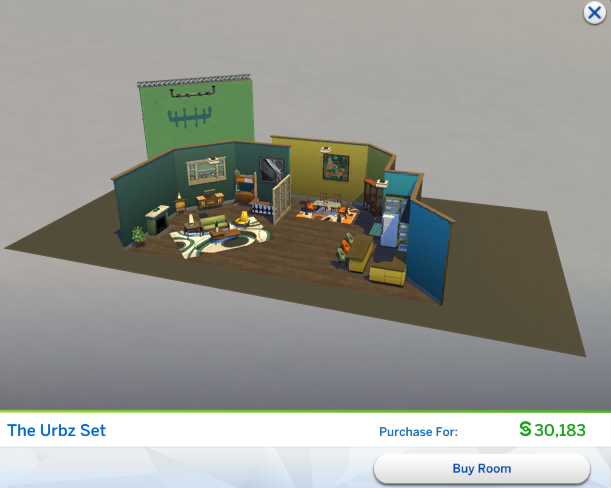
| (1) Uncredited Extra | §640 | N/A | The Urbz Set |
| (2) Background Actor | §640 | §200 | Critters from the Mauven Forest Set and Voidcritter Costume, Stage Mark: Paired Scenes, Stage Mark: Solo Scenes |
| (3) Commercial Spokesperson | §1,755 | §250 | Growing up Crumplebottom Set, Wild Flames Set, Stage Mark: Sword Fighting Scene |
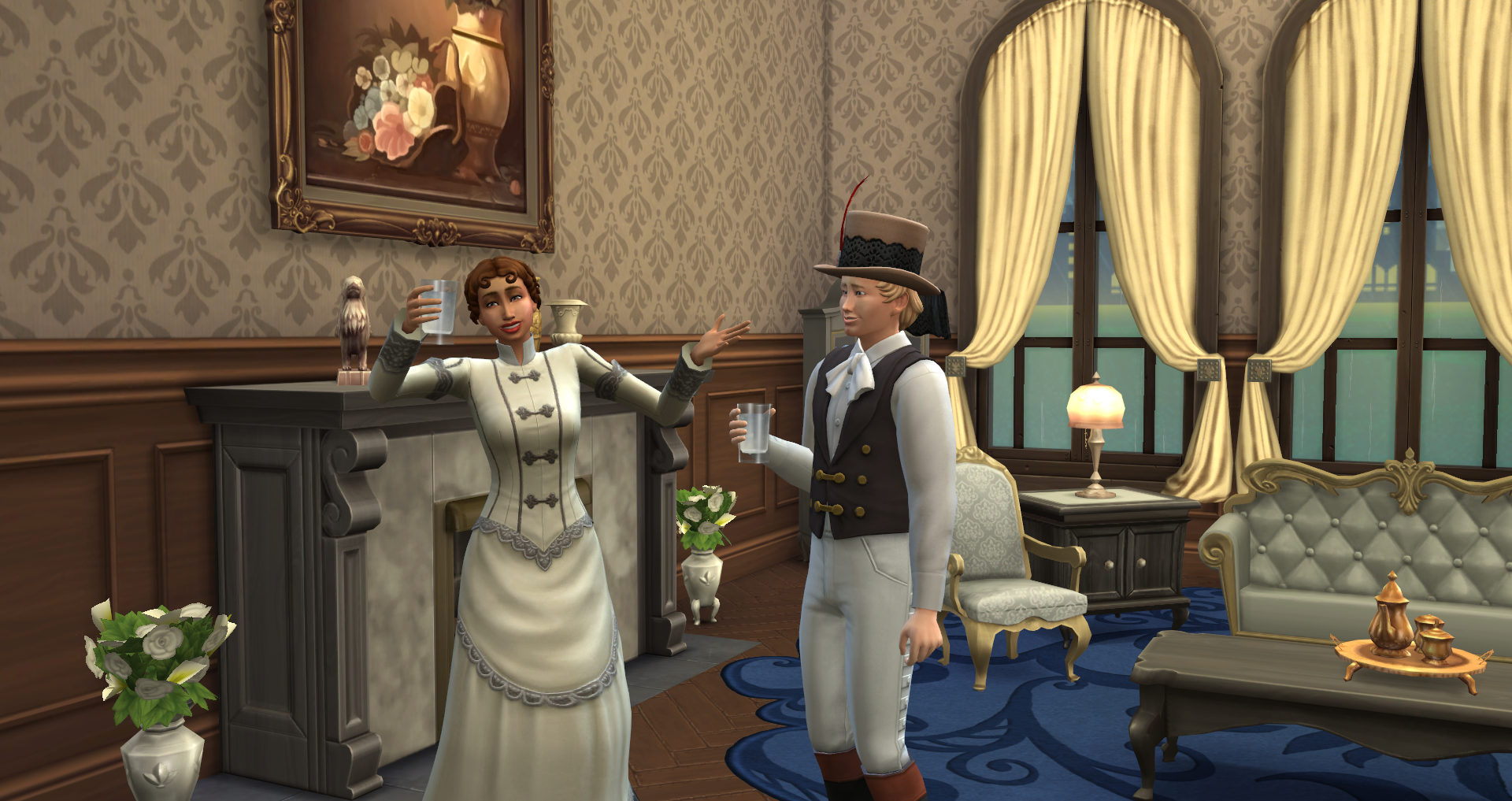
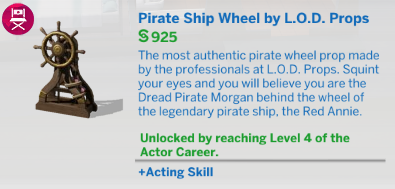
| (4) Guest Star | §1,755 | §350 | Pirate Costume, French Court Costume, Pirate Ship Wheel, Treasures of Aarbyville Set |
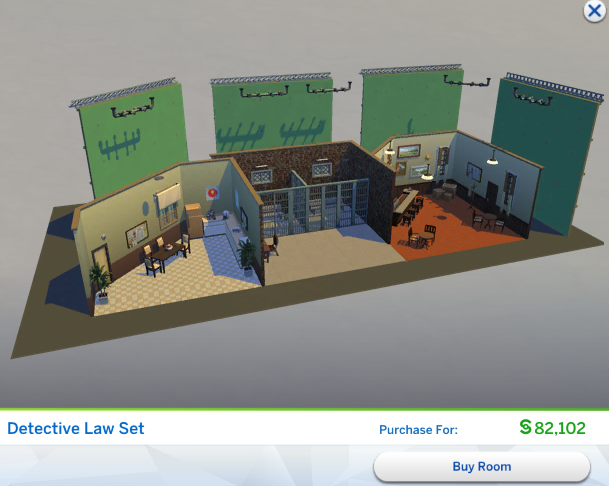
| (5) Supporting Actor/Actress | §4,010 | §400 | Detective Law Set, Residency of the Heart Set, Stage Mark: Death Scene |
| (6) Sitcom Star | §4,010 | §600 | Apocalyptic Costumes, ZBB: Apocalypse Rising Set |
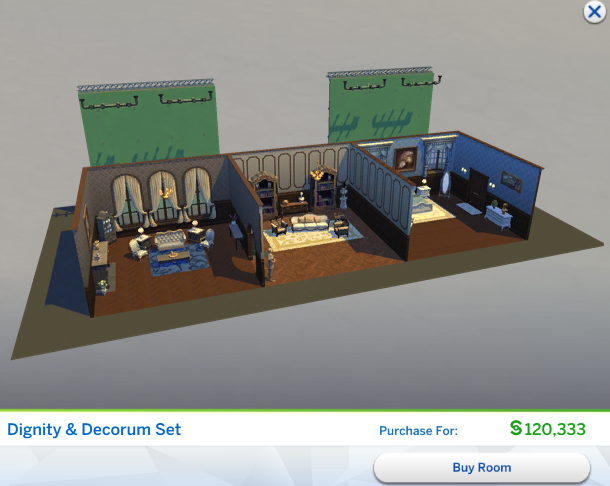
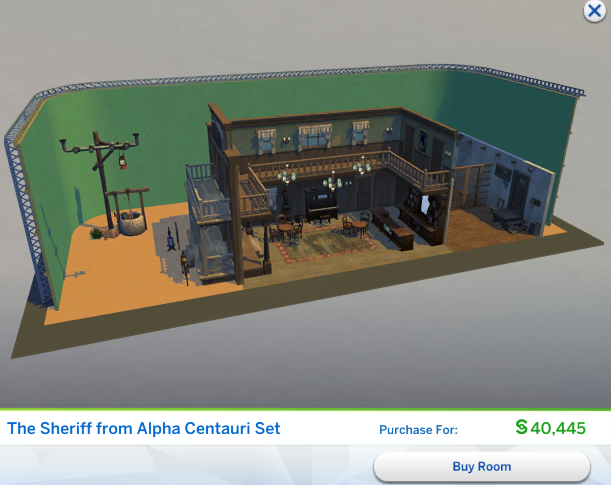
| (7) Rising Star | §4,010 | §800 | The Sheriff from Alpha Centauri Set, Dignity & Decorum Set |
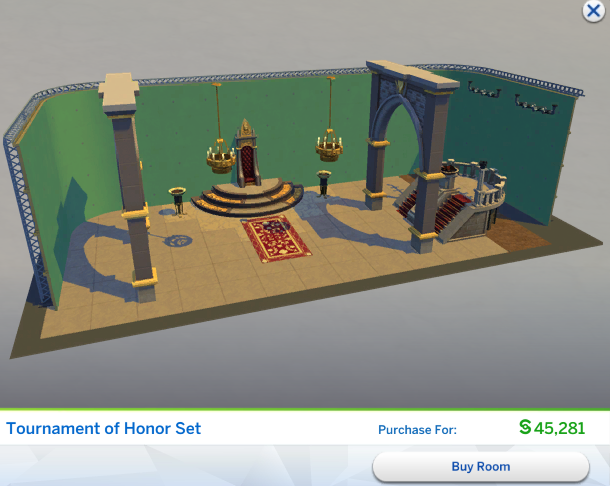
| (8) Seasoned Thespian | §9,800 | §1,200 | Medieval Costumes, Creature Costumes, Alien Costume, Tournament of Honor Set |
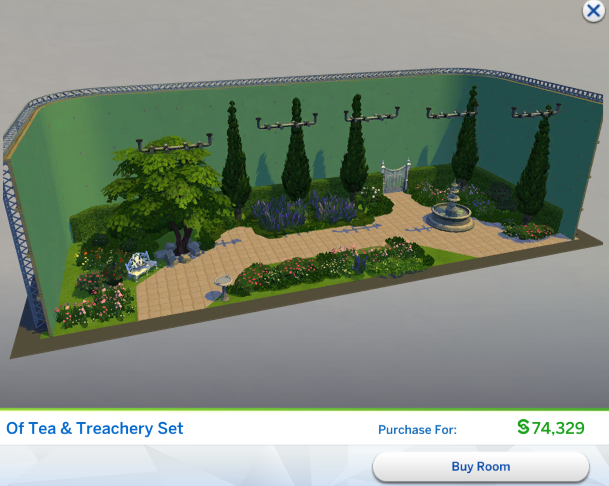
| (9) Superstar | §9,800 | §1,500 | Melodies of the City Set, Of Tea & Treachery Set |
| (10) Silver Screen Icon | §9,800 | §1,800 | Super Hero Costume, Sci-Fi Costumes, Captain Sigma: Olympus Landing Set |
Talent Agencies
There are four agencies in town that can help you find what open auditions are happening, although only two of them will represent a newcomer. Once you’ve gained a bit more experience you’ll attract the attention of the other agencies. If at any time in your career you wish to change your agency you can use your phone or a computer to “Hire a New Acting Agency.”
 A.I Staffing Agency (Level 1 Actor)
Consider A.I Staffing, [applicantName]! Our agents look forward to booking your unproductive time with work. Please enable notifications to stay informed on the latest [jobField] opportunities. Benefits: Improved automated reminders. Maximize your time spent working.
 Everyday Extras Agency (Level 1 Actor)
Our team has put faces into every wide angle crowd shot this town has ever filmed. We will find you work, no matter how small the role. Benefits: More auditions for commercial and Daytime TV gigs.
 Well Suited Talent Agency (Level 4 Actor)
Well Suited Talent represents only the best, who perform their best, and expect the best. You don’t become an icon without some sweat, some tears, and more wardrobe changes than a storefront mannequin during fashion week. Benefits: Better negotiated pay for drama and action Prime Time TV and Movie gigs.
 G.R.A.N Talent Agency (Level 4 Actor)
Join the Goldie Ruthfield family. Our team will provide you with the same care and guidance that Goldie provided to Silver Screen Legends such as Chesterfield Cupola and Ann Chaplet. Benefits: Connections with directors in the history and musical genres will open gig opportunities to lower level actors. Extra comfort when auditions are not successful.
Auditions
Agencies will provide you with a list of open auditions. You can check for upcoming auditions/gigs from your phone or a computer by selecting “Check for Gigs” or by clicking on the clipboard icon in the career panel. A popup window will appear of the upcoming auditions. Available auditions will vary based on your Sim’s Talent Agency and Career Level. The Audition list will show the potential gig payout, the audition time, the gig time and the recommended skill. The gig payout is determined by your performance at the actual gig.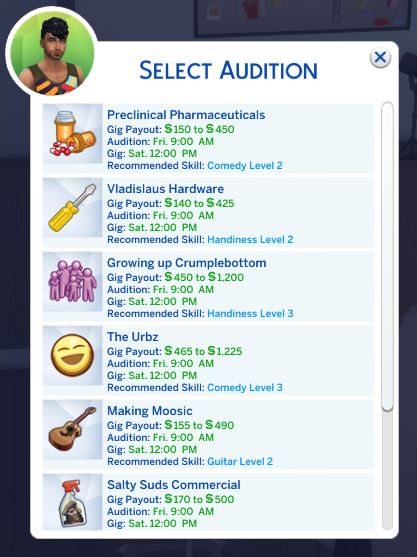
Each audition will have a recommended skill. Making sure your Sim meets this minimum skill level will boost your chances at a successful audition. When you’re Sim attends an audition they will go off to work for a couple of hours, similar to passive careers like the Criminal or Tech Guru career. If you pass your audition you Sim will be expected at the Studio at the gig start time. At that time, you’ll be given a choice to “Join” or “Send Alone”, similar to other active careers like the Scientist or Doctor career from the Get to Work EP.
You check the time of an upcoming audition or gig in your Sim’s career panel. If you ever want to cancel an upcoming audition or gig you can simply click the trash can icon in the career panel. Like other careers, you can find your performance bar in the career panel. This will let you monitor how close your Sim is to their next promotion. You’ll also notice the ideal mood for the Actor career is confident. Using a mirror to ‘Psych Self Up’ or a tub to ‘Take a Mud Bath’ (available if you own Spa Day) are a great way to give your Sim a confidence boost for their audition or a gig.
Acting Gigs
Congratulations, you passed your audition. Don’t get too excited, you have some work to do before your gig start time. You will have specific prep tasks for each gig. These are to be completed once you’ve passed the audition and before the gig start time. You can find these tasks in your Sim’s career panel. They can be anything from practicing a scene to researching an emotion or developing a skill. If you are unsure how to complete a task you can hover over the item for a hint.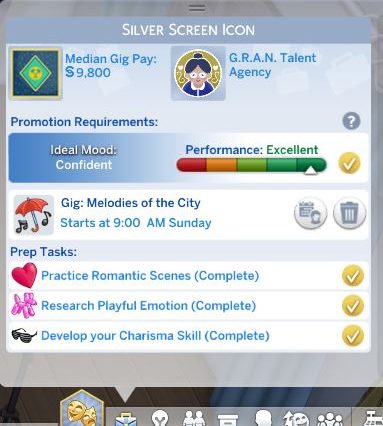
Sometimes your prep task may be to get to know the director or your costars. To the left of the trash can icon (cancel gig) is an icon that looks like a small calendar and person. This is the ‘Invite Over Director & Co-Stars’ Icon, which will invite your Director & Co-Stars to your current location.
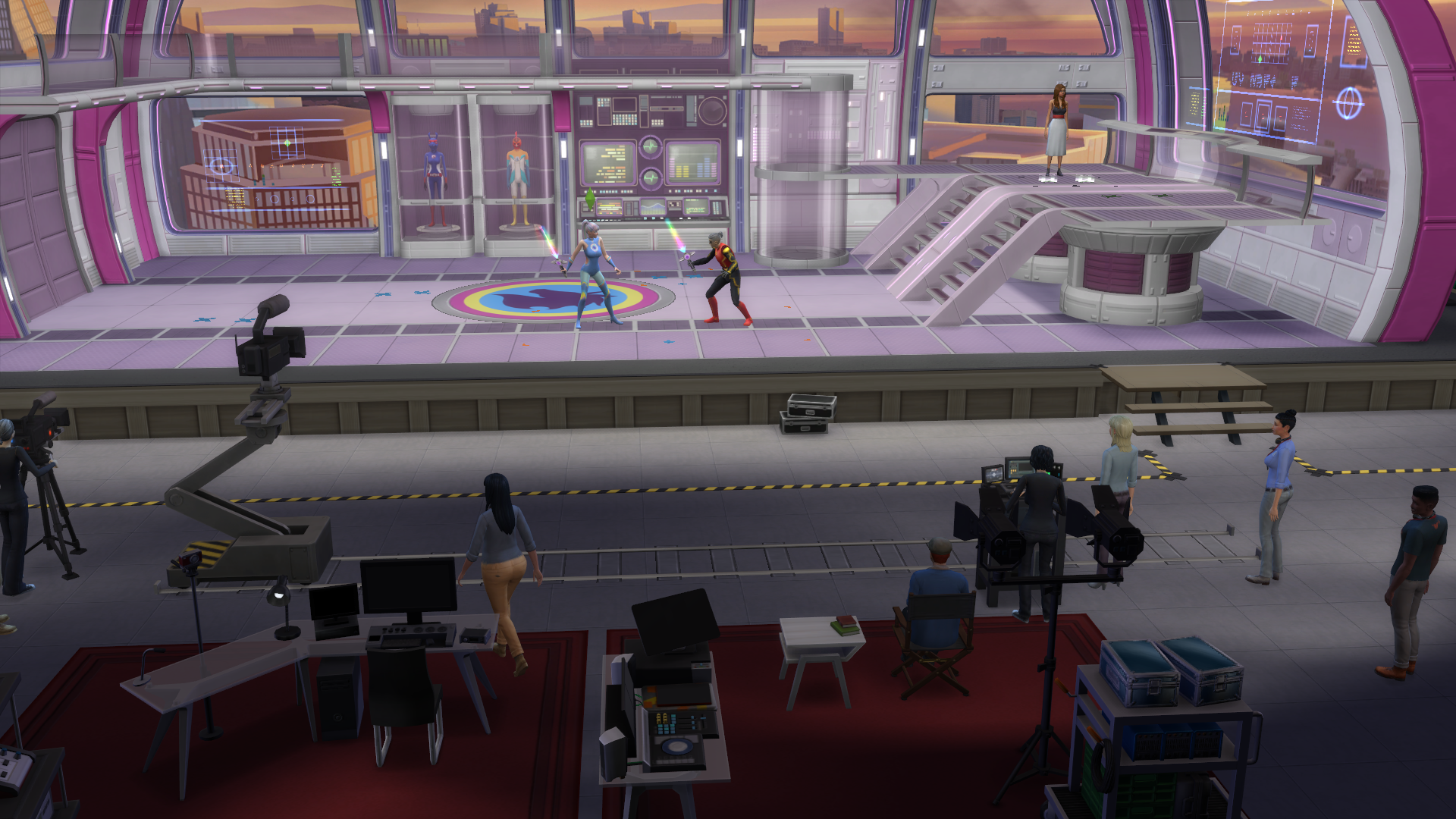
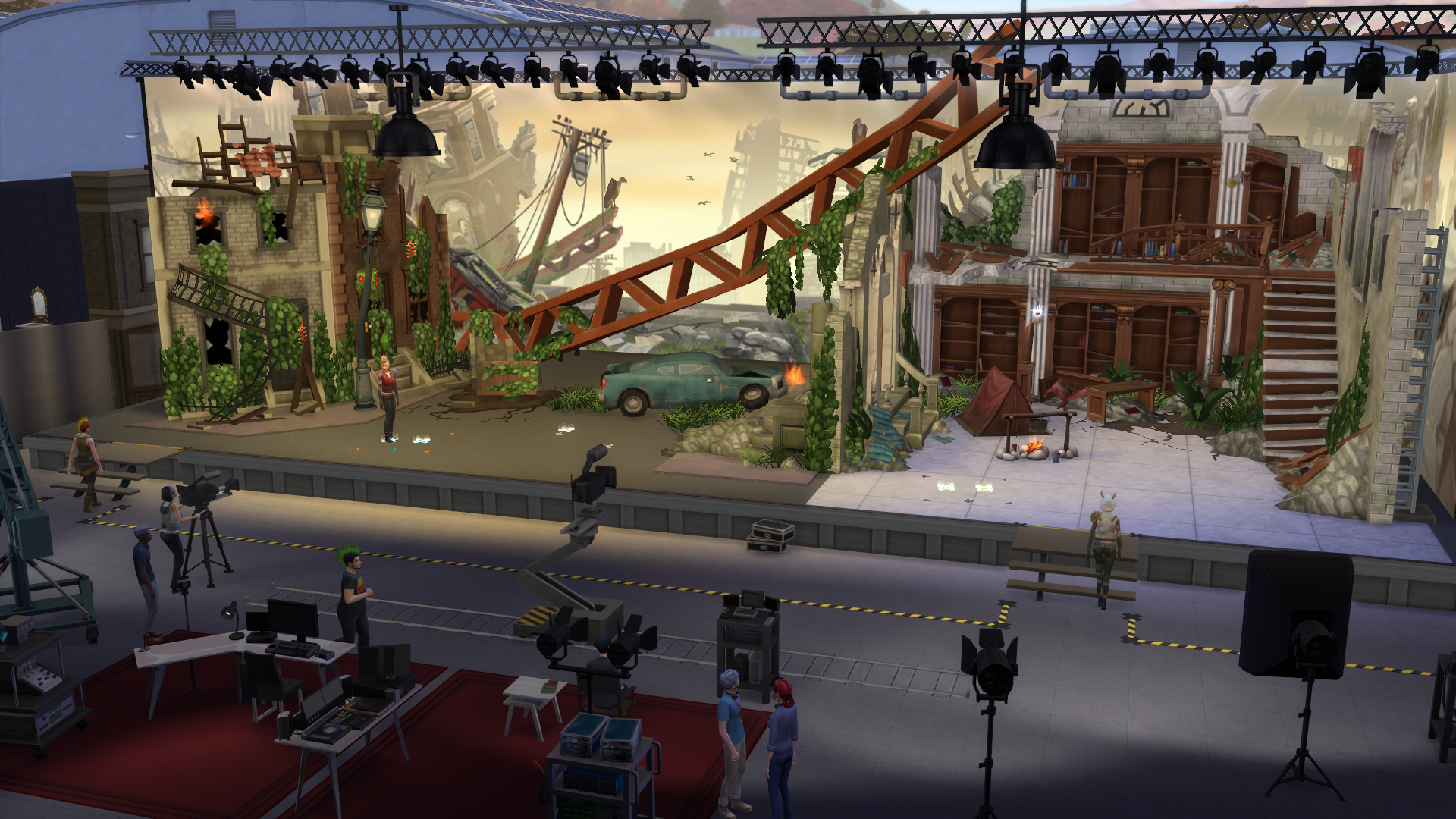
If you choose to join your Sim at their gig you’ll travel to the Plumbob Pictures Studio. Once there you’ll notice an event task panel in the upper left side of your screen. It looks similar to other active careers, such as the Doctor career from Get to Work, but has a couple special features.
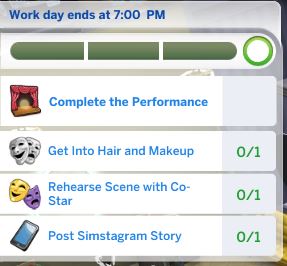 Since acting gigs can start at random times you can find what time your work day ends at the top of the event task panel. Below that is the progress bar which will measure if your performance is a bronze, silver or gold performance. This ultimately determines your gig payout. Your event goal is to “Complete the Performance” and your work day will end shortly once this is completed.
Below the event goal you will see a list of tasks, usually beginning with “Get into Hair and Makeup” (unless you have the ‘Established Name’ perk). When you complete a task a new one may appear.
These are your pre-performance tasks and can be anything from rehearsing a scene with a Co-Star to asking the Director for notes. Once you have completed the Hair/Makeup and Costume tasks, the “Tell Director You Are Ready” task should appear. Completing this task will erase any other unfinished pre-performance tasks from the list and you’ll be presenting with performance tasks. Most pre-performance tasks are optional, but the more tasks you can complete, the better your ultimate performance score.
Audition/Gig List
There are four categories of acting gigs: commercials, daytime tv, primetime tv and movies. Not all gigs will available at the same time, you may need to wait for the next round of auditions if you want to try for a specific gig. You also may need to try a different talent agent since different agencies will offer different gigs.
 | Valdislaus Hardware | §140 - §425 | Commercial | Handiness Level 2 All Career Levels |
 | Preclinical Pharmaceuticals | §150 - §450 | Commercial | Comedy Level 2 All Career Levels |
 | Making Moosic | §155 - §490 | Commercial | Guitar Level 2 All Career Levels |
 | VoidBop | §160 - §475 | Commercial | Fitness Level 2 All Career Levels |
 | Salty Suds Commercial | §170 - §500 | Commercial | Charisma Level 2 All Career Levels |
 | Growing Up Crumplebottom | §450 - §1,200 | Daytime TV | Handiness Level 3 Acting Career Level 3 |
 | Critters from the Mauven Forest | §455 - §1,250 | Daytime TV | Guitar Level 3 Acting Career Level 3 |
 | The Urbz | §465 - §1,225 | Daytime TV | Comedy Level 3 Acting Career Level 3 |
 | Wild Flames | §470 - §1,275 | Daytime TV | Comedy Level 3 Acting Career Level 3 |
 | Dead Sea Adventures | §475 - §1,300 | Daytime TV | Fitness Level 3 Acting Career Level 3 |
 | Residency of the Heart | §1,185 - §2,725 | Primetime TV | Charisma Level 5 Acting Career Level 5 |
 | ZBB: Apocalyse Rising | §1,200 - §2,800 | Primetime TV | Fitness Level 5 Acting Career Level 5 |
 | Detective Law | §1,215 - §2,776 | Primetime TV | Fitness Level 5 Acting Career Level 5 |
 | Dignity & Decorum | §1,225 - §2,750 | Primetime TV | Charisma Level 5 Acting Career Level 5 |
 | Last Town in the West | §1,240 - §2,800 | Primetime TV | Guitar Level 5 Acting Career Level 5 |
 | Of Tea & Treachery | §3,075 - §6,400 | Movie | Charisma Level 7 Acting Career Level 8 |
 | The Sheriff from Alpha Centauri | §3,075 - §6,475 | Movie | Comedy Level 7 Acting Career Level 8 |
 | Captain Sigma: Olympus Landing | §3,085 - §6,575 | Movie | Fitness Level 7 Acting Career Level 8 |
 | Tournament of Honor | §3,095 - §6,450 | Movie | Charisma Level 7 Acting Career Level 8 |
 | Melodies of the City | §3,100 - §6,500 | Movie | Charisma Level 7 Acting Career Level 8 |
 | Treasures of Aarbyville | §3,115 - §6,550 | Movie | Fitness Level 7 Acting Career Level 8 |
Performing Scenes
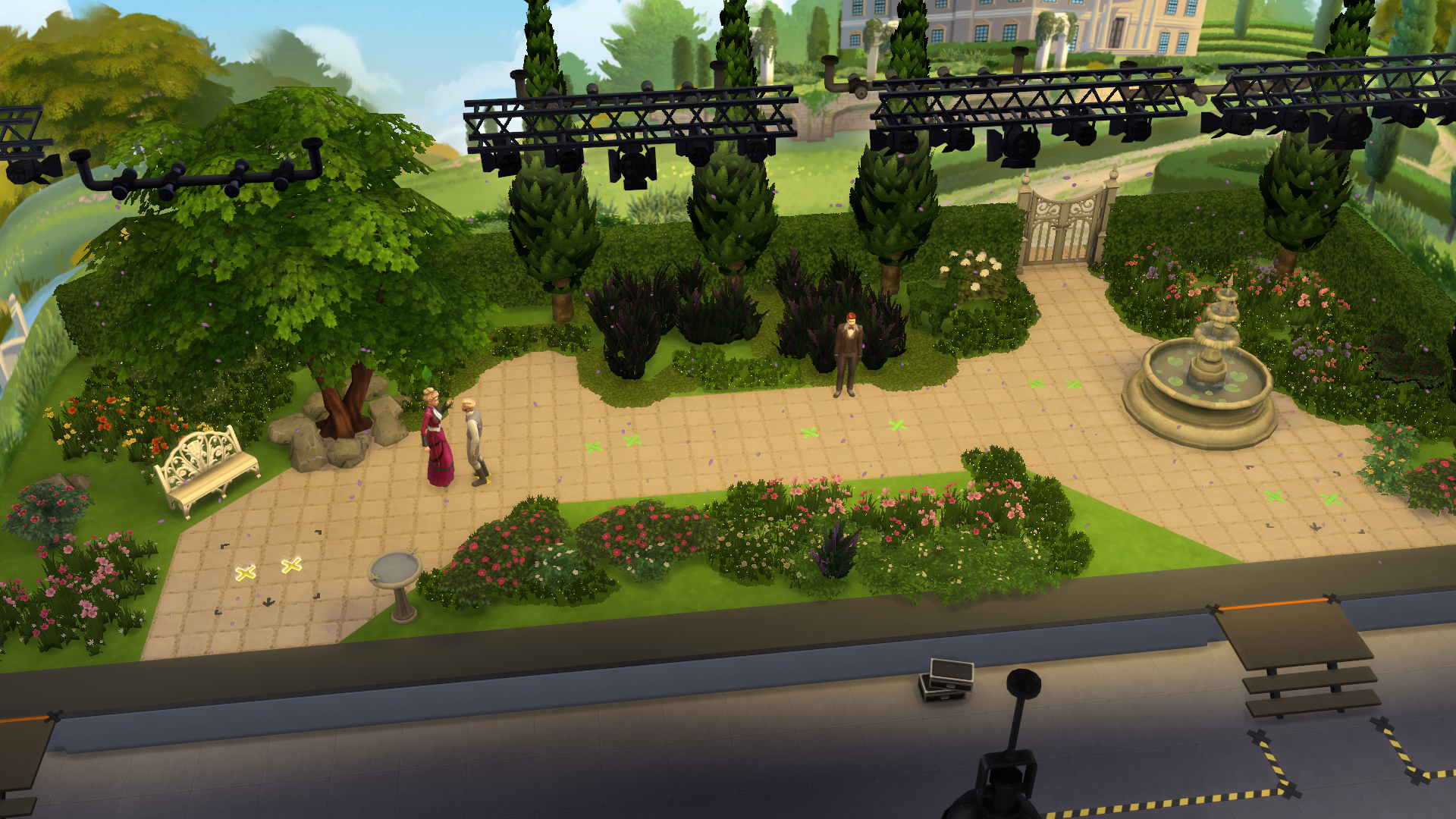
Once you are ready to begin your performance the studio lights will dim and any Co-Stars will make their way to the stage. You’ll notice several “X” marks on the stage. These represent the different scenes for your performance. A smaller performance like a commercial may only have 3 scenes, while a movie performance could have closer to 8 scenes. You can check the event task panel for which scene to complete but the “X” marks are not labeled so this could be confusing in larger performances. What you want to do is look for the “X” that is slightly glowing. This is the hint for which scene should come next. Some scenes may not have an “X” and require you to click on an nearby object, like a pirate ship wheel or a hospital bed.  When you click on the “X” or a prop, you’ll see any option for a “Safe” or “Risky” version of that scene. This is where your prep tasks from before the gig start time are important. A risky performance has a great chance of getting you to a gold performance score.
If you completed your prep tasks you should succeed with any risky performance. If you fail at a risky performance then you could harm your chances at a gold performance score (and that larger gig payout). You can always stick with a safe performance and hope the boost from completing all the pre-performance task will earn you a high performance score. The choice is yours.
Once you complete all the scenes your performance will be complete. You’ll receive your final performance score of bronze, silver or gold. The higher your performance the higher the payout and the more fame you will earn. You’ll then be given a chance to go home or stay at the Studio.
If you choose to stay you’ll unlock build/buy mode for this lot. (As of writing this guide, you can make changes to the Studio in build/buy mode but any changes will not be saved for the next time. The entire lot resets at the beginning of a new acting gig. There is a special dressing room that appears when your Sim reaches level 4 in their acting career so I don’t know if that is causing a glitch.)
Celebrities and Fame
IN PROGRESS
Become a Celebrity
IN PROGRESS
Celebrity Interactions
IN PROGRESS
Starlight Accolades
IN PROGRESS
Reputation and Fame
IN PROGRESS
Fame Perks
As a Sim increases their Celebrity Level, they’ll earn Fame Points. Fame Points can be used to purchase Fame Perks, which provide powerful benefits to celebrities, and unlock new behavior, new interactions, and new opportunities for Sims. By acquiring perks, you can drastically alter your Sim’s path to stardom with different paths to becoming famous, and ways to earn fame faster.
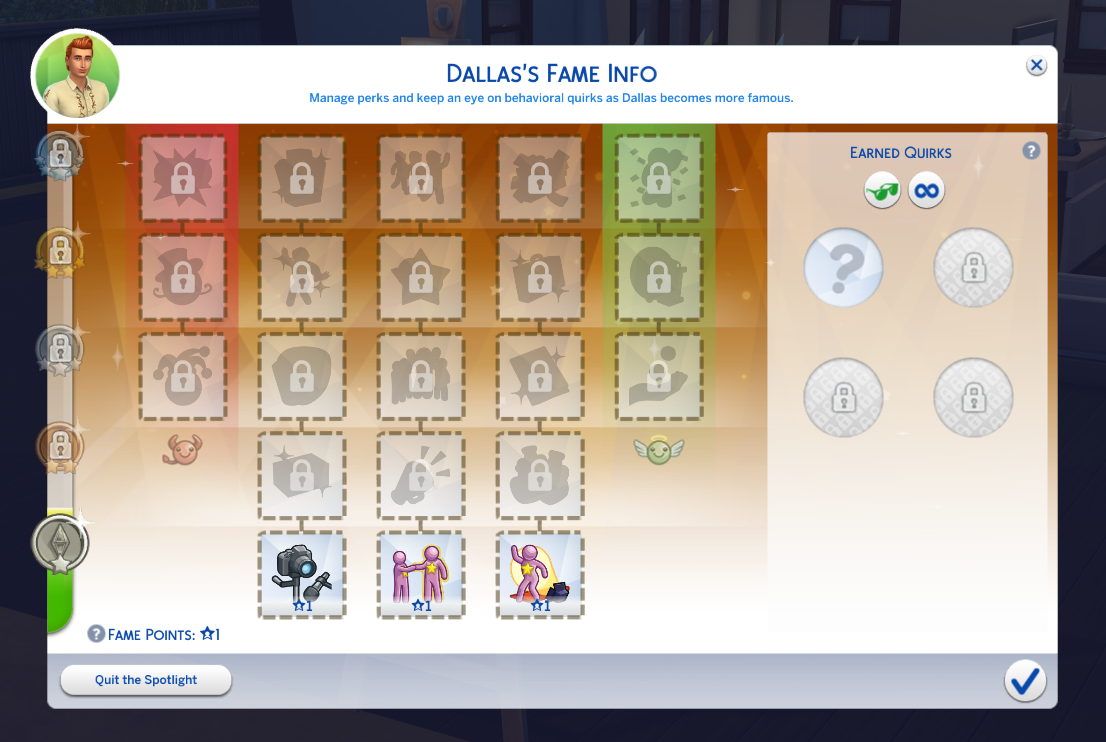
Most perks have requirements that must be satisfied before they can be purchased. Your Sim’s celebrity level will adjust which perks they’re allowed to purchase. More powerful perks require higher celebrity levels. To acquire higher tier perks, the lower tier perks in the same column must first be purchased. Some perks even require that your Sim’s reputation be at a certain level before they can be purchased.
 | Who’s Bad • 3-Star Celebrity • "Bad" Reputation | Who’s bad? This Sim is bad, and everyone’s going to know it! Anytime they behave in a way that the public dislikes, they’ll lose reputation even faster. This bad behavior can quickly become a hallmark of this Sim’s public persona, resulting in any mischievous behavior to now cause them to gain fame. |
 | Play the Villain • 4-Star Celebrity • "Awful" Reputation • "Who’s Bad" Perk | This Sim’s awful reputation will become one of their defining characteristics! If the world views this Sim as a villain, a villain is what they’ll get. Performing Mean social interactions will increase this Sim’s fame, while nearby Sims will cheer his lousy behavior, often following up with requests for autographs and pictures. |
 | FeudBringer • 5-Star Celebrity • "Atrocious" Reputation • "Play the Villain" Perk | With an atrocious reputation, fame to spare, and bridges to burn, this Sim can now stir up drama by starting a celebrity feud with any Sim not in his household. Once in a feud, this Sim can Blame For Feud – along with a variety of other mean things – to the other Sim’s face, Badmouth them on the computer, or give reporters looking for a sound bite exactly what they want. Keep the feud bubbling and the daily news will affect how this Sim is feeling, or get together with the target to End the Feud in-person. |
 | Corporate Partnership • 1-Star Celebrity | Uploads from the Video Station and Music Station will earn this Sim more fame than normal. In addition, this Sim’s influence will become a commodity that corporate brands covet as a means of reaching their target audience. This Sim will occasionally receive phone calls from a corporate ad agency, with a timed request to upload a video for an immediate bonus payment. |
 | Influencer • 2-Star Celebrity • "Corporate Partnership" Perk | As an influencer, this Sim will find themself building trust with an audience of loyal – and generous – fans. A variety of gifts from their audience will be regularly delivered in the mail, including everything from delectable baked goods, to valuable collectibles. It pays to be famous! |
 | All-Nighter • 3-Star Celebrity • "Influencer" Perk | This Sim will now be able to Pull an All-Nighter when tired, giving them the massive Energy boost they need to keep going for hours and hours without sleep. That’ll come in handy for the 24-hour Charity Streams this Sim can now host on the Video Station or Drone. Completing the day-long stream will reward them with a large amount of Fame and Reputation. |
 | Trailblazer • 4-Star Celebrity • "All-Nighter" Perk | As a trailblazer, this Sim doesn’t follow trends, they set them. As such, any video they upload via the Video Station will always be considered trendy, leading to bigger payouts. Other Sims will also start to notice this Sim’s outfit. Don’t be surprised to spot Sims aping their style, and strutting through the streets in similar threads. |
 | Lifestyle Brand • 5-Star Celebrity • "Trailblazer" Perk | This Sim will be able to use a computer to launch and maintain their own personal brand, which can become a reliable source of daily revenue. Be sure to keep the product lineup fresh, as income will slow to a trickle if their brand doesn’t stay relevant with its target audience. This Sim can Enthuse about the brand with others, and may spot Sims out and about discussing the brand. |
 | Networking • 1-Star Celebrity | Gaining the social prowess to deal with fellow celebrities, this Sim will be able to form friendships with more famous Sims and smooth talk their way from being acquaintances to friends quickly. This Sim’s networking talent also means any socialization with celebrity acquaintances will earn them fame, while socializing with higher level celebrities will earn even more fame. |
 | PR Agency • 2-Star Celebrity • "Networking" Perk | Let a PR Agency help this Sim handle their image. A quick phone call to the agency can push a news story that’ll provide a boost in fame and a change in reputation – up or down! As a bonus, publicists know of the best parties around town, and can get this Sim on the guest list if he wants to make a new celebrity friend. |
 | Fan Favorite • 3-Star Celebrity • "PR Agency" Perk | As a celebrity, this Sim will cultivate an army of fans that’ll be at their beck and call. They’ll be able to ask any fan to signal boost the fame or reputation of a household member of their choosing, whenever they like. They’ll also be able to strike a pose to dazzle nearby fans, causing them to faint for their own amusement. |
 | Instant Besties • 4-Star Celebrity • "Fan Favorite" Perk | Sims can’t help but be drawn in by this Sim’s charming personality. Greeting a Sim with a casual word and a beaming smile is enough for them to instantly feel at ease. With their rising fame and easygoing demeanor, it’ll be easy for this Sim to turn a stranger into an instant friend or lovebird! |
 | Squad • 5-Star Celebrity • "Instant Besties" Perk | Whether they’re close friends or just close by, every celebrity needs an entourage. As a global superstar, this Sim can pick and choose their inner circle, and beckon them at their whim. Once summoned, squadmates will show up rocking the Sim’s outfit, ready to cheer him on. They’re also emotionally available should this Sim need a joke, some comfort, or just lavish praise. |
 | Noticeable • 1-Star Celebrity | There’s just something about this Sim that makes them stand out from the crowd and make other Sims take notice. By honoring this aspect of their personality, there’s a chance that any single skill or career-based action from here on out may catch the public’s attention, giving this Sim an extra boost of fame. |
 | CelebuSerum • 2-Star Celebrity • "Noticeable" Perk | As a celebrity, this Sim will gain access to an exclusive delivery service that’s only offered to the elite in society. Each day a new CelebuSerum potion will arrive in the mail. The potion might boost their needs or adjust their emotions. Either way, it’s guaranteed to increase the rate at which they increase their skills for a period of time! |
 | Established Name • 3-Star Celebrity • "CelebuSerum" Perk | People are starting to recognize this Sim’s name! Now, when they sell, publish, or license something that took skill to create, they will earn more money and increased royalties. If this Sim pursues an Acting Career, they’ll be able to bypass auditioning and immediately get offered the role. Further, once they show up on set, they can skip getting into costume, hair, and makeup, performing the scene in any old outfit with no penalty. |
 | Career Hopper • 4-Star Celebrity • "Established Name" Perk | This Sim will enjoy certain benefits in the workplace thanks to their fame. When joining a new career, they will be hired at a higher starting position. They’ll also enjoy increased job performance and faster promotions, as bosses will want to keep their famous employee happy. Finally, should they decide to quit a career, they can always get re-hired with the exact same job title they left with. |
 | East Street • 5-Star Celebrity • "Career Hopper" Perk | For someone as famous as this Sim, “work” is a bit of a misnomer. Their boss has doubled their paycheck and handsomely rewards the slightest effort they make. With all these perks, it’s hard to to end a workday feeling bad. This Sim will always arrive home from a shift at work feeling great, with positive emotional affirmations regarding what a fantastic day they had. |
 | Giving Back • 3-Star Celebrity • "Good" Reputation | This Sim’s good reputation has helped establish a foothold in the public eye as a charitable and kind celebrity. Having built his fame upon a bedrock of positivity, they will now gain reputation even faster. Additionally, Sims can now donate various objects from their home to their legion of fans. Each donation will gain him fame…the more valuable the donation, the more fame gained! |
 | Rally! • 4-Star Celebrity • "Great" Reputation • "Giving Back" Perk | This Sim’s great reputation means other Sims trust them to provide worldly advice. As such, they can now give inspirational speeches about the secrets to success. Nearby Sims will gather and listen, enjoying a period of increased skill gain afterwards. |
 | Star Treatment • 5-Star Celebrity • "Pristine" Reputation • "Rally!" Perk | This Sim’s fame and pristine reputation have other Sims stumbling over themselves to cater to their desires by providing them with free benefits! Free services! Free meals out! Free drinks, free massages, free temporary hires! And as an extra bonus, any time this Sim arrives at a venue, excited Sims will throw confetti to celebrate their arrival. |
Fame Quirks
As a Sim increases their Celebrity Level, they drift further from normal life. At certain levels, Sims will gain new Quirk Slots, which can be filled with Quirks based on the behavior they engage in. Once acquired, Quirks may be removed by using the Celestial Crystal Crown, or by drinking the Quirk-B-Gone reward potion. You are not able to permanently remove a quirk slot from a Sim unless you quit the spotlight completely.
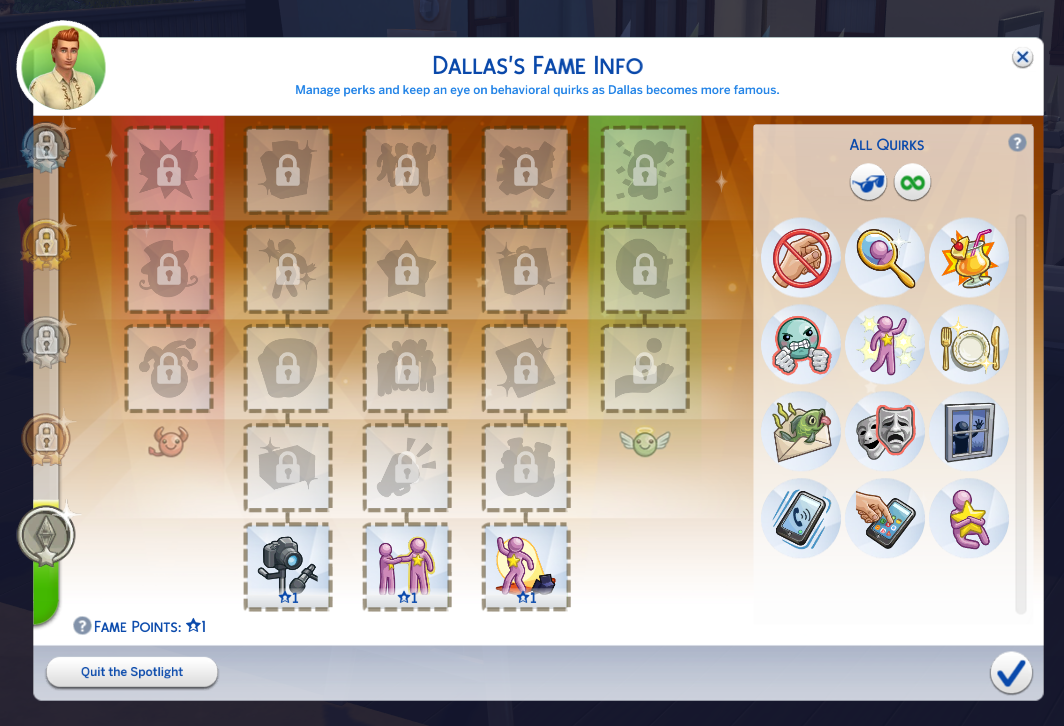
 | No Touching! • Touched by strangers with less Fame | Just because you're famous doesn't mean you're ok with the general public invading your personal space. |
 | Vain Street • Frequent use of Mirrors | Maintaining a gorgeous appearance is of peal importance to celebrities…you never know when a paparazzi is going to pop out and snap a shot after all. This can lead to an inflated ego, and mirrors become a necessary crutch to constantly reaffirm that, yes…they’re still gorgeous. Admitting their own reflection can instill a celebrity with confidence, but they also become anxious if they’re separated from a mirror for too long. |
 | Juice Enthusiast • Frequently drinking Juice | Celebrities that are Juice Enthusiasts find themselves always wanting a drink of juice. If they don’t regularly drink juice, they’ll slip into foul moods, and will have a difficult time raising their Fun. |
 | Emotion Bomb • Becoming Very Sad/Angry | When the world rotates around you, it’s easy to become the emotional center of your own universe. For these celebrities, anything angering will cause them to fly off the handle and become enraged. Anything that saddens them requires the world to stop as they struggle to process their feelings. These intense outbursts don’t last long…After working through an emotional meltdown, they’re back to acting as if nothing was ever wrong at all. |
 | Paparazzi Darling • Being Friendly to Paparazzi | Some celebrities simply adore being in front of the camera, and the paparazzi are happy to oblige. Celebrities that are Paparazzi Darlings will attract bigger crowds of paparazzi, they’ll love having their photo taken, and they may even earn positive reputation when their picture is taken. |
 | Refined Palate • Eating “Excellent” Quality Meals | With fame comes fortune, and with fortune comes an expectation for finer things in life. Such is the burden that some celebrities must endure. For these Sims, once they’ve gained a taste for the finest foods, there’s simply no going back to just any old meal. These celebrities will find eating food that’s of “Excellent” quality most delightful, but they’ll turn their nose up in discomfort when forced to swallow that’s “Normal”, or – dare I say – “Poor”. |
 | “Fan” Mail • Celebrity socialization with fans | Celebrities who open themselves up to the adoring public are occasionally in for a rude awakening, when they discover that not every Sim is a true fan. In reality, there are some Sims who actively dislike celebrities, and will make it a priority to ensure the target of their ire receives frequent “gifts” in the mail. Try not to take it personally. |
 | A Serious Actor • Completing Dramatic Gigs | The acting studio is not the place for pranks or jokes, especially for an actor trying to evoke the right emotion during a dramatic scene. Such behavior frays on the concentration of actors, and eventually they snap. Anytime anyone attempts something funny or mischievous with a serious actor, they’ll show their anger instead of cracking a smile. They’ll hold everyone accountable for their professionalism on set, and anyone that steps out of line can expect to be the subject of a furious rant. |
 | A Stan! • Signing autographs for fans | Some fans take fandom a bit too seriously. These misguided Sims are known among celebrities as “stans”. Thankfully stans don’t mean you any harm, they just have a burning desire for you to know that you’re the center of their universe. Their behavior manifests itself in a variety of ways, from attempting to chat with you while out in public, to showing up at your residence and digging through your trash cans. Should you choose to invite one into your home, keep a close eye on them…They’ll always look for a chance to swipe a souvenir from their favorite superstar. |
 | Public Number • Using Social interactions on the phone | Celebrities with the Public Number Quirk have has their phone number leak, and must endure receiving text messages from various Sims each day. Some Sims are just thrilled to have the chance to contact someone famous. Other Sims are quick to express their dislike of the rich and famous. Regardless, everyone has an opinion…and they’re eager to share it. |
 | Phone Fanatic • Using a cell phone for entertainment | Celebrities who are Phone Fanatics are addicted to checking their phones. Whenever they have spare time, you’ll likely find them tapping away at their phone’s screen. Occasionally, they’ll become Tense if they haven’t been entertained by their phone recently. |
 | Brushes With Fame • Touching Celebrities with more Fame | For some celebrities, hobnobbing with the rich and famous becomes a way of life. They get sad if they spend too long among the general public, separated from other celebrities that they can actually relate to. They find themselves drawn to increasingly famous Sims, always seeking out of the companionship and personal touch of those who are – at minimum – equally as famous as themselves. |
Del Sol Valley (New World)
A densely populated city brimming with opportunities to make it big! If you can make it in Del Sol Valley you can make it anywhere. From the lavish living in The Pinnacles to the booming nightlife of Starlight Boulevard this world has everything going for it.
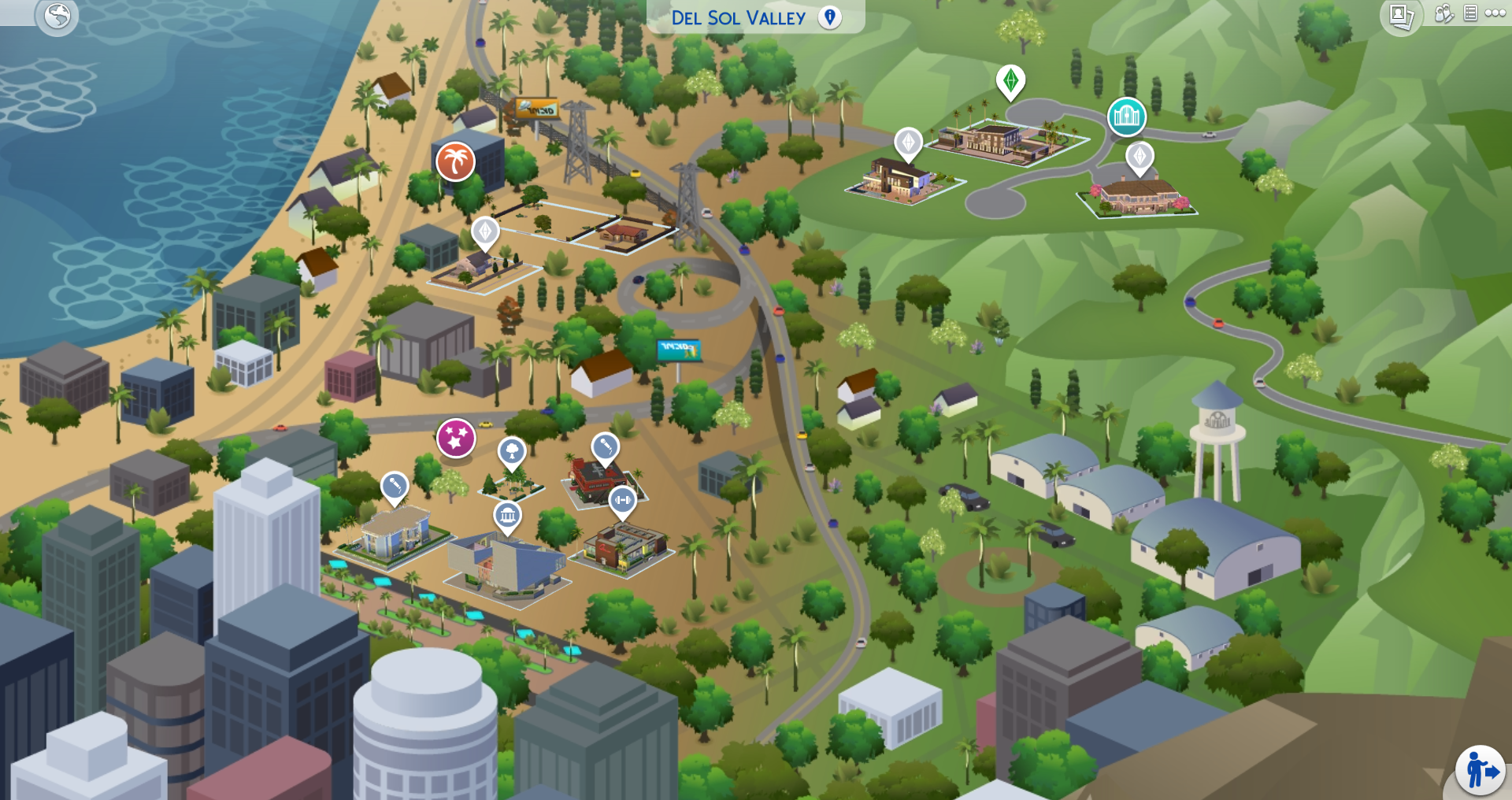
Del Sol Valley is divided into three neighborhoods: Mirage Park, The Pinnacles, and Starlight Boulevard. There is also an additional 4th lot called Plumbob Pictures, but Sims will have to excel in the acting career to access this lot. More on that later.
The Mirage Park district contains reasonably priced homes, The Pinnacles is fit for the rich and famous containing the most expensive homes with views, and Starlight Boulevard is where all the action is, including exclusive night clubs and celebrity sightings.
World Screenshots
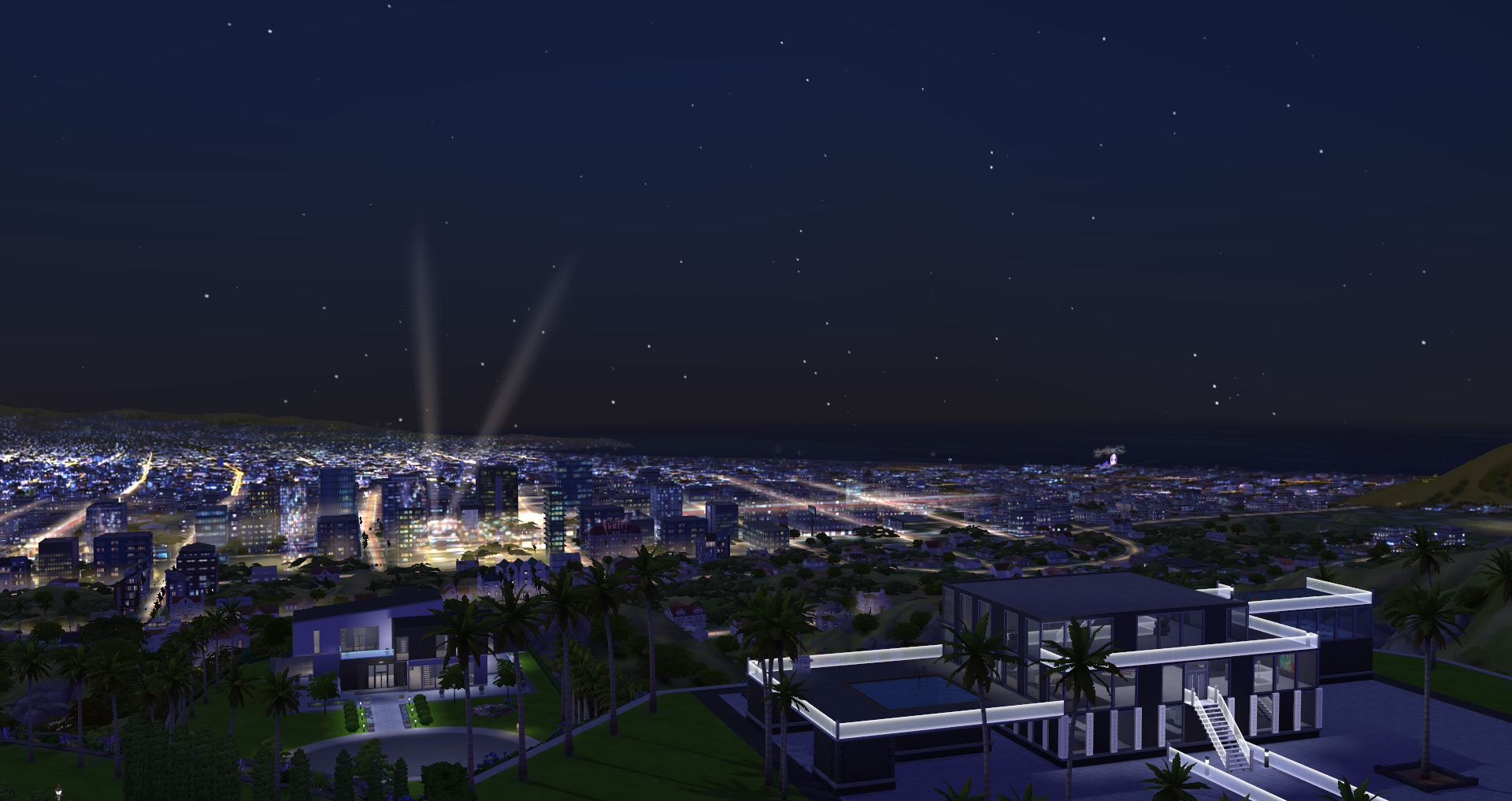

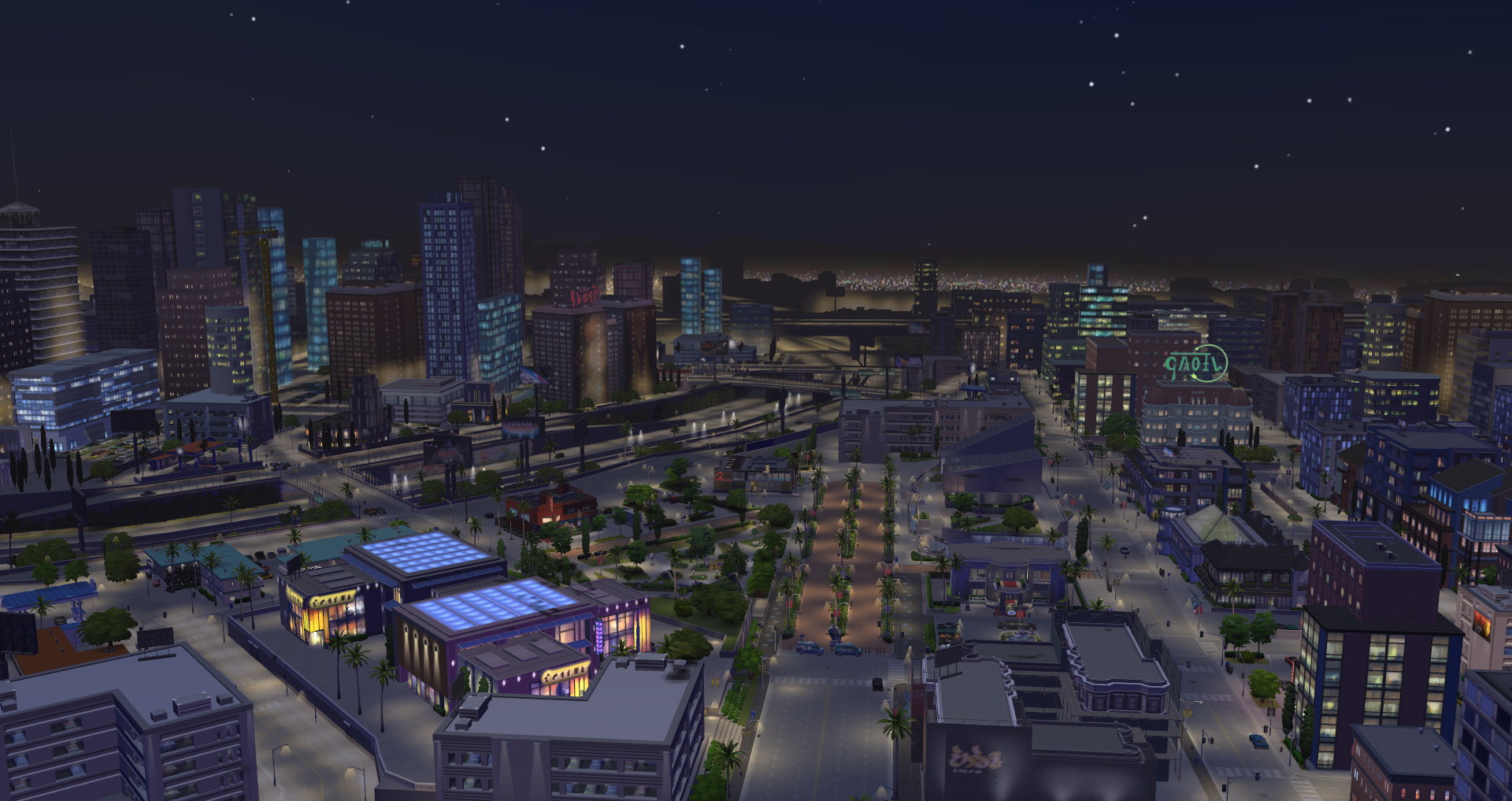

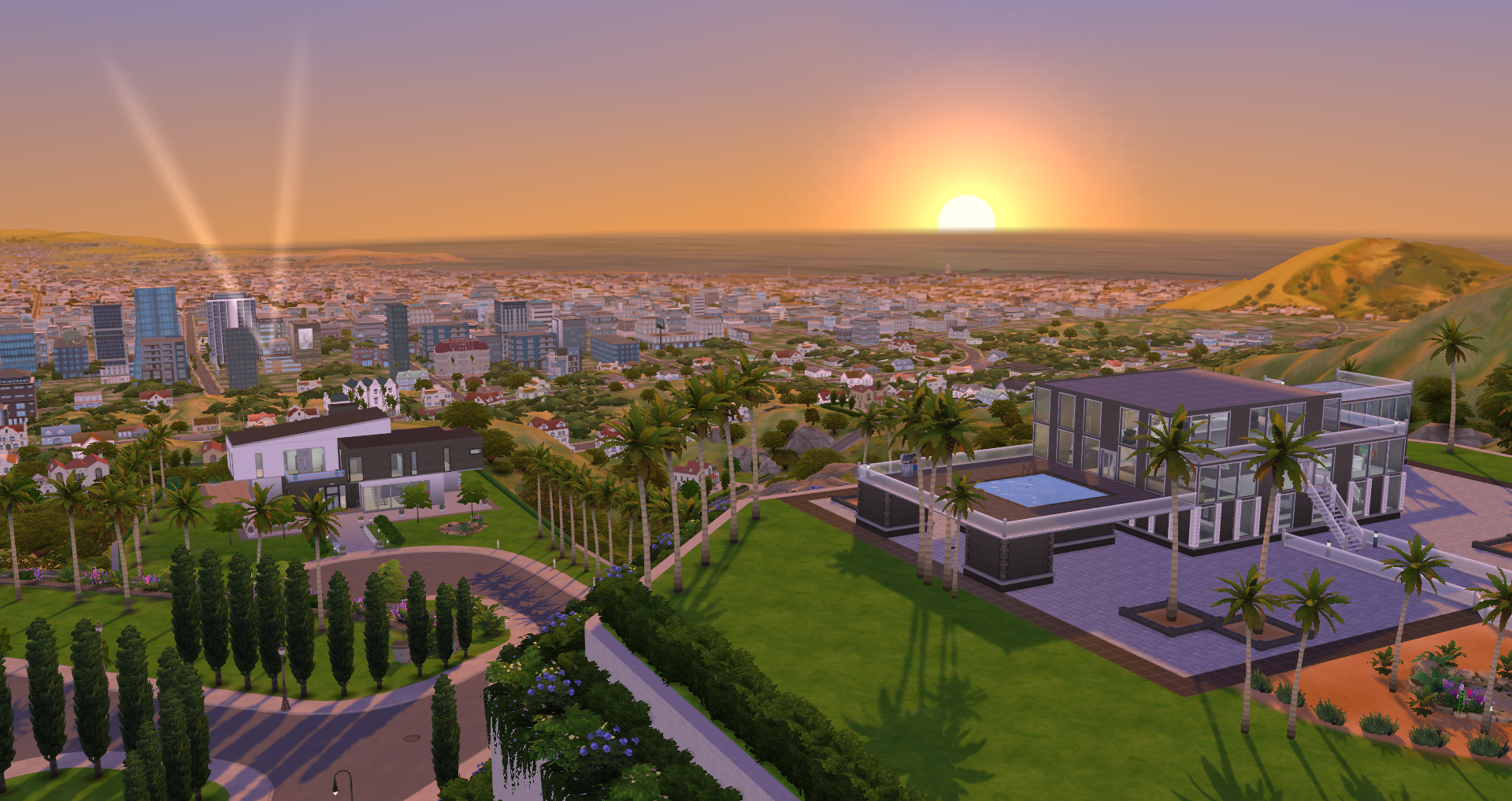
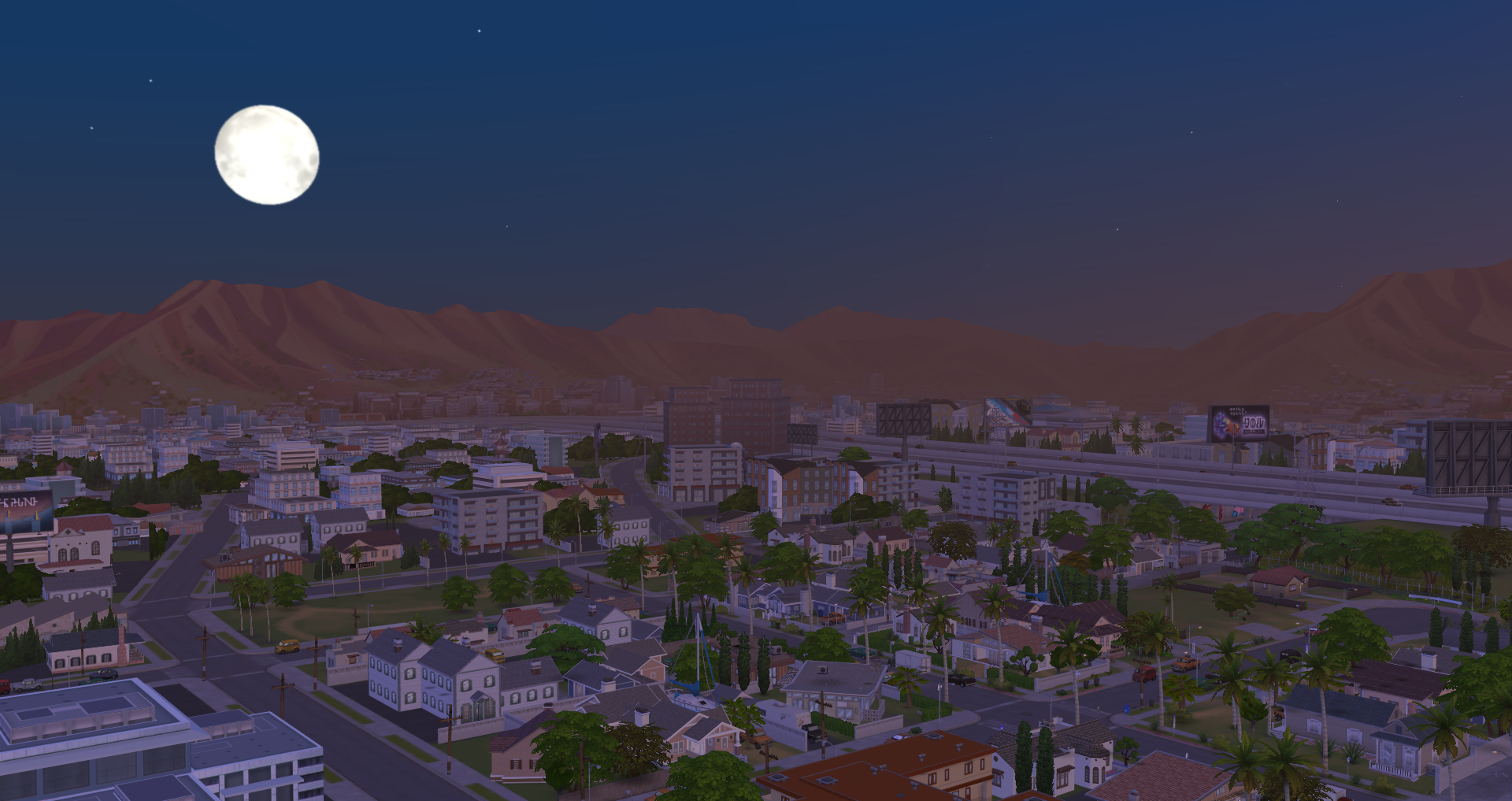
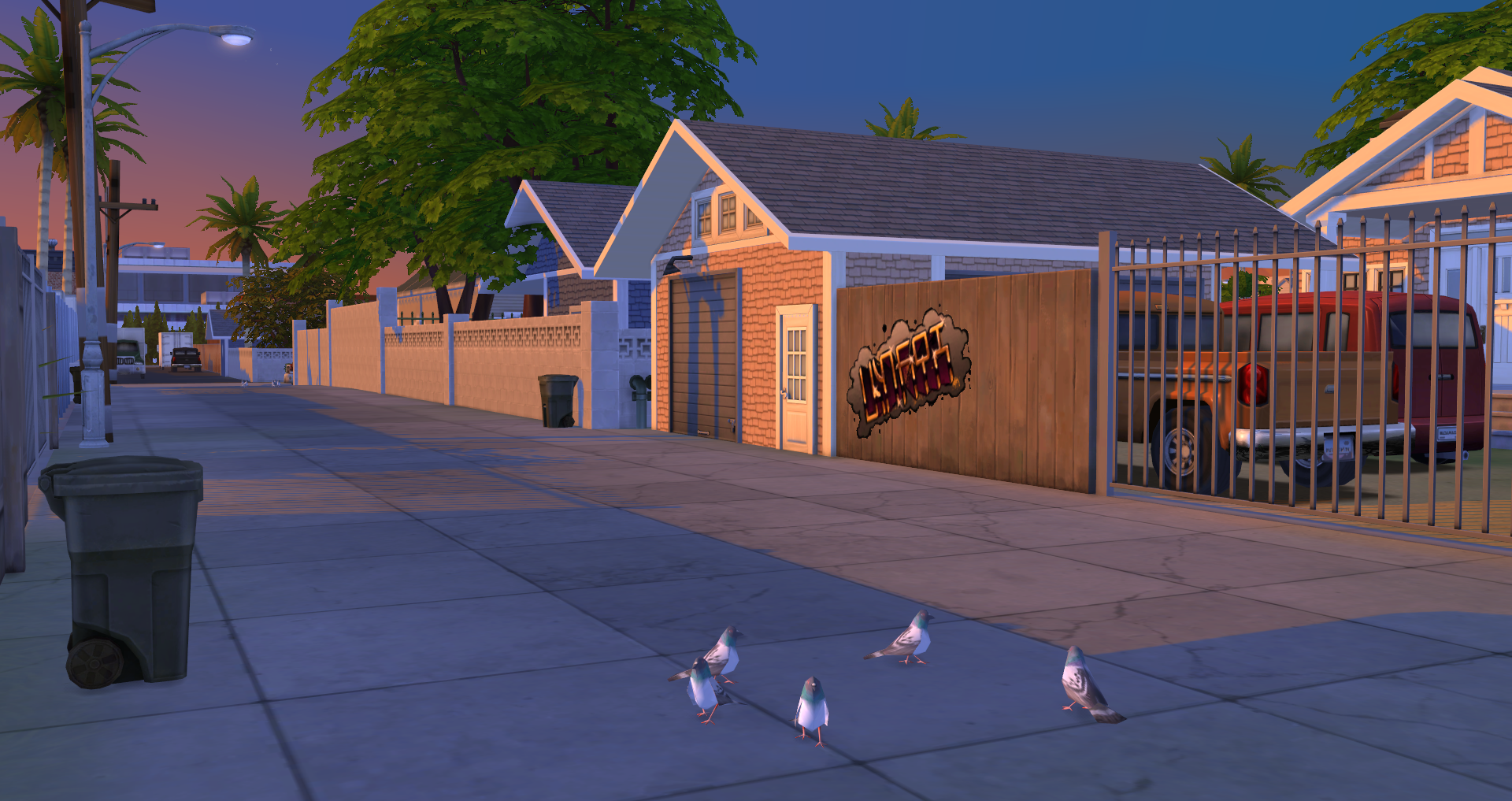
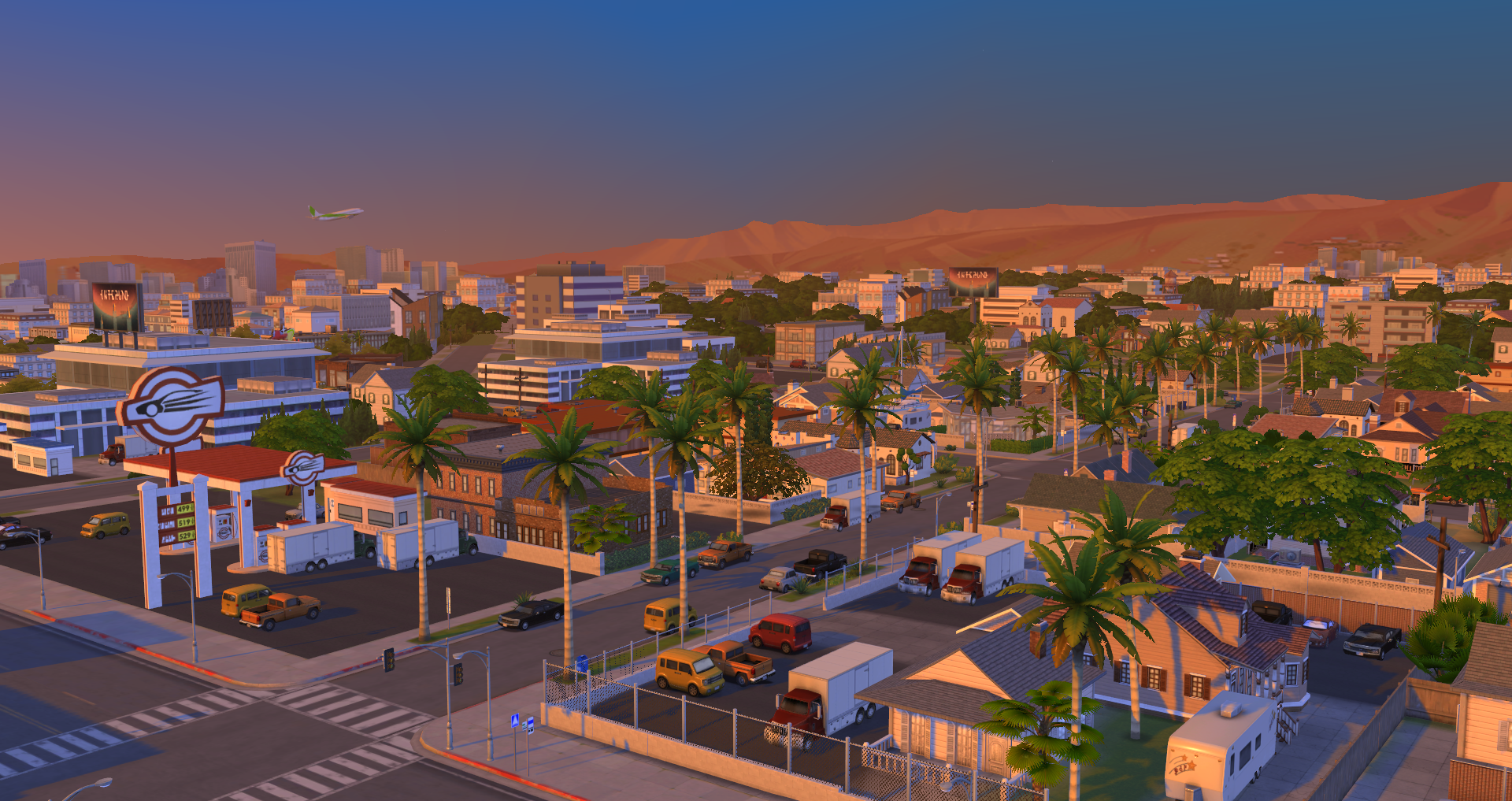

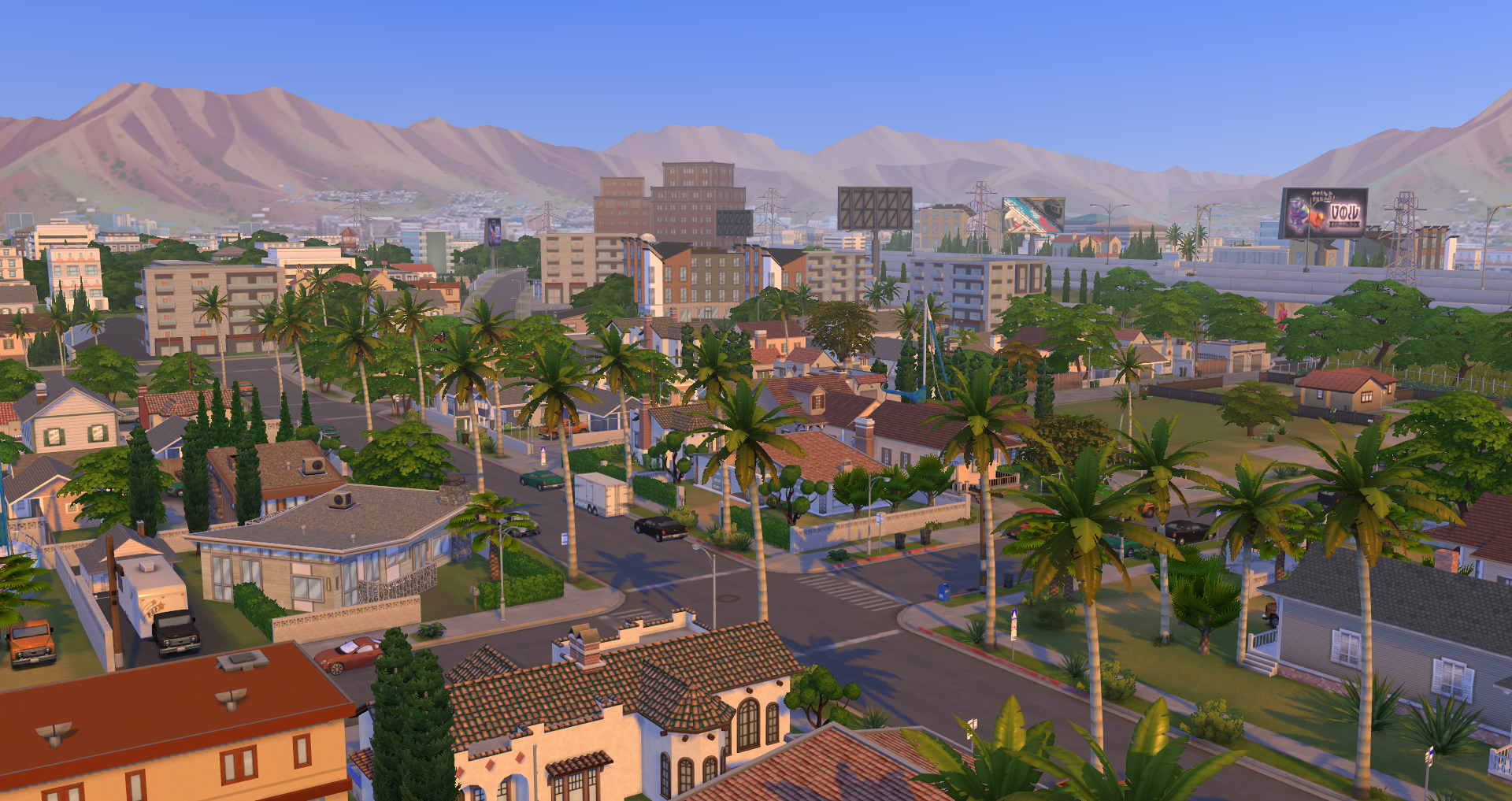
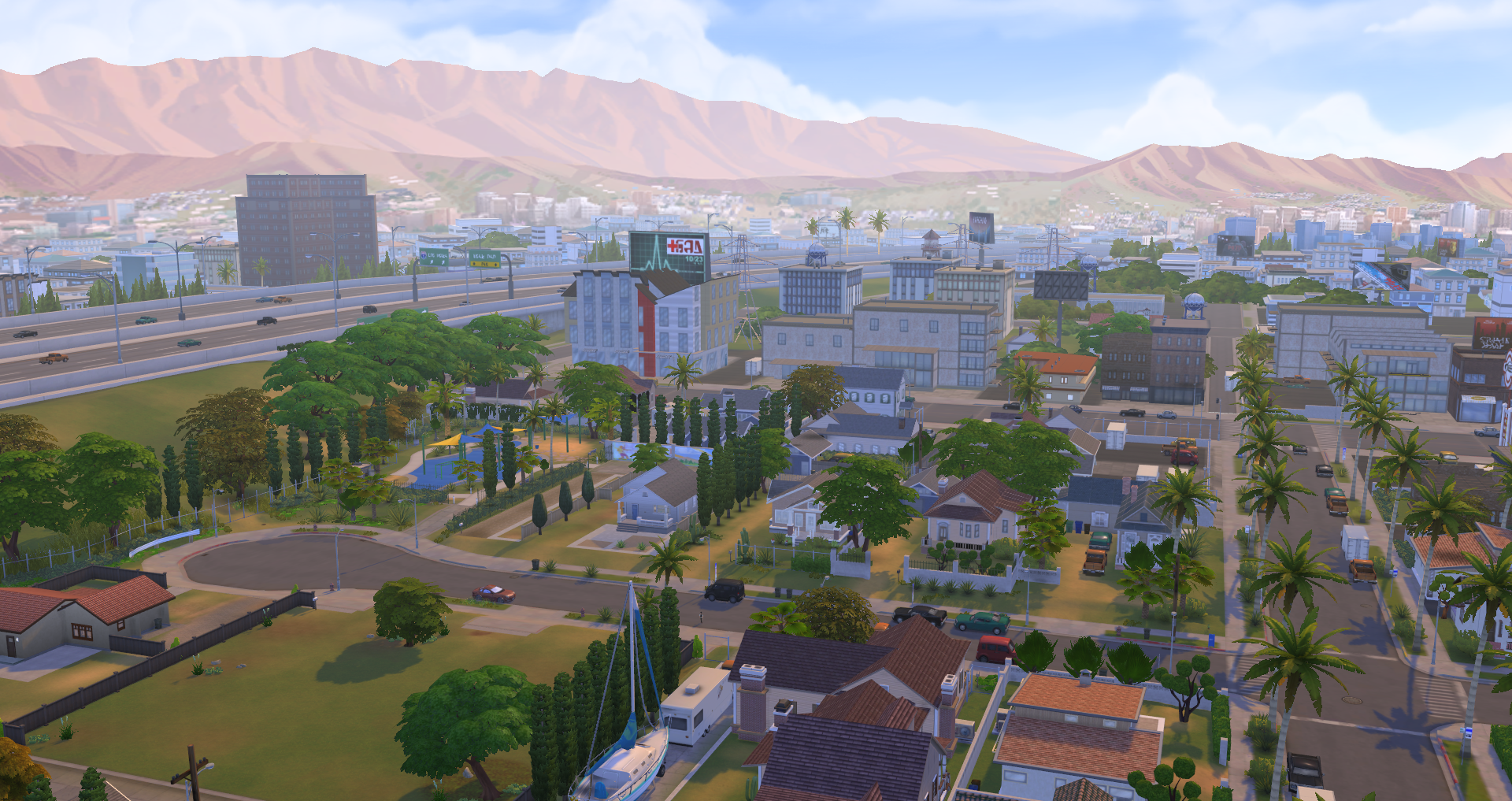

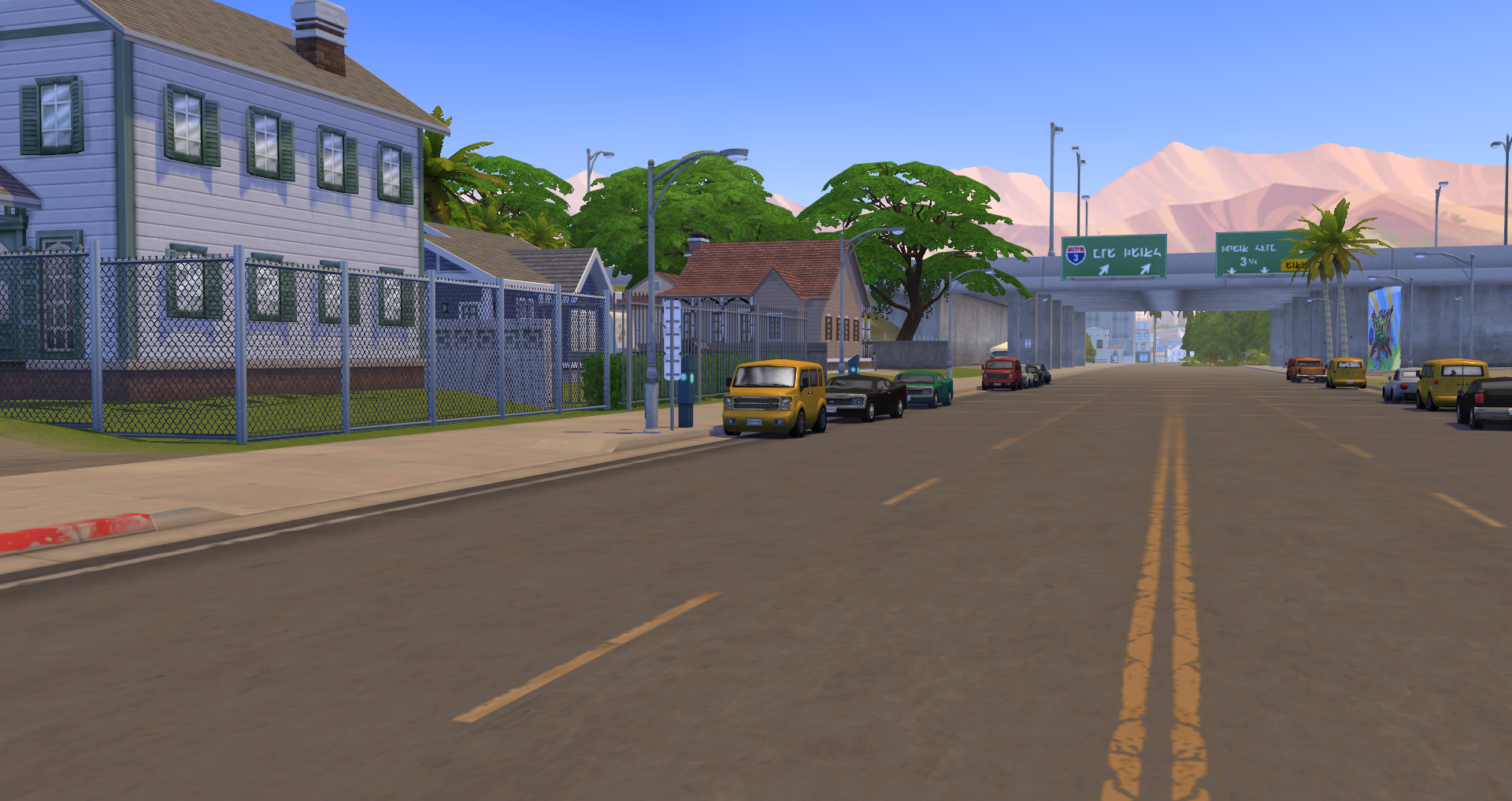
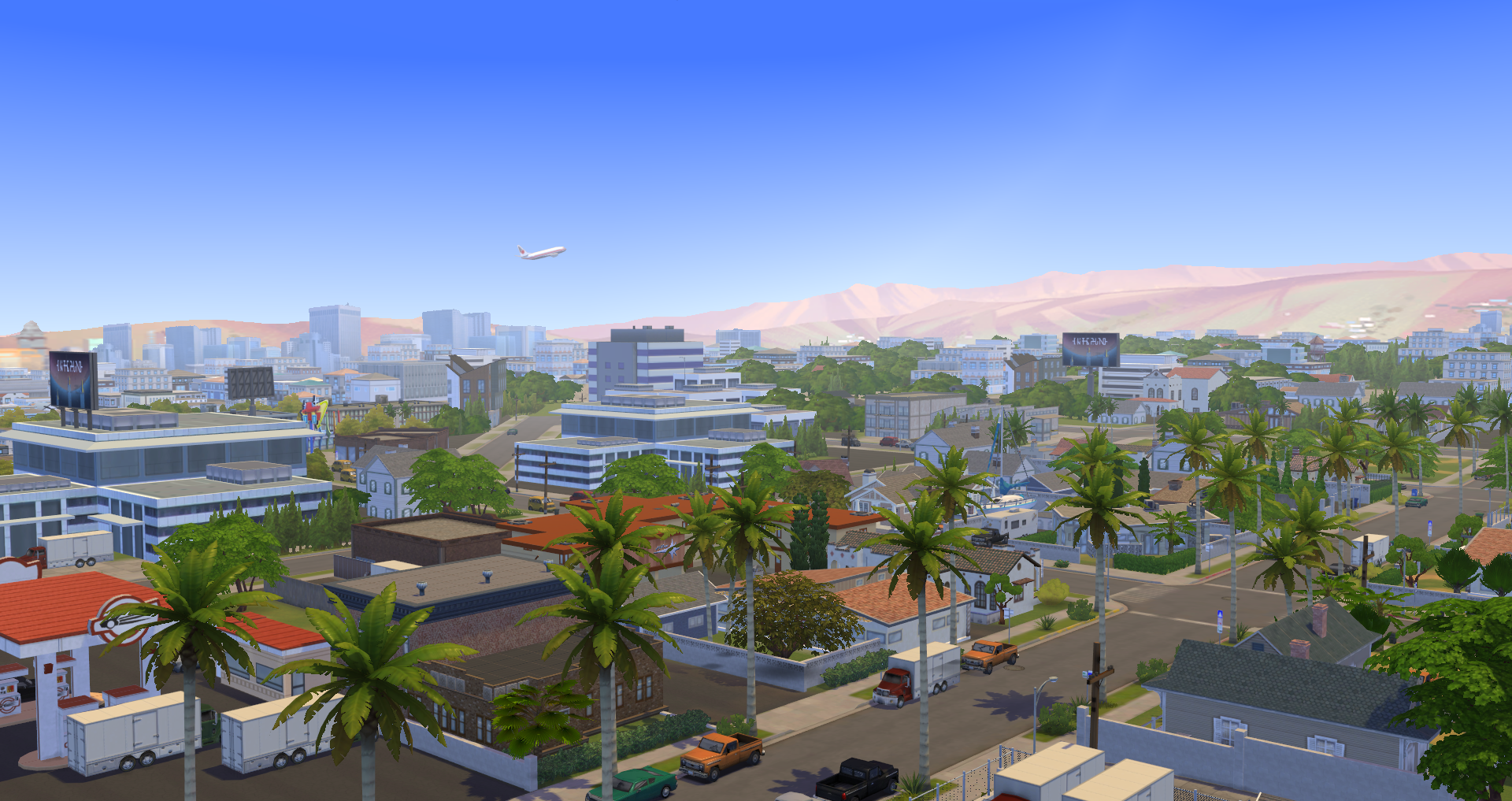

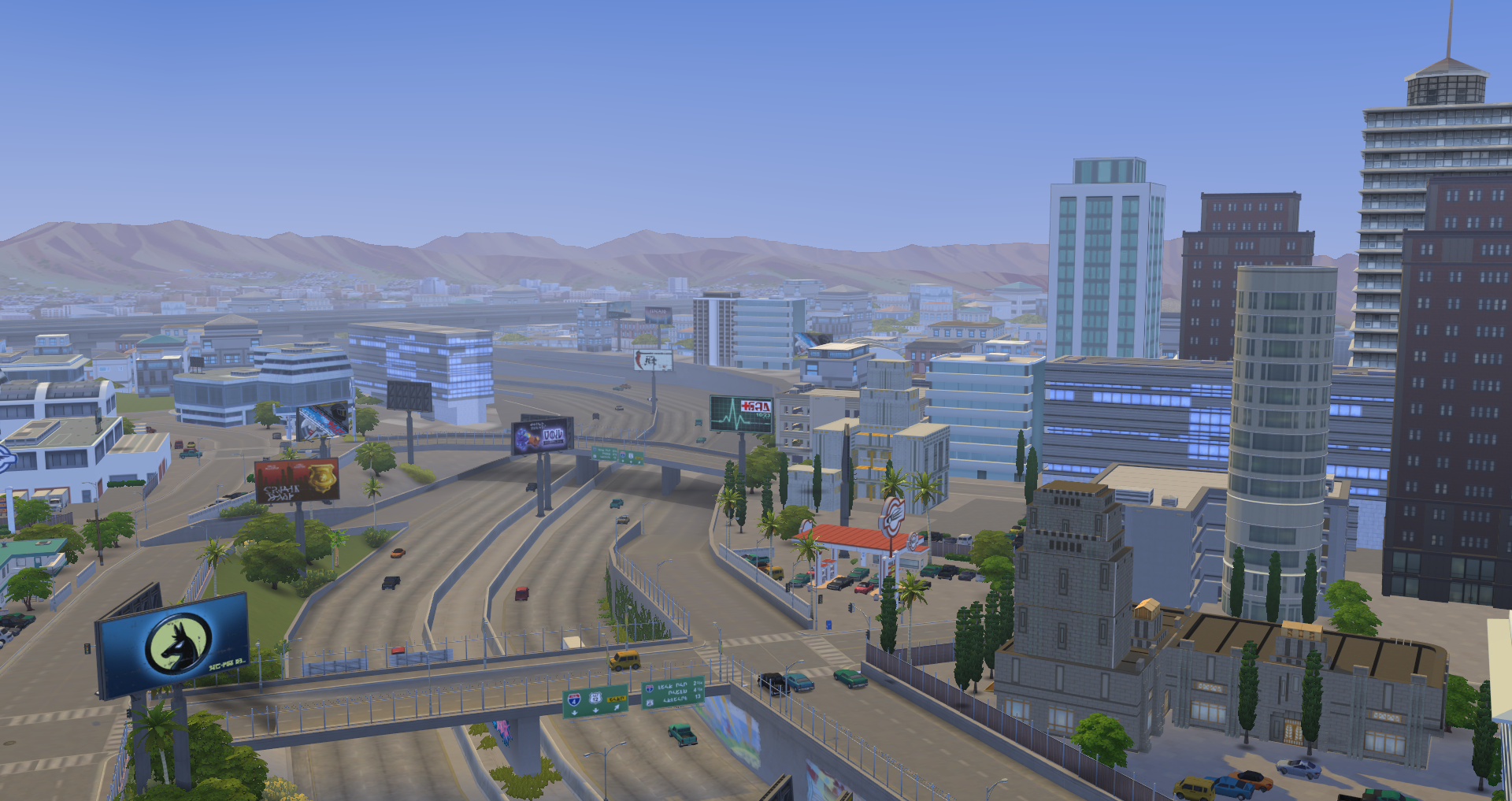

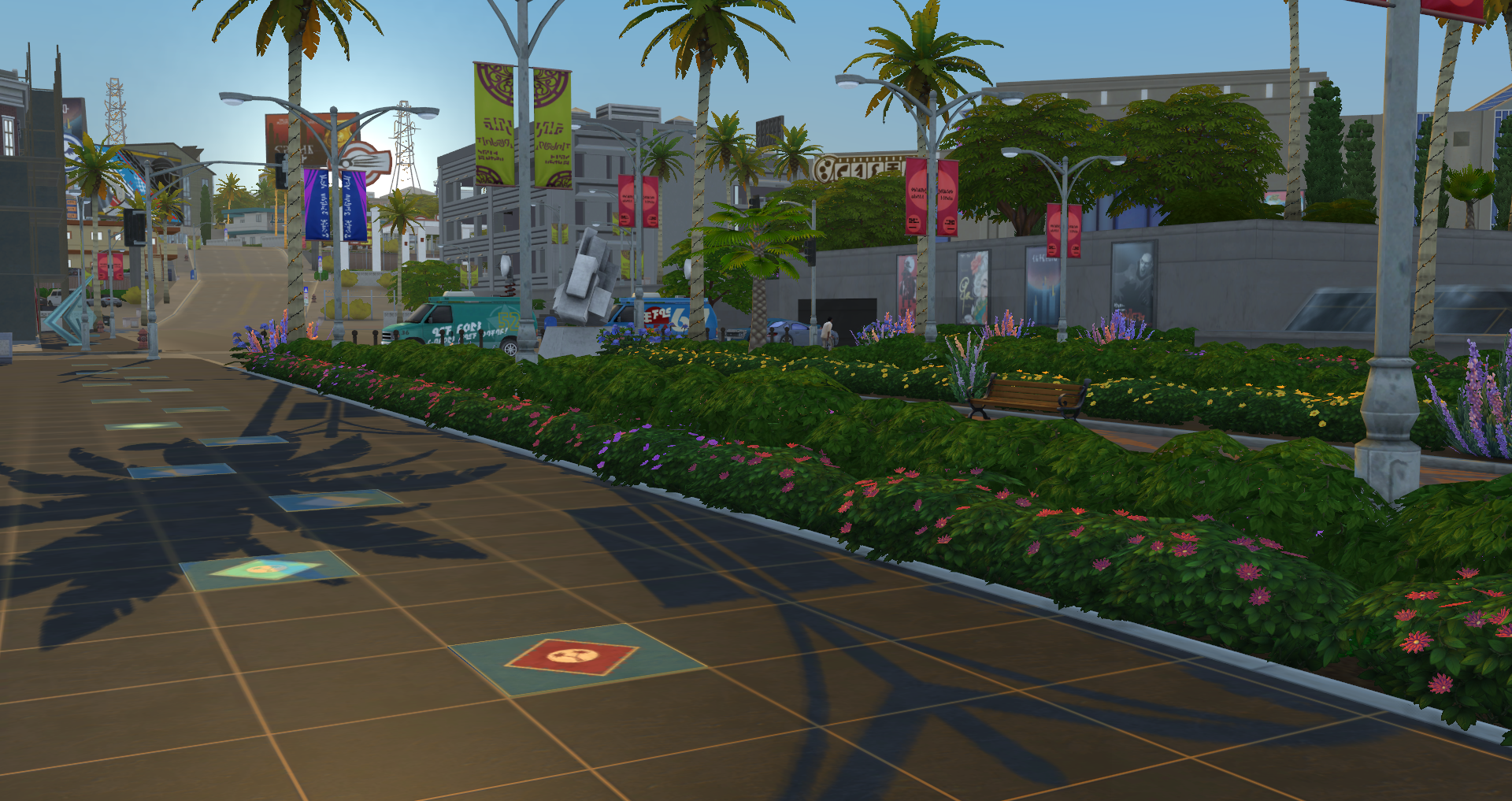
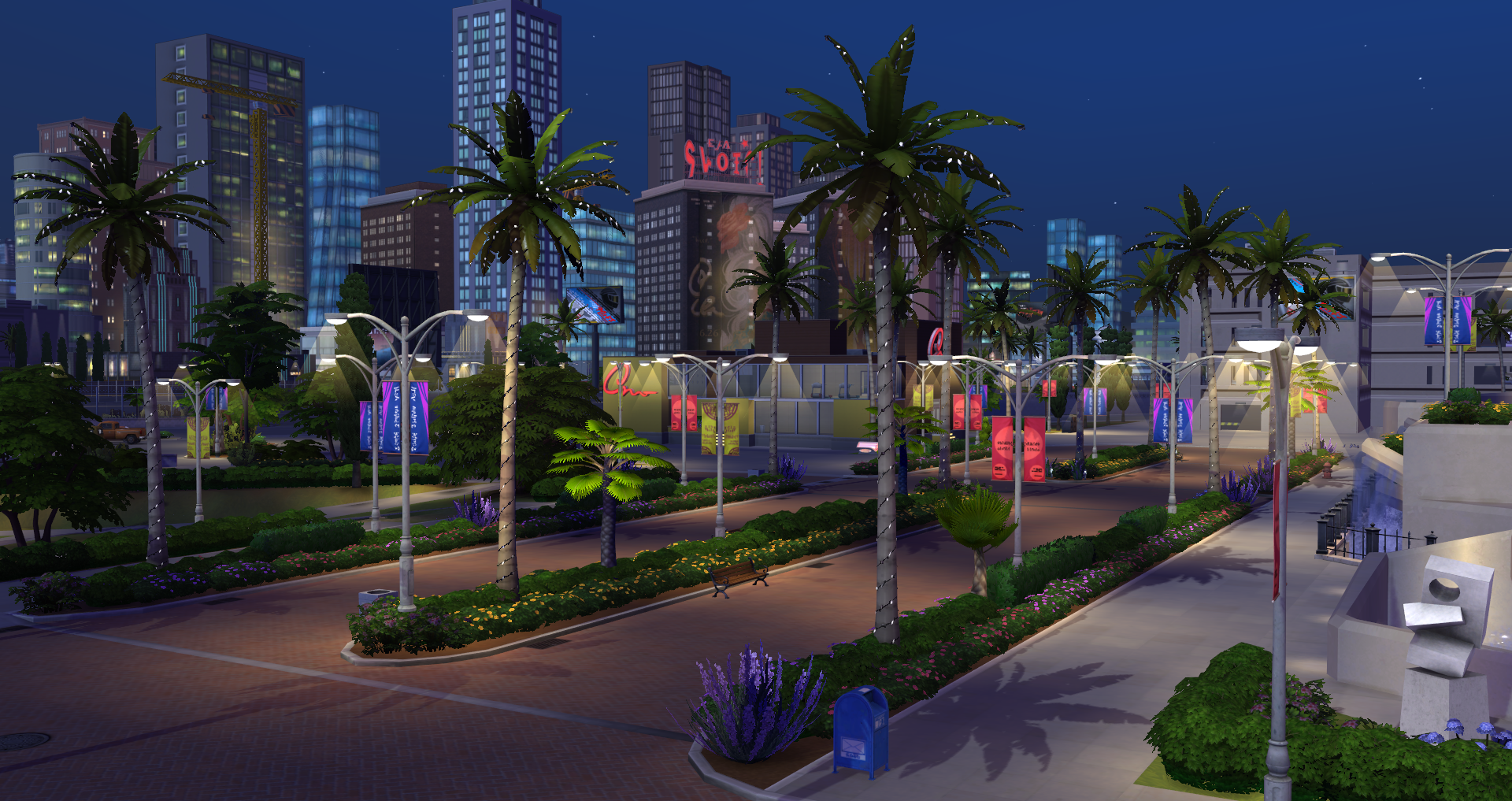

Del Sol Valley is a brand new world for The Sims 4. You can choose to move your current household to this world, or simply visit by using the travel interaction on the cell phone.
Lot Traits
The Sims 4 Get Famous has added 3 new lot traits available for use in any world. Each trait has a unique effect that can change how your Sims interact with the lot. Two of the lots traits are exclusive to public lots, and the third is residential only.
 | Hottest Spot in Town - A place for the Superstars, the VIP's, those who've achieved victory over the commonplace! After all, who else could afford these hyper-inflated prices? Not you...no. But at least, the Starlight Accolades can only happen at Lounges with this trait. Availability: Public Lots (Excludes Vet Clinic) Effect: Prices are doubled for food and drink at lounges, and Restaurants that have this trait assigned to them will automatically force a §50 cover charge regardless of party size. Conflicts with: Up and Coming Hotspot |
 | Up-and-Coming Hotspot - At least your Sims can say they "went here before it was cool." Also, cheap drinks and eats for the super famous! Even better, Meet a Celebrity events can only happen at Lounges with this trait. Availability: Public Lots (Excludes Vet Clinic) Effect: Lots with this trait will offer discounted prices on food and drinks. Conflicts with: Hottest Spot in Town |
 | Celebrity Home - This residence is listed on the Celebrity Home Tours, granting increased fame gain, restricted access, and awe amongst welcomed visitors. Beware though! Those who live here but aren't actually very famous will be considered posers! Availability: Residential Lots Effect: The only strangers that are allowed to visit are Celebrities. Sims living on lots with this trait that aren't 4-Star celebrities will occasionally receive embarrassed buffs. If at least one Sim in the household is a 4-Star Celebrity, then the embarrassed buffs will not plague Sims. |
Neighborhood Lots & Info
Del Sol Valley comes with 3 neighborhoods that are filled with pre-built residential and community lots. This section of the guide gives you information on all lots.
Mirage Park
With reasonably priced homes and so close to downtown, Mirage Park is the perfect place for an up and coming star to start their rise to fame.
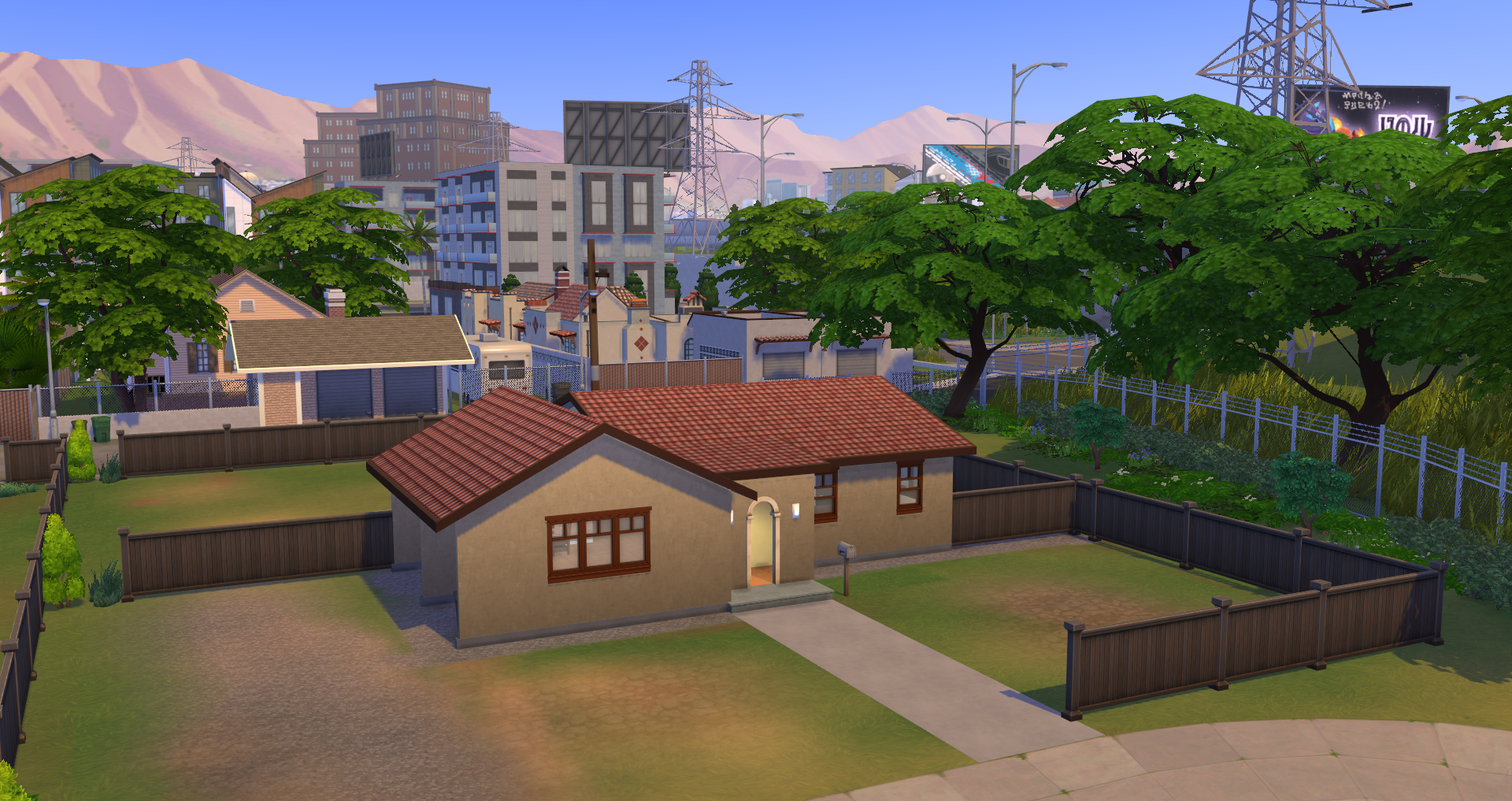
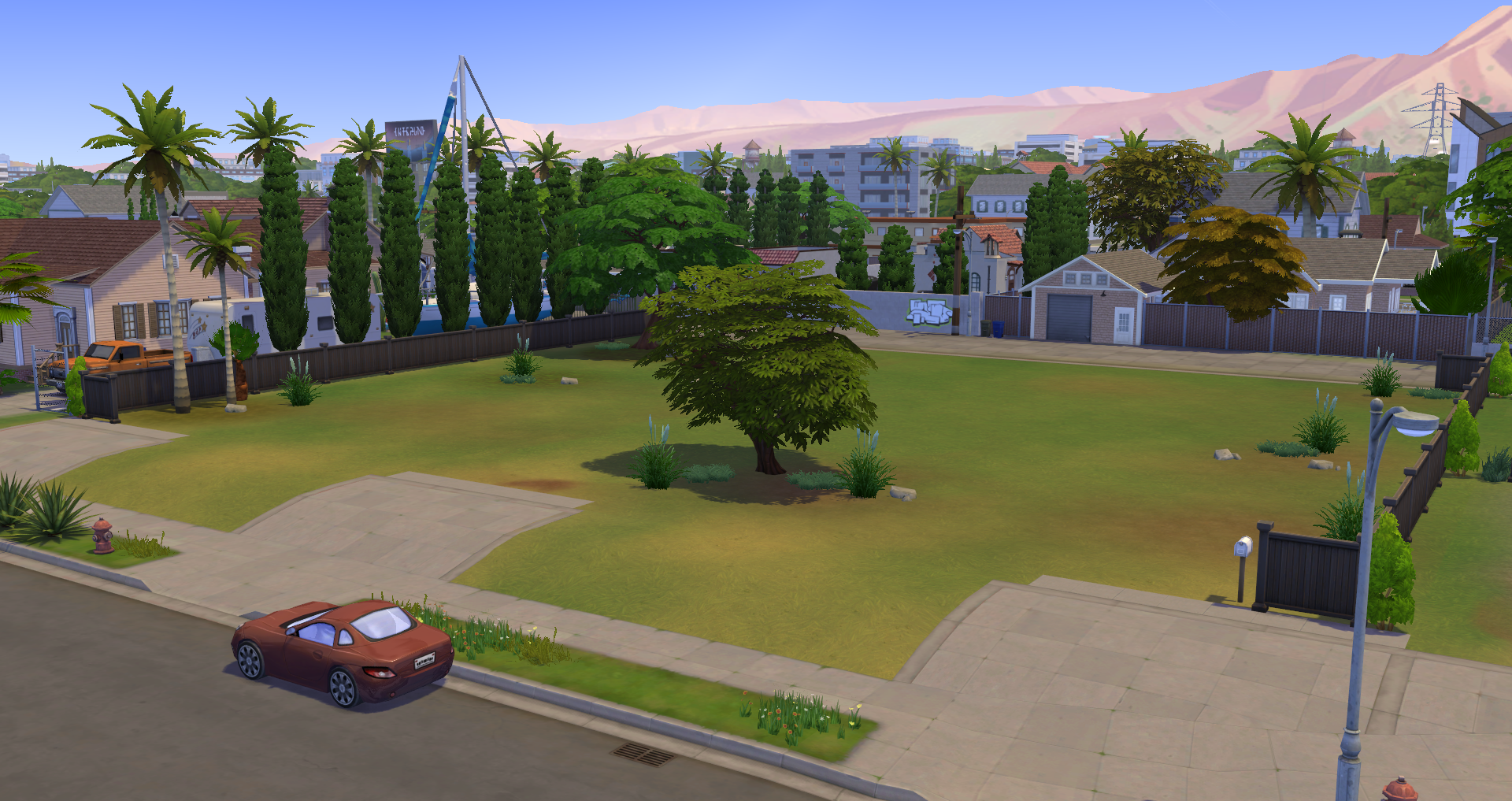
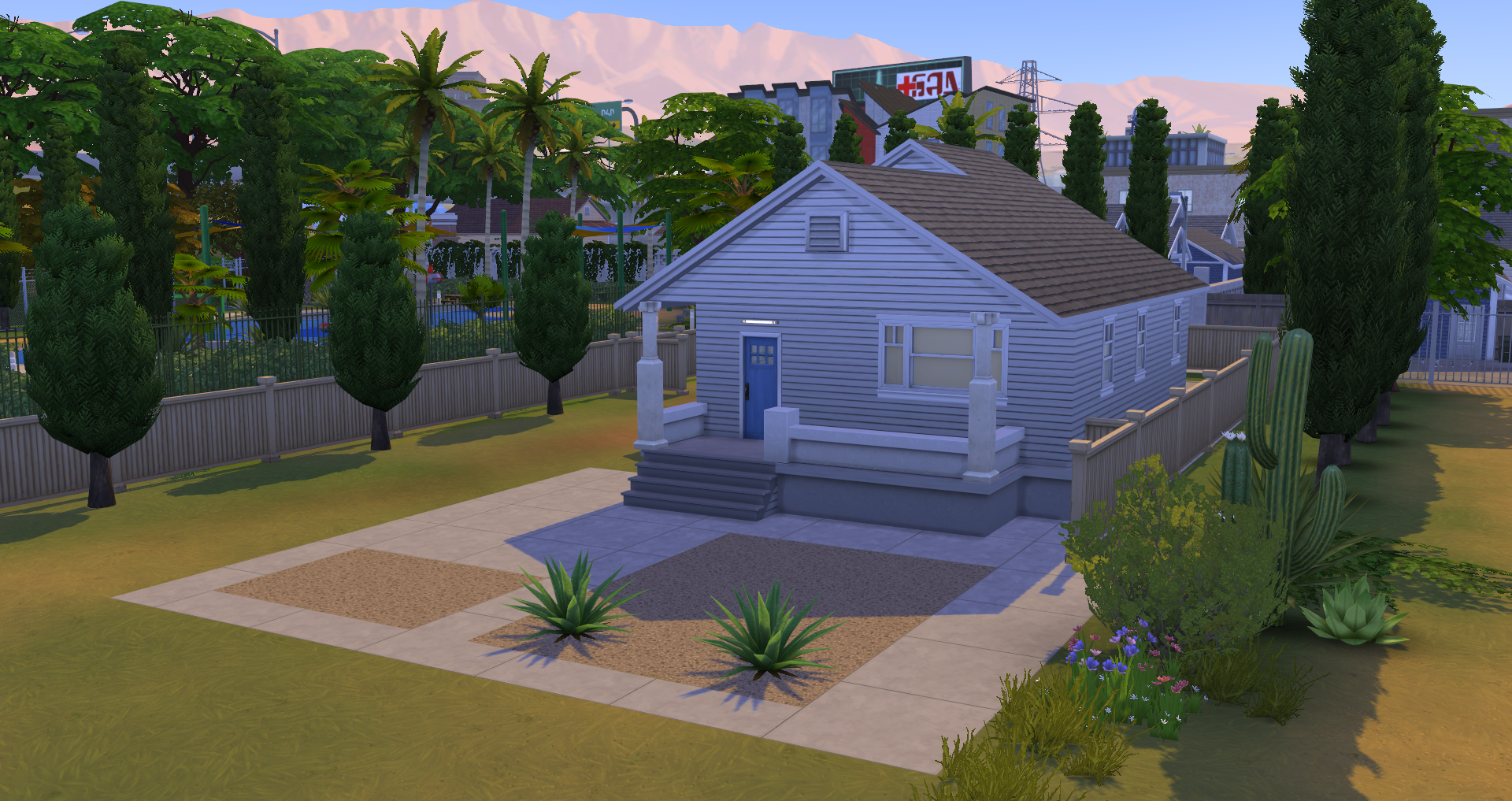
• Inner Circle (Residential, 40×30, §19,722) – Small quaint and cozy. Inner Circle is the perfect starting home to set your Acting Career off on the right foot.
• Vacuous Green (Residential, 50×40, §10,706) – This lot used to be a lovely little town home, but in the last few years after the fires it has been a vacant lot. Ready to be groomed and built upon.
• Upland Place (Residential, Occupied by Venessa Jeong, 40×30, §21,345) – Venessa Jeong just moved to Del Sol Valley from her quaint country town. She is looking to make it big as a rising actress. She has stared in a few low level commercials, but her agent always tells her she has what it takes she just needs to find that breakthrough role.
The Pinnacles
Fit for the rich and famous, The Pinnacles boast the most expensive homes in all of Del Sol Valley. If you want to live here you need to make it big!
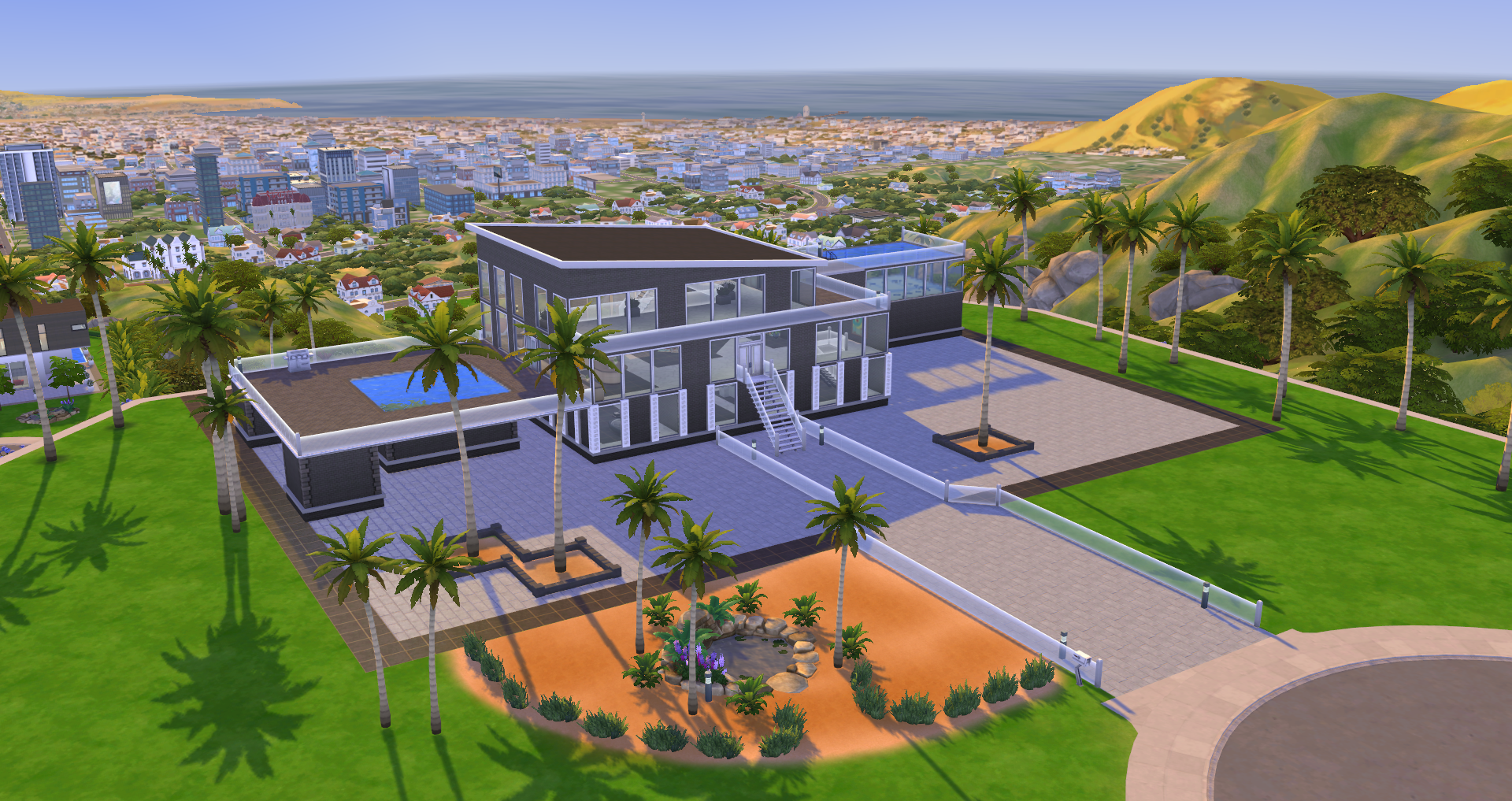
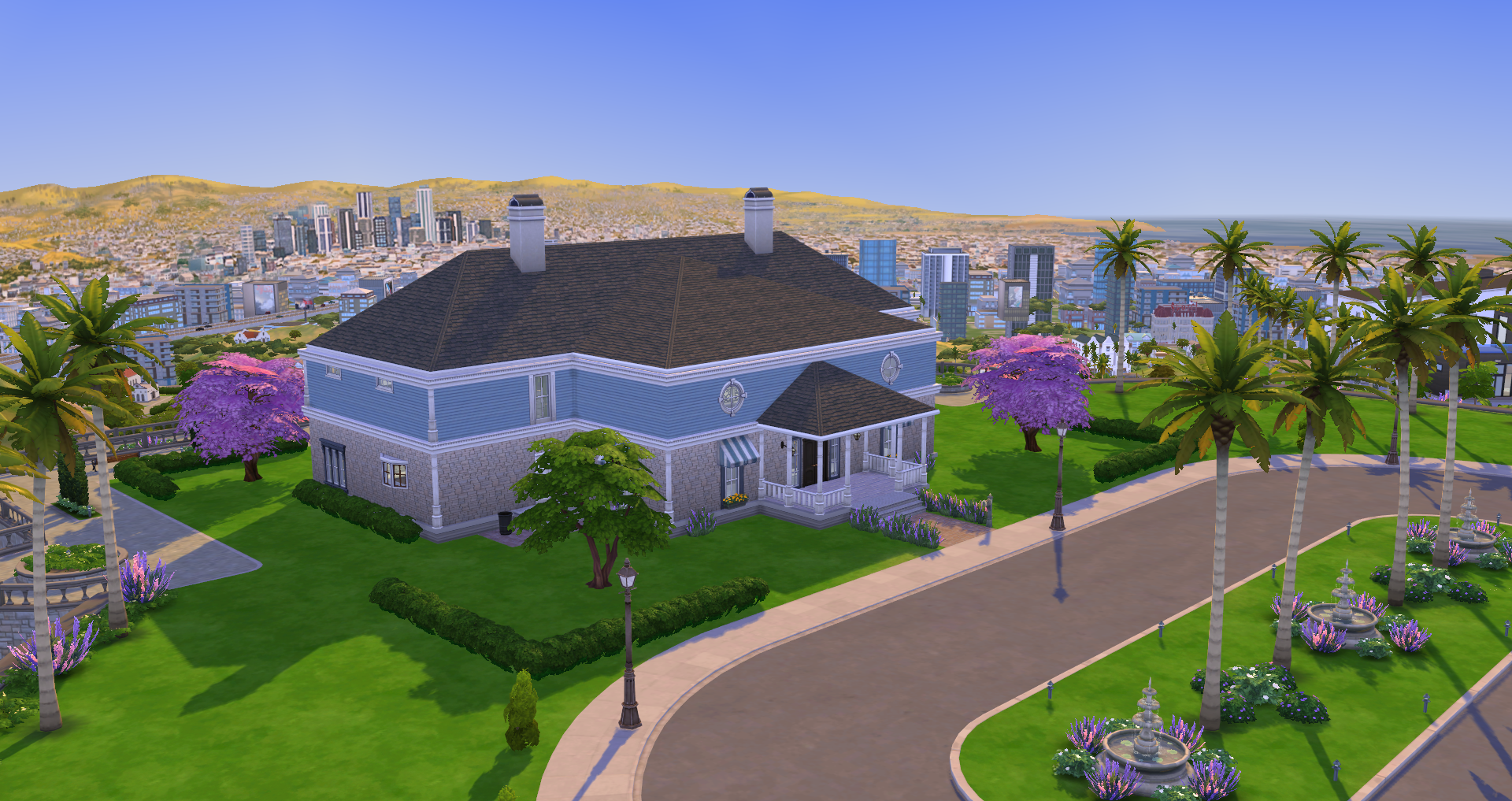
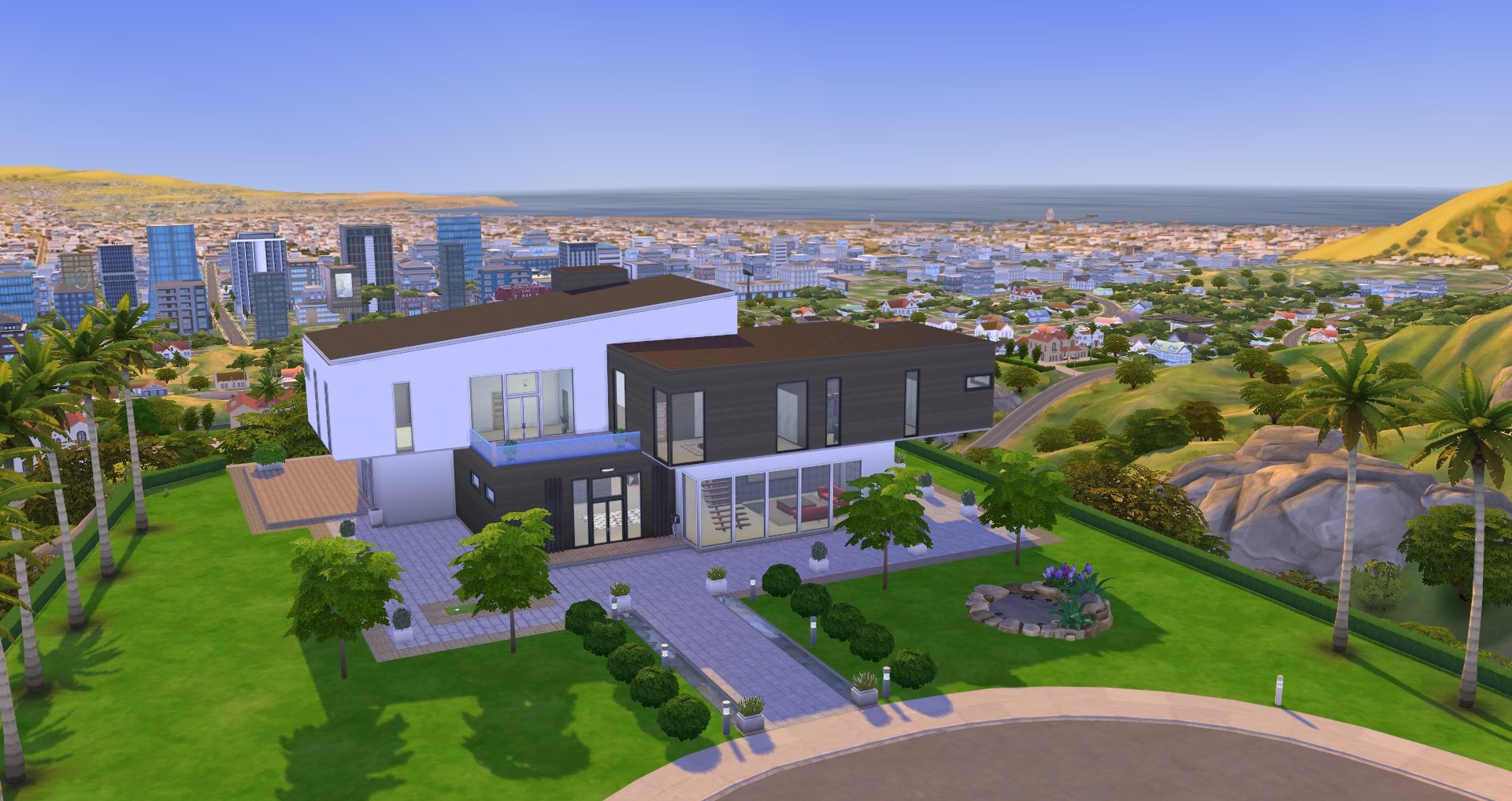
• Chateau Peak (Residential, 64×64, §19,722) – Chateau Peak is the peak of fame. The tallest hill in all of Del Sol Valley. The people who live here have made it to the top. (Celebrity Home Lot Trait)
• The Ward Den (Residential, Occupied by Judith Ward, 50×40, §444,341) – Judith Ward is a legend in the acting community. She has starred in everything from comedies to dramas. You name it Judith has played the role. That is not to say she is an easy person to befriend. Judith has burned her fair share of bridges along the way. Her mentality is to get rich at all costs. She will be the first to throw you under the bus to advance her career. She has been married several times, but all of her partners have only slowed her down. She prefers to live fast and does not settle for mediocrity. (Celebrity Home Lot Trait)
• Bailey-Moon Manor (Residential, Occupied by the Manor Family, 50×40, §233,646) – Octavia Moon and Thorne Bailey are the power couple of the century. Octavia is the lyrical genius behind all of Thorne’s greatest hits. Due to Thorne’s most recent misshap on social media his public image has started to falter. His fans are starting to realize that Octavia is the real talent. Orange is their good natured son but due to his entire life of wanting-for-nothing, he is also a bit naive.
Starlight Boulevard
When it comes to night life Starlight Boulevard can not be beat. Where only the most famous Sims have access to the most exclusive night club in town. It is where the who’s who of the industry come to show off.
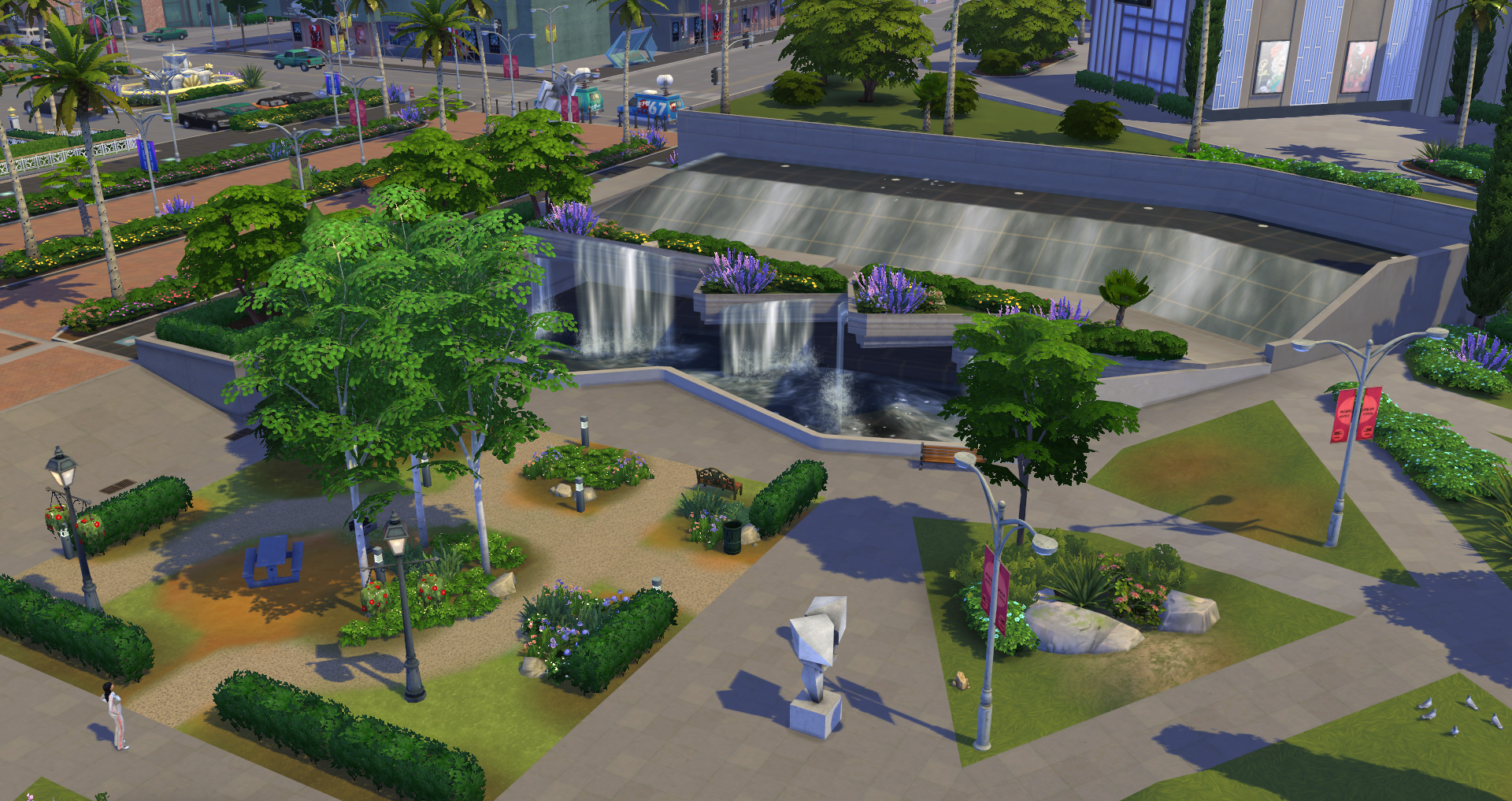
• Ward Park (National Park, 20×20, §8,740) – Need an escape from the hustle and bustle of the celebrity lifestyle. Ward Park is the perfect place to clear your mind, relax, and listen to the sounds of water.
• Orchid A Go Go (Lounge, 30×30, §103,509) – Not the most lavish of bars in Del Sol Valley but you can surely find some low to mid level celebrities hanging out enjoying the more grungy atmosphere. (Up-and-Coming Hotspot Lot Trait)
• Pectoral Fitness (Gym, 30×30, §134,393) – In order to reach the peak of celebrity status you need to look the part. That is where Pectoral Fitness comes in! We have the workouts that will make you sweat. Do you have what it takes to hang with the best of them? (Up-and-Coming Hotspot Lot Trait)
• Plumbob Pictures Museum (Museum, 40×30, §119,201) – The Plumbob Pictures Museum is a walk down memory lane of some of the most famous scenes in the business. It is also a great place to get behind the scenes expose of all the pops and tech that are used to make the AAA titles that hit the silver screen. (Hottest Spot in Town Lot Trait)
• Studio PBP (Lounge, 40×30, §203,929) – Studio PBP is the peak of the luxury club scene. Only the highest of celebrities will make it past the bouncer. If you have a little extra cash you might be able to bribe the bouncer to sneak in. (Hottest Spot in Town Lot Trait)
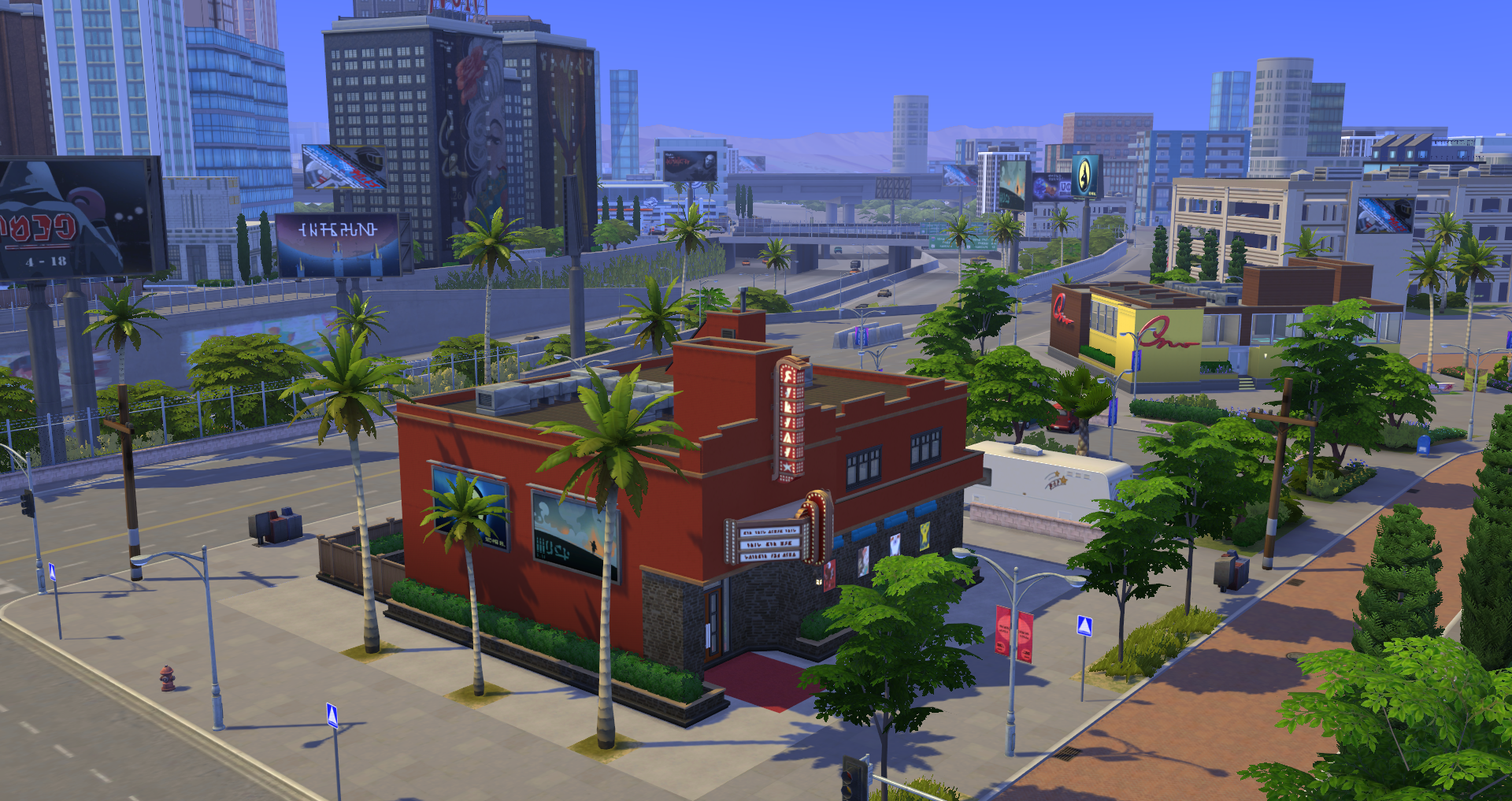
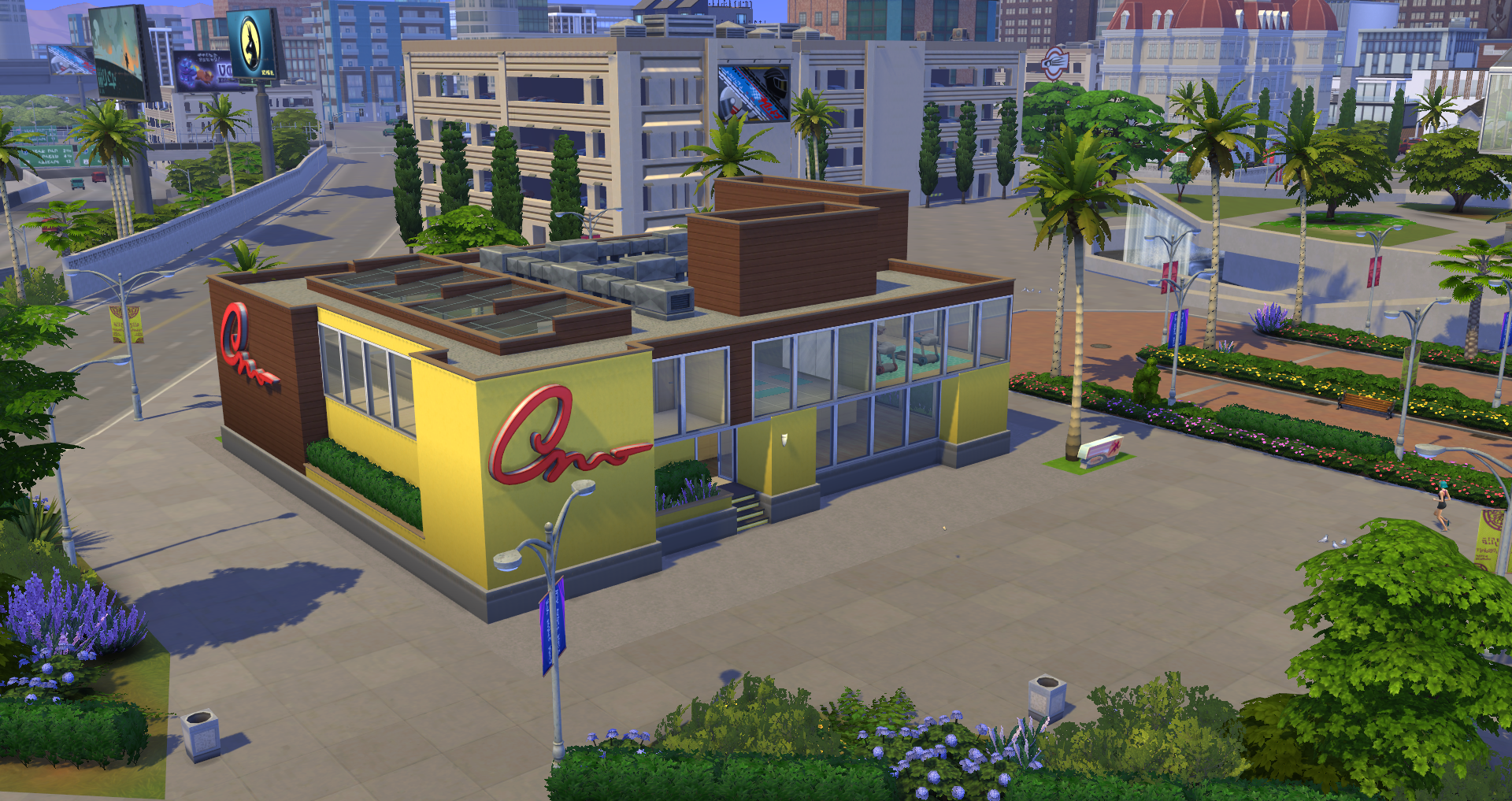

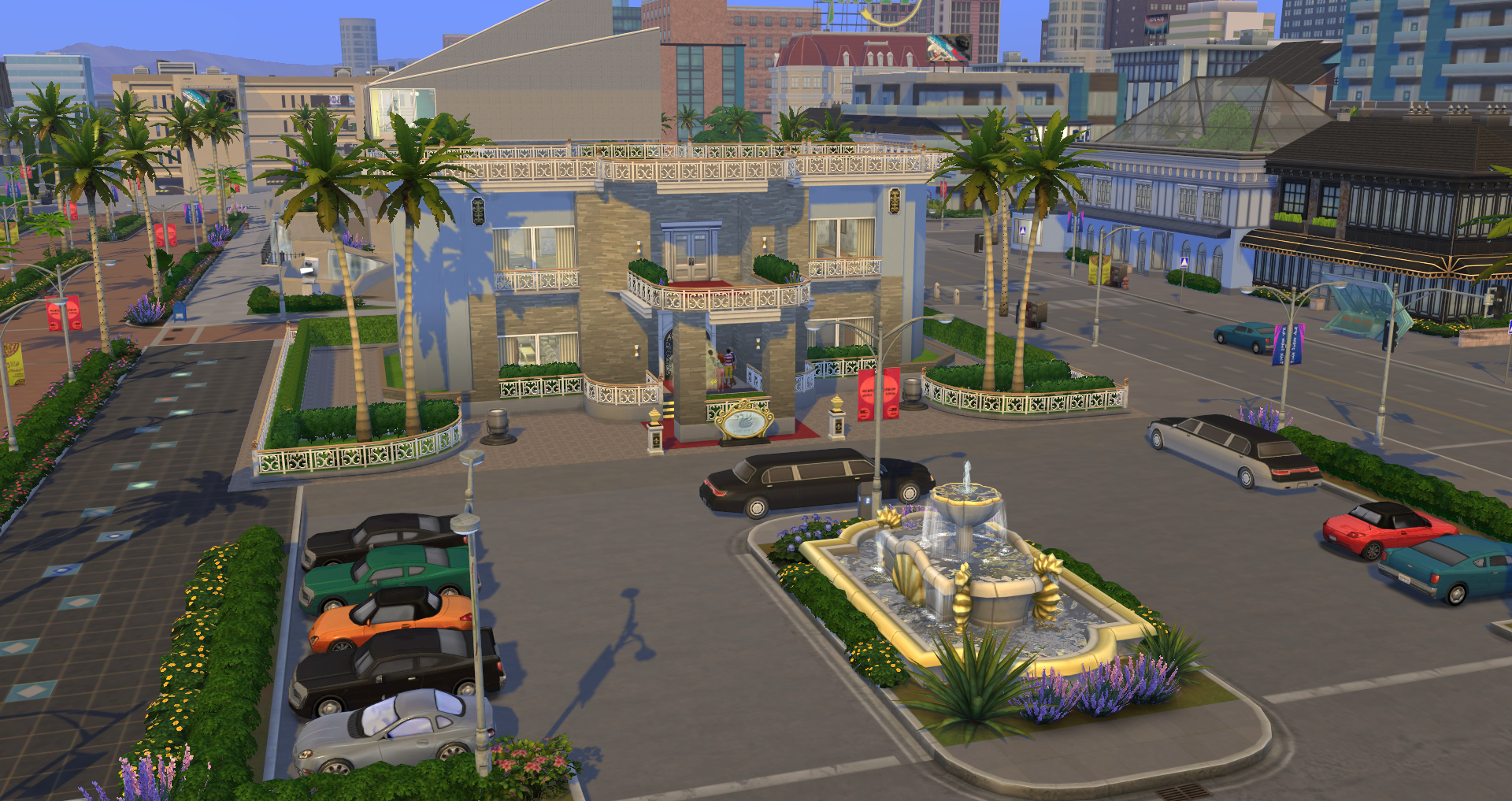
Plumbob Pictures (Hidden)
Get Famous includes a 4th “neighborhood” in Del Sol Valley called Plumbob Pictures. This lot is visible on the right side of the world map, but is only accessible to Sims who take on the Acting Career. To access Plumbob Pictures, Sims will need to successfully pass a “gig audition” which will grant them the ability to access and film a gig at the studio.
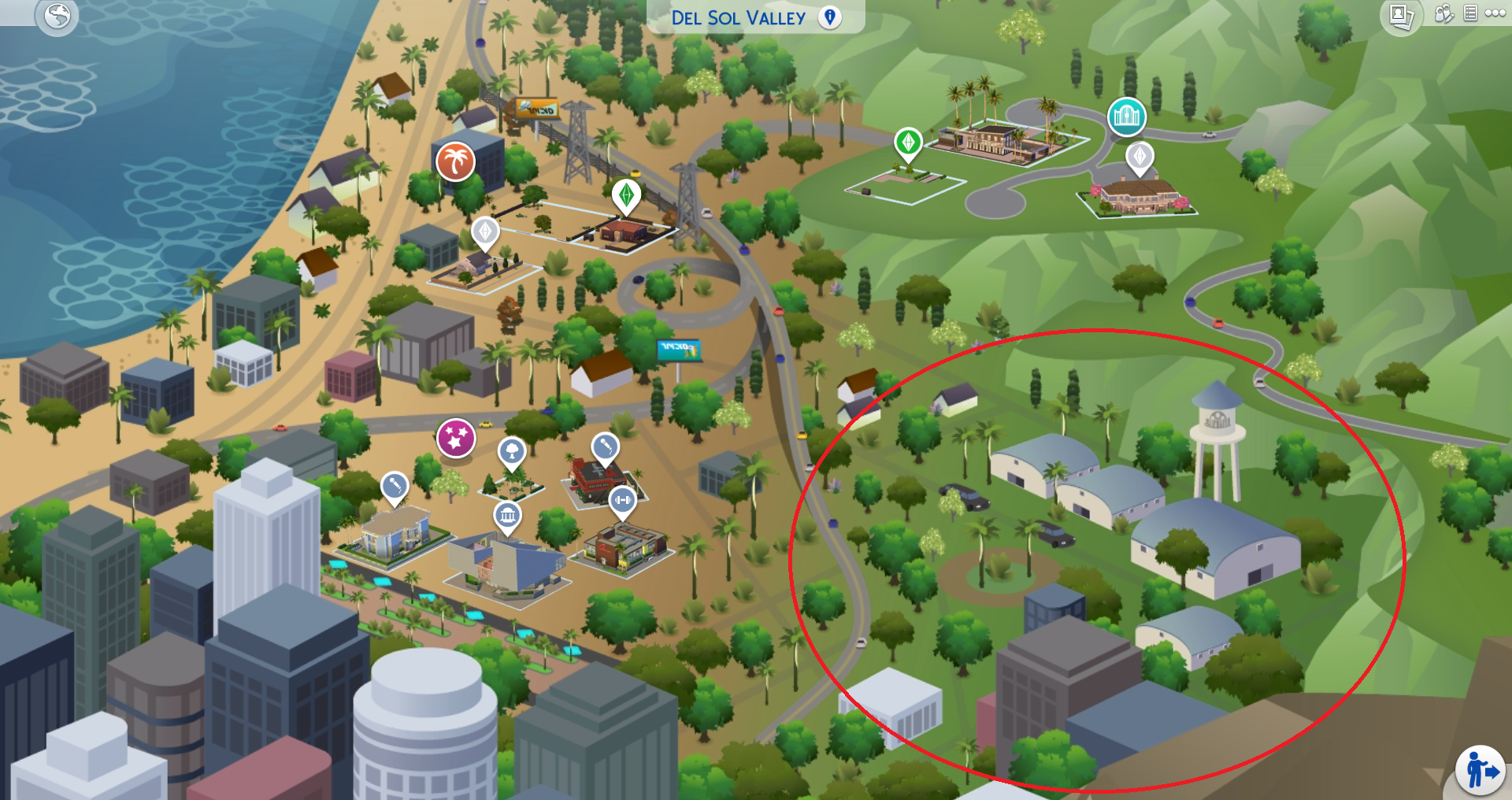
When the time comes to go to work, you can follow your Sim to the studio for filming. Once there, Sims can go through the motions of preparing for their role, and then hop on stage to film. Sims can stay on the lot after filming to chat with co-workers and explore the lot.
❗ Once a Sim is on the lot, they can stay indefinitely. Keep in mind that the interior of the studio will change layouts based on the type of gig Sims choose to audition for.
❗ This lot can be edited when Sims are visiting, but it will not stay as you leave it. If your Sim books another gig audition and passes, the lot will automatically change to the proper set needed for filming on gig day at the studio.
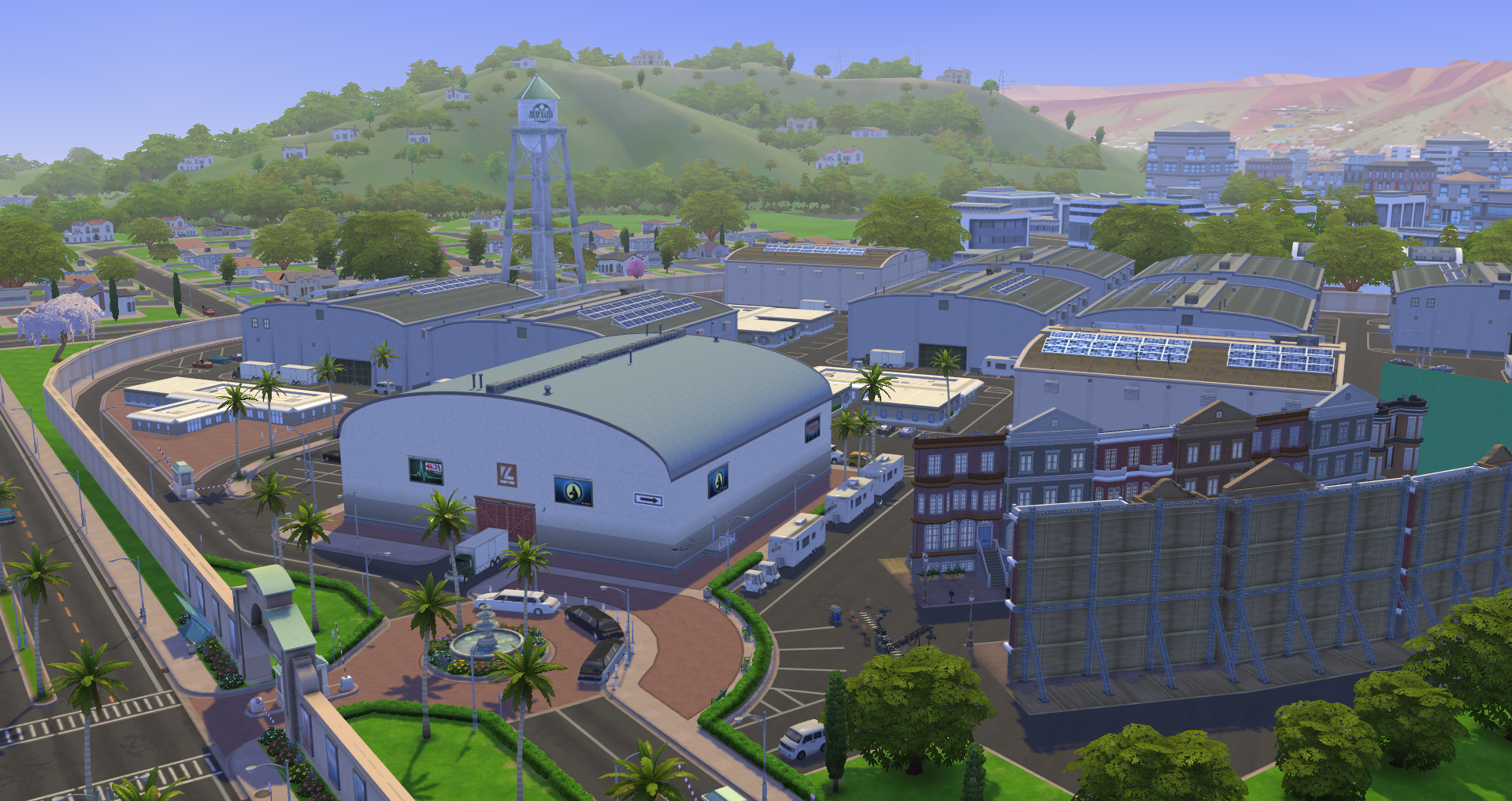
There are tons of auditions waiting for Sims at Plumbob Pictures. To learn more about the acting career, be sure to check out our Acting Career section of the guide.
Interactive Objects
The Sims 4 Get Famous adds a variety of new interactive objects. These objects allow for new game play not previously available in game. Details on these objects below.
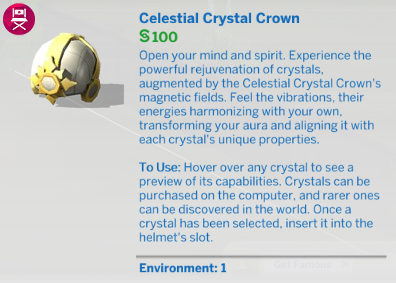
Celestial Crystal Crown
The Celestial Crystal Crown is a new object that serves as a motive, skill, and fame boost for Sims. The crown can be purchased in buy mode for §100 simoleons, and used by Sims aged Child and older. Some of the crystals even provide Sims with temporary traits.
❗ Wearing the crystal crown will give Sims the “Fashion Faux Pas” moodlet for 4 hours. They can counter this by purchasing the “Shameless” Reward Trait.
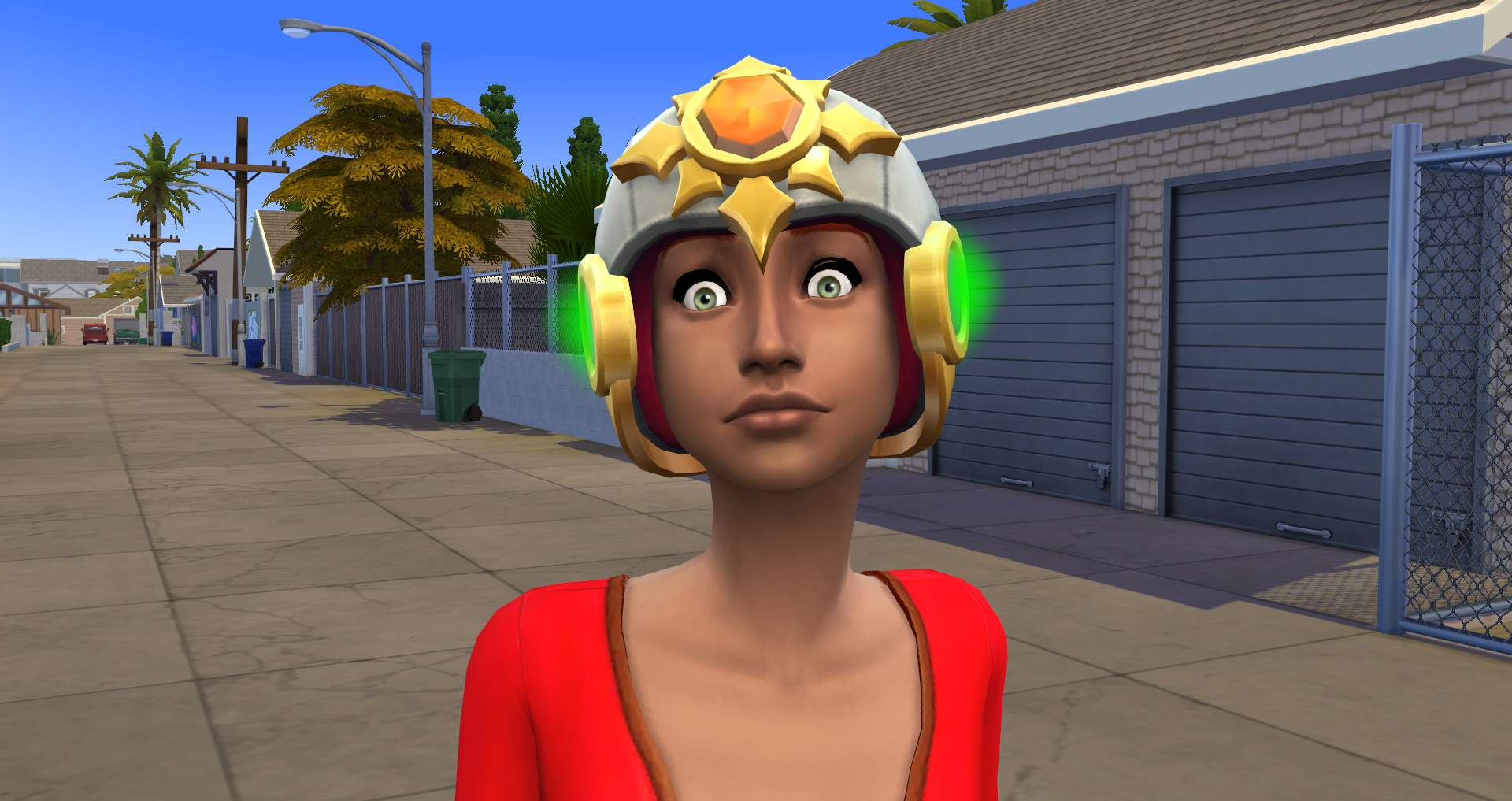
The main use of this object is to mount crystals that Sims collect or purchase in the game. This allows Sims to take advantage of a variety of crystal effects. They’ll also be able to mount rare crystals on the crown to remove Fame Quirks.
❗ Crystals have Broken, Low, Medium, and High Power Levels. The lights on all sides of the crown will indicate their power level. (Grey, Red, Orange, and Green)
❗ To remove Fame Quirks, Sims will have to mount a rare crystal. This will automatically remove a quirk of your choice, but it will also instantly break the crystal.
❗ When Sims wear the celestial crystal crown, a crown specific self-interaction appears when clicking on them. From there they can select the “Mount Crystal”, “Remove Crystal”, and “Remove Quirk” options.
 | Alabaster | When slotted into the Celestial Crystal Crown, this crystal clears a Sim's mind of Tense energies. |
 | Alexandrite (Jungle Adventure) | When slotted into the Celestial Crystal Crown, this crystal gives a Mystical Sensing trait and recharges the Hunger need. |
 | Amazonite (Jungle Adventure) | When slotted into the Celestial Crystal Crown, this crystal boosts Archaeology (Mental for Children) skill gain and recharges all needs (except Hunger). |
 | Amethyst | When slotted into the Celestial Crystal Crown, this crystal boosts Logic (Mental for Children) skill gain and recharges the Hunger need. |
 | Citrine | When slotted into the Celestial Crystal Crown, this crystal clears a Sim's mind of Bored energies. |
 | Crandestine (Get To Work) | When slotted into the Celestial Crystal Crown, this crystal boosts Painting/Writing (Creativity for Children) skill gain and also recharges all needs (except energy). |
 | Diamond | When slotted into the Celestial Crystal Crown, this crystal boosts Fame Point gain and recharges the Social need. |
 | Emerald | When slotted into the Celestial Crystal Crown, this crystal clears a Sim's mind of Embarrassed energies. |
 | Fire Opal | When slotted into the Celestial Crystal Crown, this crystal ensures Friendly socials never fail and recharges the Hygiene need. |
 | Hematite | When slotted into the Celestial Crystal Crown, this crystal boosts career performance gain and recharges the Fun need. |
 | Jet | When slotted into the Celestial Crystal Crown, this crystal boosts Whim Satisfaction Point gain and recharges all needs (except energy). |
 | Jonquilyst | When slotted into the Celestial Crystal Crown, this crystal boosts Charisma (Social for Children) skill gain and recharges all needs (except energy). |
 | Nitelite (Get To Work) | When slotted into the Celestial Crystal Crown, this crystal gives temporary Night Owl trait and also recharges all needs (except energy). |
 | Orange Topaz | When slotted into the Celestial Crystal Crown, this crystal clears a Sim's mind of Sad energies. |
 | Peach | When slotted into the Celestial Crystal Crown, this crystal recharges the Bladder need. (Thirst for Vampires, Water for Plant Sims) |
 | Plumbite | When slotted into the Celestial Crystal Crown, this crystal boosts Athletic (Motor for Children) skill gain and recharges all needs (except energy). |
 | Quartz | When slotted into the Celestial Crystal Crown, this crystal clears a Sim's mind of Uncomfortable energies. |
 | Rainborz | When slotted into the Celestial Crystal Crown, this crystal periodically makes nearby Sims happy and recharges all needs (except energy). |
 | Rose | When slotted into the Celestial Crystal Crown, this crystal clears a Sim's mind of Anger energies. |
 | Ruby | When slotted into the Celestial Crystal Crown, this crystal recharges the Hygiene need. |
 | Sapphire | When slotted into the Celestial Crystal Crown, this crystal recharges the Social need. |
 | Shinolite | When slotted into the Celestial Crystal Crown, this crystal doubles the chance of finding crystals in the world and recharges the Bladder need. (Thirst for Vampires, Water for Plant Sims) |
 | Simanite | When slotted into the Celestial Crystal Crown, this crystal periodically makes other sims like you more and recharges the Social need. |
 | Turquoise | When slotted into the Celestial Crystal Crown, this crystal clears a Sim's mind of Uncomfortable energies. |
Sleeping Pods
Sleeping Pods are a new type of bed. There are 2 sleeping pods available for purchase in buy mode. The cheaper one costs §3,500 simoleons, and the expensive one costs §9,600. The only difference between the two sleeping pods is that the more expensive pod comes with several upgrades that Sims will have to buy or program on the cheap one.
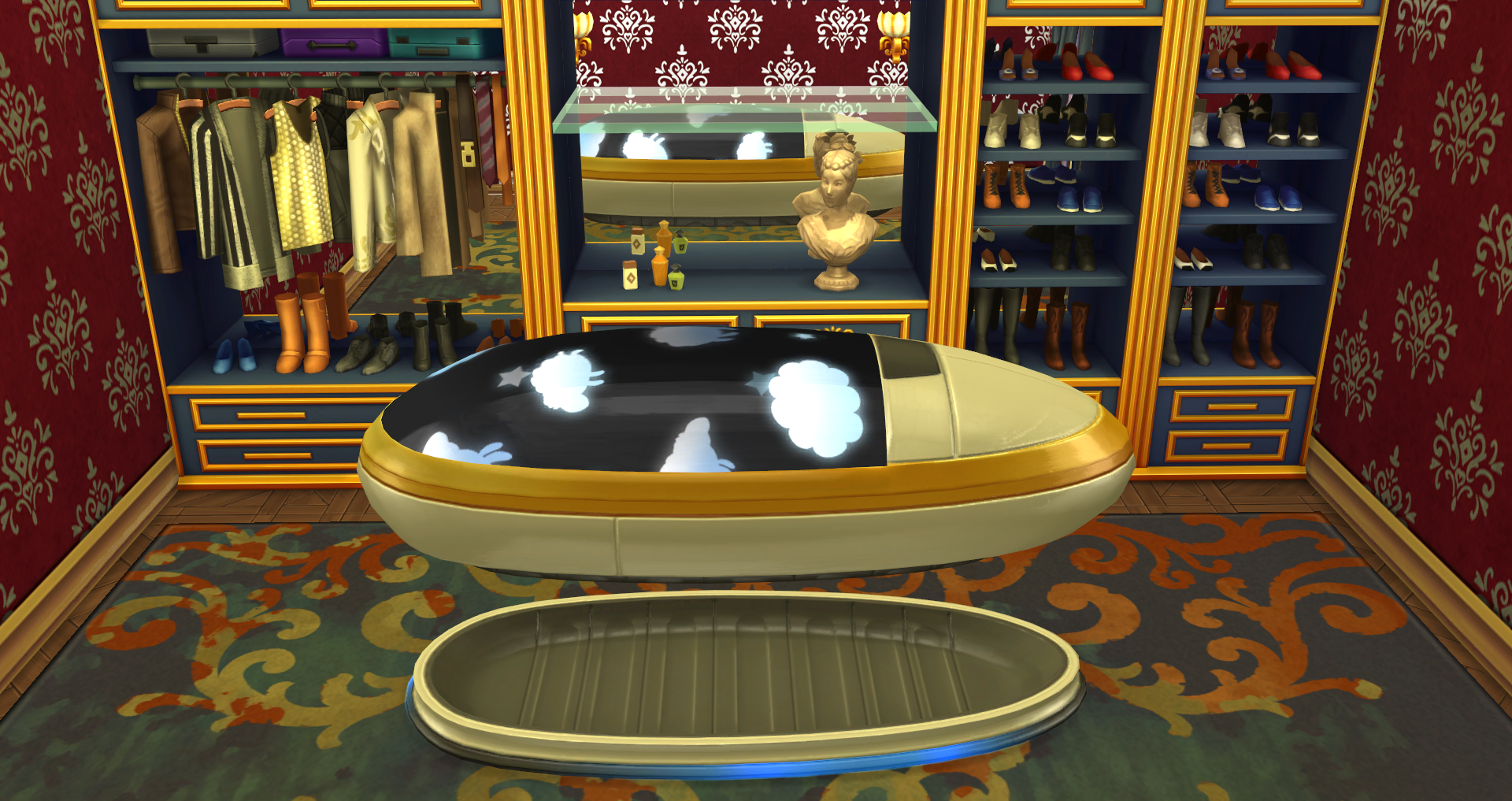
The following interactions are available with sleeping pods:
- Upgrade
- Control Panel
- Woohoo With
- Try for Baby With
- Lock Inside of Pod (Requires Level 3 Mischief Skill)
- Hack Dreams (Requires Level 5 Mischief Skill)
- Sob Pod (Requires Sims to be Sad)
- Isolation Chamber (Requires Sims to be Embarrassed)
- Rage into the Machine (Requires Sims to be Angry)
- Control Panel
- Lighting
- Purchase Upgrades (Cheaper Pod)
- Subliminal Slumber/Transmitter
- Confident Dreams
- Educational Dreams
- Energized Dreams
- Focused Dreams
- Fun Dreams
- Inspired Dreams
- Restful Dreams
- Less Needy Dreams
- Upgrades
- Circadian Tweaker – Taps into your Sim’s natural sleep cycles to give a better night’s rest in less time! (Level 3 Programming Skill)
- Enhanced Emotion Deprivation Chamber – In a bad mood? This upgrade allows the sleeper to remove negative moods faster. (Level 2 Programming Skill)
- Floor Lighting – Gives player control of different lighting effects on the Sleep Pod. (Level 3 Handiness Skill)
- Subliminal Transmitter – Gives the sleeper control over what kind of positive dreams to have. (Level 4 Programming Skill)
- Unbreakable – Upgrades the Sleep Pod so it never breaks. (Level 5 Handiness Skill)
- Up-N-At-Em Atomizer – Lowers body’s needs while sleeping, allowing Sim to wake up freshly cleaned and relieved. (Level 4 Handiness Skill)
Music Station
IN PROGRESS
Video Station
IN PROGRESS
Styling Station
IN PROGRESS
Water Garden
IN PROGRESS
Wardrobe Platform
IN PROGRESS
Money Vault
IN PROGRESS
Flying Drones
IN PROGRESS
Stage Props
IN PROGRESS
Cameras
IN PROGRESS
Green Screens
IN PROGRESS
Stage Marks
IN PROGRESS
Special Effects
IN PROGRESS
Buy/Build Mode Items
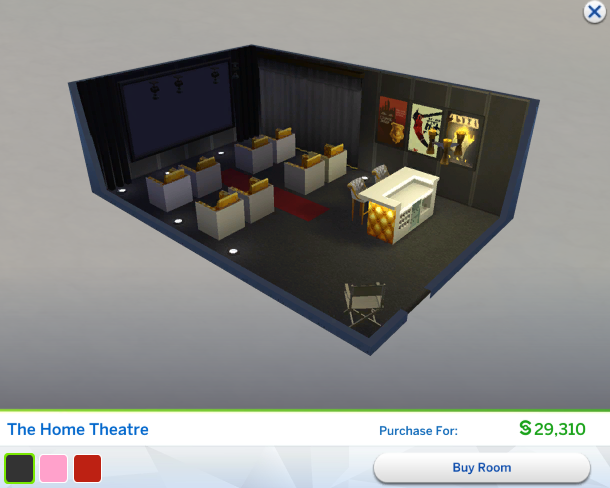
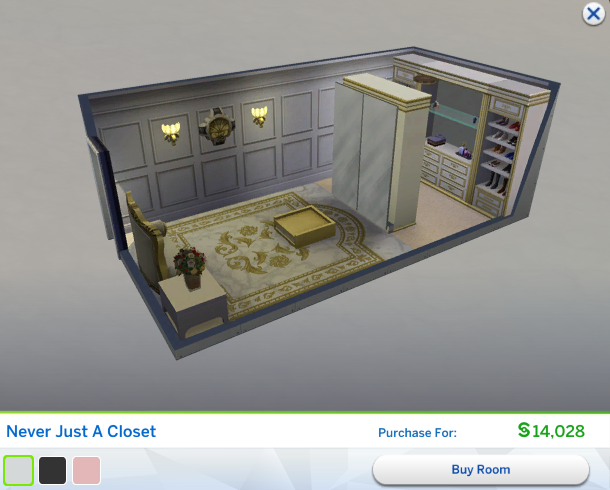
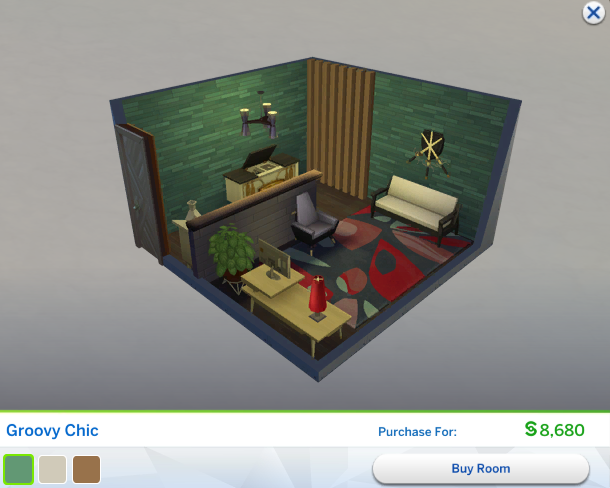
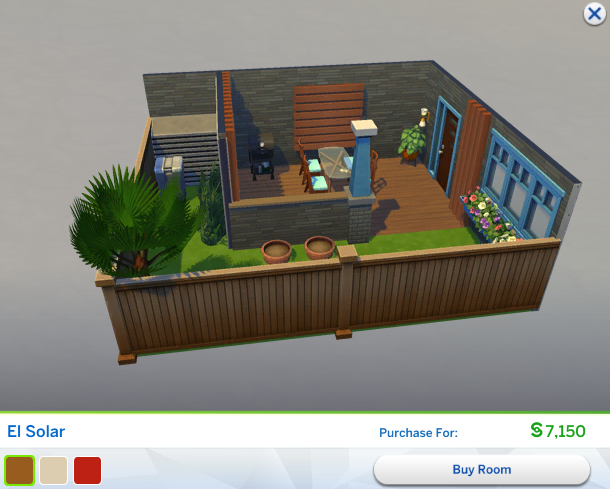
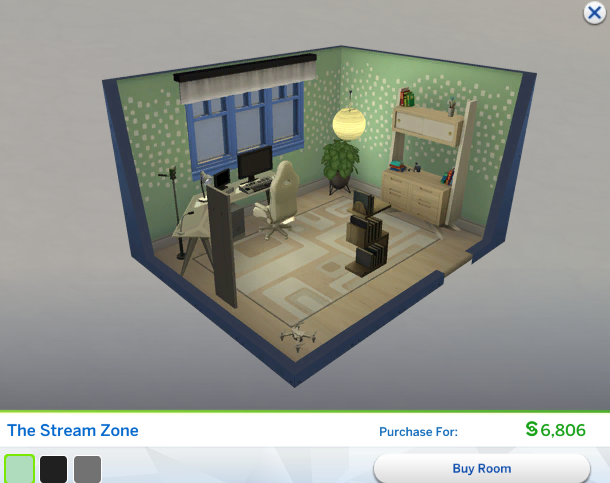
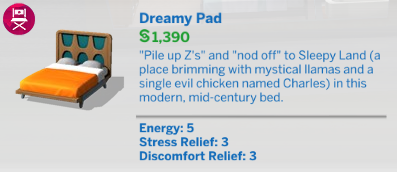
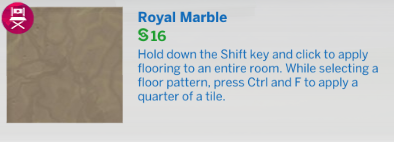
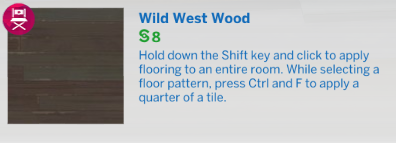
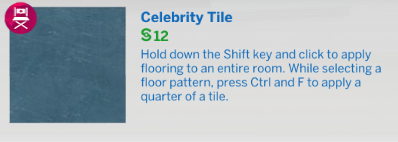
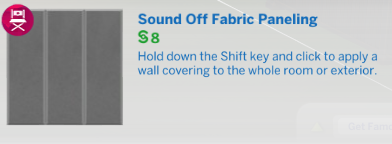
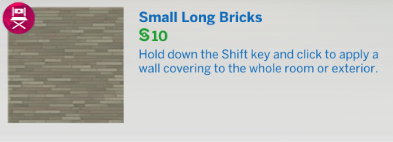
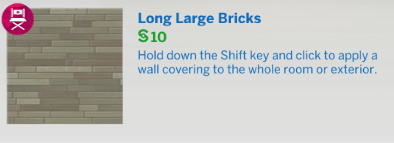
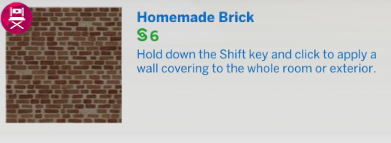
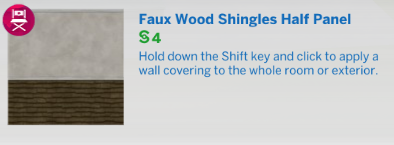
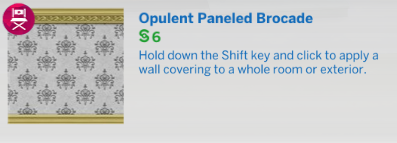
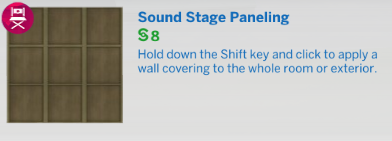
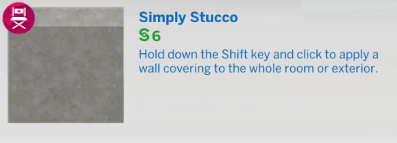
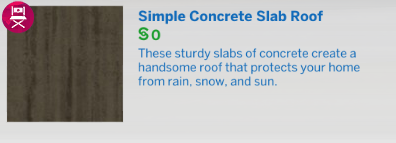
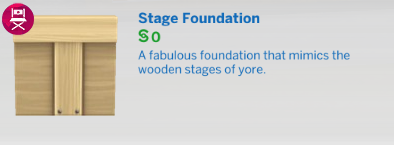
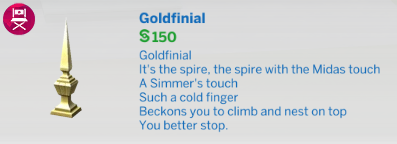
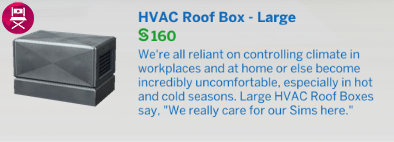
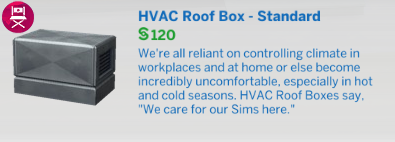
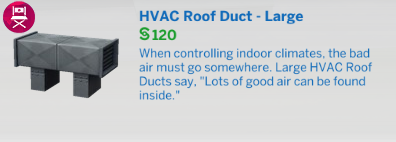
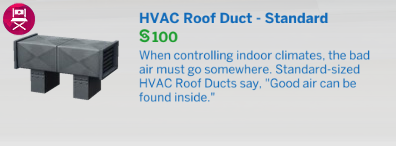
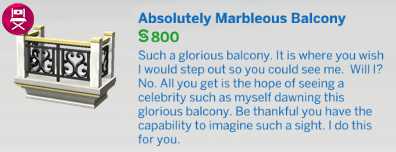
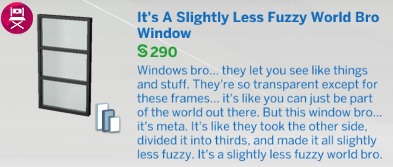
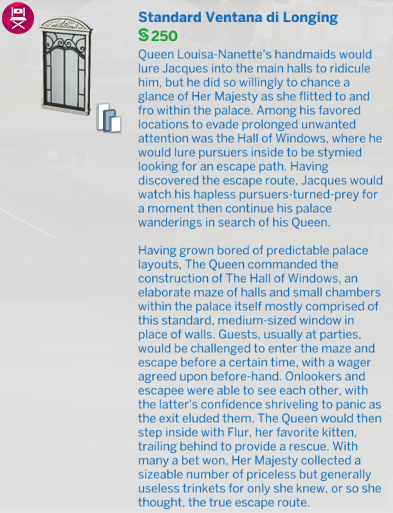
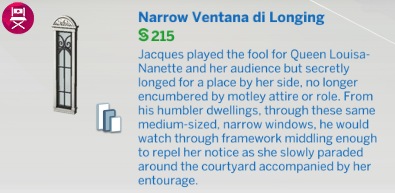
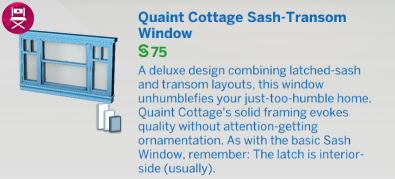
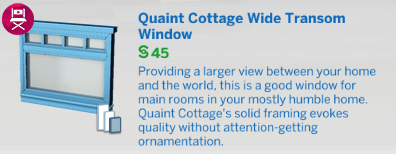
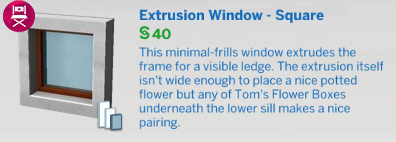
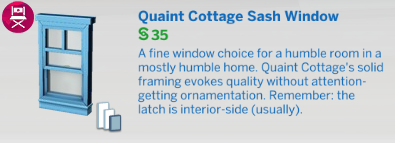
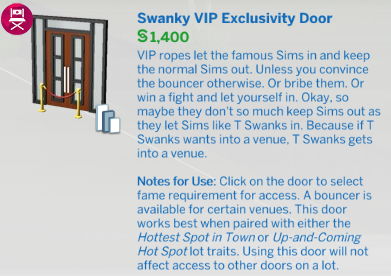
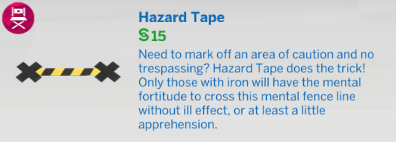
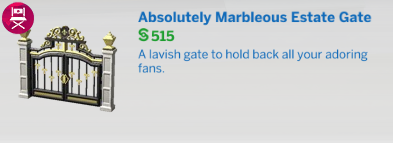
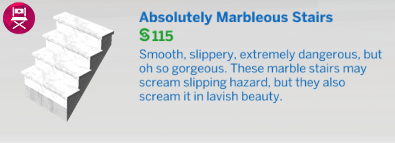
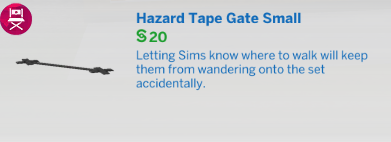
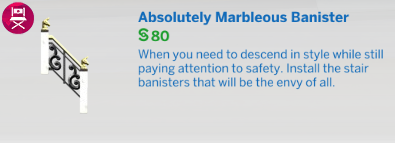
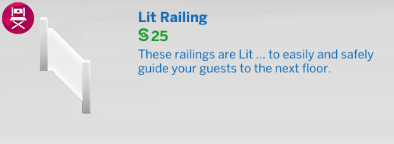
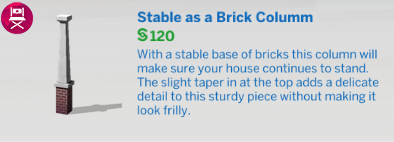
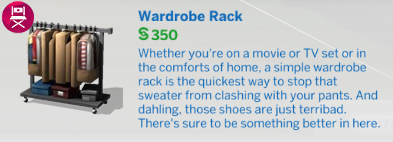
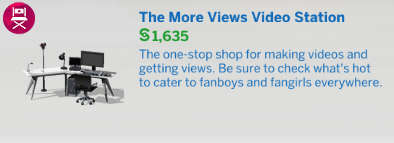
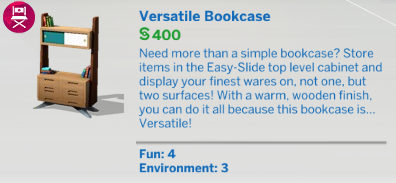
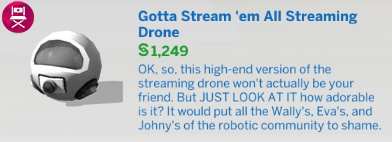
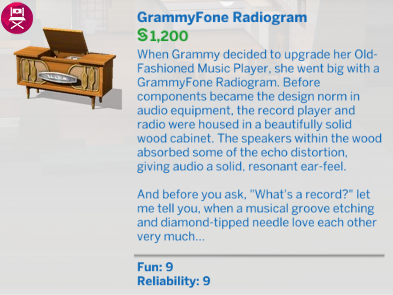
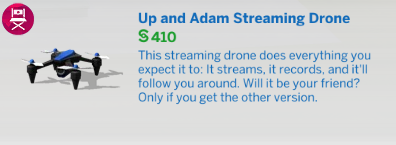
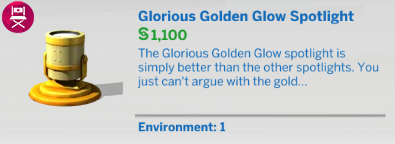
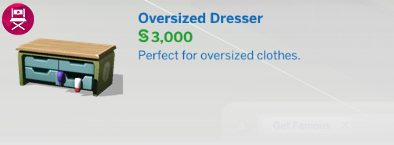
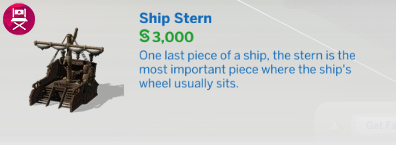
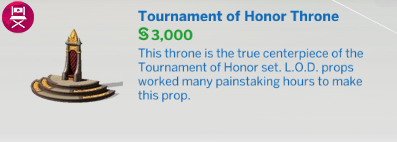
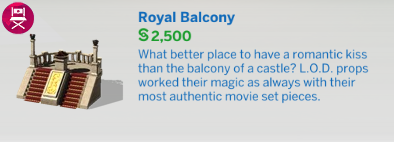
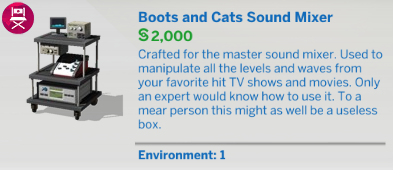
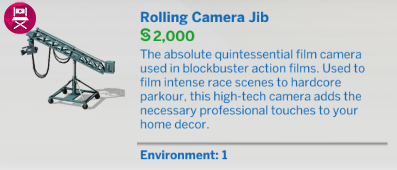
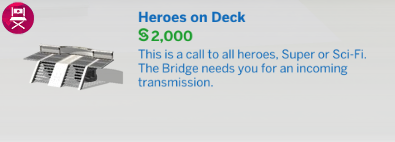
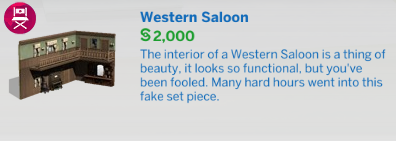
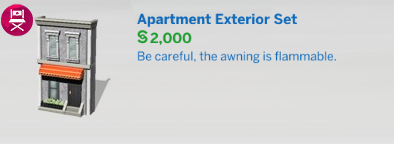
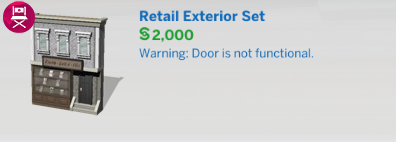
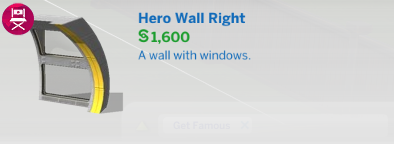
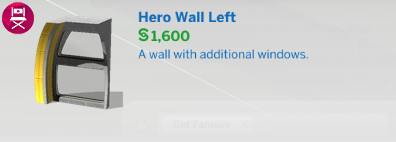
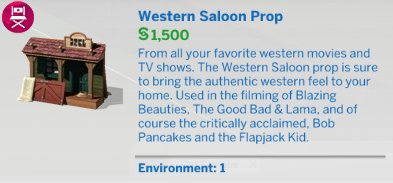
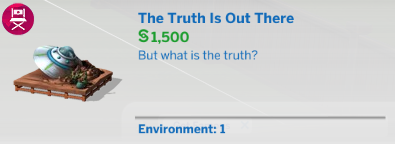
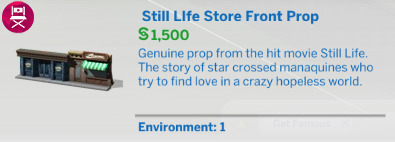
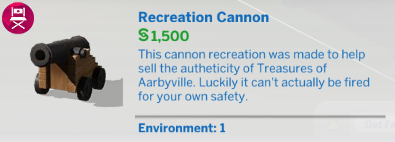
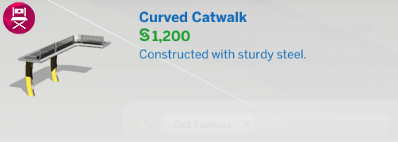
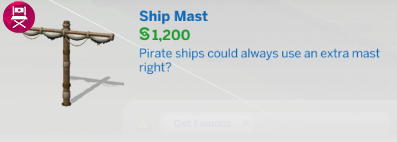
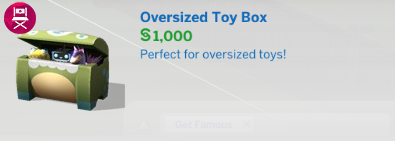
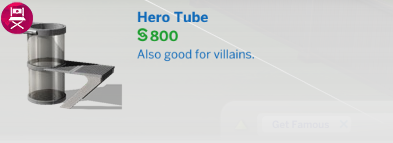
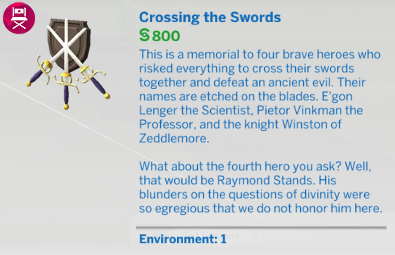
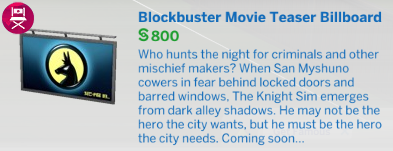
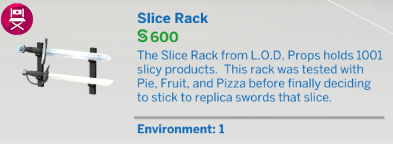
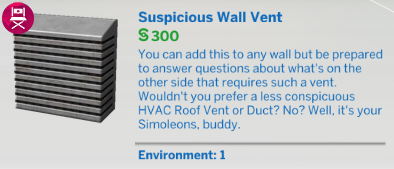
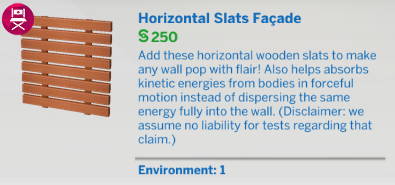
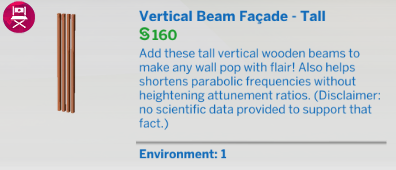
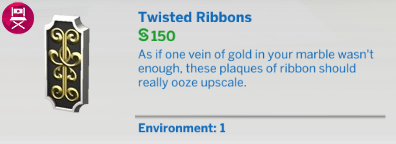
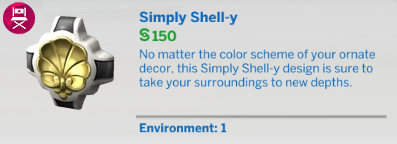
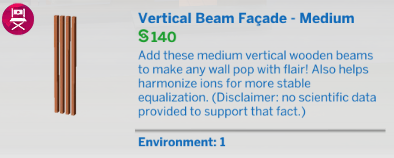
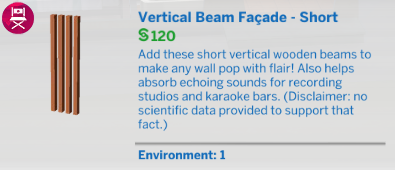
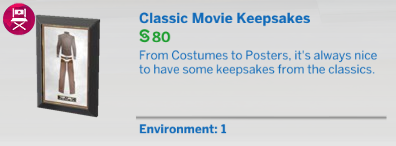
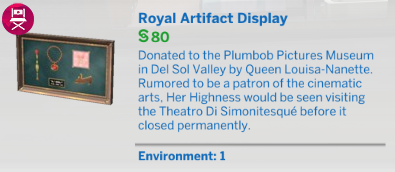
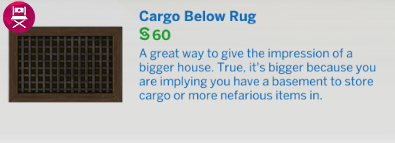
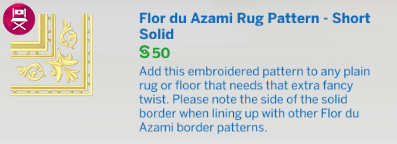
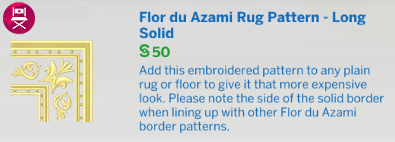
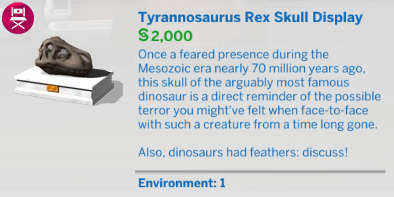
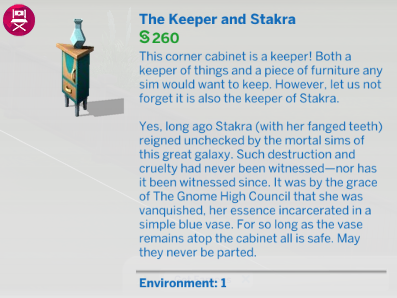
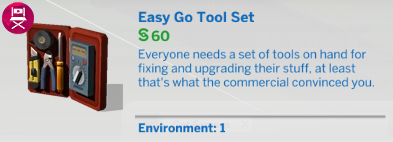
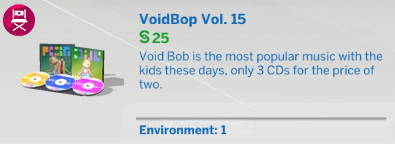
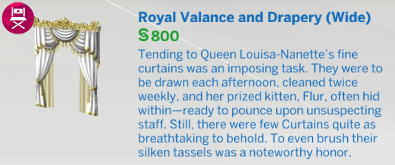
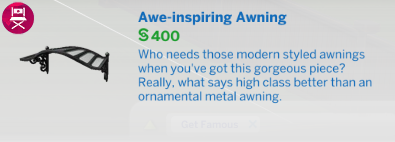
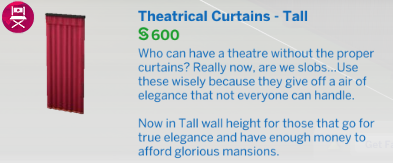
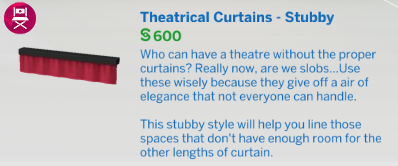
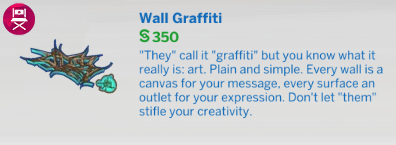
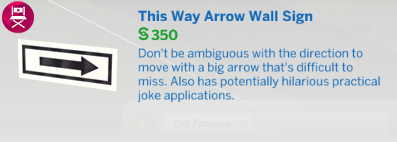
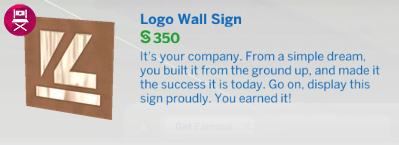
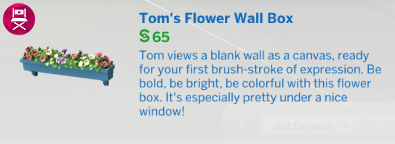
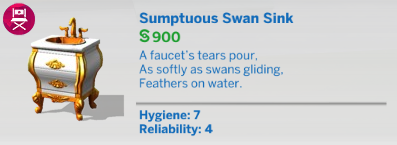
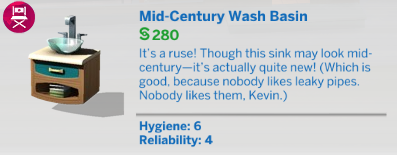
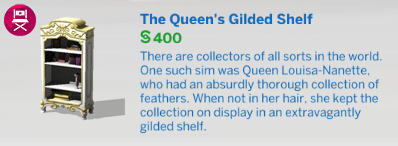
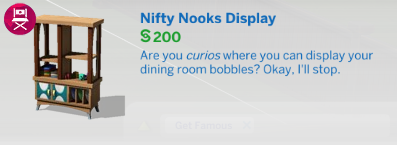
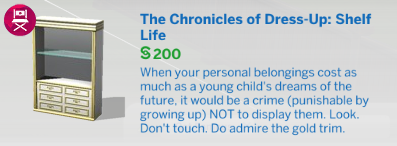
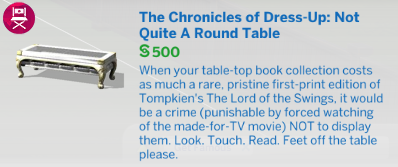
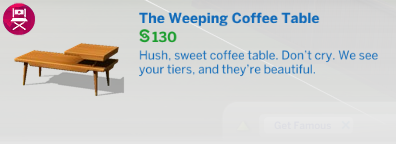
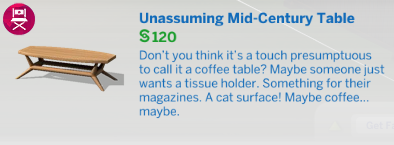
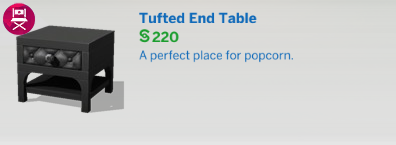
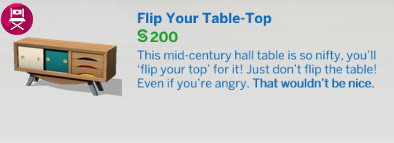
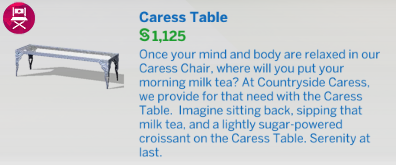
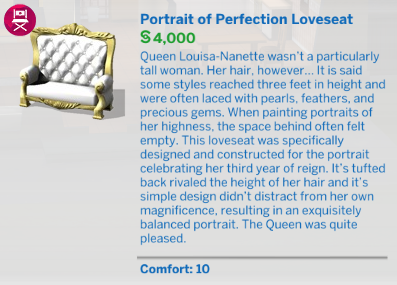
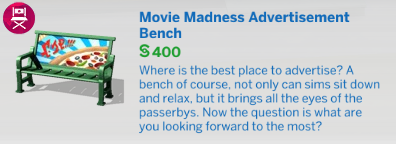
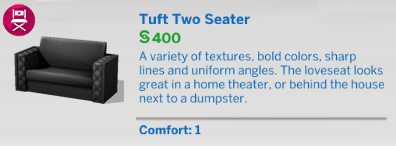
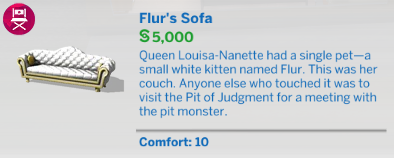
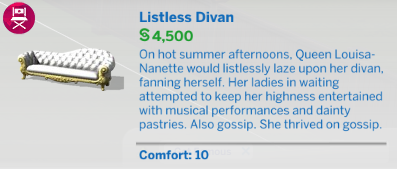
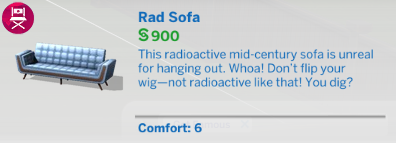
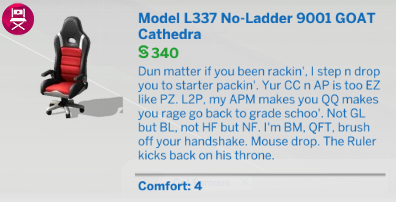
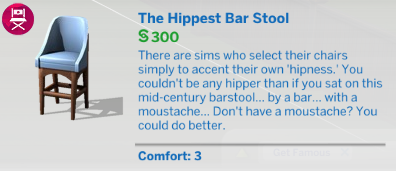
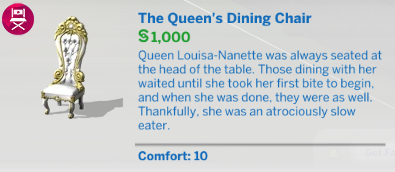
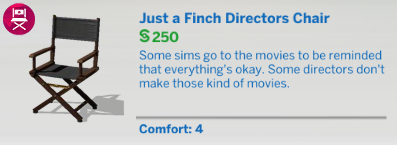
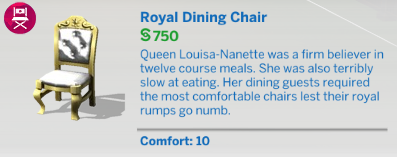
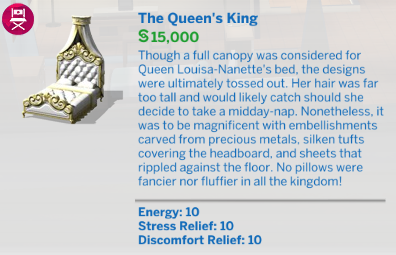
The Sims 4 Get Famous includes 297 buy and build mode items. This includes objects, build items, styled rooms, and every other item that was included with the game. The slideshow below contains 276 of these objects, with the “Styled Rooms” listed right below.
The slideshow begins with the “Dreamy Pad” and ends with the “The Queen’s King”. If you prefer to view the images individually, check out the album on Flickr.








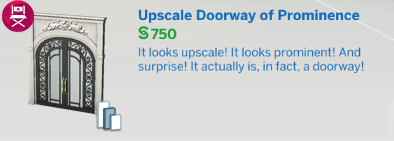
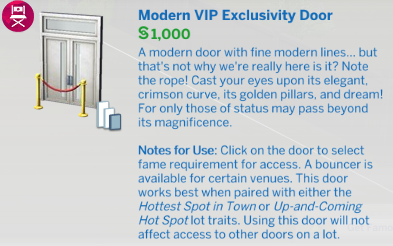
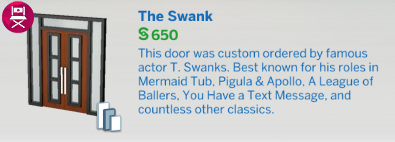
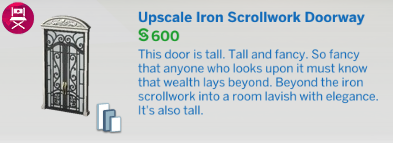

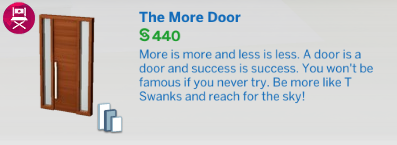
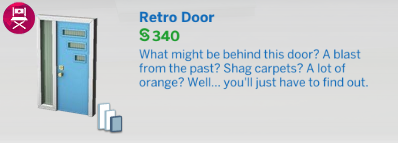

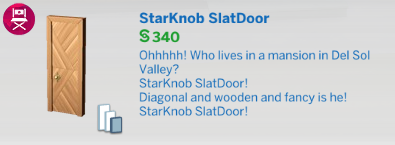
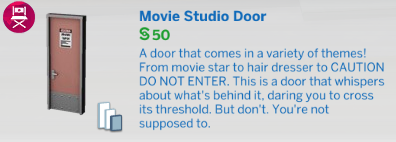
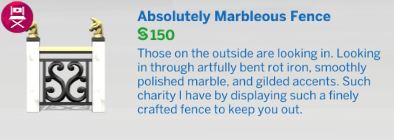
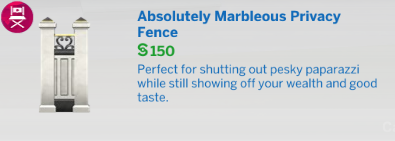
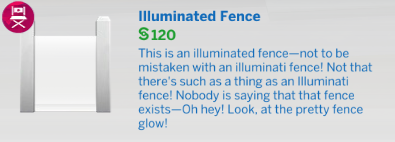




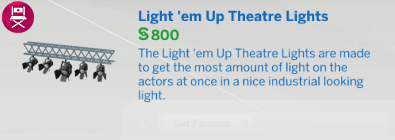
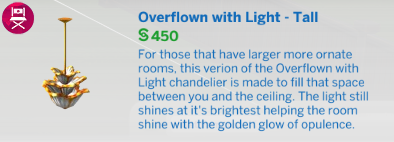

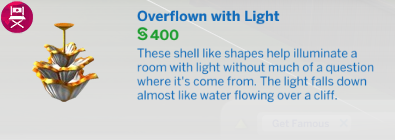
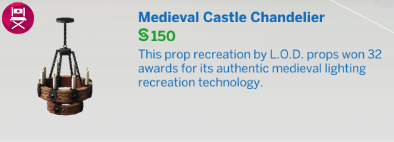
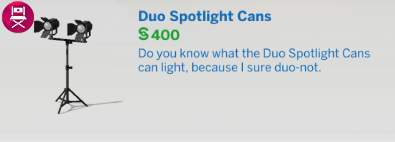
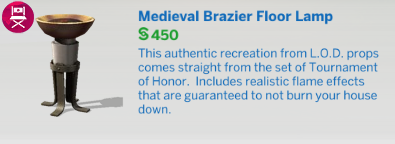
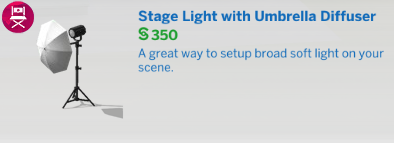
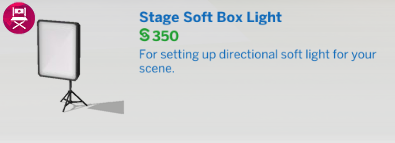
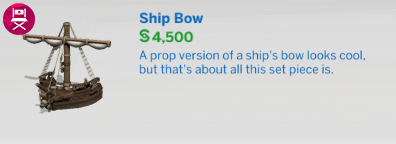
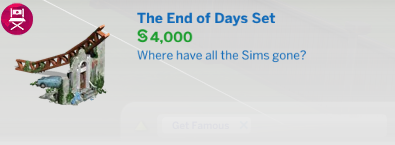

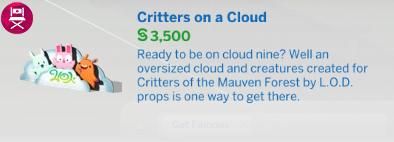
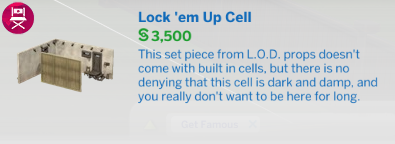



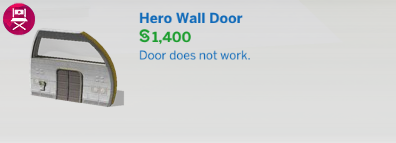

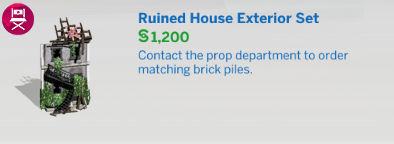
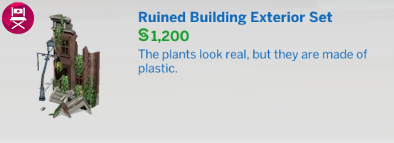
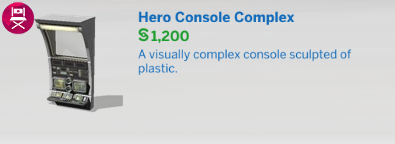

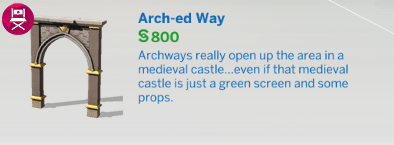

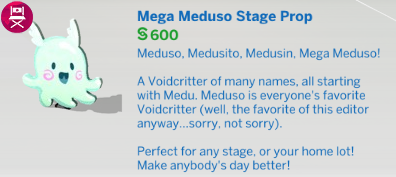
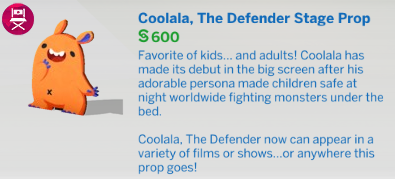
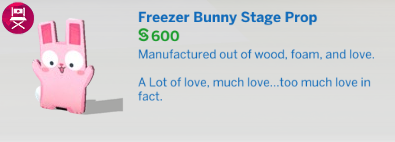


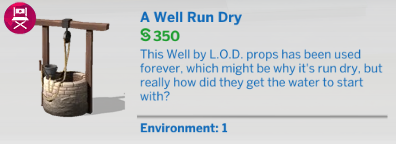
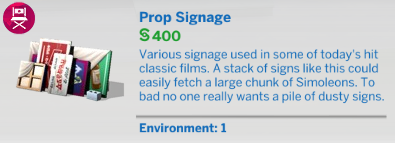
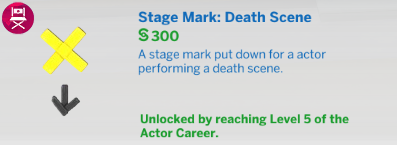
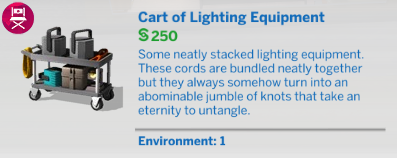
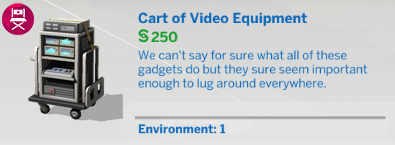
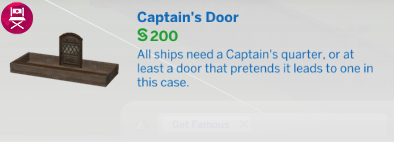
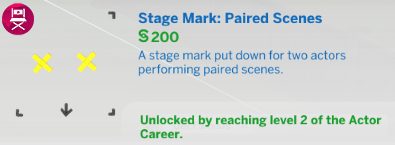

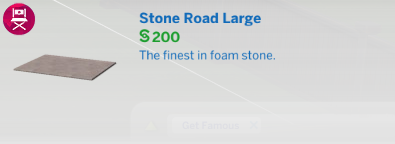
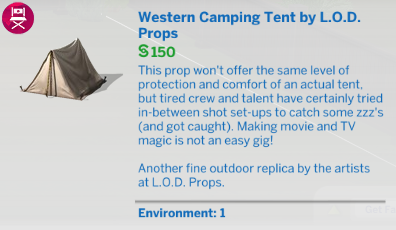
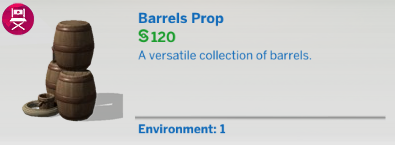
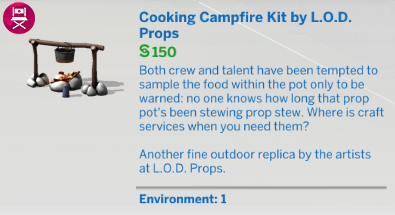
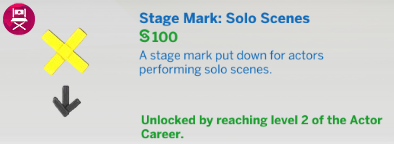
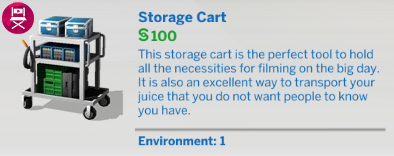


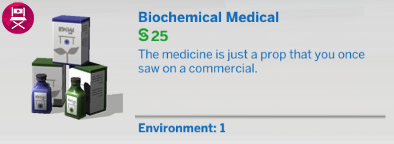
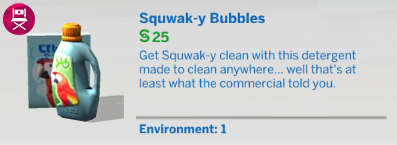





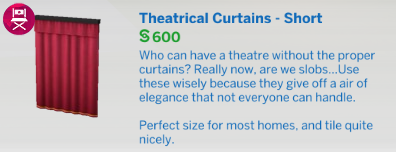

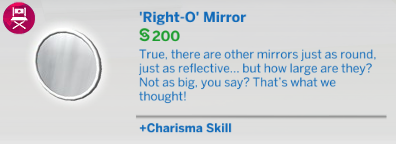


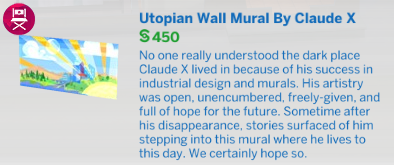
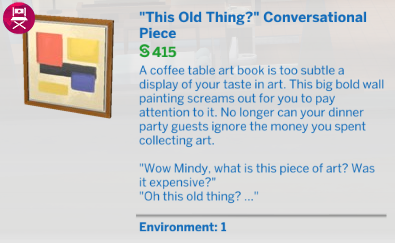

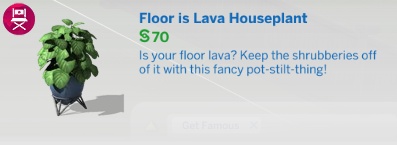
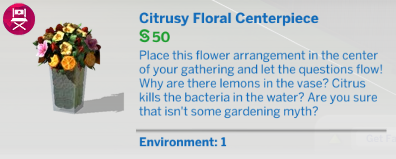
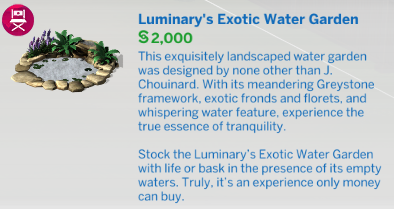

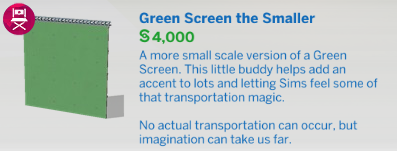
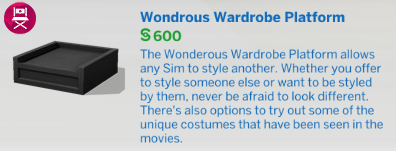
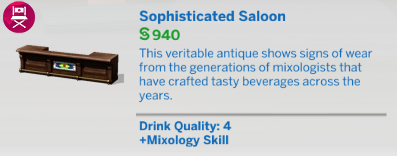
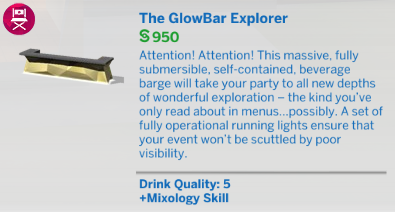
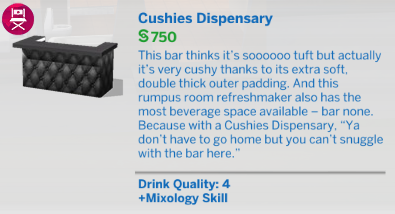
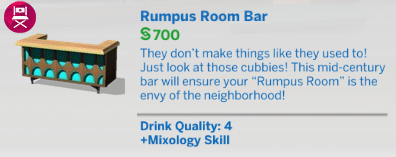
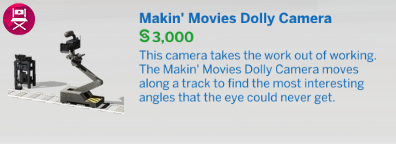
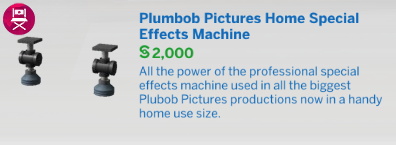

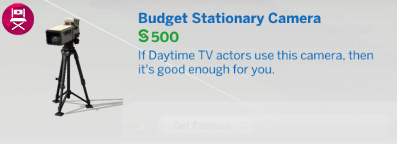
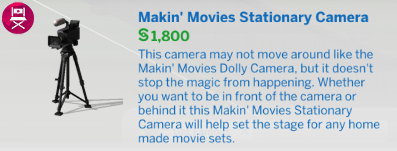
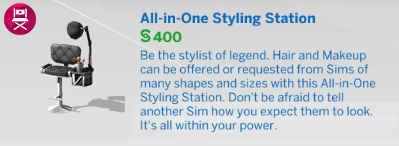
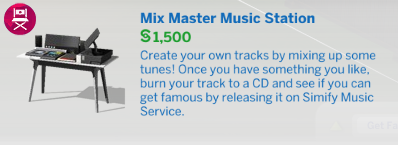

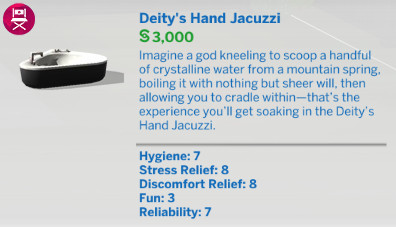
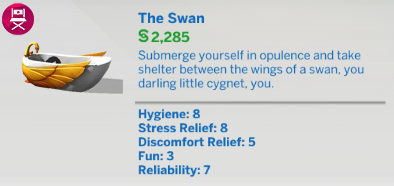
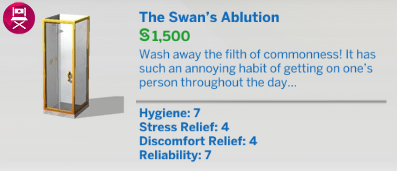
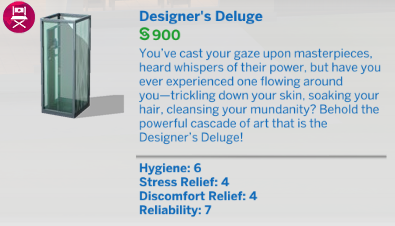





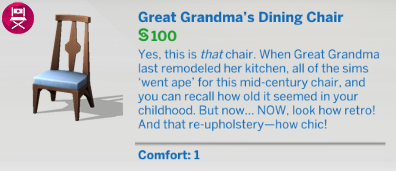
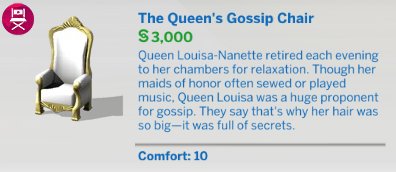

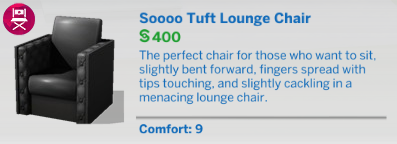

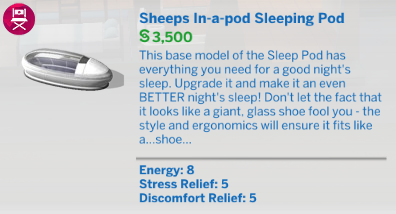
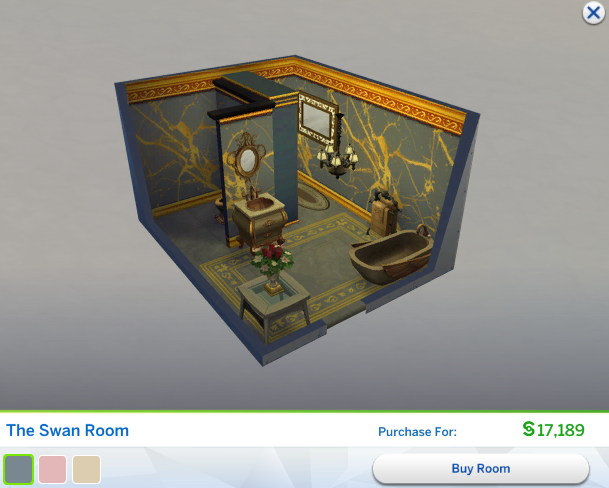
Styled Rooms